Remote Access Computer Software For Mac Papon IT Solutions Take Your Business Online Login ERP Software Reviews Demo Pricing 2024 From Page2Pixel XP Offline EMDR Software For Mac PC Innovative Tools For Trauma Therapy Software De Acesso Remoto Software De Suporte Remoto Gratuito Zoho A bump up to Business Access Pro at 8 25 a month allows remote access of up to 10 computers Splashtop has a relatively modern interface that s simple and largely free of frustration even
Remote access software lets you control your computer or someone else s from afar These are the top remote access tools we ve tested By Justin Pot Updated August 23 2023 Our Top 5 Instead it involves the download and installation of remote access software on both the local and remote devices Once the software is installed the local computer can access the distant one and carry out a variety of tasks including managing updates running apps copying and editing files and basically completing any task on your remote Mac
Software De Acesso Remoto Software De Suporte Remoto Gratuito Zoho Remote File Sharing Software Accountholoser Fortunato Jester H R Block Software 2025 Callie Rose How To Remote Access TanTrack Tanning Salon Software Remote Computer Rename Features ManageEngine Remote Access Plus Remotely Access Your PC From Anywhere Fastest Simple Free YouTube Affordable Homes Communities AHC Arlington Community Foundation Getting Started With Bamboo Octopus Deploy
Remote Access Computer Software For Mac
 Remote Access Computer Software For Mac
https://store.paponapps.co.in/storage/app/public/admin-assets/images/product/product-6654699435a85.png
4 7 906 2023 Capterra Shortlist Visit Website Zoho Assist provides a simple and straight forward user interface to connect to remote computers anywhere on the globe Learn more about Zoho Assist Remote Desktop features reviewers most value Access Controls Permissions File Transfer Meeting Management
Pre-crafted templates offer a time-saving option for developing a varied series of documents and files. These pre-designed formats and layouts can be made use of for different personal and expert tasks, consisting of resumes, invitations, leaflets, newsletters, reports, presentations, and more, streamlining the content creation process.
Remote Access Computer Software For Mac

Fall Is Coming
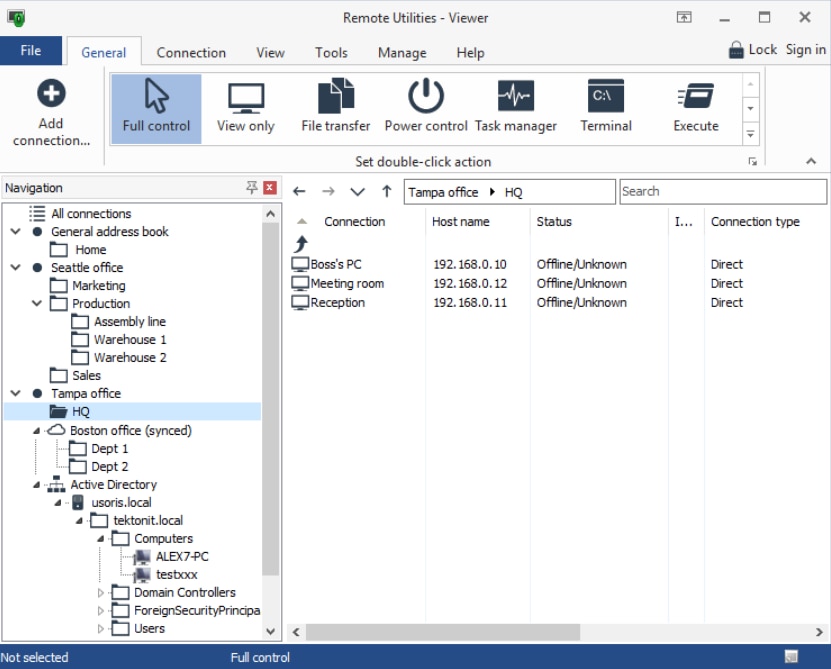
Remote File Sharing Software Accountholoser

Fortunato Jester
H R Block Software 2025 Callie Rose
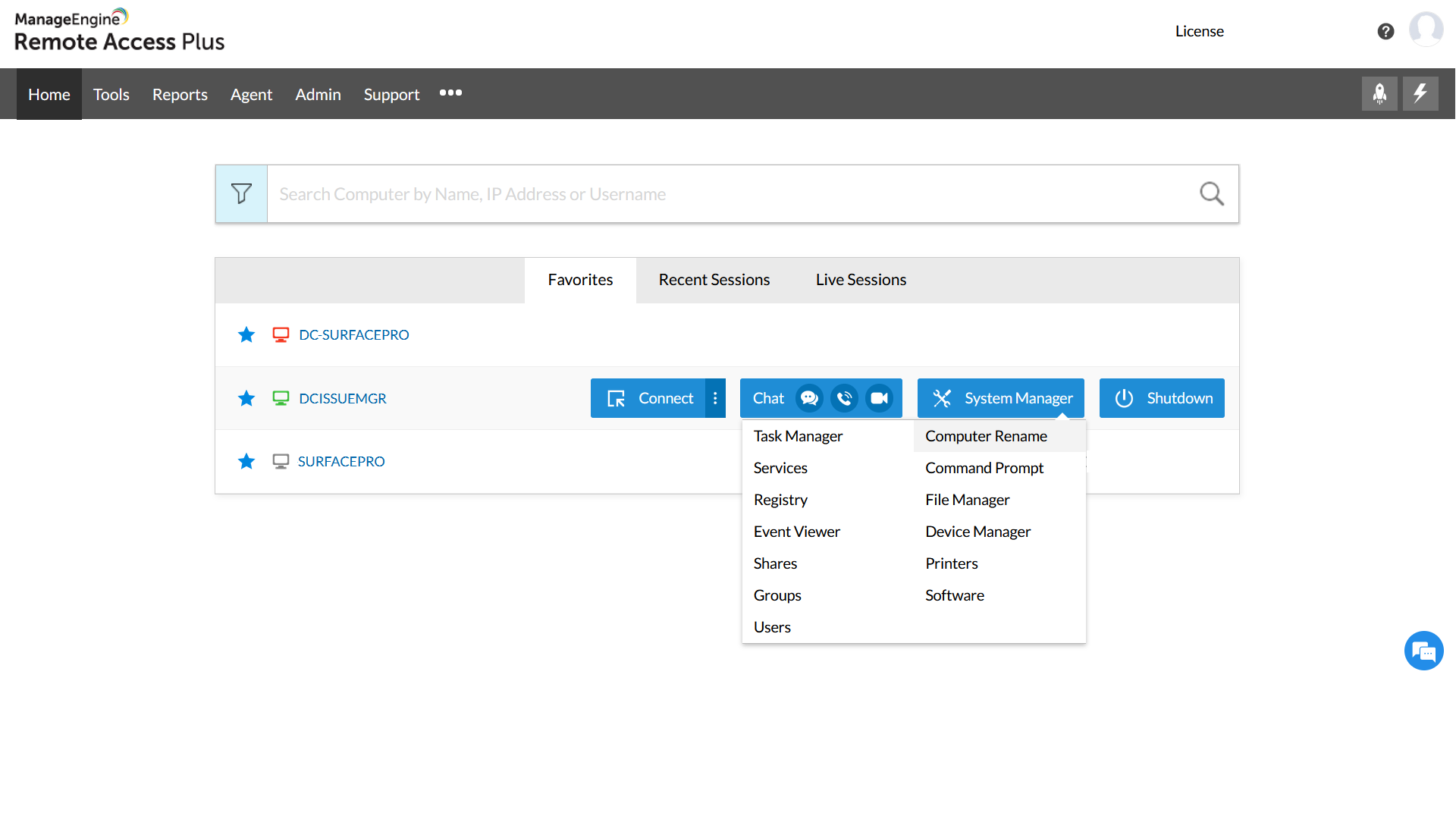
Remote Computer Rename Features ManageEngine Remote Access Plus

Remotely Access Your PC From Anywhere Fastest Simple Free YouTube

Learn to use Apple Remote Desktop on your Mac to remote control other computers copy files automate tasks and file reports
Windows 5 Free Remote Access Tools for Connecting to a PC or Mac By Tim Brookes Published Mar 31 2020 Working from home but need to access your work computer All you need is some remote access software These are our favorites and they re all free Readers like you help support How To Geek
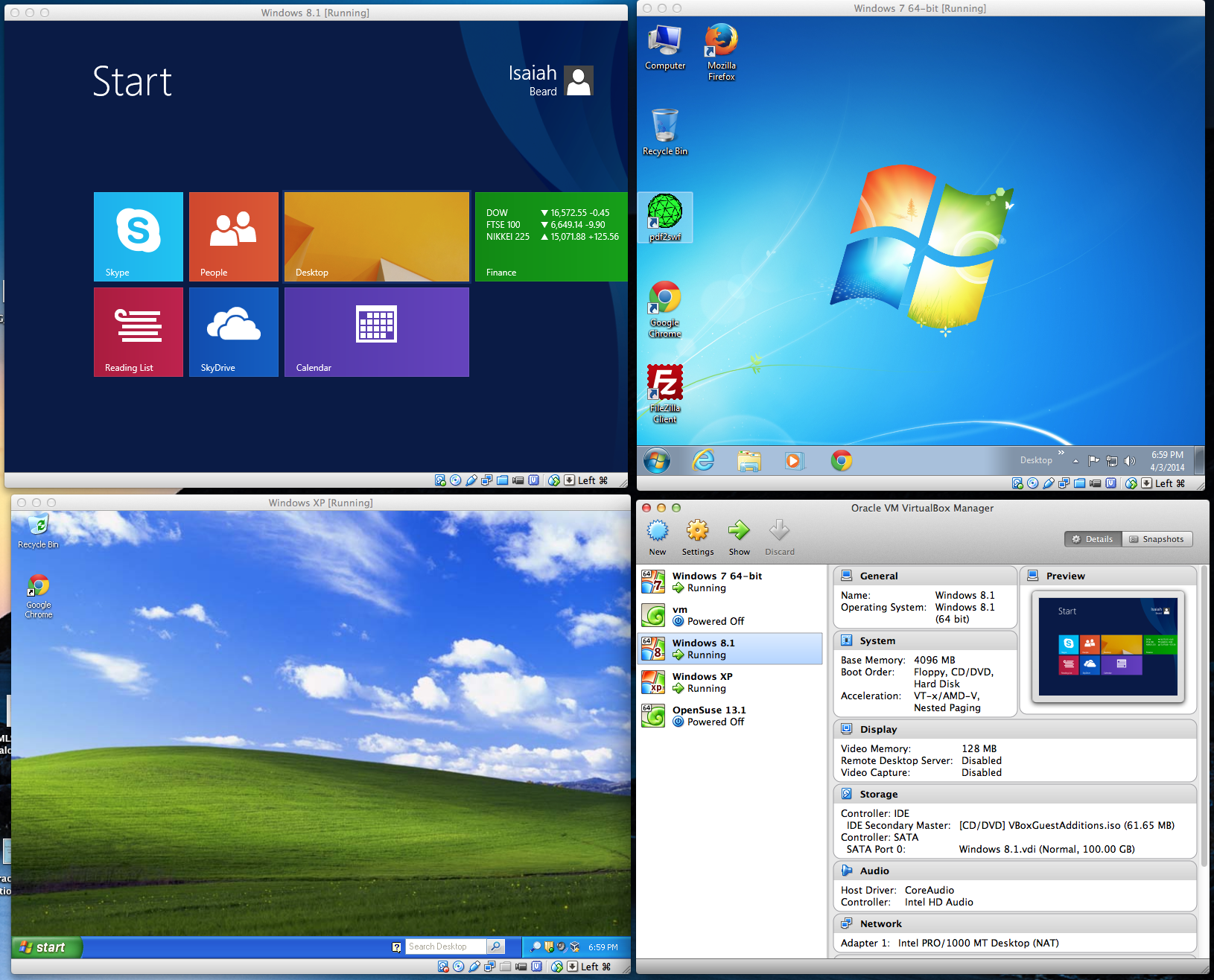
Designed for Mac The AnyDesk macOS remote desktop client works seamlessly with any Mac computer running Apple s latest operating system or older versions Our range of features is constantly updated Buy Now Fast download Small but perfectly formed the AnyDesk remote desktop for Mac is fast to download and easy to install

Buy now What about a solution that has been rated Excellent over 75 000 times on Trustpilot Experience secure reliable remote access today Find the solution for you Remote access and support Gain secure access to devices from anywhere with our remote technology After sales service solutions
Use Microsoft Remote Desktop for Mac to connect to Azure Virtual Desktop Windows 365 admin provided virtual apps and desktops or remote PCs With Microsoft Remote Desktop you can be productive no matter where you are GET STARTED Configure your PC for remote access using the information at https aka ms rdsetup
Enter the Apple ID of the person who s screen you want to access in the box beside Connect To If you have entered their details in your Contacts app then when you start typing their name it may 1 Microsoft Remote Desktop This remote desktop app is not just compatible with Mac but also with Windows iOS and Android With the help of this app you can easily access files apps and network resources on another PC even when you are not physically present there
Prepare each client computer to be managed using Remote Desktop The Remote Desktop client software is installed by default in macOS Select the Scanner in the sidebar and select each client computer that you want to add to your list of controlled computers See Add clients See also Uninstall Remote Desktop administrator software Main window