Reinstall Mac From Usb Stick How To Format USB Flash Drive On Mac Command R On Mac Helps Reinstall MacOS In Recovery Mode Reinstall MAC OS Sierra Using USB Drive YouTube How To Install Os X Yosemite On Mac From Usb Shoppeluli Trying To Reinstall Windows After Using Linux Mint For Some Time Web May 13 2021 Your Mac is failing to boot up properly due to some unknown glitch so there s no way to access the operating system or even get your data off the hard drive A bootable USB drive
Web Oct 26 2021 nbsp 0183 32 Only use a bootable USB installer to reinstall macOS if you can t boot into Recovery Mode at all How to Reinstall macOS Using Recovery Mode The standard method for reinstalling macOS is through Recovery Mode which boots from a separate recovery partition on your boot drive that macOS creates at the time of installation Web Sep 26 2023 nbsp 0183 32 Mac Pro with rack enclosure On the front of the Mac plug the USB C cable into the USB C port closest to the power button On the other Mac When you see the list of utilities in Recovery choose the option to install or reinstall macOS After macOS installation the Mac restarts and opens the setup assistant Use it to finish setting up
Trying To Reinstall Windows After Using Linux Mint For Some Time Reinstall Or Clean Install Using A Windows 10 Home Retail USB Stick How To Boot Up Mac From Usb Sightlasopa Reinstall Mac Os X After Formatting Hard Drive Dirtyskiey How To Make Your Mac Boot From A USB Drive MakeUseOf 8 Best Partition Recovery Tools For Mac In 2022 Safe Easy 8 Best Partition Recovery Tools For Mac In 2022 Safe Easy MacOS Ventura Cannot Be Installed On Macintosh HD Fixed Boot Up Mac From Usb Acpsado
Reinstall Mac From Usb Stick
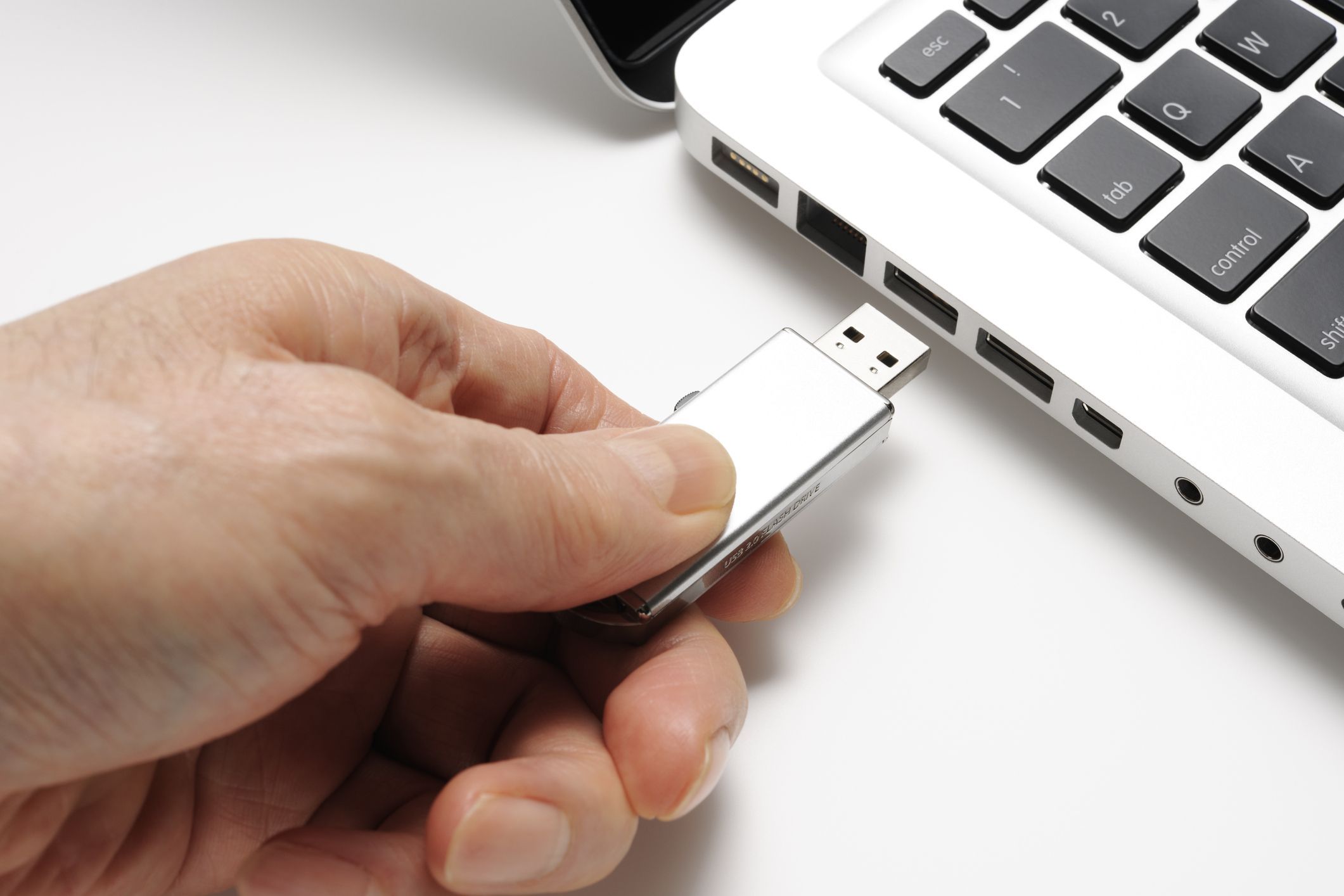 Reinstall Mac From Usb Stick
https://www.cleverfiles.com/howto/wp-content/uploads/2017/05/format-usb-drive-mac.jpg
Web Sep 29 2023 nbsp 0183 32 Table of Contents What you need to make a bootable USB for Mac Step 1 Get macOS installer files Step 2 Create a bootable installer for macOS Step 3 Use the USB installer to update your Mac
Pre-crafted templates offer a time-saving service for creating a varied variety of documents and files. These pre-designed formats and designs can be made use of for different individual and professional tasks, including resumes, invitations, flyers, newsletters, reports, discussions, and more, streamlining the material development process.
Reinstall Mac From Usb Stick
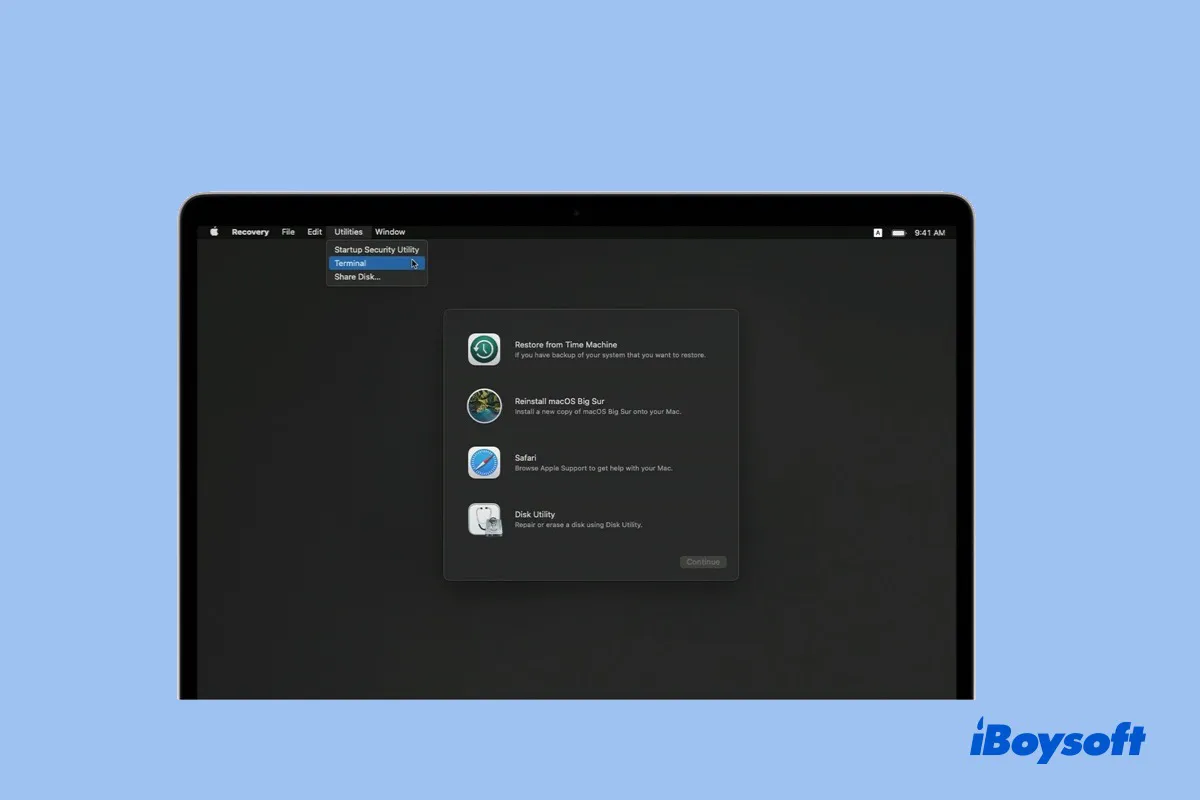
How To Use Recovery Mode On Mac Or M1 M2 Mac Stealth PC Technology
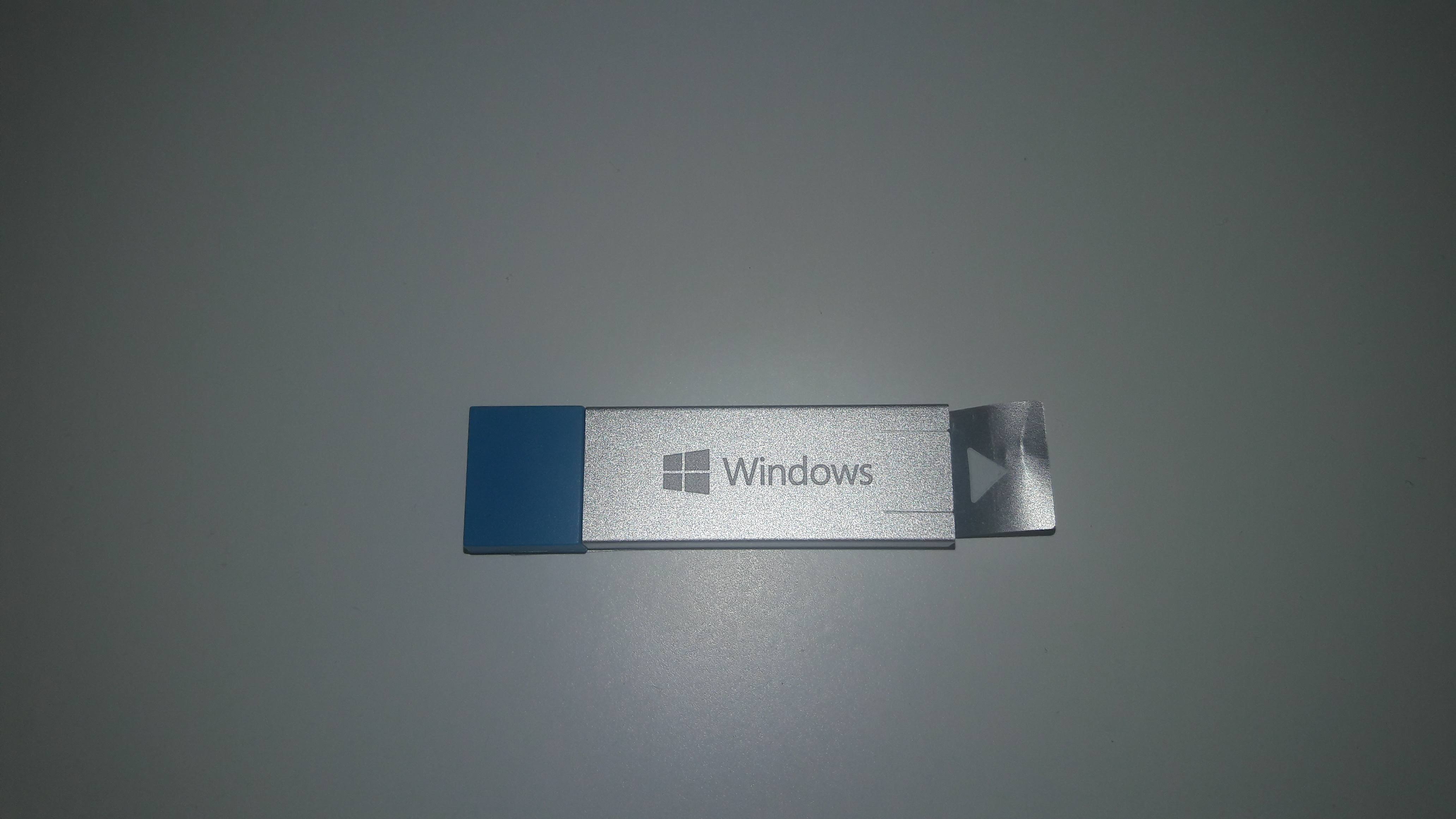
Reinstall Or Clean Install Using A Windows 10 Home Retail USB Stick

How To Boot Up Mac From Usb Sightlasopa
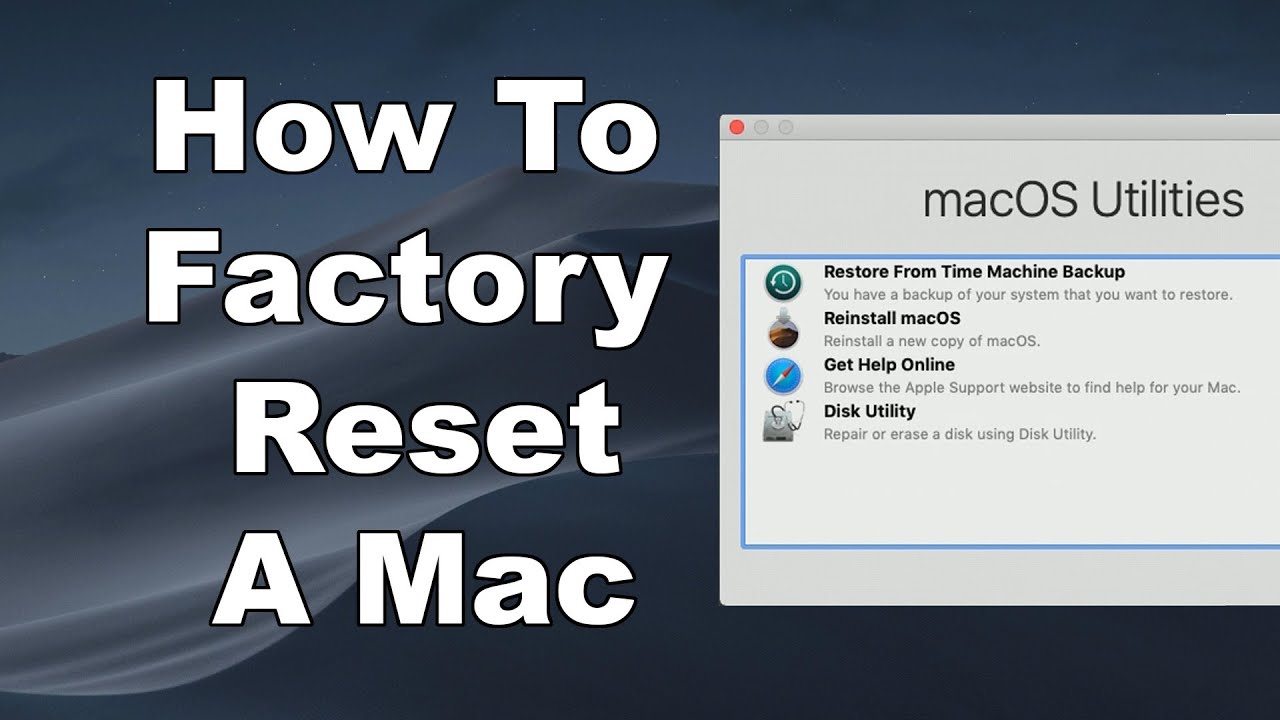
Reinstall Mac Os X After Formatting Hard Drive Dirtyskiey

8 Best Partition Recovery Tools For Mac In 2022 Safe Easy

8 Best Partition Recovery Tools For Mac In 2022 Safe Easy
Web Jul 19 2022 nbsp 0183 32 Step 2 Format Your USB Flash Drive You can only create a bootable installer for macOS on a Mac If you re using a flash drive that already has data on it make sure to back up any important files now as you re going to erase everything in a moment

Web Oct 10 2023 nbsp 0183 32 Immediately after releasing the power button press and hold one of these key combinations If none of them work review the guidelines for using startup key combinations Command R When you press and hold these two keys at startup macOS Recovery will offer the current version of the most recently installed macOS

Web Apr 13 2021 nbsp 0183 32 1 Download macOS The first step to install macOS from a USB on a MacBook or Mac desktop computer is to download the version of macOS that suits your needs The macOS file will download

Web If you re reinstalling on a Mac laptop plug in the power adapter Erase your Mac using Erase Assistant Restart your Mac Choose Apple menu gt Shut Down press and hold the power button until Loading startup options appears select Options click Continue then follow the onscreen instructions In the Recovery app window select

Web Apr 30 2023 nbsp 0183 32 Option 1 Factory Reset Your Mac Option 2 Wipe and Reinstall macOS from Scratch Enjoy Your Squeaky Clean Mac Key Takeaways To wipe a modern Mac with Apple Silicon or T2 Security Chip open System Settings gt General gt Transfer or Reset and click quot Erase All Content and Settings quot to open the Erase Assistant
Web 291 Posted Mar 17 2019 Options Didn t get exactly what s the problem you have but the answer to your question is yes you can surely install the OS from a Usb stick Having just the USB C port you ll likely need an adapter or a USB C stick Web Sep 4 2021 nbsp 0183 32 1 Select your boot drive as the source for the clone 2 Set your USB drive as the target for the cloning operation 3 Click Start to begin the cloning process This will overwrite and replace the content of the USB drive with the clone of the boot drive From here you ll want to boot from the drive itself
Web Apr 13 2023 nbsp 0183 32 Step 4 Launch DMG Editor on your Mac In the main menu select quot Burn quot or a similar option depending on the version of DMG Editor you are using Step 5 Locate and select the macOS installation file DMG you downloaded earlier Choose the formatted USB drive as the destination for the bootable USB drive