Reduce Desktop Icon Size Mac Reduce Or Increase The Size Of Desktop Icons In Windows 7 How To Reduce File Size On Your Mac Desktop Icon Size Change How To Reduce Desktop Icon Size In Windows 7 How To Reduce The Size Of Desktop Icons Desktop Icons Settings App 17 How To Reduce Size Of Icons On Desktop Trending Hutomo Oct 17 2024 nbsp 0183 32 Inoltre avere una stampante predefinita ti aiuta a mantenere un flusso di lavoro organizzato Non dovrai pi 249 preoccuparti di aver selezionato la stampante sbagliata per il tuo
Nel menu Start clicca sull quot icona ingranaggio quot per entrare nelle impostazioni di Windows 10 Nelle impostazioni vai su quot Dispositivi quot gt quot Stampanti amp Scanner quot e seleziona la stampante che vuoi Imposta rapidamente la stampante predefinita in Windows 11 con questa guida chiara completa e aggiornata Stampa sempre dove vuoi
17 How To Reduce Size Of Icons On Desktop Trending Hutomo How To Change Desktop Icons Size And Spacing In Windows 10 Webnots Reduce Size Pointer Point Shrink Icon Download On Iconfinder How To Change Desktop Icons Size And Spacing In Windows 10 Webnots Mach Desktop HD 3 0 5 EXCLUSIVE Coub How To Change Icon Of Desktop Icons In Windows 10 Windows 10 Vrogue Change Size Of Desktop Icons In Windows 10 Tutorials How To Change Size On Desktop Icons Windows 10 Youtube Images What Size Is A Desktop Icon 81957 Free Icons Library
Reduce Desktop Icon Size Mac
 Reduce Desktop Icon Size Mac
https://www.debongo.com/wp-content/uploads/2015/08/images-1-786x588.jpg
Fortunatamente Windows 11 e 10 offrono modi semplici per impostare e gestire la stampante predefinita risparmiando tempo e prevenendo gli incidenti da stampa
Templates are pre-designed files or files that can be used for numerous functions. They can save time and effort by offering a ready-made format and layout for developing various type of content. Templates can be used for personal or professional jobs, such as resumes, invites, leaflets, newsletters, reports, presentations, and more.
Reduce Desktop Icon Size Mac
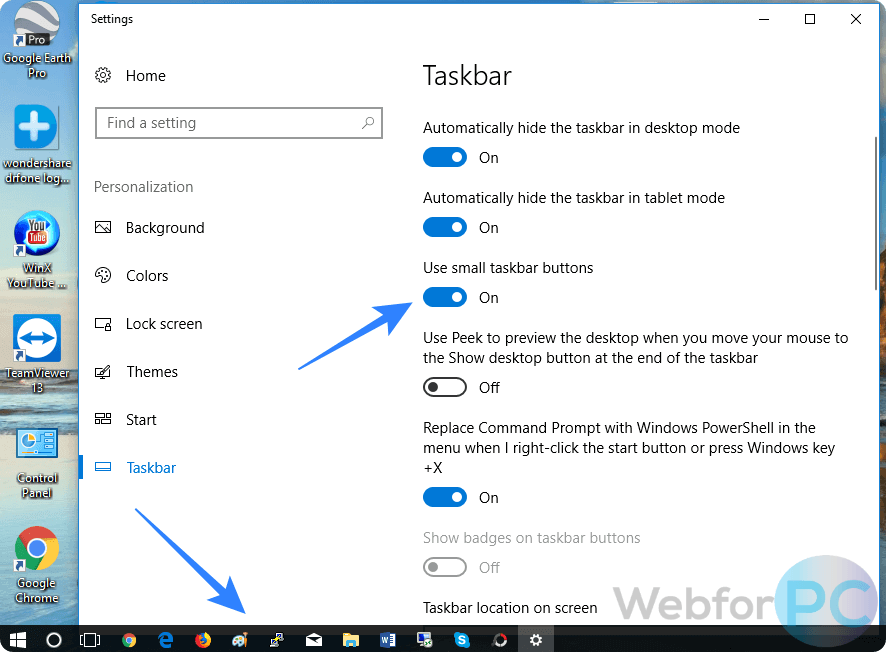
Icon Size Windows 10 Taskbar Vrogue
How To Change Desktop Icons Size And Spacing In Windows 10 Webnots

Reduce Size Pointer Point Shrink Icon Download On Iconfinder
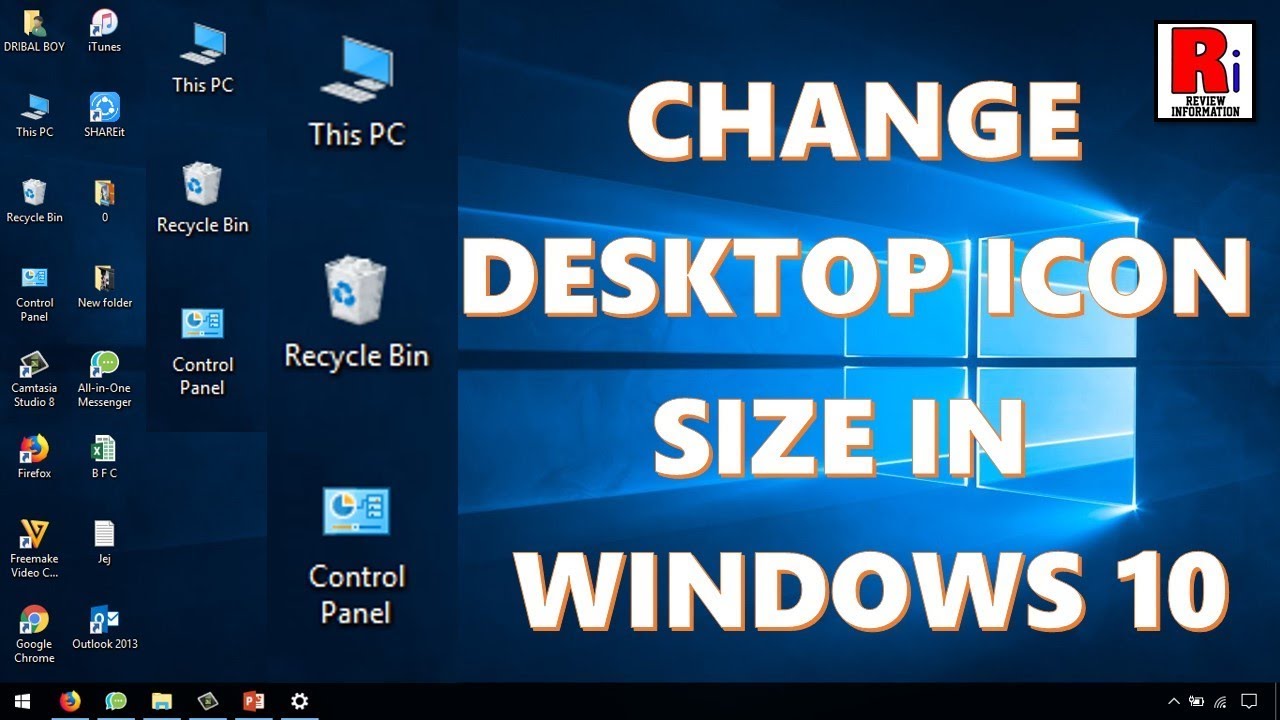
How To Change Desktop Icons Size And Spacing In Windows 10 Webnots
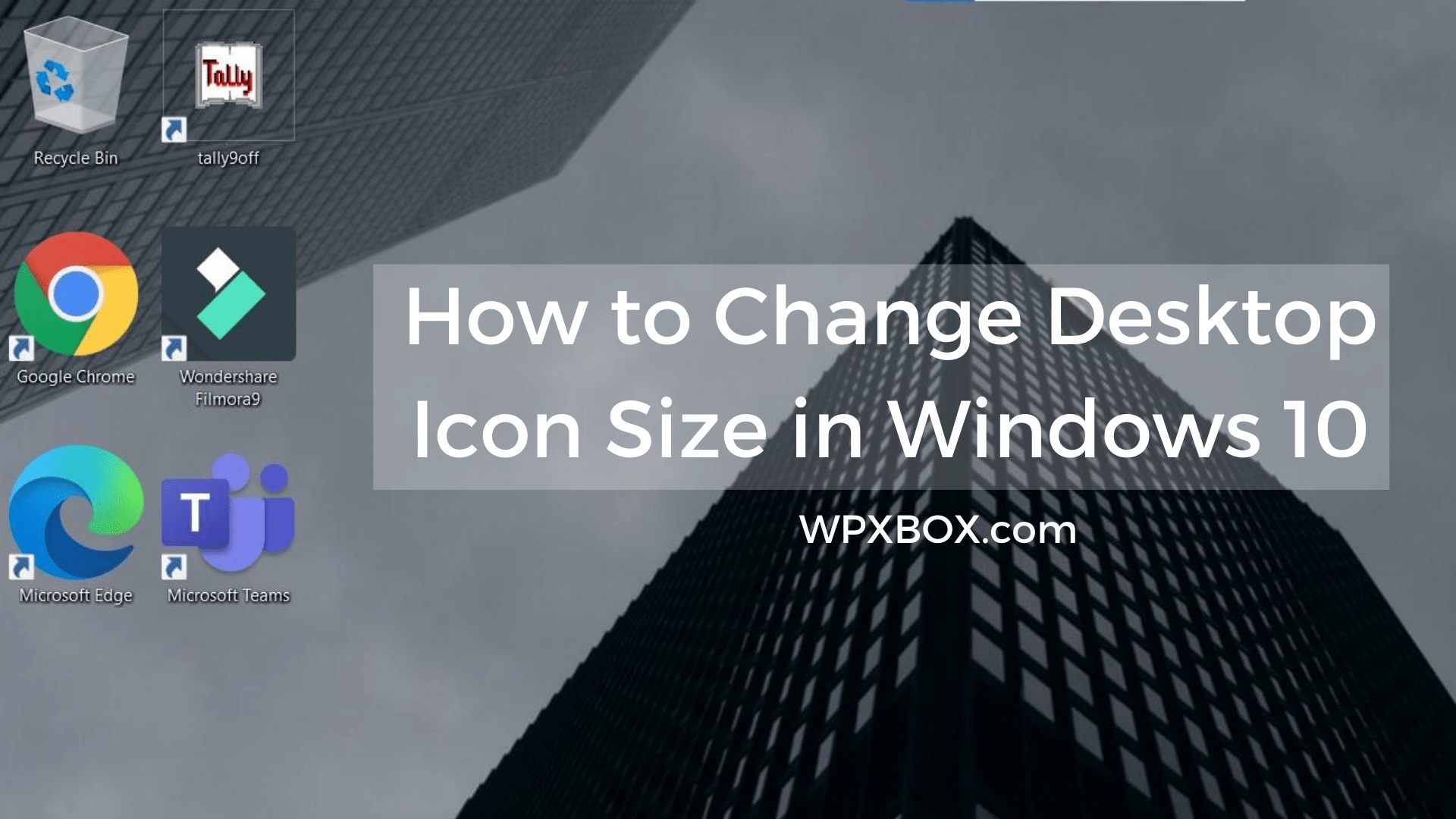
How To Change Icon Of Desktop Icons In Windows 10 Windows 10 Vrogue
Change Size Of Desktop Icons In Windows 10 Tutorials

Informazioni su come impostare manualmente una stampante predefinita in Windows 11 o Windows 10 o su come consentire a Windows di gestire automaticamente le stampanti

Nella finestra che si apre seleziona con il tasto destro del mouse l icona della stampante che vuoi impostare come predefinita e clicca sulla voce Imposta come stampante predefinita per

Individua la stampante che desideri impostare come predefinita fai clic destro su di essa e seleziona Imposta come stampante predefinita Windows visualizzer 224 un messaggio per

Hai una stampante preferita che usi per stampare la maggior parte dei tuoi documenti In tal caso imposta quella stampante come predefinita in modo che tutte le tue app la utilizzino per

Ora conosci tutti i modi per impostare la stampante predefinita default printer in Windows 10 Windows 11 e versioni precedenti Prima di chiudere questo tutorial dicci in un commento qui
[desc-11] [desc-12]
[desc-13]