Redhat 6 Change Root Password Red Hat Linux Change User Password RHEL NixCraft CHANGE ROOT PASSWORD IN REDHAT LINUX YouTube RHCSA 9 Exam Preparation 2023 How To Change Root Password And Hostname Simplest Way To Reset MySQL Root Password Redhat 6 7 Locale bash warning Setlocale LC CTPYE cannot Change Web Jan 30 2016 nbsp 0183 32 Resetting Root Password on Red Hat Enterprise Linux 6 Dr Anand Nayyar 15 1K subscribers 9 7K views 7 years ago In this Video detailed step by Step
Web Nov 17 2014 nbsp 0183 32 Open etc shadow either with sudoedit etc shadow or with sudo EDITOR etc shadow Replace root s password field all the random characters between the second and third colons with your own user s password field Save The local has the same password as you Log in and change the password to something else These are the Web Jun 3 2022 nbsp 0183 32 Syntax The syntax to change a user password on RHEL Red Hat Red Hat Enterprise Linux is as follows passwd accoutNameHere sudo passwd accoutNameHere Let us see some examples Changing password on Red Hat Enterprise Linux RHEL To change your own password enter
Redhat 6 7 Locale bash warning Setlocale LC CTPYE cannot Change How To Change Root Password In Ubuntu Linux LinuxStoney How To Change The Root Password In Redhat Linux OS How To Delete User On RHEL 8 Linux LinuxConfig How To Change Root Password Of MySQL Or MariaDB In Linux How To Register Linux Server With Redhat Systran Box Redhat 7 How To Break Root Password In Redhat 7 Linux RHEL 7 Root How To Change Root Password In Ubuntu Linux NixCraft How To Reset Root Password In Oracle Linux Server 7 YouTube
Redhat 6 Change Root Password
 Redhat 6 Change Root Password
https://www.cyberciti.biz/media/new/faq/2009/11/How-to-change-a-user-password-on-Red-Hat-Enterprise-Linux.png
Web Changing a password your own or another user s is done using the user mod command as with other user account changes bjensen ipaserver kinit admin bjensen ipaserver ipa user mod jsmith password
Templates are pre-designed documents or files that can be utilized for various functions. They can save time and effort by providing a ready-made format and design for developing different sort of content. Templates can be utilized for individual or professional tasks, such as resumes, invitations, flyers, newsletters, reports, discussions, and more.
Redhat 6 Change Root Password

How To Change The Root Password In Linux with Pictures WikiHow

How To Change Root Password In Ubuntu Linux LinuxStoney
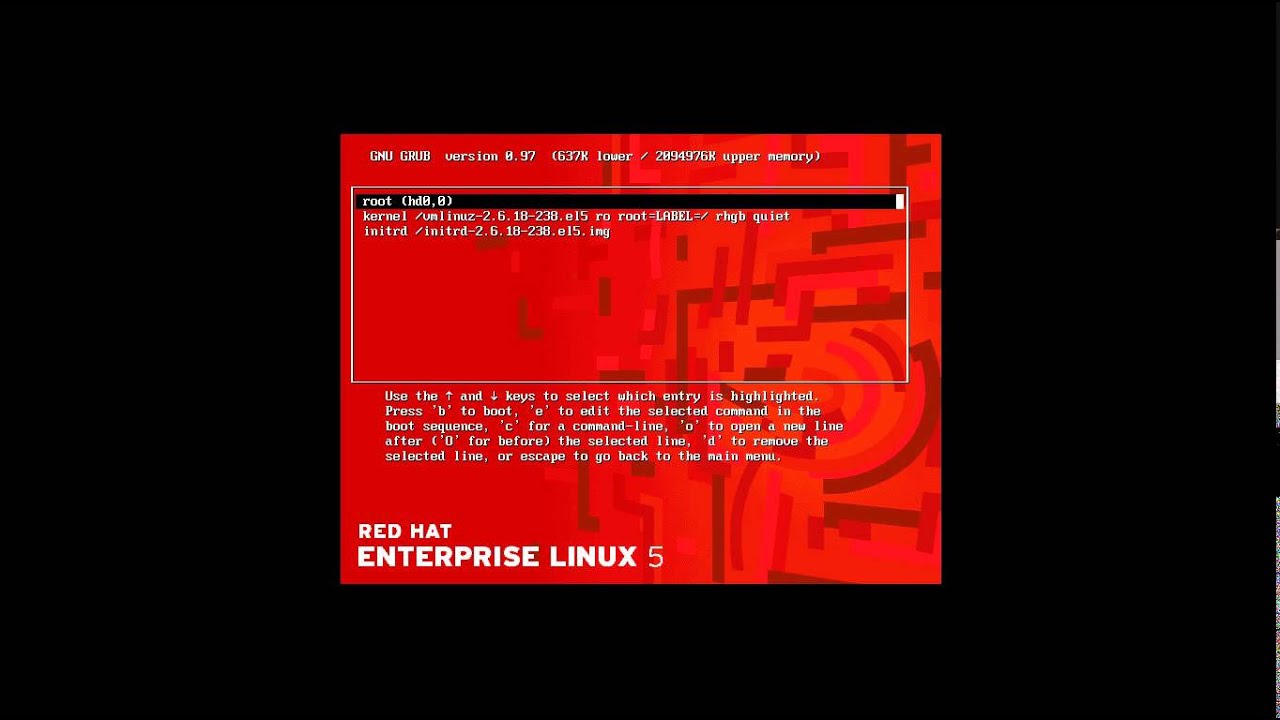
How To Change The Root Password In Redhat Linux OS
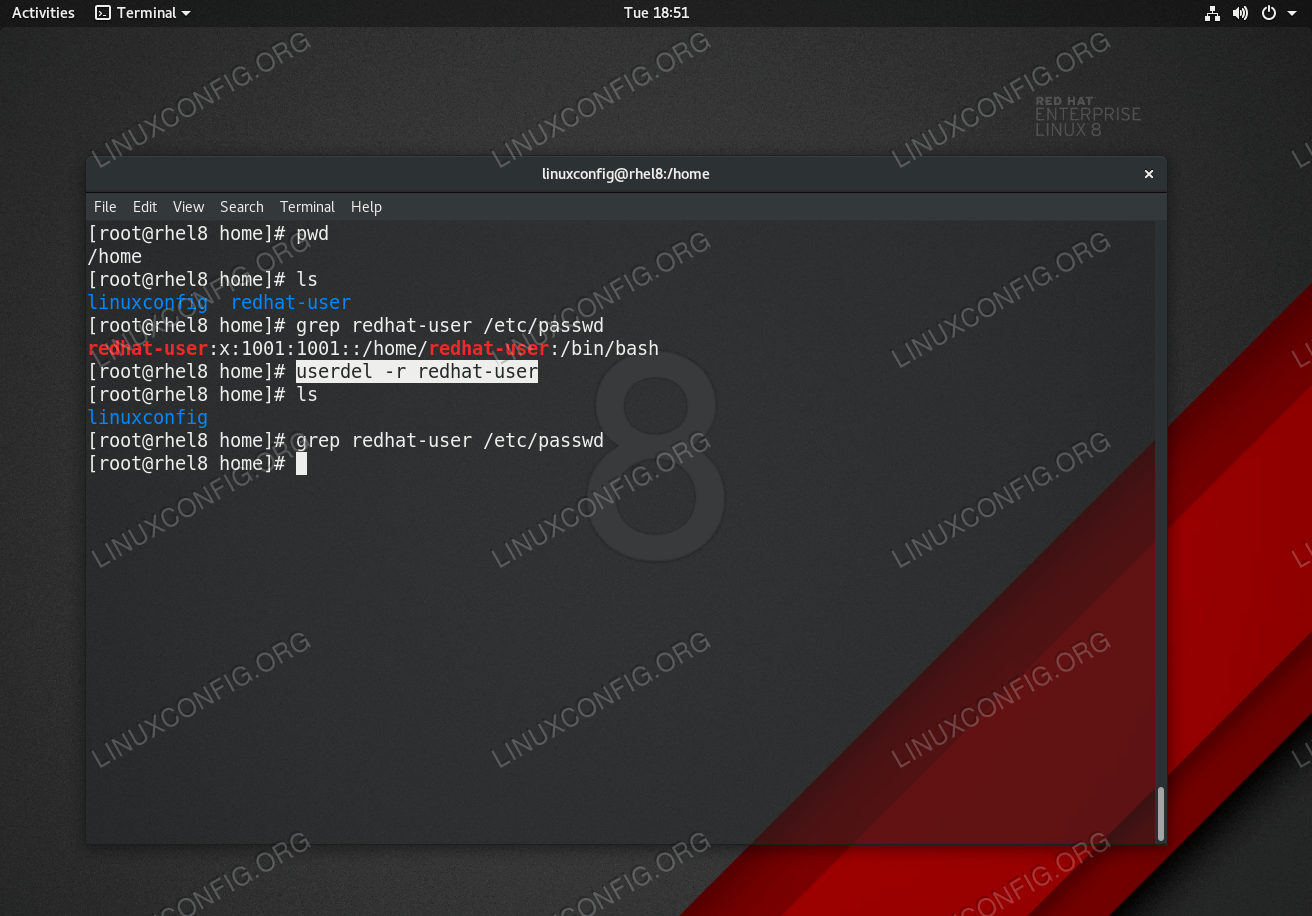
How To Delete User On RHEL 8 Linux LinuxConfig

How To Register Linux Server With Redhat Systran Box
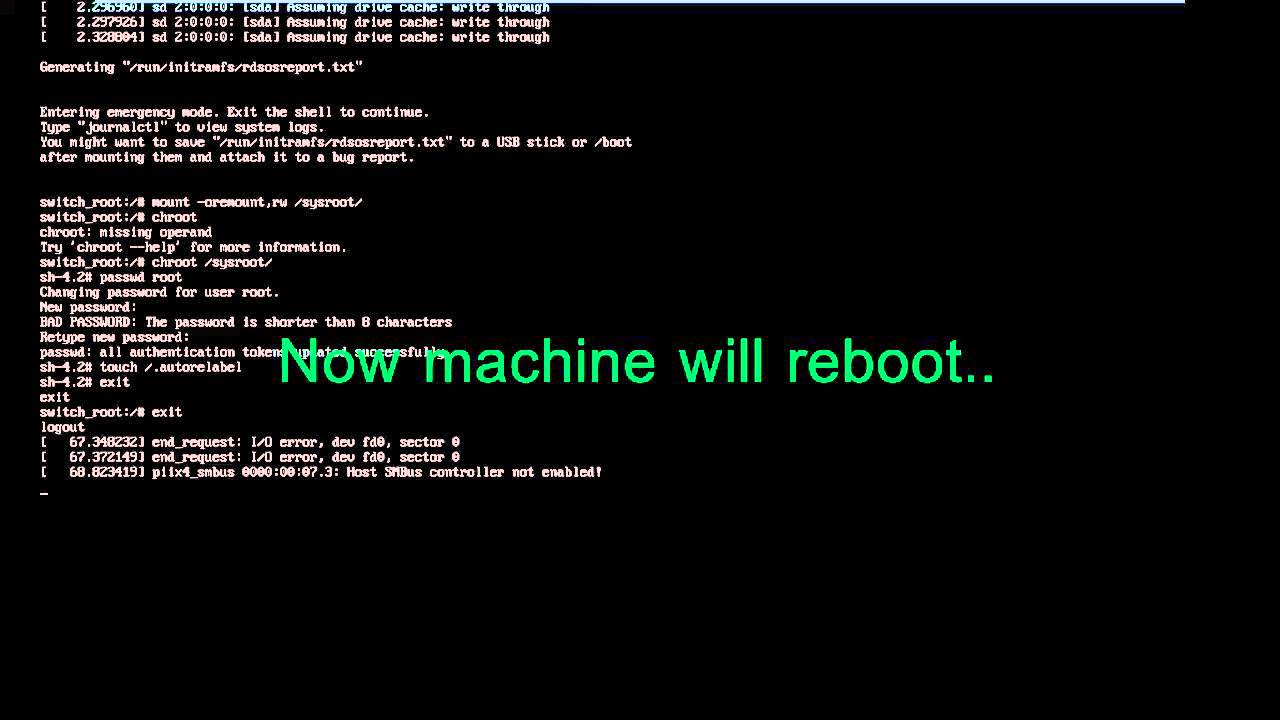
Redhat 7 How To Break Root Password In Redhat 7 Linux RHEL 7 Root

Web The root password was forgotten and the system cannot be logged into How to reset a root password Unable to gain root access to a system The root password changed Environment Red Hat Enterprise Linux All version

Web Nov 10 2019 nbsp 0183 32 Reset Forgotten Root Password By Booting into Rescue Mode Method 1 Reset forgotten root password by booting into single user mode This is easy and native method to reset the forgotten root password in RHEL 6 CentOS 6 systems Just follow our instruction to do the password reset without any headache

Web Dec 19 2017 nbsp 0183 32 The procedure for changing the password of root is as follows First log in to the RHEL server using ssh or console Open a shell prompt and type the passwd command to change root password in RHEL The actual command to change the password for root is sudo passwd root

Web Jul 1 2017 nbsp 0183 32 Both RHEL CentOS 6 x and 7 x is covered The basic is editing the kernel before booting to force the system to start in single user mode Then system will provide you with shell access as root After that it s really easy to reset root password Difficulty Easy Time Require Less than 5 minutes
Web Feb 25 2020 nbsp 0183 32 Enter the following mount o remount rw sysroot and then hit ENTER Now type chroot sysroot and hit enter This will change you into the sysroot directory and make that your path for executing commands Now you can simply change the password for root using the passwd command
Web Oct 20 2022 nbsp 0183 32 Step 1 Reboot the Server and Break the Linux boot process Step 2 Mount the Sysroot volume Step 3 Access Sysroot Shell Step 3 Now change the root password Step 4 Auto relabel the Sysroot volume Step 5 Remount the disks as Read Only Step 6 Reboot and monitor the boot progress Web Dec 2 2021 nbsp 0183 32 How to Reset Forgotten Root Password in RHEL CentOS amp Fedora Ravi Saive Last Updated December 2 2021 CentOS Fedora RedHat 64 Comments This article will guide you through simple steps to reset forgotten root password in RHEL based Linux distributions such as CentOS 8 and Fedora 35 34 Resetting the forgotten root
Web Aug 6 2021 nbsp 0183 32 Change a User Account Password Using the Root Account in Linux 174 Log in using the root account password From the command line type passwd lt User Name gt where lt User Name gt is the name of the user account and then press the lt Enter gt key At the New password prompt type the new password and then press the lt Enter gt key