Reboot Safe Mode Command Prompt Windows 10 How To Boot Windows 10 In Safe Mode And Reboot Easily Boot Quickly Into Safe Mode Command Prompt In Windows 10 How To Start Windows 10 In Safe Mode SoftwareKeep How To Enter Safe Mode From Command Prompt Windows 10 Lsajazz How To Boot Windows In Safe Mode Windows 10 8 7 HowByte Sep 28 2022 nbsp 0183 32 So in this guide we have provided different methods on how to reboot your system properly How to Properly Reboot Your Laptop Before restarting your laptop you
Jan 18 2020 nbsp 0183 32 Restart will close all apps sign out all users and full shutdown and restart reboot the PC This tutorial will show you different ways on how to restart your local Windows 10 PC Restarting Windows using keyboard shortcuts is the quick and efficient way to reboot your PC Here re the shortcut keys to restart your PC
How To Boot Windows In Safe Mode Windows 10 8 7 HowByte 4 Ways To Boot To Safe Mode In Windows 10 YouTube 3 Ways To Boot Into Safe Mode On Windows 10 Easytutorial Reboot Windows Into Safe Mode Command Line DOS Geek Boot Quickly Into Safe Mode Command Prompt In Windows 10 How To RESTART WINDOWS 10 In SAFE MODE YouTube How To Boot Safe Mode Windows 10 8 7 7 Ways MHELP PRO How To Perform A System Restore From The Command Prompt On Windows 10 Enable And Enter Safe Mode With Command Prompt Windows 10 YouTube
Reboot Safe Mode Command Prompt Windows 10
 Reboot Safe Mode Command Prompt Windows 10
https://www.fossguru.com/wp-content/uploads/2021/02/How-to-Boot-Windows-10-in-Safe-Mode-And-Reboot-Easily.jpg
Dec 2 2019 nbsp 0183 32 For some reason you need to restart your computer But do you know how to reboot Windows 10 in a proper way to avoid unnecessary issues There are 3 ways
Templates are pre-designed documents or files that can be utilized for numerous functions. They can save effort and time by offering a ready-made format and layout for producing various sort of content. Templates can be utilized for individual or expert projects, such as resumes, invitations, flyers, newsletters, reports, discussions, and more.
Reboot Safe Mode Command Prompt Windows 10

How To Boot Windows 10 Into Safe Mode YouTube
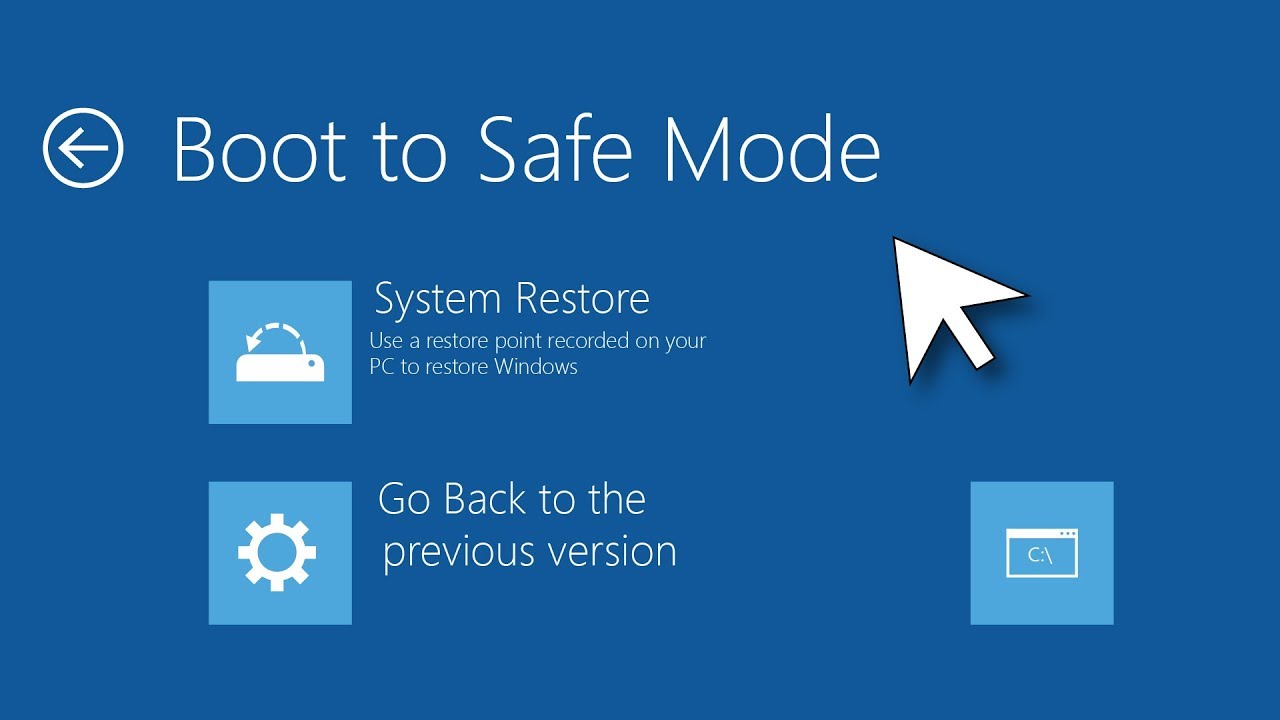
4 Ways To Boot To Safe Mode In Windows 10 YouTube

3 Ways To Boot Into Safe Mode On Windows 10 Easytutorial
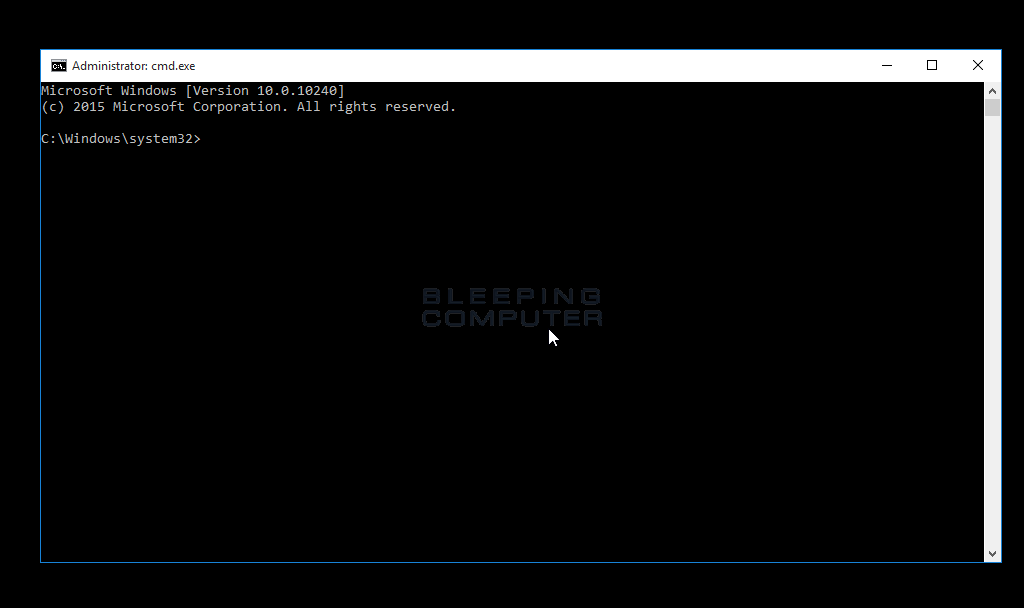
Reboot Windows Into Safe Mode Command Line DOS Geek
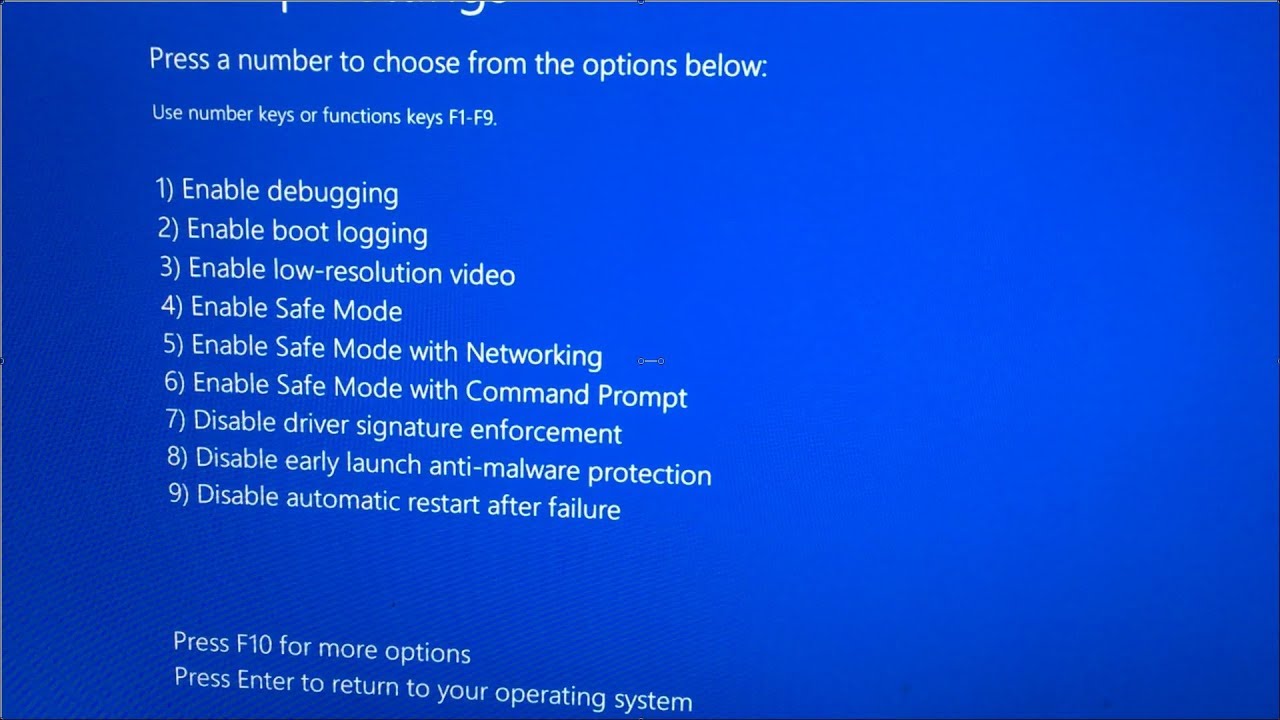
How To RESTART WINDOWS 10 In SAFE MODE YouTube
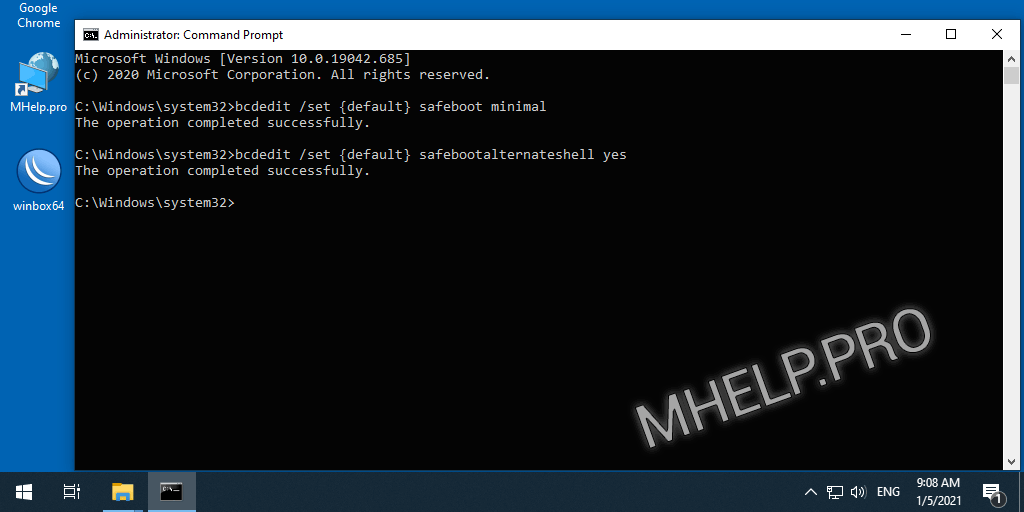
How To Boot Safe Mode Windows 10 8 7 7 Ways MHELP PRO

Jun 24 2025 nbsp 0183 32 Learn correct reboot methods for Windows 11 10 8 7 Vista amp XP Avoid file corruption and system damage with safe restart practices
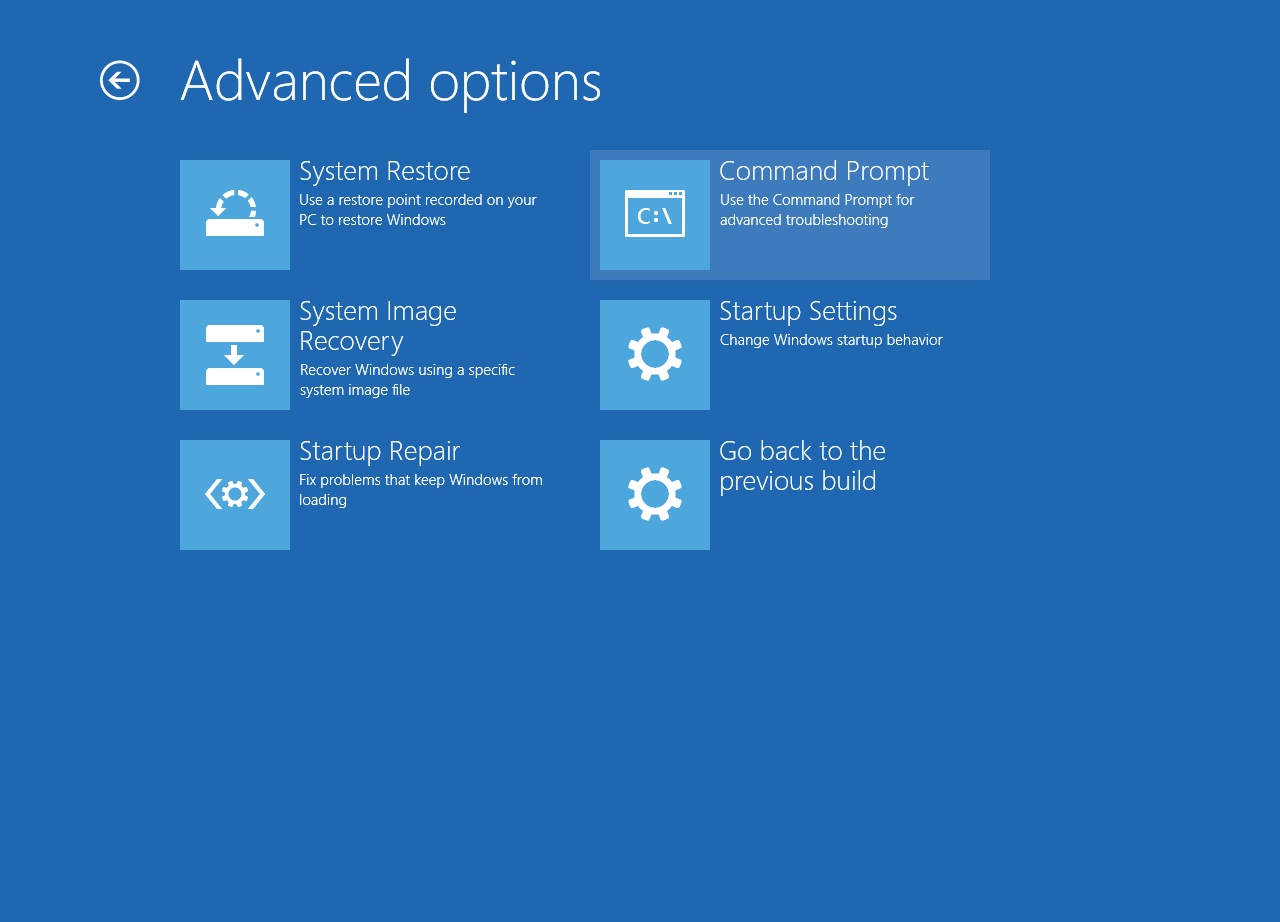
Aug 21 2024 nbsp 0183 32 Rebooting Windows 11 is a straightforward process that can be accomplished in a few simple steps To reboot you can either use the Start menu or press a combination of keys

Dec 15 2023 nbsp 0183 32 Rebooting your PC keeps it running smoothly Here s the steps to reboot your computer on Windows Mac and Linux
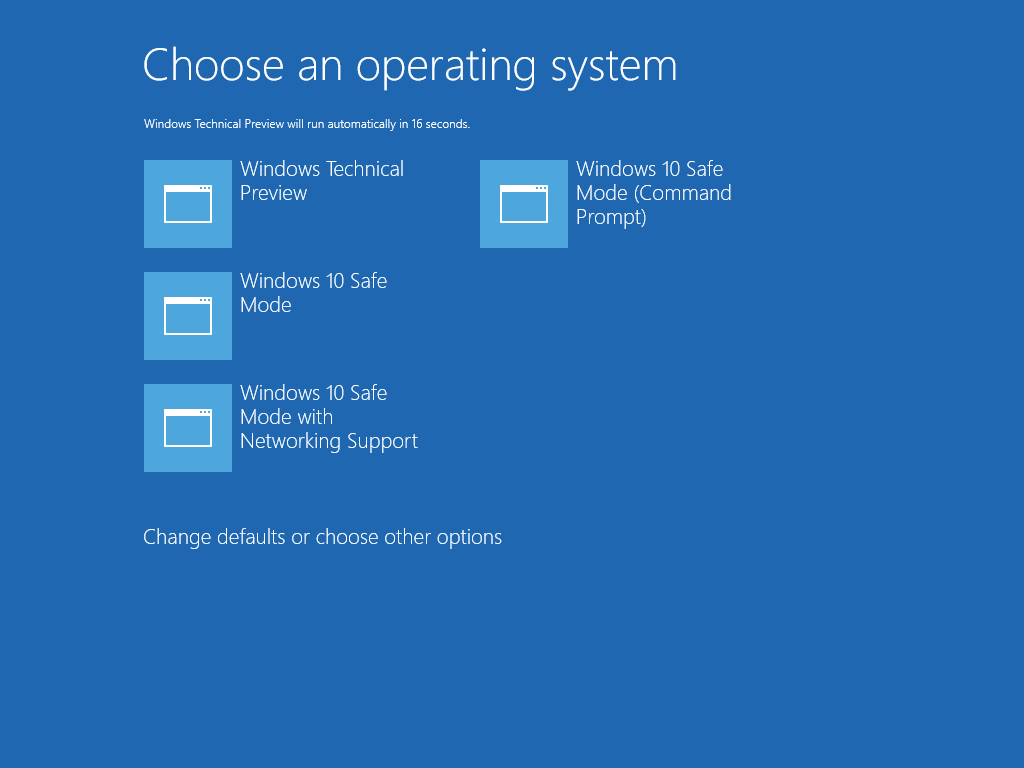
Aug 15 2024 nbsp 0183 32 Learn how to reboot your Windows 10 computer with our easy step by step guide Follow these simple instructions to quickly restart your system
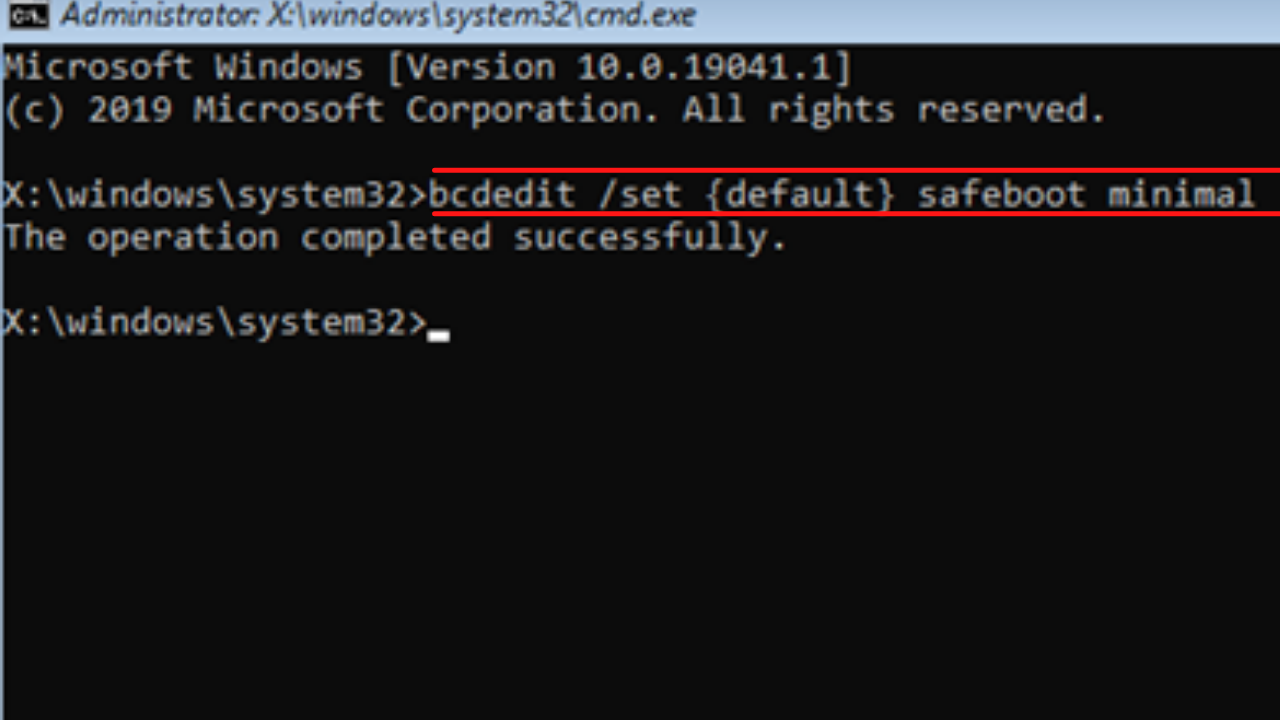
Jun 14 2025 nbsp 0183 32 A reboot is restarting a working computer using hardware e g a power button instead of software Rebooting is sometimes necessary after installing a program installing
[desc-11] [desc-12]
[desc-13]