Rate Comparison Chart In Excel Vendor Comparison Excel Template | Cost Comparison Sheet 48 Stunning Price Comparison Templates (Excel & Word) ᐅ TemplateLab How to Make a Comparison Chart in Excel | EdrawMax Online 9 Free Download Vendor Price Comparison Template Excel | WPS Office Academy How to Make a Comparison Chart in Excel | EdrawMax Online I ll walk you through preparation of price comparison sheet in excel This template is used to
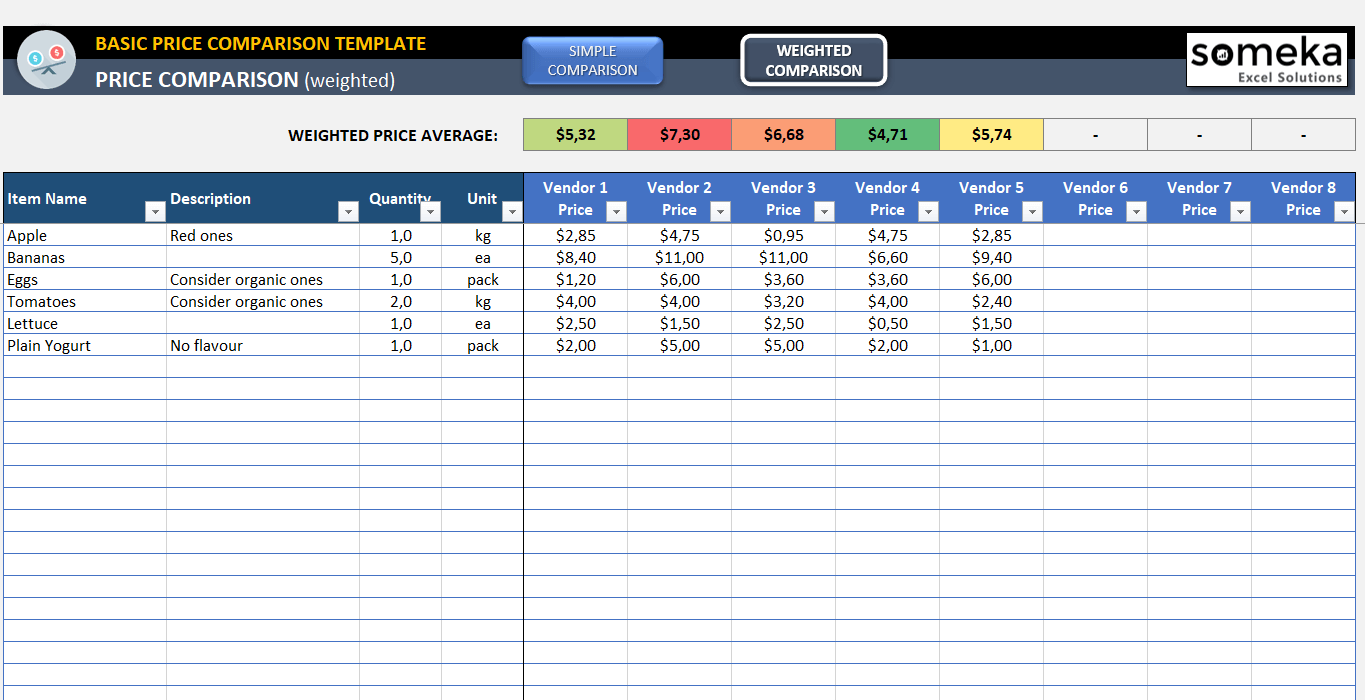
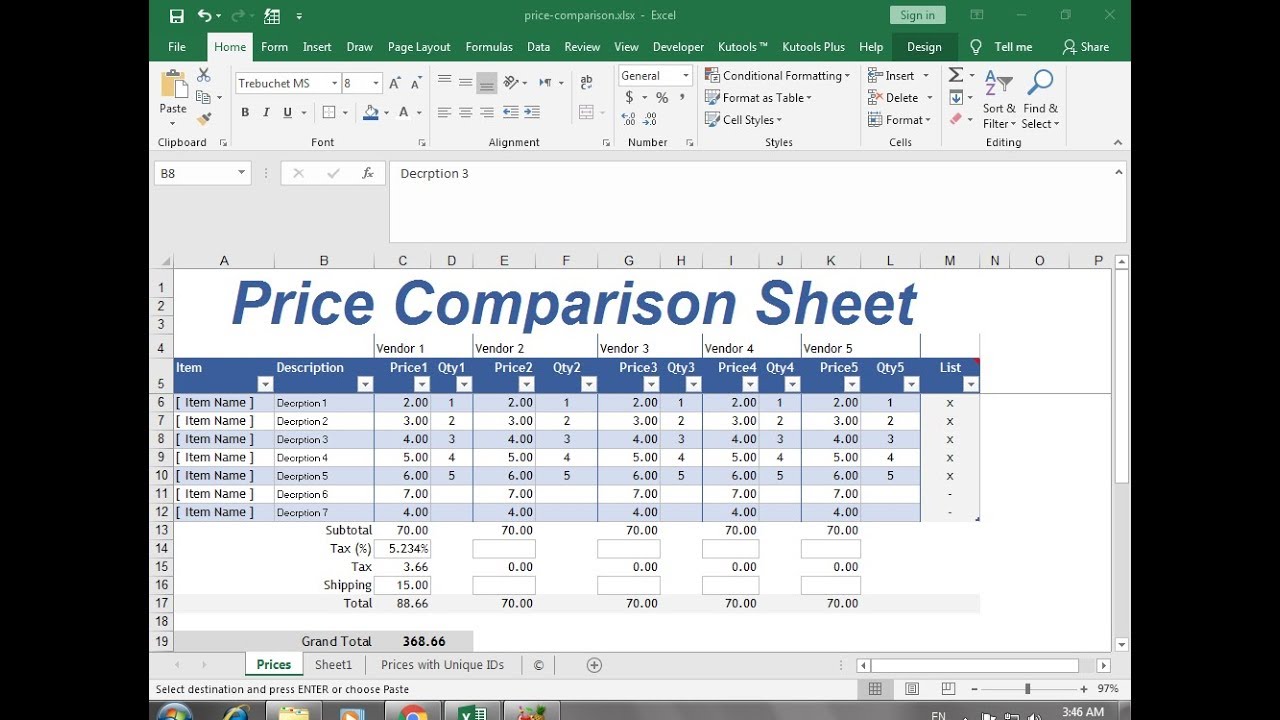
In This Video How To Make Competitor price comparison excel Sheet Index Match Formula This is extremely easy to do The price comparison worksheet uses the Excel Table feature previously called a List in older versions of Excel Just right
How to Make a Comparison Chart in Excel | EdrawMax Online 366 How To Make Price Comparison Sheet on Excel Hindi - YouTube Presenting Data with Charts Cost Comparison Excel Template | Vendor Price Comparison Tool Construction Cost Comparison Template | Bid Comparison Template Excel | Price Comparison Templates Download - ConstructUpdate.com Excel vendor price comparison template - Excel templates How to Make a Comparison Chart in Excel | EdrawMax Online 10 Advanced Excel Charts - Excel Campus Cost Estimate Comparison Spreadsheet | Cost Estimate Spreadsheet
Rate Comparison Chart In Excel
 Rate Comparison Chart In Excel
https://www.someka.net/wp-content/uploads/2017/08/Basic-Price-Comparison-Template-Someka-SS2.png
Following are the best chart types for comparing data in excel Whereas the data series Conversion Rate is of type percentage
Templates are pre-designed files or files that can be utilized for different purposes. They can save time and effort by supplying a ready-made format and layout for creating various sort of content. Templates can be used for personal or professional projects, such as resumes, invitations, flyers, newsletters, reports, presentations, and more.
Rate Comparison Chart In Excel
Free Price List Templates | Smartsheet
366 How To Make Price Comparison Sheet on Excel Hindi - YouTube
Presenting Data with Charts
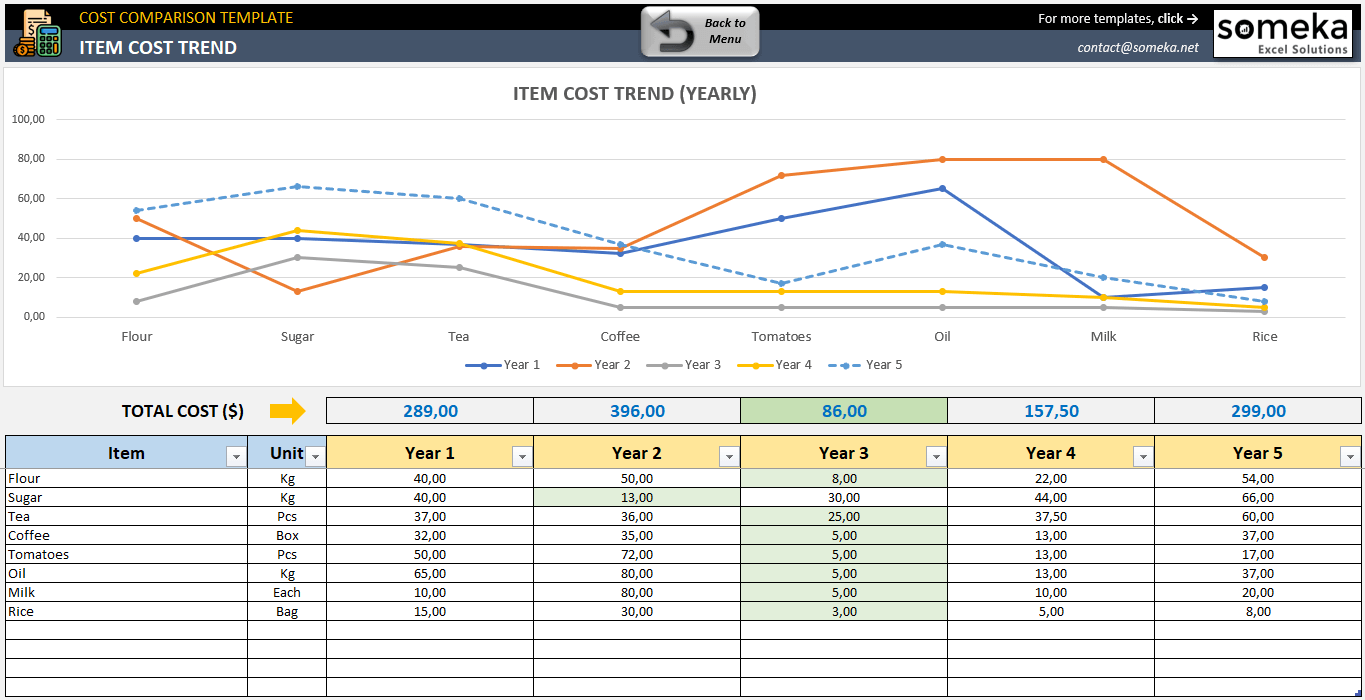
Cost Comparison Excel Template | Vendor Price Comparison Tool

Excel vendor price comparison template - Excel templates
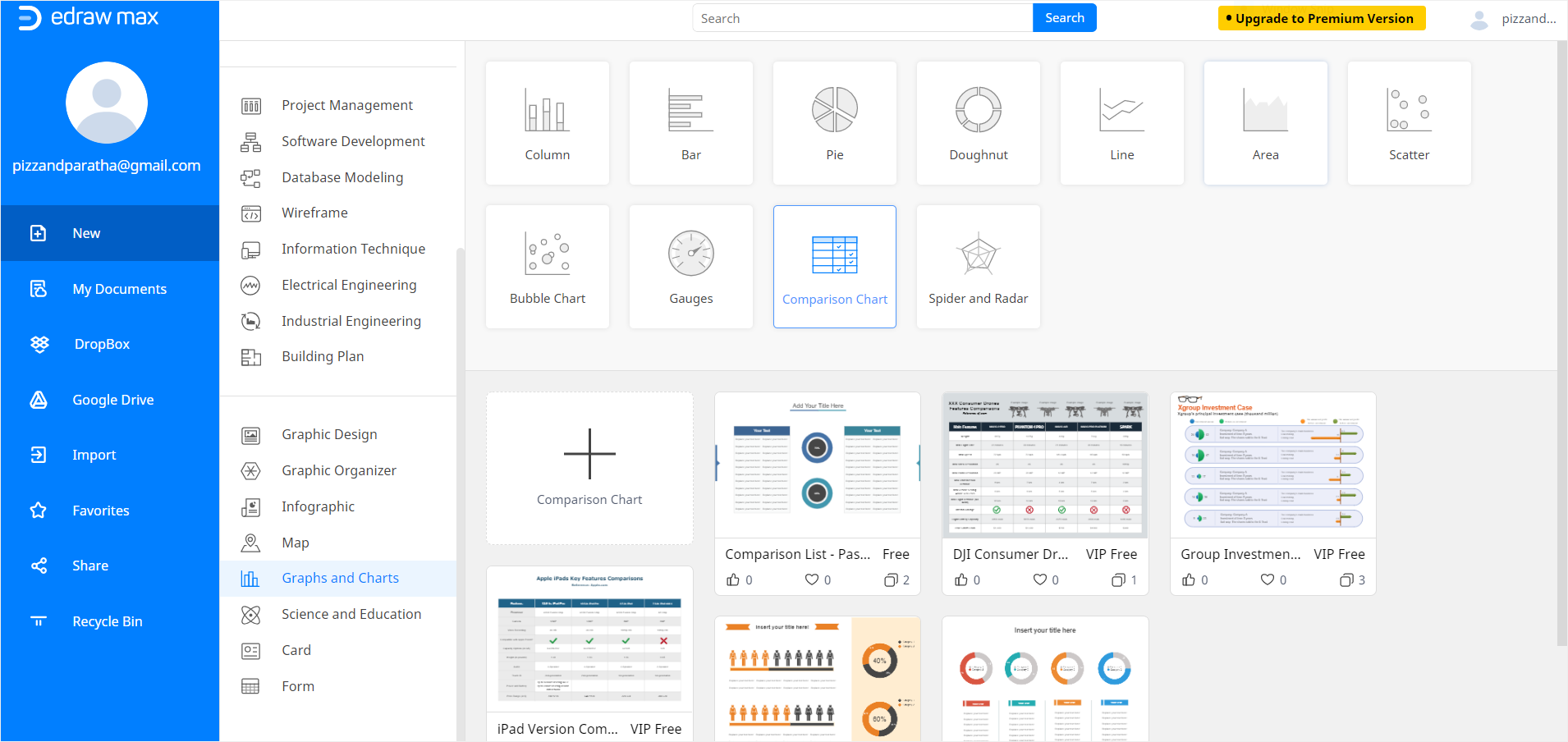
How to Make a Comparison Chart in Excel | EdrawMax Online
Step 1 Launch Excel Step 2 Enter Data Step 3 Inset Comparison Chart Step 4 Customize Step 5 Save Step 1 Go to Edraw Step 2 Search Template

Guide to Comparison Chart in Excel Here we learn how to create a comparison chart in excel and along with examples and downloadable excel template
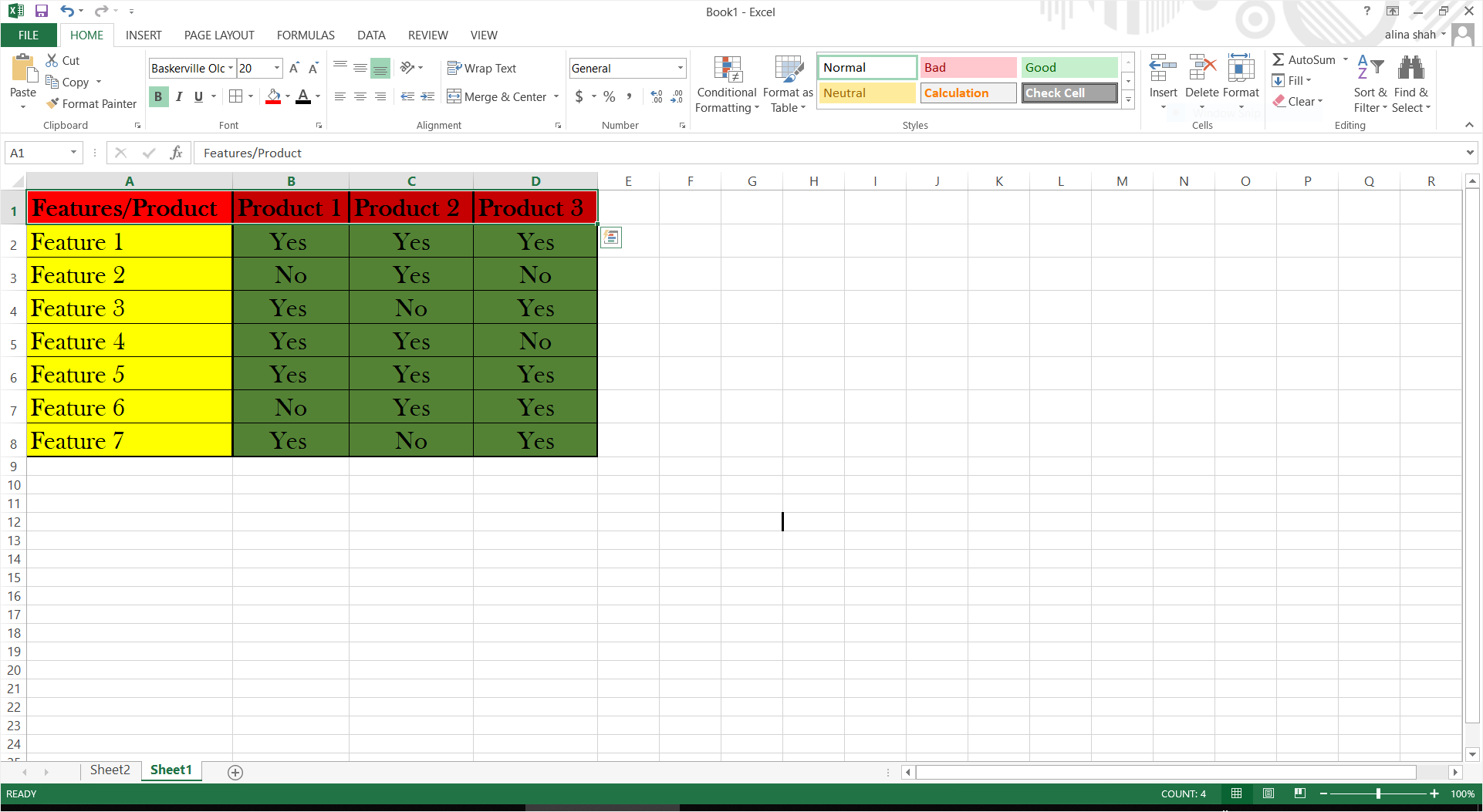
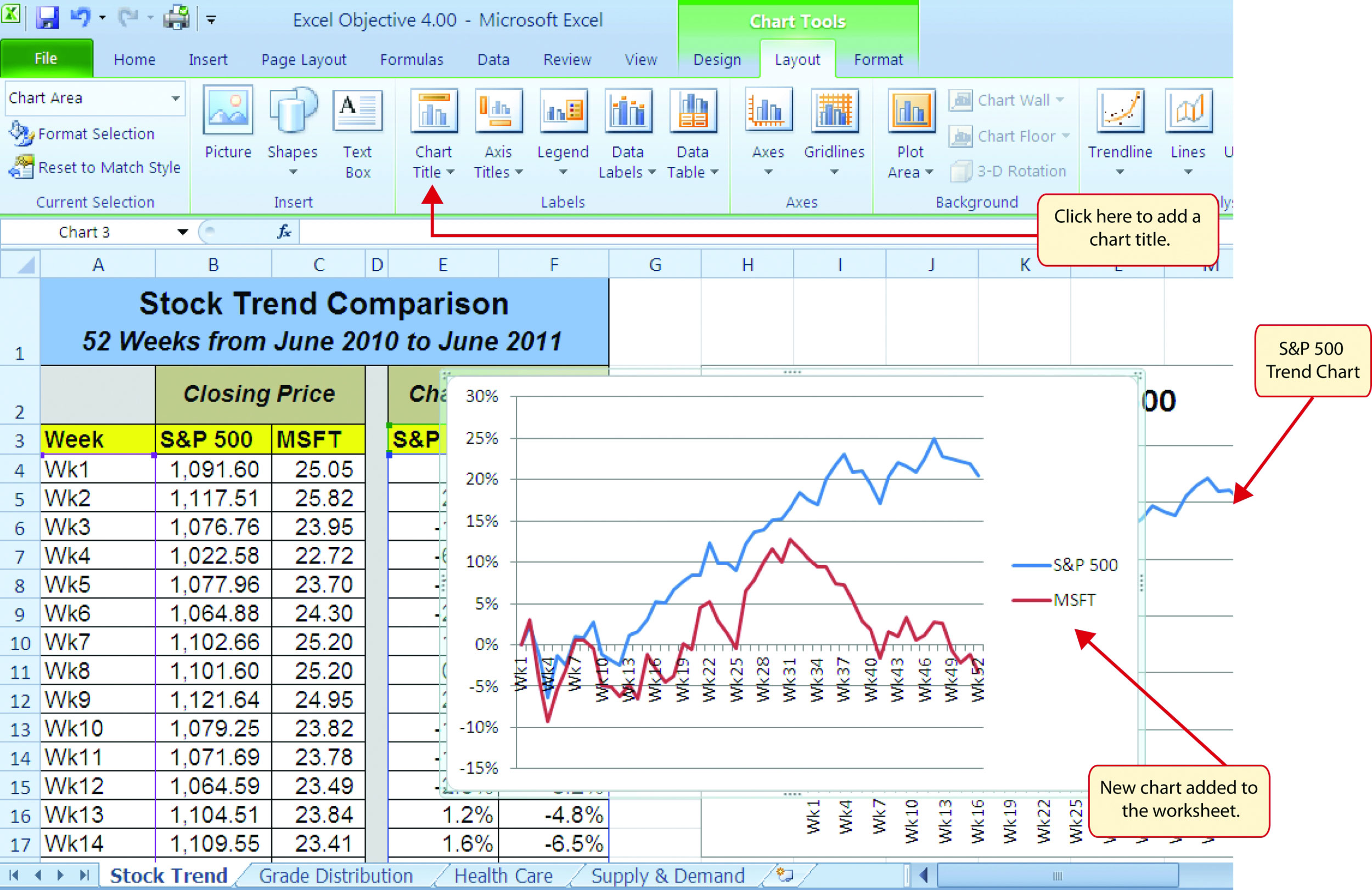
A comparison chart is a graphical representation of different informational values associated with the same set of categories which can be compared for
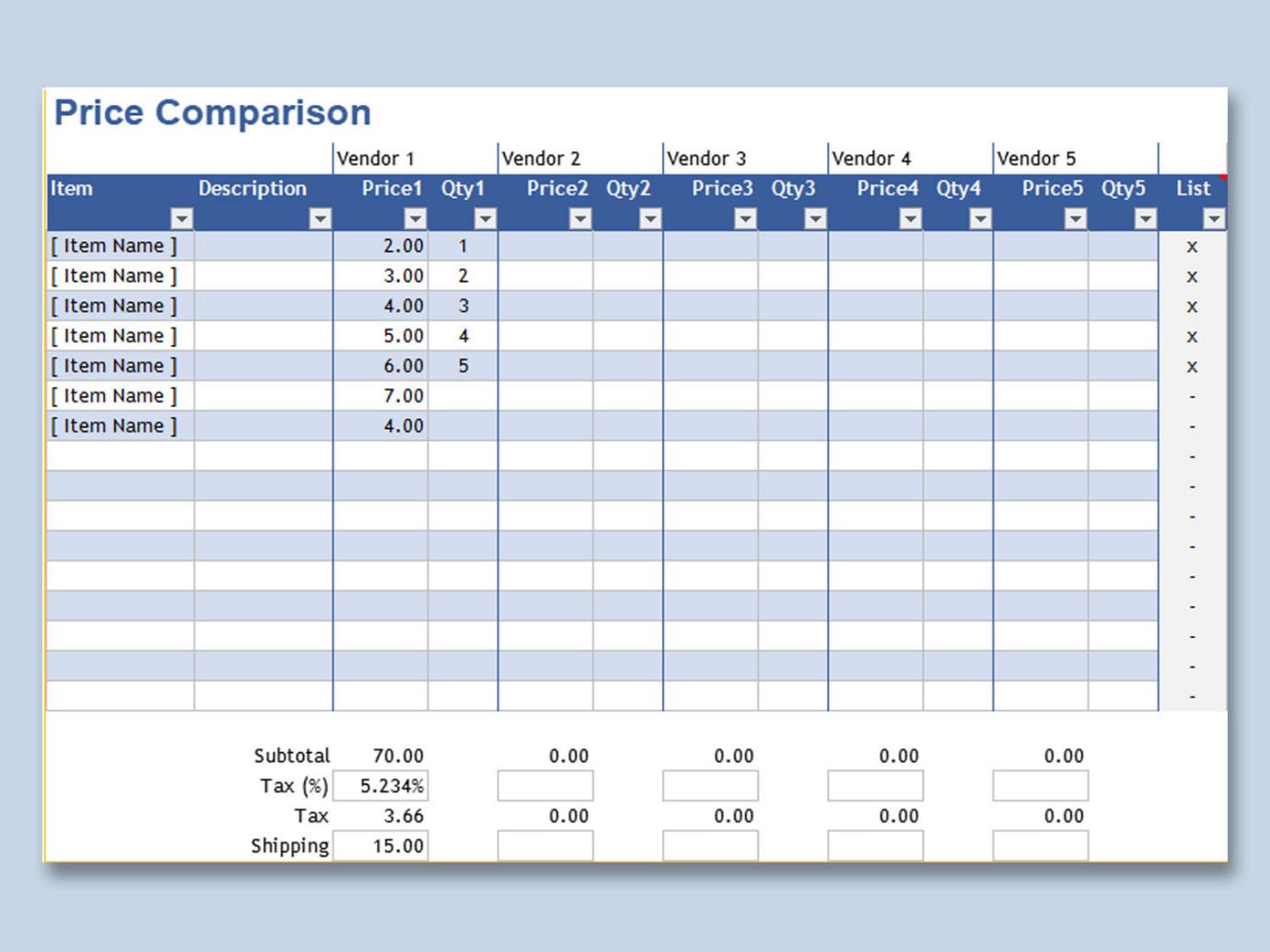
Step 1 Create a dataset Step 2 Formatting our dataset Step 3 Inserting empty column between each data Step 4 Inserting comparison chart
Open your Excel application Open your worksheet and click INSERT from the top toolbar Then you will see My Apps in the drop down menu
However the bar chart cannot show the exact differences between two years Now with the Difference Comparison Chart of Kutools of Excel you can create a year Recommend 3 steps by using a powerful Charts tool to create a chart with percentage chart 1 Click Kutools Charts Difference Comparison Column Chart
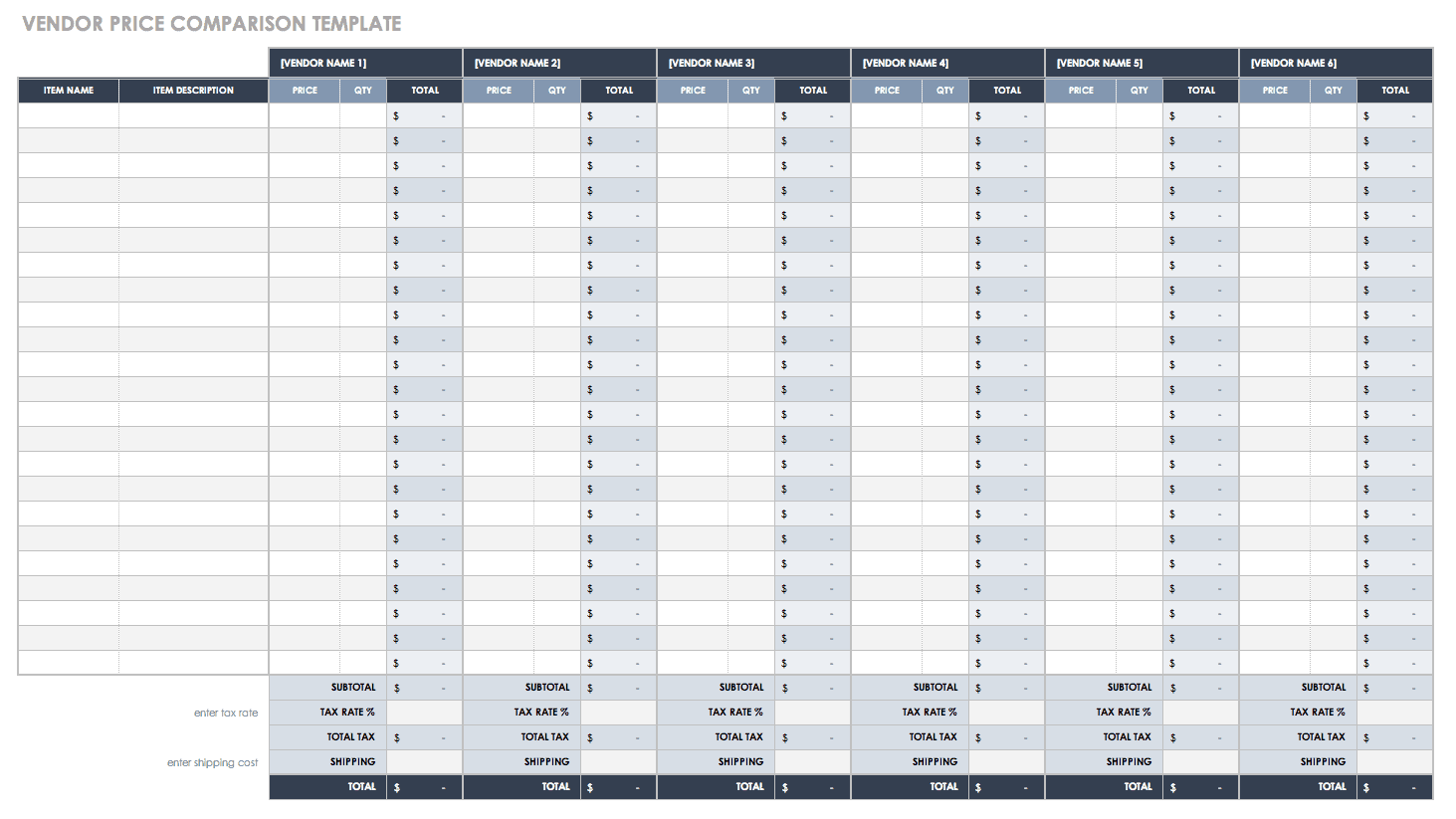
A price comparison chart or vendor comparison template allows you to make comparisons between prices for you to make a more informed decision