Raspberry Pi Apt Get List Installed Packages List the Pre-installed Packages in Raspberry Pi OS - Raspberry Pi Spy How to list the pre-installed packages in Raspberry Pi OS How to list the pre-installed packages in Raspberry Pi OS How to list the pre-installed packages in Raspberry Pi OS How to list the pre-installed packages in Raspberry Pi OS To list all installed packages enter the command in Terminal dpkg lor dpkg query lTo
I have modified my apthist script to show only user installed packages bin bash Print apt get history EXCEPT for upgrades 2017 08 06 APT tools are used in Raspberry Pi computers running Raspbian to install new packages To get a list of installed packages run apt list
How to list the pre-installed packages in Raspberry Pi OS Check installed package in Raspberry Pi OS, using dpkg/dpkg-query - YouTube How to list the pre-installed packages in Raspberry Pi OS How to list installed packages with apt command on Linux - Linux Tutorials - Learn Linux Configuration How To Update Raspberry Pi: Just Follow These Easy Steps | by James J. Davis | Medium apt-get update gives me errors with mirrordirector.raspbian.org - Raspberry Pi Stack Exchange RaspberryPi – Install OpenCV – El Bruno raspbian - issues with installation of software packages - Raspberry Pi Stack Exchange Raspberry Pi Cluster Ubuntu Base |
Raspberry Pi Apt Get List Installed Packages
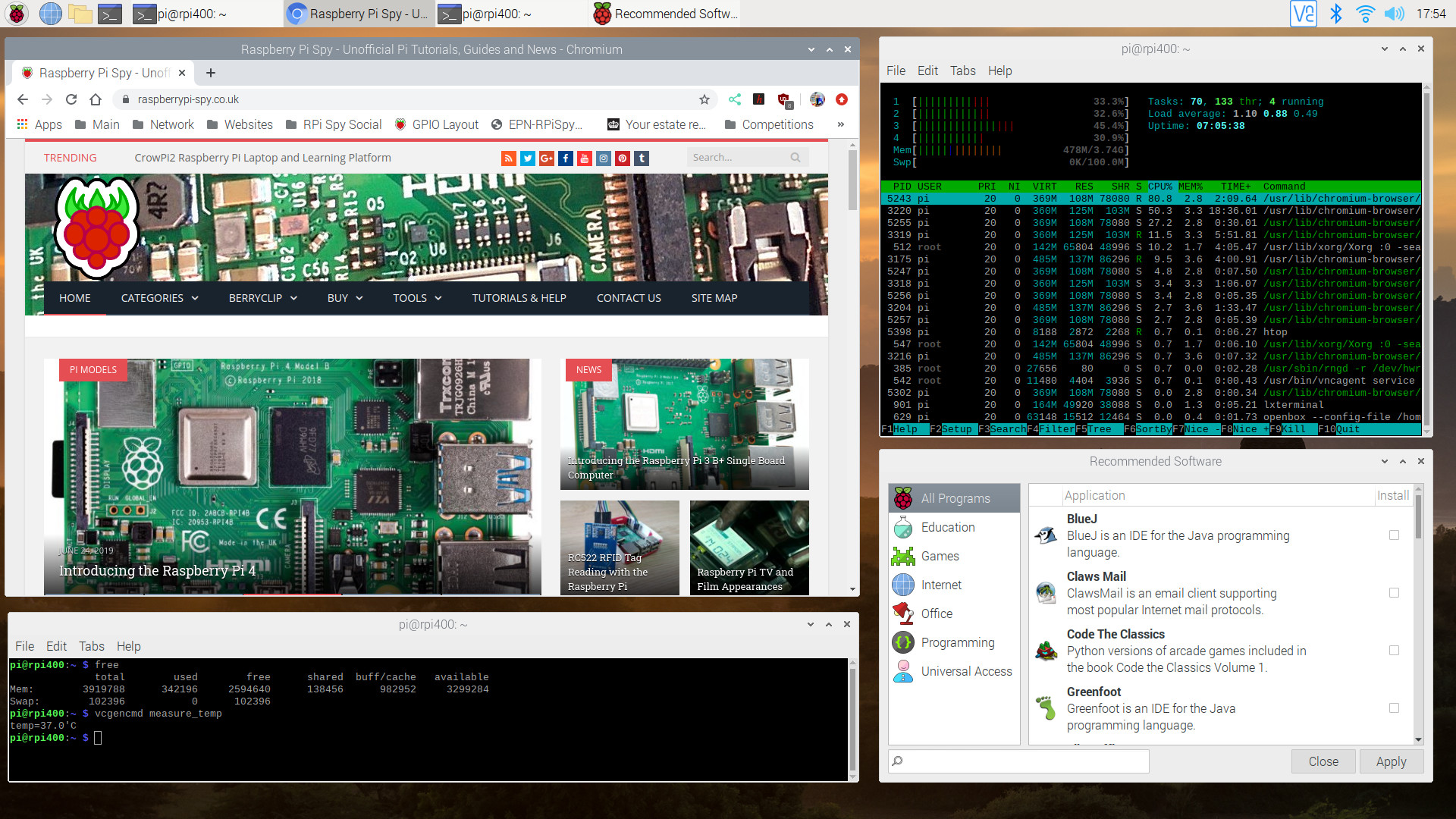 Raspberry Pi Apt Get List Installed Packages
https://www.raspberrypi-spy.co.uk/wp-content/uploads/2016/02/raspberry-pi-os-desktop.jpg
I have a PI with raspian and simply want a list of the packages that have been installed have tried everyhting I googled on it
Pre-crafted templates provide a time-saving option for developing a diverse variety of documents and files. These pre-designed formats and designs can be made use of for numerous personal and professional projects, including resumes, invitations, flyers, newsletters, reports, presentations, and more, streamlining the material development procedure.
Raspberry Pi Apt Get List Installed Packages
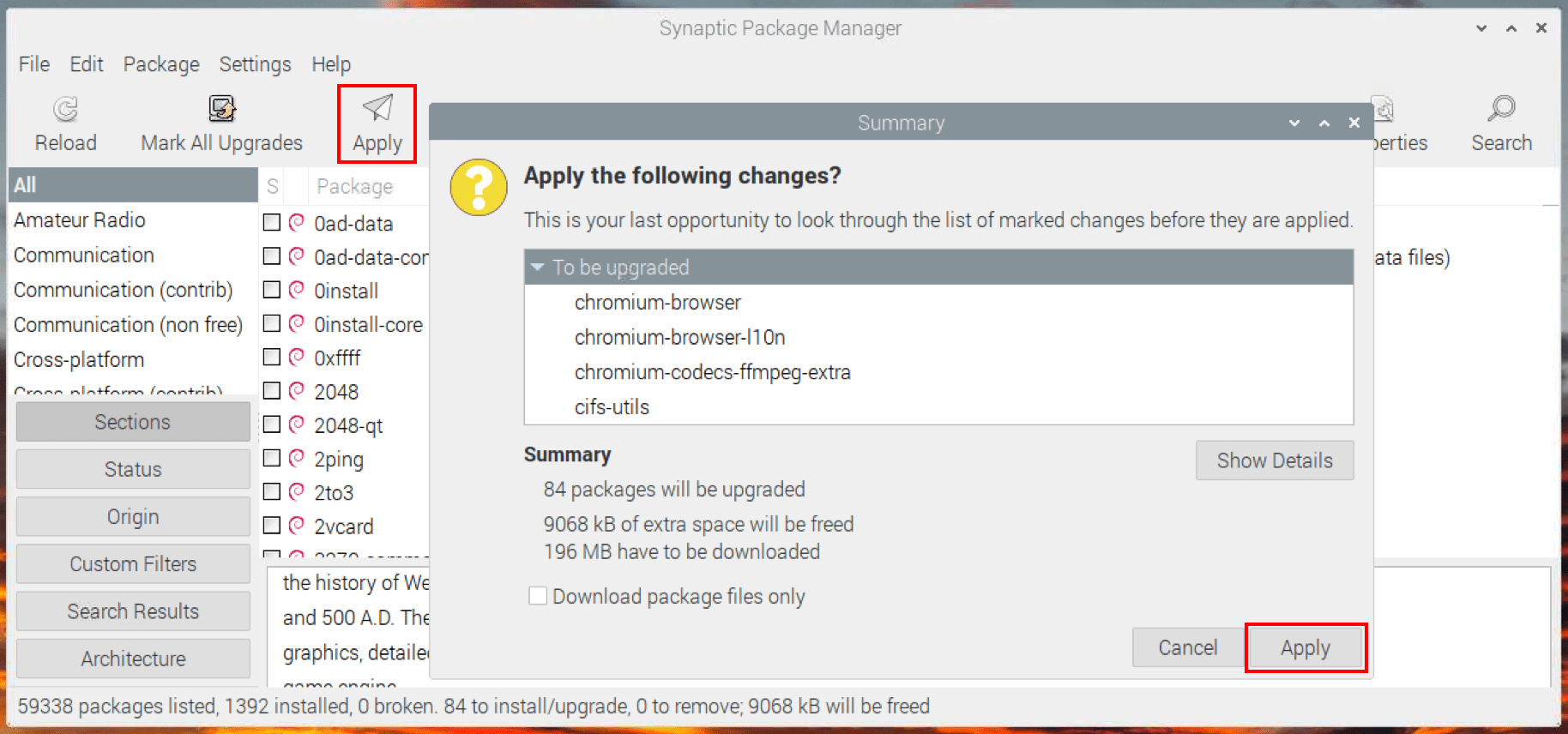
How to list the pre-installed packages in Raspberry Pi OS

Check installed package in Raspberry Pi OS, using dpkg/dpkg-query - YouTube

How to list the pre-installed packages in Raspberry Pi OS

How to list installed packages with apt command on Linux - Linux Tutorials - Learn Linux Configuration

apt-get update gives me errors with mirrordirector.raspbian.org - Raspberry Pi Stack Exchange

RaspberryPi – Install OpenCV – El Bruno

List all installed packages With version and architecture information and description in a table dpkg query l Package names only one per line

The following Terminal command will show you what software packages are currently installed on your Raspberry Pi 4 dpkg l Read the Debian
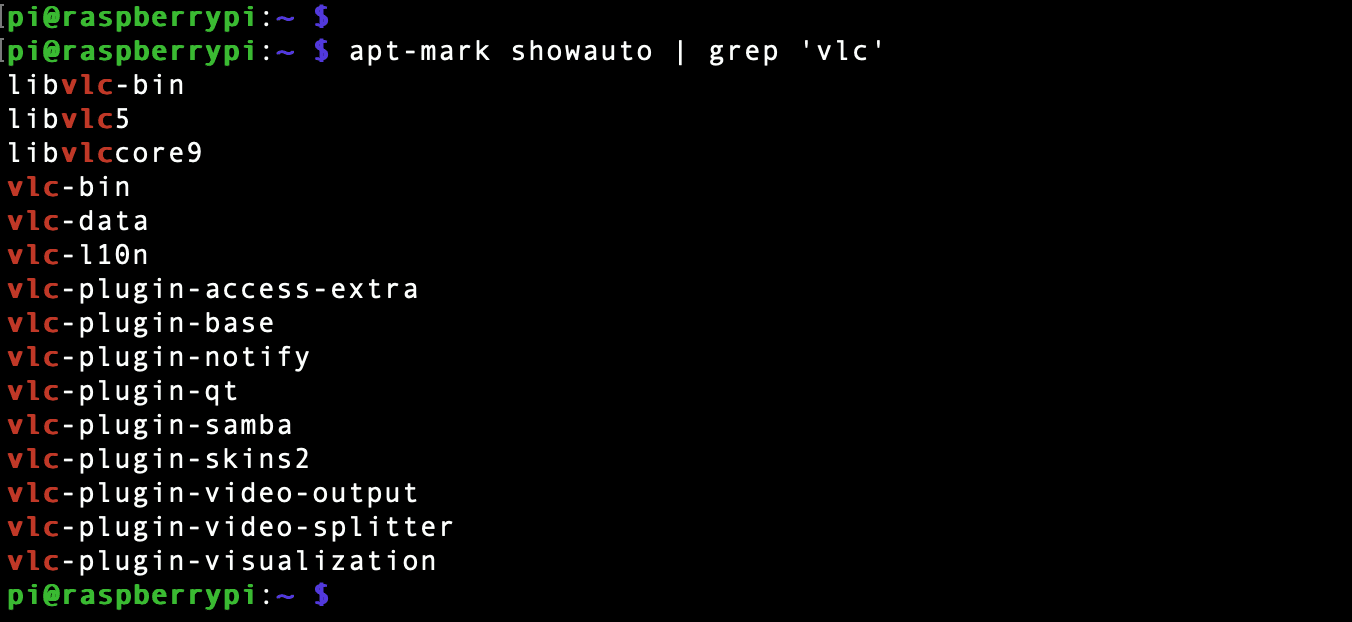
This tutorial will teach you how to list the packages installed on your Ubuntu system You can use the apt package manager or the dpkg tool

How to list the installed packages on your Raspberry PI This is how to list the packages type in the terminal window dpkg get selections

Another command that you can use to list pre installed packages is the dpkg get selections command However unlike the previous command apt
There might be cases when we want to know which packages are installed on Raspberry Pi OS by default For example we want to remove a The apt command is used within a terminal window to install software on the Raspberry Pi Apt is also used to update and remove the Pi OS software which is also
You can list all installed packages with dpkg l to a file you would use dpkg l installed txt Reply Leave A Reply