Quick Start Menu Canon Microsoft Flight Simulator PS5 Controller Bindings YouTube Canon T7 1500D Tutorial Beginner s User Guide To Buttons Menus How To Access IPhone Quick Start YouTube Canon Einstellung An Der Canon EOS 600d Und Das Canon Men Erkl rung My Wii Menu both Versions YouTube Verkko Click Open Main Menu to display the Main Menu Click an arrow displayed around the icon to show hide the Icon Bar adjacent to the arrow Point to a function icon to display Close Click Close to
Verkko Sovellusten k 228 ynnist 228 minen Quick Menun avulla Quick Menu sovelluksen avulla voit k 228 ynnist 228 228 sovelluksia avata k 228 ytt 246 oppaita avata pika tai p 228 228 valikon ja k 228 ytt 228 228 Verkko Click to display the Main Menu Click an arrow displayed around the icon to show hide the Icon Bar adjacent to the arrow In addition control click Open Main Menu to display
My Wii Menu both Versions YouTube Canon Pixma MG3600 Prepare Printer For Wi Fi Wireless Setup Enter Canon EOS 5D Mark IV Custom Quick Control Menu YouTube Uninstall Canon Quick Menu 2 4 1 In Windows 7 YouTube How To Add A Button To The Quick Menu Screen Of A Canon ImageRUNNER CANON MENU Devices Pocket lint KZRG Video Live Stream KZRG Video Live Stream Join The KZRG News KZRG Video Live Stream KZRG Video Live Stream Join The KZRG News
Quick Start Menu Canon
 Quick Start Menu Canon
https://i.ytimg.com/vi/807MBQU4-3k/maxresdefault.jpg
Verkko Outline Optional Quick Menu is a utility software that allows you to easily start the applications and manuals supplied with the printer or quickly access online
Templates are pre-designed documents or files that can be used for numerous purposes. They can save time and effort by offering a ready-made format and layout for producing various sort of content. Templates can be used for personal or expert tasks, such as resumes, invitations, flyers, newsletters, reports, presentations, and more.
Quick Start Menu Canon

Impresora Multifuncional CANON Pixma G2160 Instalaci n Y

Canon Pixma MG3600 Prepare Printer For Wi Fi Wireless Setup Enter

Canon EOS 5D Mark IV Custom Quick Control Menu YouTube
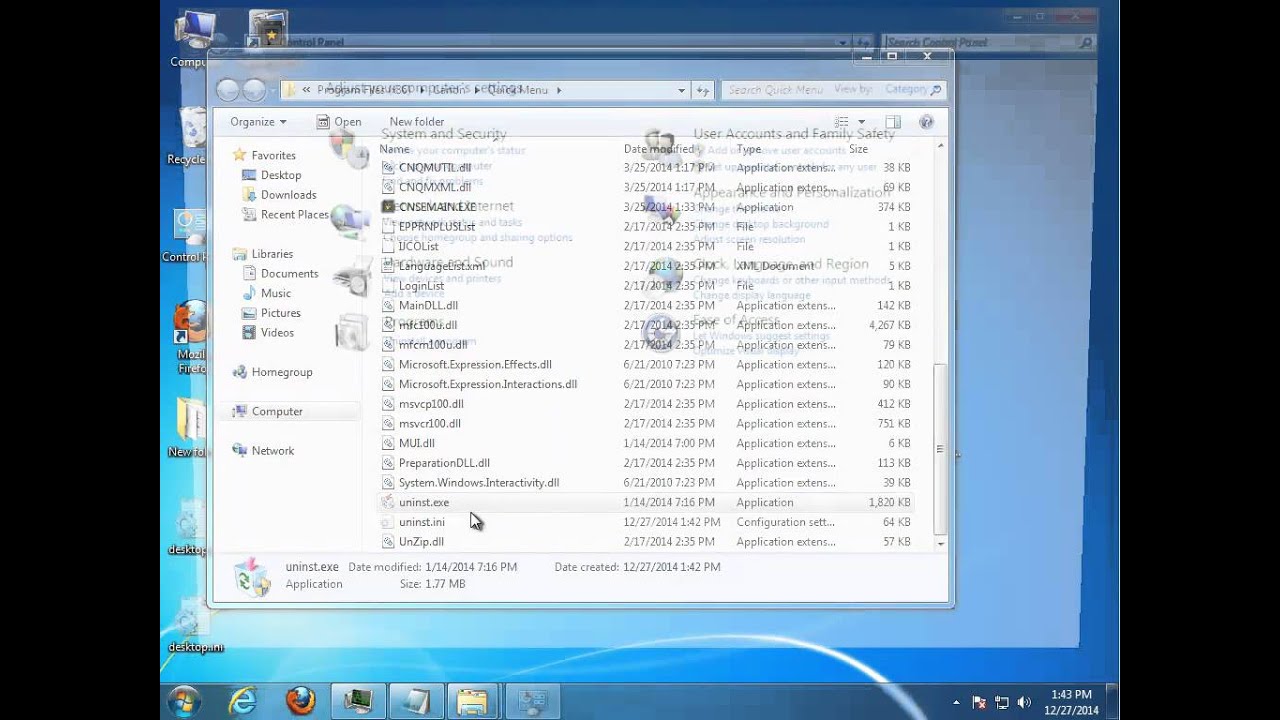
Uninstall Canon Quick Menu 2 4 1 In Windows 7 YouTube

CANON MENU
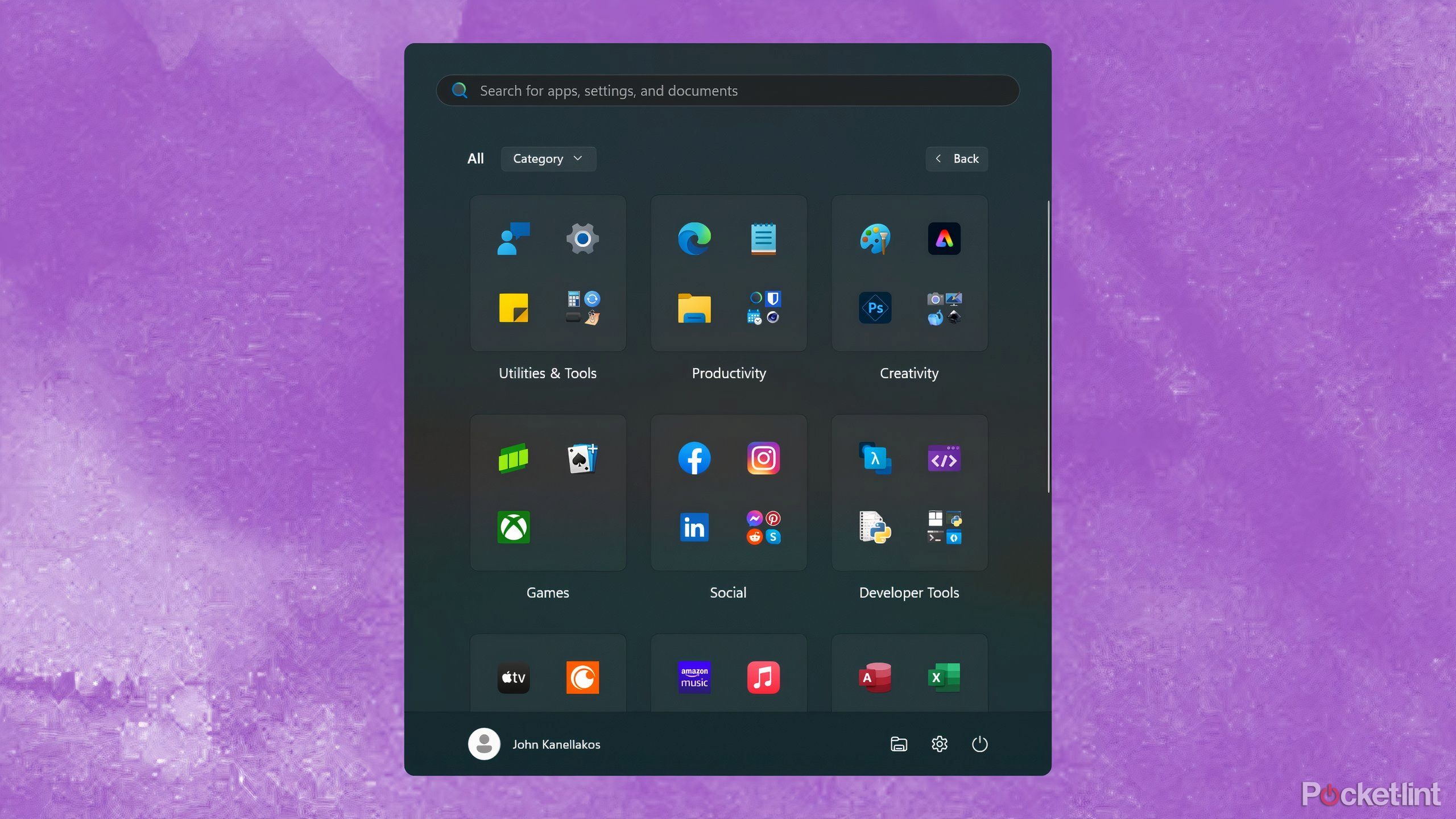
Devices Pocket lint

Verkko Canon PIXMA k 228 ytt 246 oppaat Quick Menu M 228 228 ritykset valintaikkuna QM013W M 228 228 ritykset valintaikkuna T 228 ss 228 ikkunassa voit rekister 246 id 228 tulostimen tai skannerin

Verkko Saatavana on my 246 s ladattava Quick Menu k 228 ytt 246 opas TUTUSTU LADATTAVIIN OHJELMIIN Takaisin yl 246 s Easy WebPrint EX Easy WebPrint EX on Windowsin Internet Explorer laajennus jonka avulla

Verkko Click a function icon to start an application etc In the Shortcut Menu click Open Main Menu The Main Menu appears Click the function icon you want to use The application starts or manual opens Access to

Verkko Quick Menu is a utility software included in the initial software setup for your printer that allows you to easily start the applications and manuals supplied with your printer and

Verkko Main Menu All functions that can be started from Quick Menu are displayed in this screen Click a function icon to start the application or open the manual or access the Canon website To display the Main
Verkko 18 toukok 2016 nbsp 0183 32 Canon Quick Menu is utility software that makes scanning easy from your Windows or Mac 174 computer Quick Menu allows you to rapidly launch the Verkko Windows Vista x64 Windows Vista Outline Optional Quick Menu is a utility software that allows you to easily start the applications and manuals supplied with the printer
Verkko Quick Menu Quick Menu is a utility software included in the initial software setup for your printer that allows you to easily start the applications and manuals supplied with