Python Pip Install Windows Installing MySQLdb For Python 3 In Windows Radish Logic How To Install Pip In Python 3 8 On Windows 10 Or 8 YouTube How To Install Package Pip In Windows Pythonpip How To Run PIP Install From Windows 10 Command Prompt To Install Python How To Install Libraries In Python Use Pip Install Command In Web Dec 17 2019 nbsp 0183 32 To manually install pip on Windows you will need a copy of get pip py For older Python versions you may need to use the appropriate version of the file from pypa Download the file to a folder on your computer or use the curl command curl https bootstrap pypa io get pip py o get pip py Next run the following command to
Web Aug 14 2020 nbsp 0183 32 To open a command prompt as an administrator press the Windows Key R to open a Run dialog box then type cmd and then press Ctrl Shift Enter to open an administrator Command Prompt Step 2 Confirm that Python is installed The simplest way to test for a Python installation on your Windows server is to open a command Web Ensure you have a working pip As a first step you should check that you have a working Python with pip installed This can be done by running the following commands and making sure that the output looks similar Linux python version Python 3 N N python m pip version pip X Y Z from python 3 N N MacOS Windows
How To Install Libraries In Python Use Pip Install Command In Using Pip On Windows Osepix How To Install PIP In Windows 8 10 7 Python YouTube How To Install Modules For Python 3 X Using Pip In Windows 10 How To Install Python 3 7 Pip Tkinter On Windows 10 YouTube Install Pip For Python 2 7 Windows Xpressgera How To Install Python Pip OpenCV On Windows 10 YouTube How To Install Tkinter How To Install PIP On Windows And Manage Packages
Python Pip Install Windows
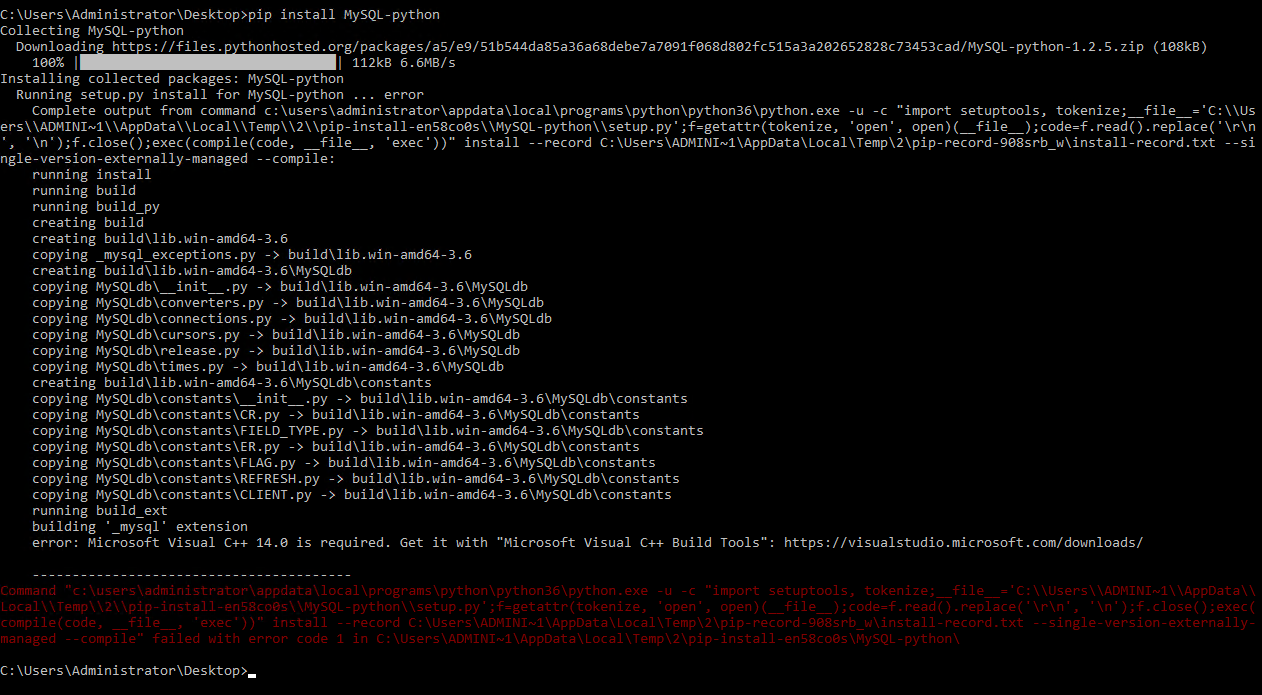 Python Pip Install Windows
http://www.radishlogic.com/wp-content/uploads/2018/12/pip-install-MySQL-python.png
Web Oct 10 2023 nbsp 0183 32 Follow along the steps provided in the window and install your version of Python as shown below Now that Python has been downloaded and installed let s open the terminal again and provide the following command PS C gt python version Python 3 9 5 Pip Installation
Pre-crafted templates use a time-saving solution for developing a varied series of documents and files. These pre-designed formats and layouts can be used for different personal and expert jobs, including resumes, invitations, flyers, newsletters, reports, discussions, and more, streamlining the content creation process.
Python Pip Install Windows
How To Install PIP For Python On Windows How To Install Python

Using Pip On Windows Osepix
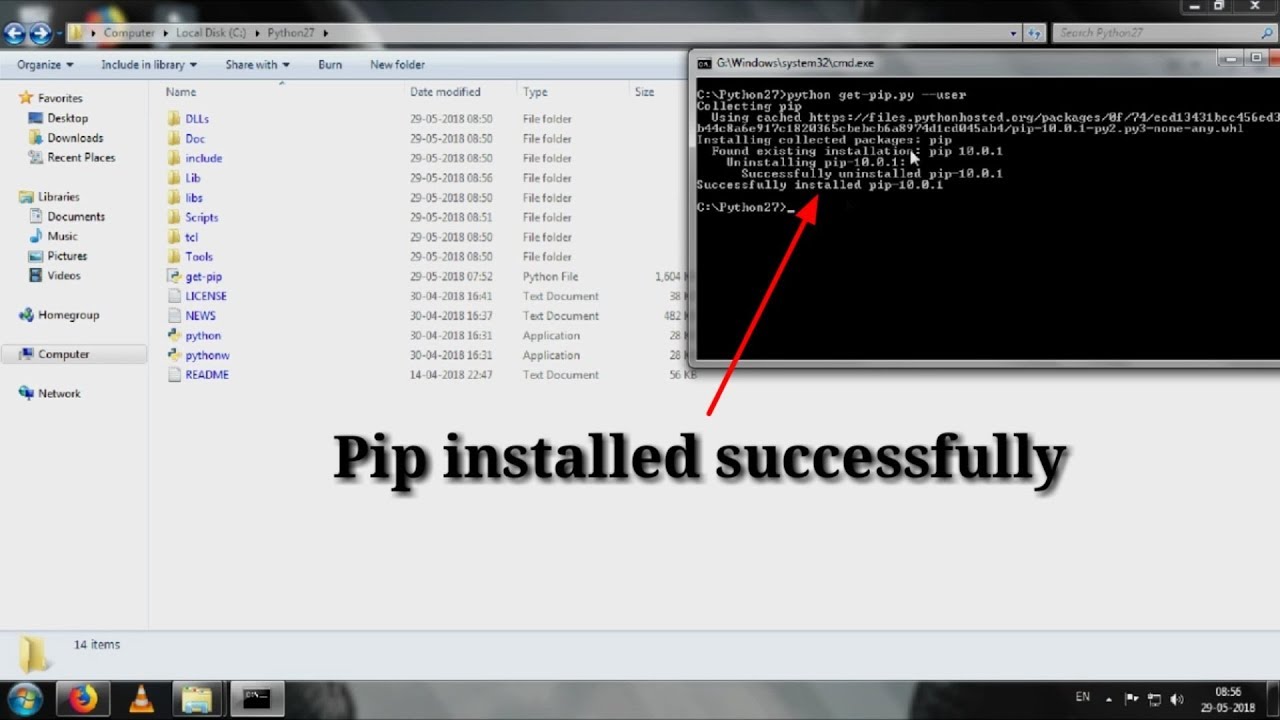
How To Install PIP In Windows 8 10 7 Python YouTube
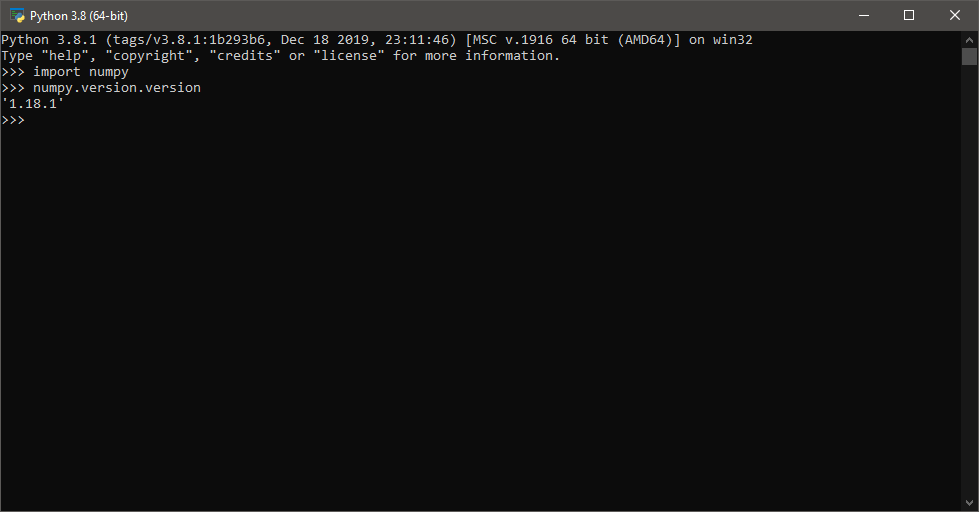
How To Install Modules For Python 3 X Using Pip In Windows 10
Install Pip For Python 2 7 Windows Xpressgera

How To Install Python Pip OpenCV On Windows 10 YouTube

Web Installing Pip on Windows Download pip 1 2 1 from https pypi python packages source p pip pip 1 2 1 tar gz Extract the pip 1 2 1 tar gz file Change directory to the extracted folder cd lt path to extracted folder gt pip 1 2 1 Run python setup py install Now make sure C Python27 Scripts is in
Web You can follow the following steps to set the Path Go to System and Security gt System in the Control Panel once it has been opened On the left side click the Advanced system settings link Then select Environment Variables Double click the PATH variable under System Variables Click New and add

Web 2 days ago nbsp 0183 32 The following command will install the latest version of a module and its dependencies from the Python Package Index python m pip install SomePackage Note For POSIX users including macOS and Linux users the examples in this guide assume the use of a virtual environment

Web Nov 30 2023 nbsp 0183 32 Checking if You Have PIP Installed on Windows Method 1 Install PIP on Windows Using get pip py Step 1 Download PIP get pip py Step 2 Installing PIP on Windows Step 3 Verify Installation Step 4 Add Pip to Path Step 5 Configuration Method 2 Install PIP on Windows Using ensurepip Upgrading PIP for Python on
Web Jun 9 2022 nbsp 0183 32 Download PIP Before installing PIP we have to download the get pip py file We can do this two ways Go to https bootstrap pypa io get pip py and save this file as get pip py in the same folder where Python is located By default the Python installation is stored in the folder AppData
[desc-11] [desc-12]
[desc-13]