Pyqt5 Widget Resize Python QT Designer Moving Resizing Widgets While Respecting Window PyQt5 Tutorial 12 Date Widget Using Qt Designer YouTube Styling PyQt5 Widgets Using CSS With PyQt5 In QtDesigner In 2022 Enhance Your GUI With PyQt5 Terminal Widget Python Pool Qt How To Stop QtDesigner From Resizing When Adding Widget To A Detailed Description Resize events are sent to widgets that have been resized The event handler resizeEvent receives resize events See also resize
On some platforms the size grip automatically hides itself when the window is shown full screen or maximised A size grip widget at the bottom right corner of a Widget will expand to take up all the space in the window by default self setCentralWidget widget app QApplication sys argv window MainWindow
Qt How To Stop QtDesigner From Resizing When Adding Widget To A Widget 5 Whys Storyboard Por Bg examples Python Add Several Widgets Dynamically PyQt5 Stack Overflow Widget 5 Vector SVG Icon SVG Repo Como Criar PyQt5 QTableWidget No Qt Designer Too Many Versions Test Overlay Widget Resize To Do Notes Checklist Widget APK Android Pyqt5 Video Widget Python ITranslator Widget 2 IPhone
Pyqt5 Widget Resize
 Pyqt5 Widget Resize
https://i.stack.imgur.com/LQD23.png
In this PyQt5 tutorial we will learn how to implement layout resizing animation to make your application s user experience more pleasing Buy Me a Coffee
Templates are pre-designed documents or files that can be used for numerous purposes. They can conserve effort and time by providing a ready-made format and layout for developing different sort of material. Templates can be used for individual or professional projects, such as resumes, invitations, flyers, newsletters, reports, discussions, and more.
Pyqt5 Widget Resize

Python How To Resize My Widgets In PyQt5 QGridLayout Stack Overflow
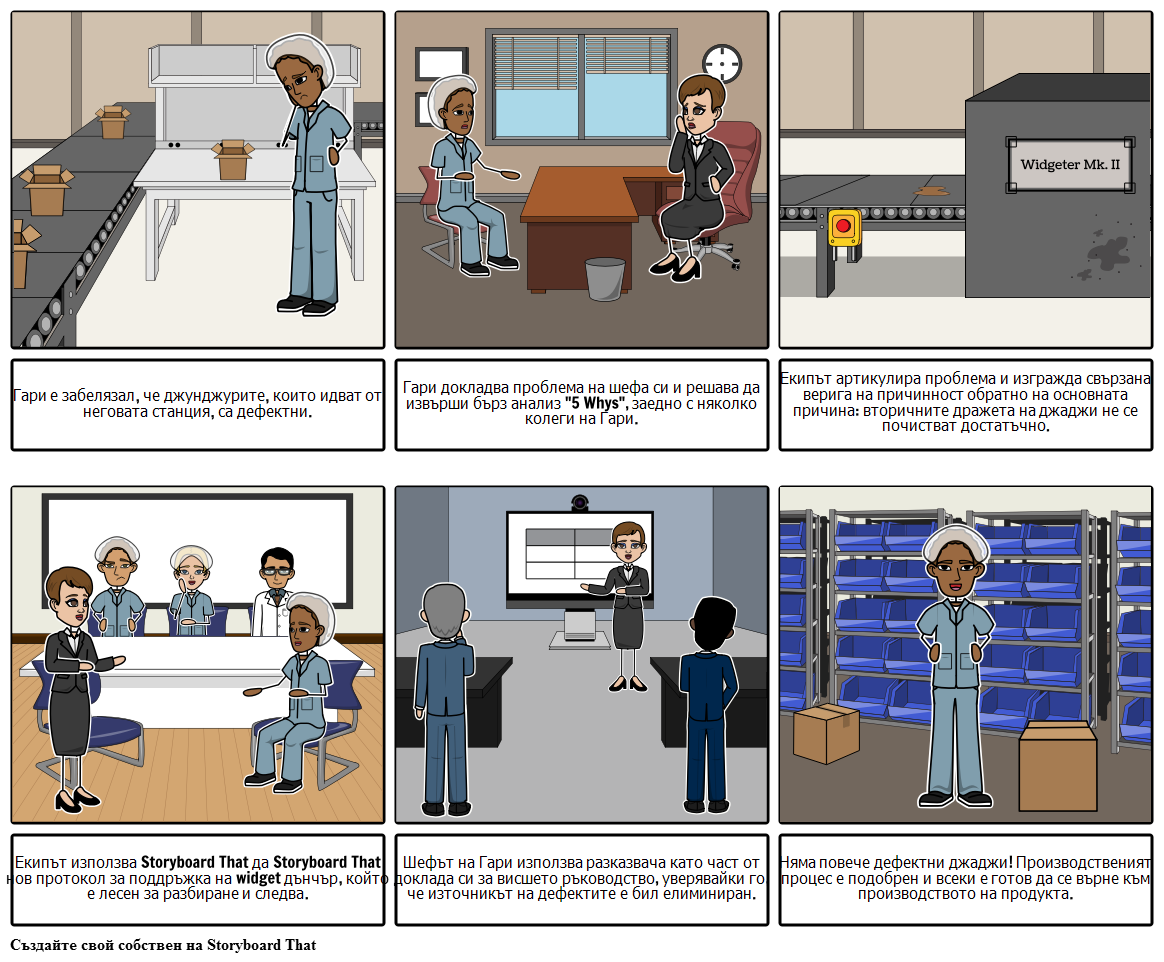
Widget 5 Whys Storyboard Por Bg examples

Python Add Several Widgets Dynamically PyQt5 Stack Overflow

Widget 5 Vector SVG Icon SVG Repo
Too Many Versions Test Overlay Widget Resize

To Do Notes Checklist Widget APK Android

Pic QLabel self pic setPixmap QtGui QPixmap escudo gif pic setFixedWidth 250 pic setFixedHeight 250 If you want the image to have a

1 You can use QWidget setSizePolicy to change layout behavior of the widgets Default size policy is QSizePolicy Preferred which means that the widget can

These layouts automatically position and resize widgets when the amount of space available for them changes ensuring that they are consistently arranged and that the

The size policy of a widget is an expression of its willingness to be resized in various ways and affects how the widget is treated by the layout engine Each widget returns a

We want to present a widget which can be moved and at which it is possible to change the sizes This widget can serve as the container for other widgets such as to QLabel
Introduced in Qt 4 4 alien widgets are widgets unknown to the windowing system They do not have a native window handle associated with them This feature significantly speeds This will set the initial size of the widget to 300x200 pixels and prevent the user from resizing it Using layout managers In PyQt5 you can also use layout
If the widget has not been resized yet Qt will adjust the widget s size to a useful default using adjustSize Calling setVisible false or hide hides a widget explicitly An