Pygame Image Load Not Working Getting Started With Pygame Vrogue Pygame Image Loading R pygame Python Image Not Displaying Nicely In Pygame Stack Overflow Pygame Video Games PyGame Tutorial For Beginners Loading An Image Displaying Images Nagidal commented on Jul 1 2019edited by illume unit test which fails to load pathlib Path objects good first issue Mark with unittest expectedFailure decorator step 2 in a second PR implement support for pathlib Path objects in image load link to pathlib in docs see discussion at docs tests and types for pathlib support 2387
The reason you might be getting a fileNotFound error is probably because your images and files are not in the same directory as your main py script First check that your images are in the same directory as you main script Next make sure your terminal is running in the same directory The pyagme image module provides methods for loading and saving images The method load loads an image from the file system and returns a Surface object The method convert optimizes the image format and makes drawing faster img pygame image load bird png img convert
PyGame Tutorial For Beginners Loading An Image Displaying Images Juggling With PyGame Replit Docs PyGame Tutorial Game Development Using PyGame In Python Edureka Lupon Python The Pygame Image Is Not Loading Up Correctly Stack Overflow Python How Come I Can t Give My Pygame Window A Name Or An Icon Class 9 23 19 Load Images Pygame YouTube Default Datagrid Grouping On Load Not Working For Me Yet Radzen Mu debug Python How Can I Use SVGs With Pygame or Perhaps Display PNGs At A
Pygame Image Load Not Working
 Pygame Image Load Not Working
https://gamefromscratch.com/wp-content/uploads/2020/09/pygame.jpg
When built with full image support the pygame image load function can support the following formats BMP GIF non animated JPEG LBM and PBM PGM PPM PCX PNG PNM SVG limited support using Nano SVG TGA uncompressed TIFF WEBP XPM New in pygame 2 0 Loading SVG WebP PNM Saving images only supports a limited set of formats
Pre-crafted templates use a time-saving service for producing a diverse variety of files and files. These pre-designed formats and designs can be used for various personal and expert jobs, consisting of resumes, invitations, flyers, newsletters, reports, discussions, and more, improving the content creation process.
Pygame Image Load Not Working

Pygame Travailler Avec Du Texte StackLima

Juggling With PyGame Replit Docs
PyGame Tutorial Game Development Using PyGame In Python Edureka Lupon

Python The Pygame Image Is Not Loading Up Correctly Stack Overflow
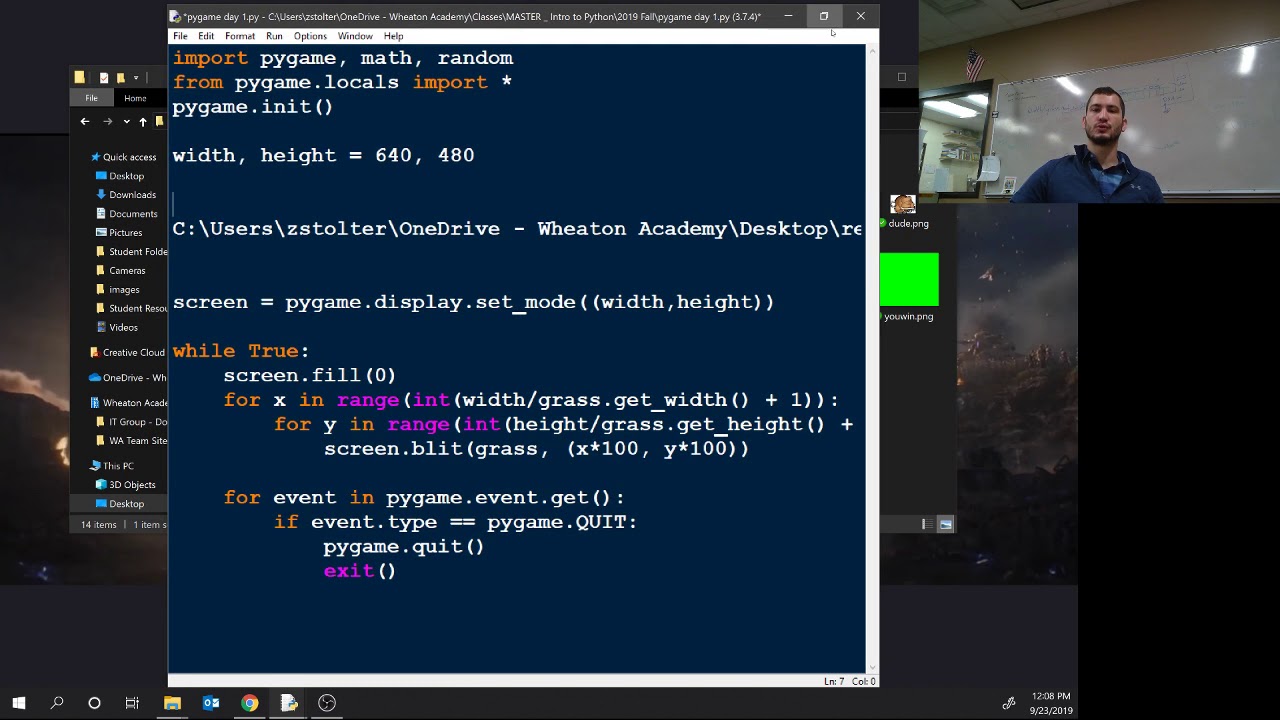
Class 9 23 19 Load Images Pygame YouTube

Default Datagrid Grouping On Load Not Working For Me Yet Radzen

Pygame image load not working Ask Question Asked 5 years 9 months ago Modified 3 years 9 months ago Viewed 1k times 0 I am currently learning the code from a tutorial on Pygame Game Development https www youtube watch v fcryHcZE sM I have copied the code exactly into Pycharm and I believe it should work

1 load snakehead png looks for snakehead png in the current working directory the directory from which the script was launched which is not necessarily the same as the directory where the script is defined The easiest fix is to specify the location of snakehead png with an absolute path

1 Answer Sorted by 0 You need to blit images pygame Surface s onto the display surface after you clear it with the fill method If the BGImage covers the whole screen it s not necessary to fill the screen before you blit the image

The image module contains functions for loading and saving pictures as well as transferring Surfaces to formats usable by other packages Note that there is no Image class an image is loaded as a Surface object The Surface class allows manipulation drawing lines setting pixels capturing regions etc

6 You re not calling pygame display update you re just referencing it To call it you need parentheses pygame display update And you get the SystemExit exception because you call sys exit Matthias Sep 24 2020 at 15 55 You solved my issue with the background You rock
There are four basic steps to displaying images on the pygame window Create a display surface object using display set mode method of pygame Create a Image surface object i e surface object in which image is drawn on it using image load method of pygame First we use display width 800 display height 600 gameDisplay pygame display set mode display width display height The functioning here is the same as before but this time we re not hard coding the resolution We want to use this method so that we can reference the variables
After that we load the image with pygame image load You should always use convert on your image loads as it speeds things up If you have an alpha channel in your image you should then always use convert alpha screen blit image screen rect center Here we blit the image to the screen at the position of the screen center