Pycharm Install Package From Pypi Install Packages In Pycharm Masarecords Setup Pycharm Brospeedy Pycharm Install Packages YouTube Install Uninstall And Upgrade Packages Pycharm Vrogue Plugins For Pycharm Holoseradv Are there any smooth way to run Python scripts in the PyCharm s console My previous IDE PyScripter provides me with that nice little feature As far as I know PyCharm has 2 ways of
Pycharm is unable to recognize installed local modules since python interpreter selected is wrong It should be the one where your pip packages are installed i e virtual environment Dec 12 2017 nbsp 0183 32 36 I use PyCharm and all the initial settings are okay Simple package installation is working Then why do I need to reinstall a package for each project Is there any way to install
Plugins For Pycharm Holoseradv Contents D3blocks D3blocks Documentation Pycharm Install Packages Marketcup Pycharm package pycharm Install Package CSDN Pycharm Calendardarelo Pip Error While Installing Selenium Package In Pycharm Stack Overflow PyCharm PyCharm 2023 1 1 Is Out Installing Pycharm Windows Pakmusli How To Install Package In PyCharm YouTube
Pycharm Install Package From Pypi
 Pycharm Install Package From Pypi
https://blog.finxter.com/wp-content/uploads/2021/09/image-32-1024x823.png
Jan 11 2022 nbsp 0183 32 I tried the following quot Invalidate Caches quot complete removal of PyCharm with all JetBrains settings and folders complete removal of Python followed by reinstallation in
Templates are pre-designed files or files that can be used for different functions. They can conserve time and effort by providing a ready-made format and layout for producing different type of content. Templates can be utilized for individual or expert tasks, such as resumes, invites, flyers, newsletters, reports, discussions, and more.
Pycharm Install Package From Pypi
Python PyPI
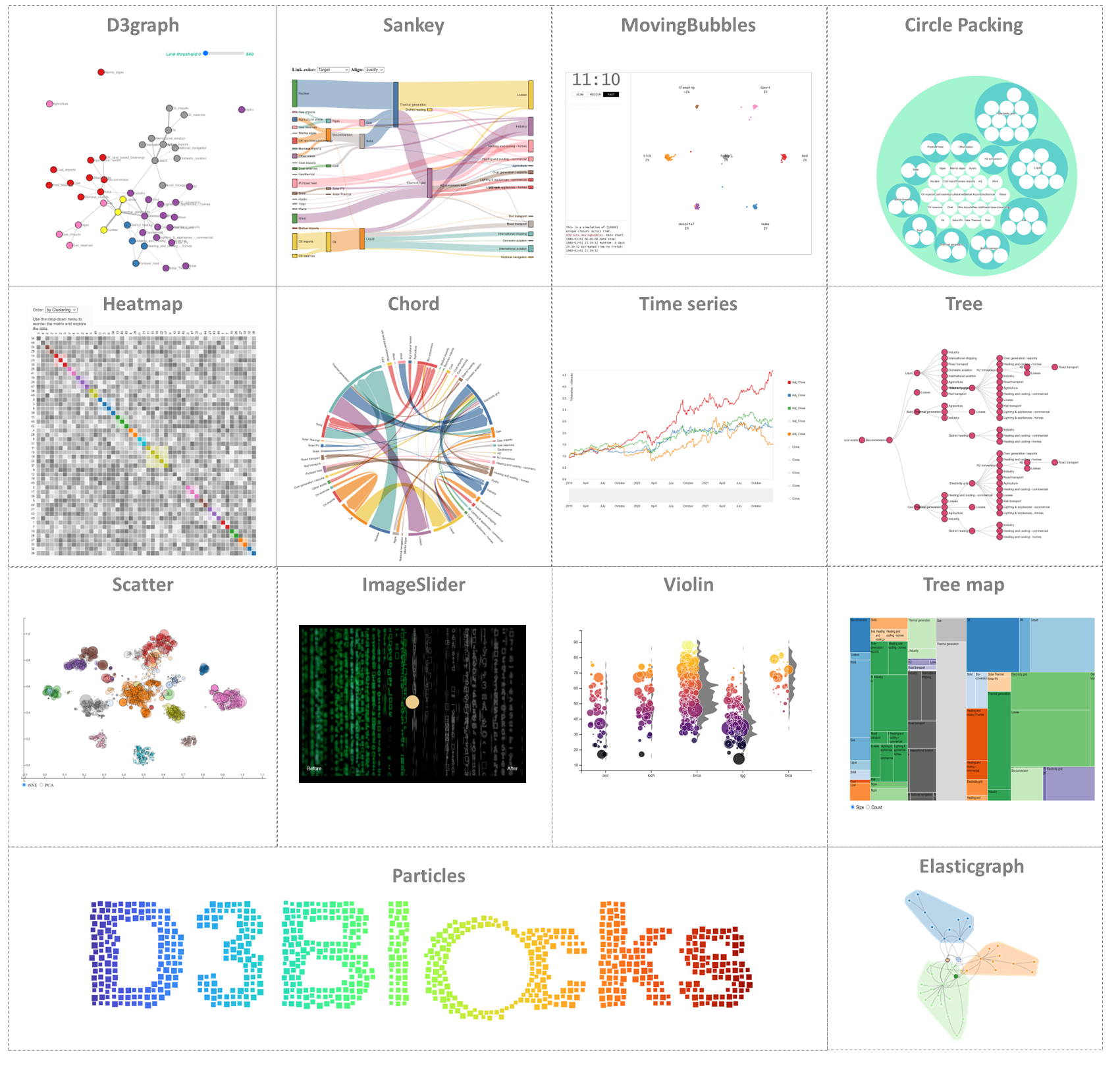
Contents D3blocks D3blocks Documentation
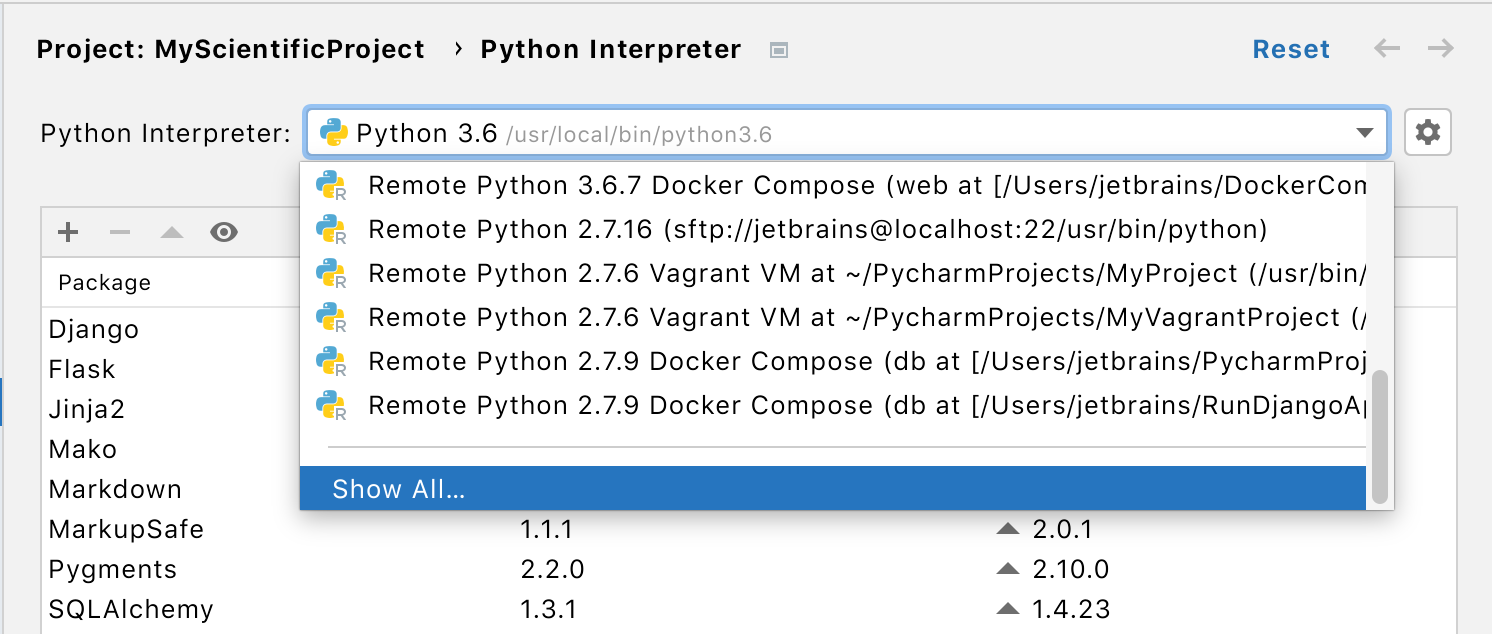
Pycharm Install Packages Marketcup

Pycharm package pycharm Install Package CSDN

Pip Error While Installing Selenium Package In Pycharm Stack Overflow

PyCharm PyCharm 2023 1 1 Is Out

PyCharm AI JetBrains Fleet VSCode Copilot 2024 AI
Jul 12 2020 nbsp 0183 32 PyCharm Professional now lets you select FastAPI as your project type Even if you didn t start that way there is an associated FastAPI run config template that you can use on

Feb 8 2022 nbsp 0183 32 In Corey Schafer s Programming Terms Mutable vs Immutable at 3 06 he selected multiple lines and commented them out in PyCharm all in one action What is this action Is it a

Dec 17 2024 nbsp 0183 32 1 Using the Interpreter Dropdown Quick Access In PyCharm there is a quick access Python Interpreter selector in the bottom right corner of the IDE window Using the

Jun 13 2017 nbsp 0183 32 In the latest version of PyCharm 2023 3 you can enable parallel execution by selecting the Allow multiple instances option To do this navigate to Run gt Edit Configurations
[desc-11] [desc-12]
[desc-13]