Pycharm Alternative Free Install Pycharm YouTube Pycharm How To Use Pycharm Circlestide Pycharm Professional Free Download Gretim PDF Pycharm Pe PDF T l charger Download Dec 17 2024 nbsp 0183 32 1 Using the Interpreter Dropdown Quick Access In PyCharm there is a quick access Python Interpreter selector in the bottom right corner of the IDE window Using the
Feb 23 2018 nbsp 0183 32 For me in PyCharm 2022 3 1 the way to do this was different than currently listed though still similar Press CTRL ALT S to open settings or go through the toolbar via File gt 135 I have PyCharm 1 5 4 and have used the quot Open Directory quot option to open the contents of a folder in the IDE I have Python version 3 2 selected it shows up under the quot External Libraries quot
PDF Pycharm Pe PDF T l charger Download PyCharm Theme Visual Studio Marketplace Pycharm Windows Management Command Towergross 18 Best PyCharm Alternatives Reviews Features Pros Cons Download And Install PyCharm YouTube PyCharm PyCharm 2022 3 2 Is Out PyCharm Plugins For Pycharm Holoseradv Pycharm Professional Vs Community Vastanswer
Pycharm Alternative Free
 Pycharm Alternative Free
https://i.ytimg.com/vi/gkJrUwxcJdk/maxresdefault.jpg
Jun 13 2017 nbsp 0183 32 I have two scripts server py and client py I want to be able to start them running in that order with one action How can achieve that in Pycharm Please note that I want to be
Templates are pre-designed documents or files that can be used for various purposes. They can save effort and time by providing a ready-made format and design for producing various kinds of material. Templates can be utilized for individual or professional projects, such as resumes, invites, flyers, newsletters, reports, presentations, and more.
Pycharm Alternative Free

Getting Start With Pycharm How To Install Pycharm YouTube
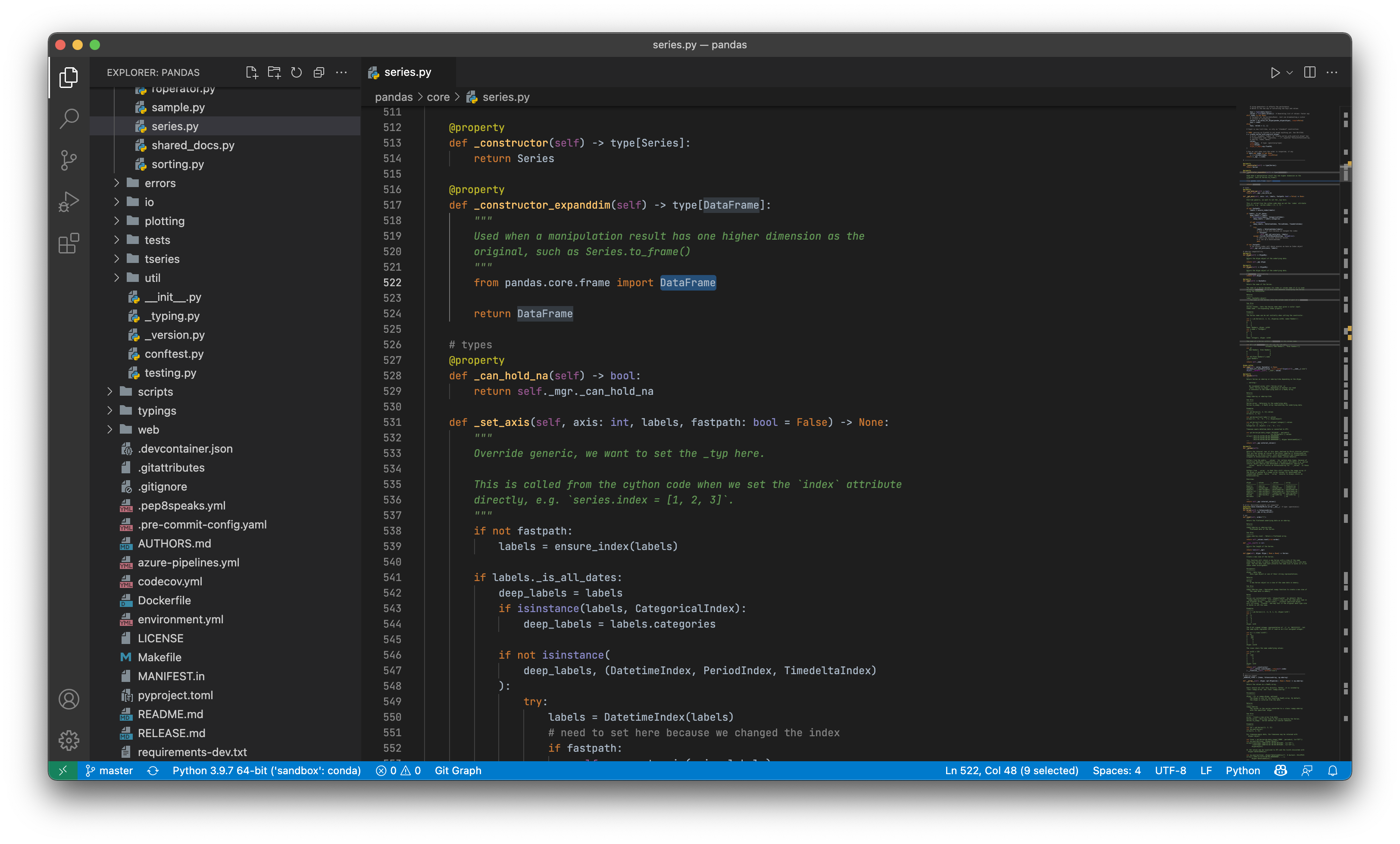
PyCharm Theme Visual Studio Marketplace
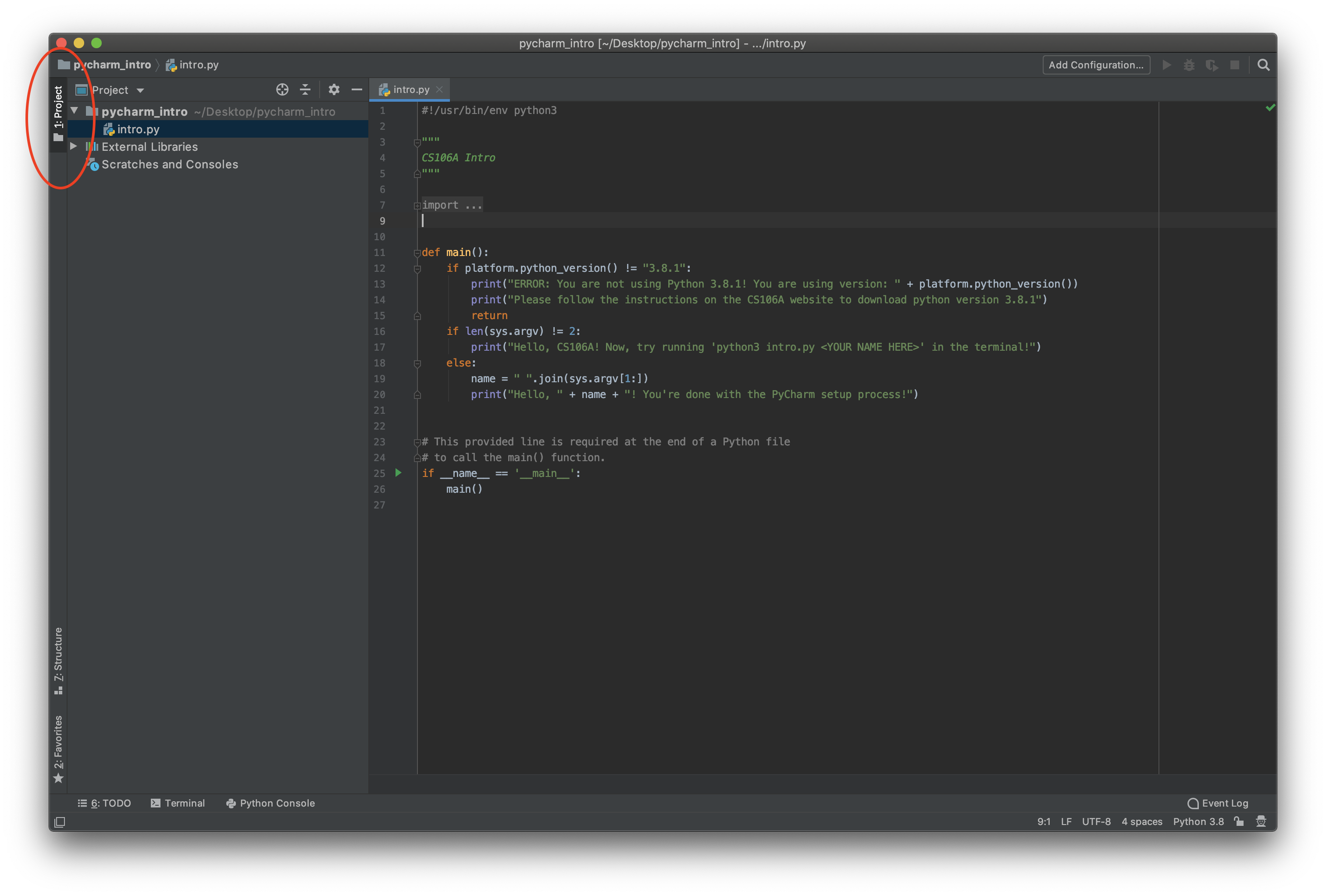
Pycharm Windows Management Command Towergross
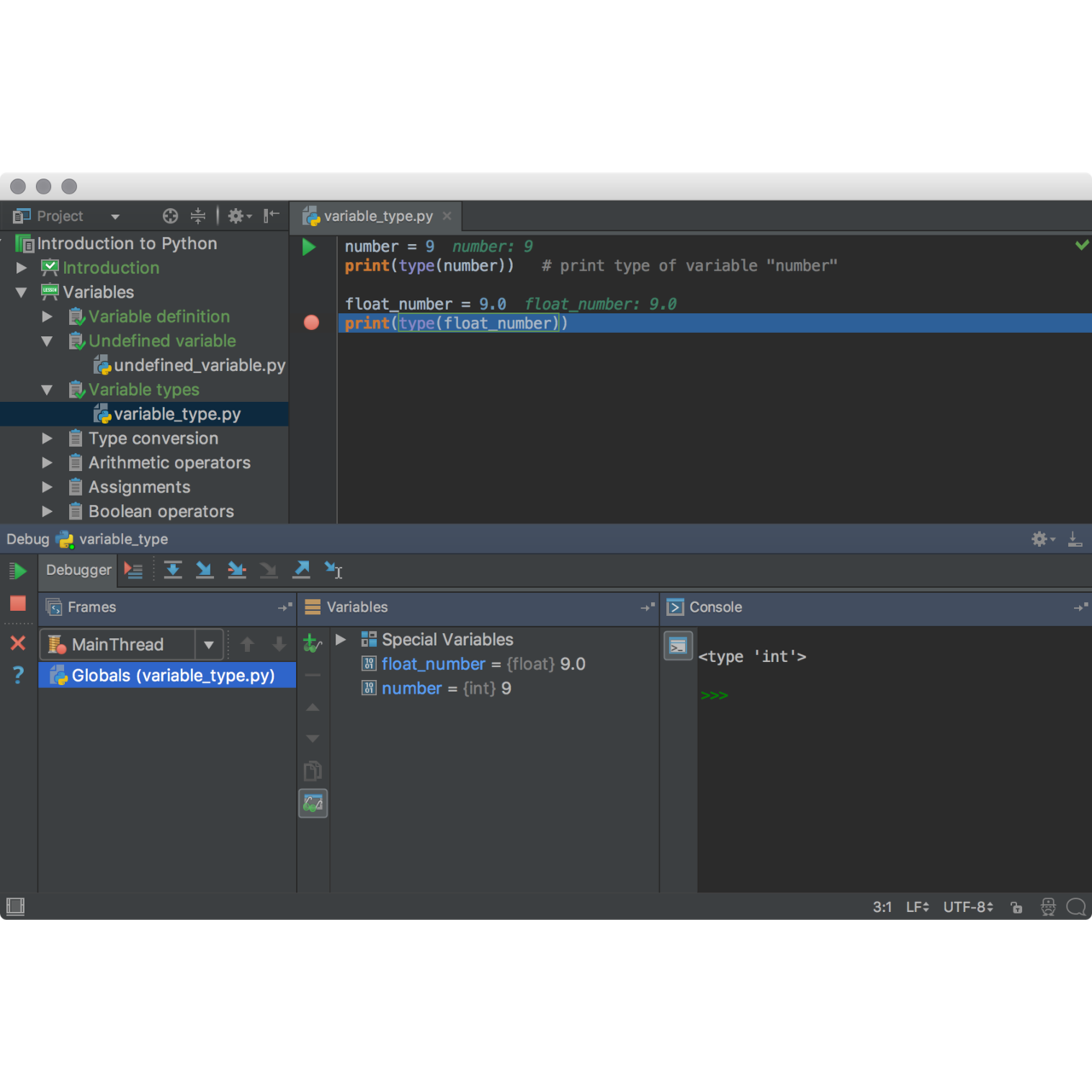
18 Best PyCharm Alternatives Reviews Features Pros Cons
PyCharm PyCharm 2022 3 2 Is Out
PyCharm

PyCharm PyCharm

PyCharm AI JetBrains Fleet VSCode Copilot 2024 AI

Feb 8 2022 nbsp 0183 32 In Corey Schafer s Programming Terms Mutable vs Immutable at 3 06 he selected multiple lines and commented them out in PyCharm all in one action What is this action Is it a

Jun 26 2013 nbsp 0183 32 I am using PyCharm on Windows and want to change the settings to limit the maximum line length to 79 characters as opposed to the default limit of 120 characters Where

Mar 12 2017 nbsp 0183 32 Conda env is activated using source activate env name How can I activate the environment in pycharm
[desc-11] [desc-12]
[desc-13]