Push Commit From One Branch To Another Git Can Not See The Commits For Pushing In Pycharm Stack Overflow Make A Git Commit In Visual Studio Microsoft Learn How To Git Remove File From Commit After Push Or Staging Vrogue How To Cherry Pick Commit From One Branch To Another Git PyCharm To push to a branch of a different name you just need to specify the branch you want to push and the name of the branch you want to push to
This tutorial introduces the stash command of git which allows you to easily move the changes to the correct branch The Situation We address the following Create and checkout to a new branch from your current commit git checkout b branchname Then push the new branch up to the remote git push u origin
Git PyCharm Check More At Https gotilo letters transfer request letters Copy A Commit From One Branch To Another Egghead io GIT 1 CodingBucks Dev Blog 20 Git Git Create Branch For Current Changes Corpsvsera Branch Transfer Letter Format Meaning Purpose Mistakes Examples Commit Push Branch SimpleJS Git Create Branch From Another Branch Console Lasopaireland
Push Commit From One Branch To Another
 Push Commit From One Branch To Another
https://i.stack.imgur.com/EqxFZ.jpg
Moving pushed commit from one branch to another GitHub Gist instantly share code notes and snippets
Pre-crafted templates use a time-saving option for producing a diverse range of documents and files. These pre-designed formats and layouts can be used for numerous personal and professional projects, including resumes, invites, leaflets, newsletters, reports, presentations, and more, improving the material development procedure.
Push Commit From One Branch To Another
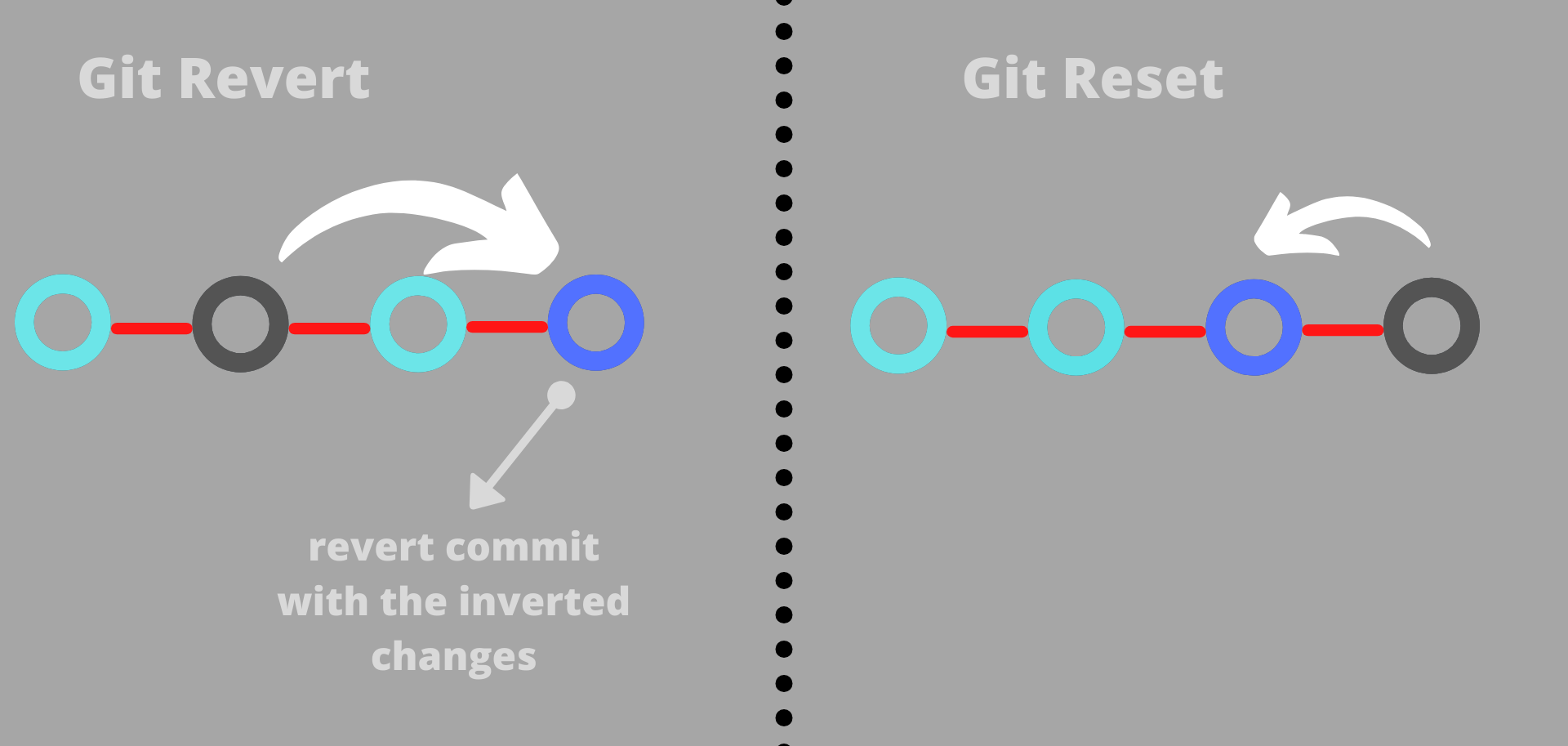
Git Revert Studytonight

Check More At Https gotilo letters transfer request letters
Copy A Commit From One Branch To Another Egghead io
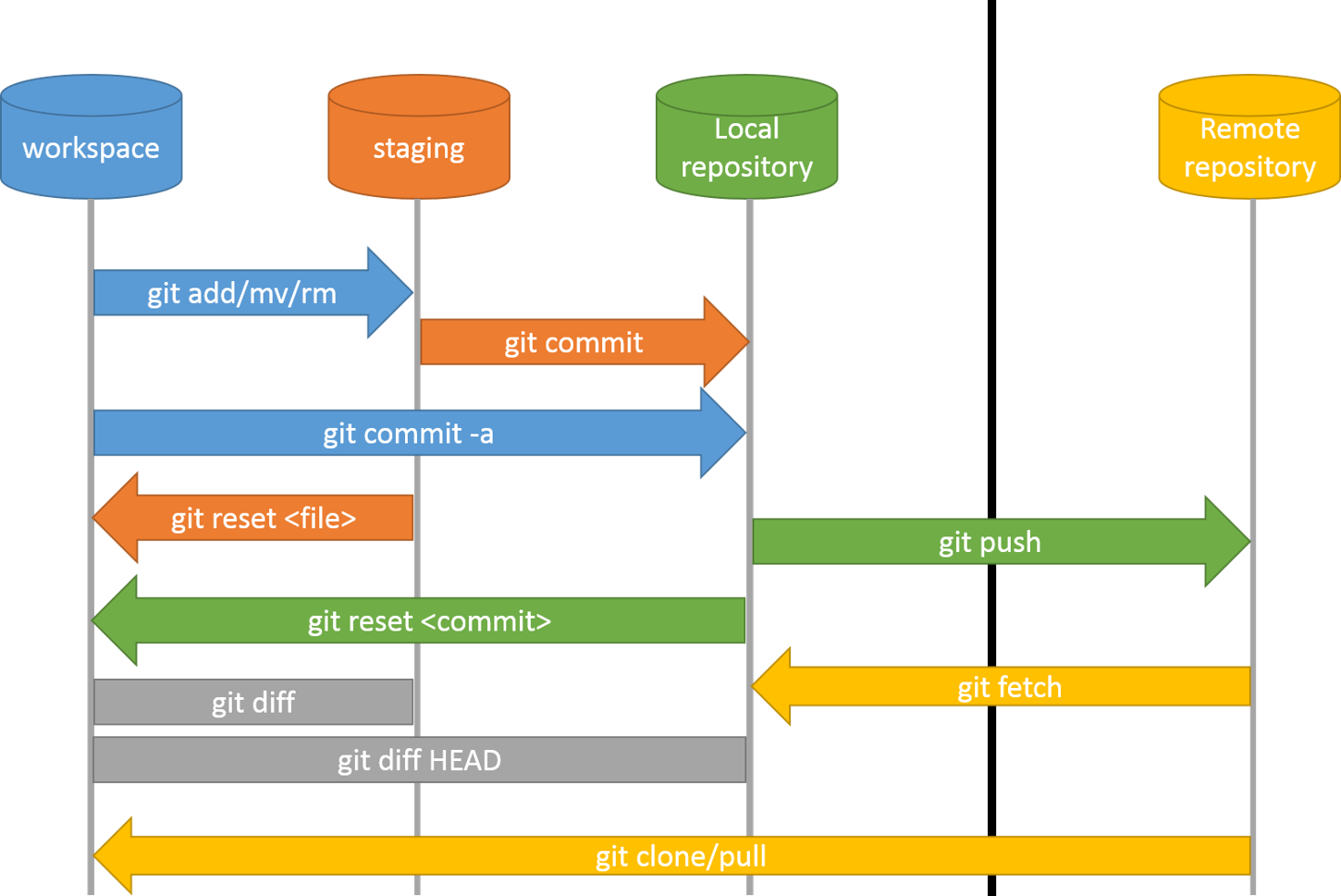
GIT 1 CodingBucks Dev Blog
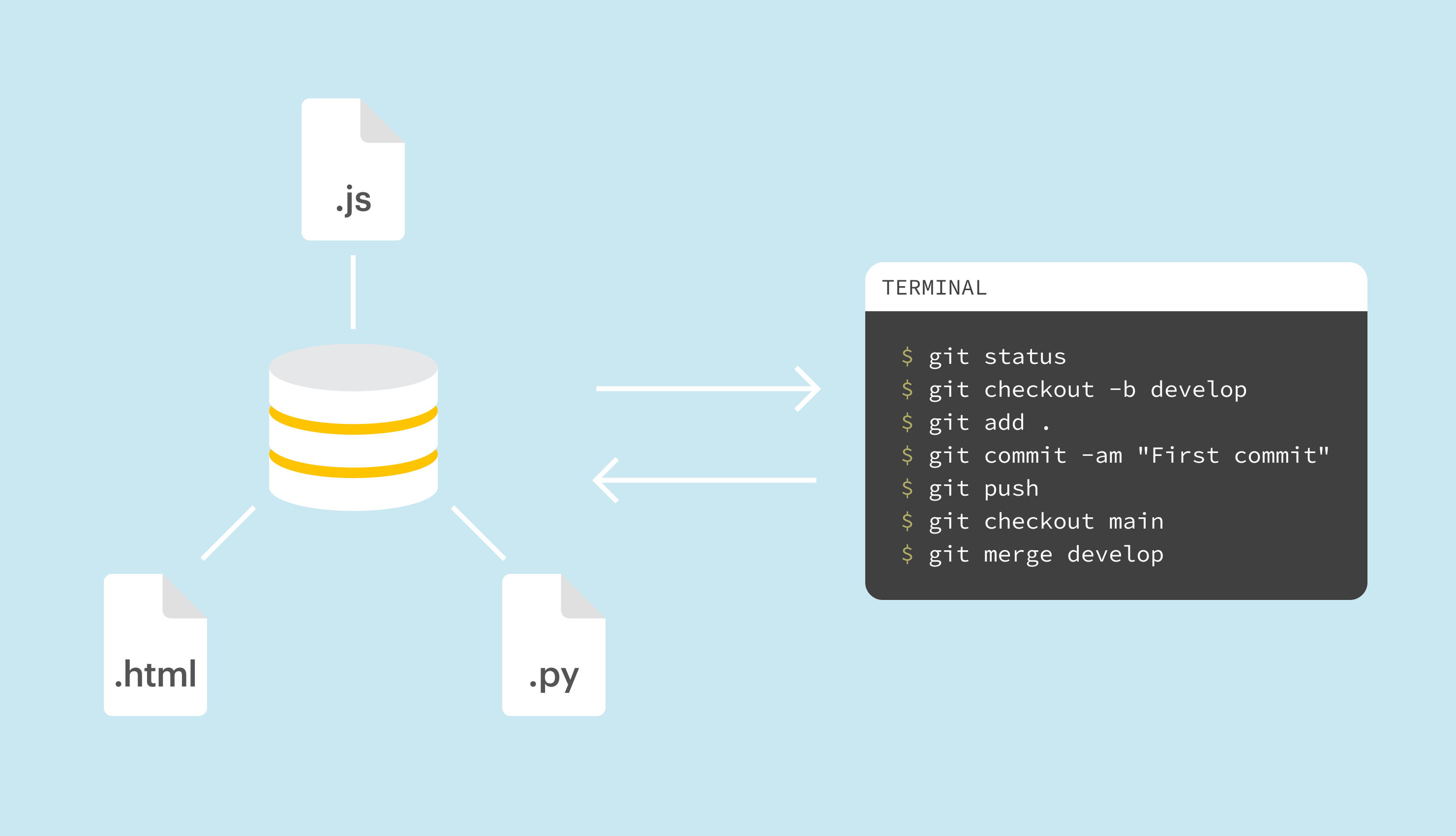
Git Create Branch For Current Changes Corpsvsera
Branch Transfer Letter Format Meaning Purpose Mistakes Examples

In the Branches popup main menu Open the Git tool window Alt 9 and switch to the In the Commit details pane on the right select the files

In order to push your branch to another remote branch use the git push command and specify the remote name the name of your local branch as

In this video we will see how to push the changes present in the local branch to another

Clone the remote Git repo locally Create a new branch with the branch switch or checkout commands Perform a git push with the set upstream

While on the wrong branch the one that has the commit do git log and copy the commit hash Checkout to the correct branch which you want to
Git cherry pick commit hash will apply the changes made in an existing commit to another branch while recording a new commit Essentially you can copy How to push from a remote branch to master the latest master state git merge develop to merge branch to master git push origin master
However you can move commits from one branch to another if you want your changes to be reflected on a different branch than the one you pushed