Psql Command Line Connect To Local Database How To Select access A Database In PostgreSQL CommandPrompt Inc Connect To Postgresql Database Using Psql Pgadmin And Postgresql Vrogue How To Manage PostgreSQL Databases From The Command Line With Psql Installing And Using PostgreSQL Locally Codecademy Top Psql Commands And Flags You Need To Know PostgreSQL Jun 19 2015 nbsp 0183 32 I m looking to copy a production PostgreSQL database to a development server What s the quickest easiest way to go about doing this
Oct 4 2012 nbsp 0183 32 I believe the best way to change the password is simply to use password in the Postgres console Per ALTER USER documentation Caution must be exercised when specifying an unencrypted password with this command The password will be transmitted to the server in cleartext and it might also be logged in the client s command history or the server log psql I have installed PostgreSQL 8 4 Postgres client and Pgadmin 3 Authentication failed for user quot postgres quot for both console client and Pgadmin I have typed user as quot postgres quot and password quot postgres quot
Top Psql Commands And Flags You Need To Know PostgreSQL How To Connect A Remote MySQL Database Using The Command Line Delft Stack PostgreSQL Command Line psql Microsoft SQL Server Teacher history ru Top Psql Commands And Flags You Need To Know PostgreSQL 10 Command Line Utilities In PostgreSQL Bbszik Blog MySQL DROP DATABASE Statement TestingDocs 10 Command Line Utilities In PostgreSQL
Psql Command Line Connect To Local Database
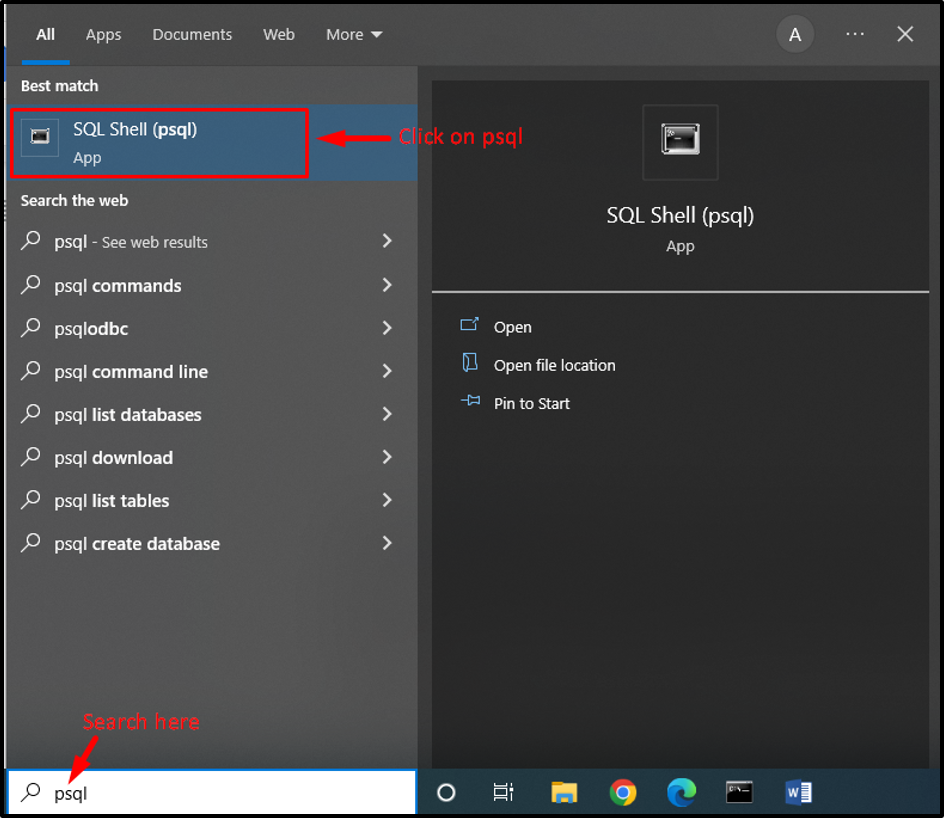 Psql Command Line Connect To Local Database
https://www.commandprompt.com/media/images/image_1BucRbC.width-1200.png
You can use PostgreSQL s interactive terminal Psql to show tables in PostgreSQL 1 Start Psql Usually you can run the following command to enter into psql psql DBNAME USERNAME For example psql template1 postgres One situation you might have is suppose you login as root and you don t remember the database name You can just enter first into Psql by running sudo u
Pre-crafted templates provide a time-saving option for producing a diverse series of documents and files. These pre-designed formats and layouts can be utilized for numerous personal and expert tasks, including resumes, invitations, flyers, newsletters, reports, discussions, and more, streamlining the content creation process.
Psql Command Line Connect To Local Database
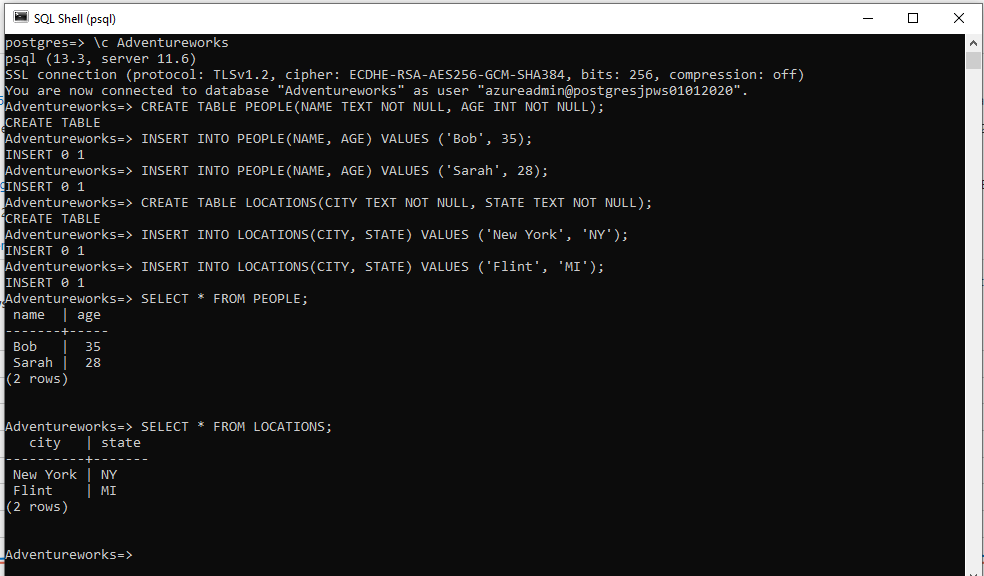
Connect Azure PostgreSQL With Psql Command Prompt To Query A Database

How To Connect A Remote MySQL Database Using The Command Line Delft Stack

PostgreSQL Command Line psql

Microsoft SQL Server Teacher history ru
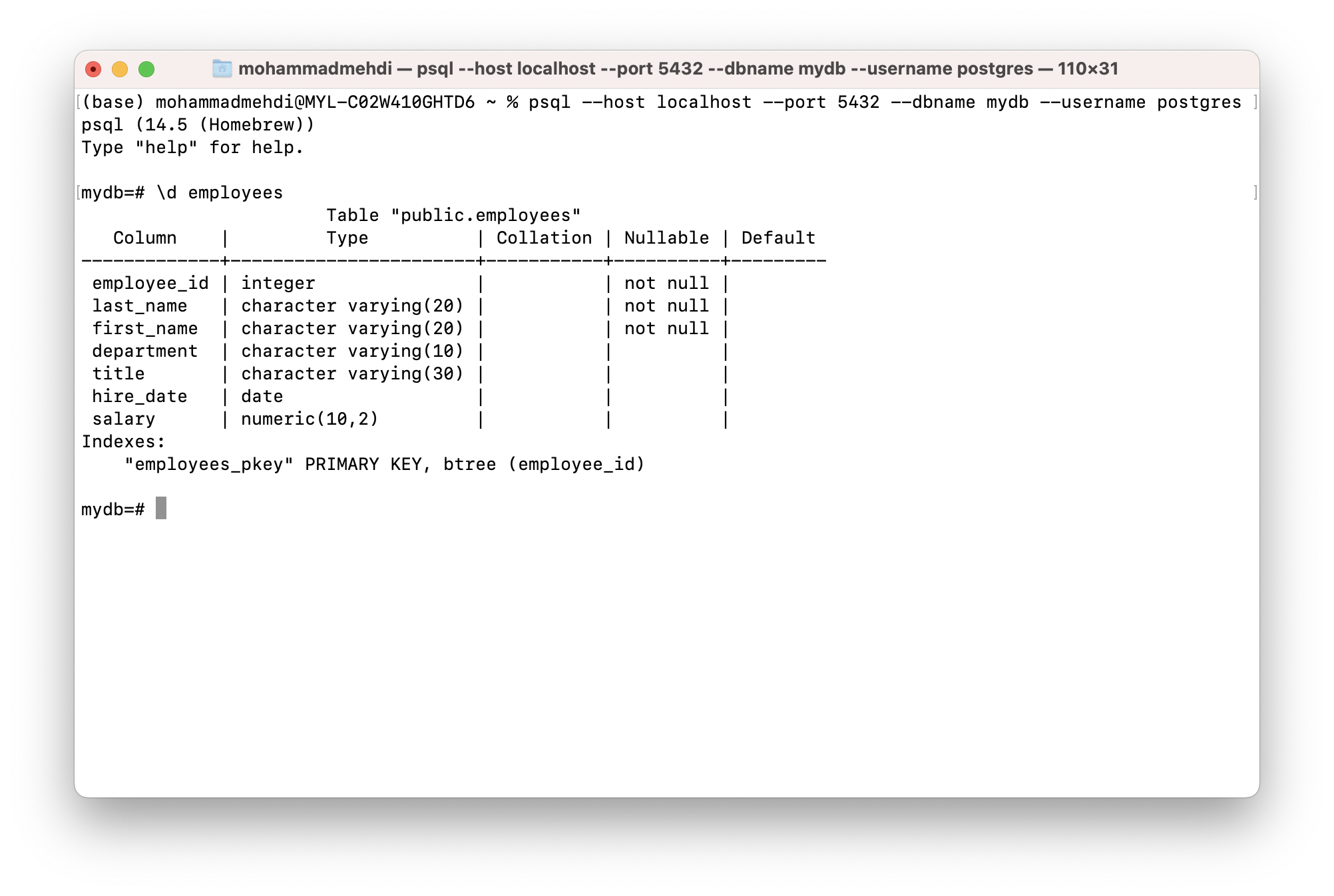
10 Command Line Utilities In PostgreSQL
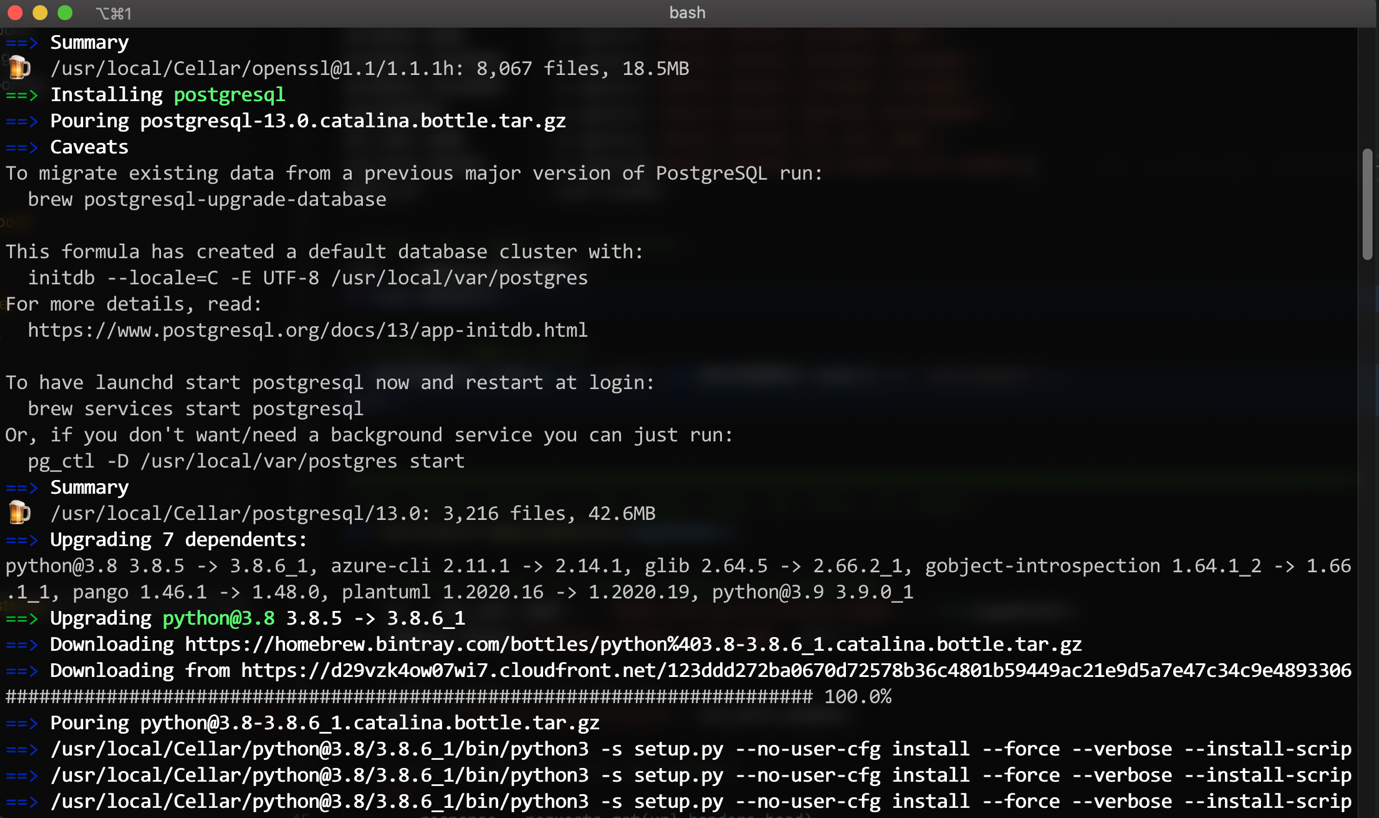
Bbszik Blog
Mar 26 2020 nbsp 0183 32 Is there a way to show all the content inside a table by using psql command line interface I can use list to show all the databases d to show all the tables but how can I show all the data in a table
Sep 15 2021 nbsp 0183 32 I am trying to automate database creation process with a shell script and one thing I ve hit a road block with passing a password to psql Here is a bit of code from

This only works in psql but doesn t work with c command you have to send the command via stdin or via f It won t work in say PgAdmin III too This substitution happens during input processing in psql so you can t say define a function that uses filepath and expect the value of filepath to change from session to session

While using psql if your user for e g postgres has a password set then W option should be used For e g on Ubuntu without doing su postgres anywhere from terminal psql h localhost U postgres W d DB NAME lt DB BACKUP sql is the command which worked for me to restore my backup on my localhost Note that h option is needed

Nov 17 2022 nbsp 0183 32 I had the same issue with psql shell on Windows I solved it by running the pg env bat file in C Program Files PostgreSQL 16rc1 before running psql This file sets the environment variables for PostgreSQL such as PGUSER and PGDATA After running pg env bat psql accepted my password and connected to the server successfully
Oct 30 2013 nbsp 0183 32 psql U username d mydatabase c SELECT FROM mytable If you re new to postgresql and unfamiliar with using the command line tool psql then there is some confusing behaviour you should be aware of when you ve entered an interactive session For example initiate an interactive session psql U username mydatabase mydatabase At this point you Mar 2 2015 nbsp 0183 32 I need to execute postgresql queries from command line using psql c command For every psql command it opens a new tcp connection to connect to the database server and execute query which is a ov
4 This worked for me psql U lt username gt d lt database name gt lt dump file sql lt username gt Replace this with the username of the PostgreSQL user you want to connect as lt database name gt Replace this with the name of the target database where