Printer Port Name Cmple USB Printer Cable USB 2 0 A Male To B Male USB Cord For Selecting The Correct Port For Your Printer In Windows 10 HP Printers Computer Ports USB And Embossers OpenTechLab Introduction To Parallel Port LPT Interfacing C How To Get Default Selected Printer s Port Name In Wpf Stack May 9 2025 nbsp 0183 32 Selecting a different printer from the print dialog and then changing back to the original printer will make the button clickable and it prints correctly Saving then reopening the
Jan 8 2025 nbsp 0183 32 Hi So we have a device that is unable to print from excel to the network printer When you try to print it gets stucked with a printing 1 of 1 notification on the screen Excel Jun 2 2025 nbsp 0183 32 In Windows 11 go to Settings gt Bluetooth amp devices gt Printers amp scanners Below the list of printers under the Printer Preferences heading set the option quot Let Windows manage
C How To Get Default Selected Printer s Port Name In Wpf Stack Types Of Computer Ports And Their Functions Electronic Engineering What Is A USB Printer Port with Pictures Network Brother Mfc 425Cn Suppliesmax Compatible Replacement For Adding A Printer Manually On Windows College Of Education Tech Help ABI TECH NEWS Different Types Of Ports In Computer Buy AMERIERGO Printer Stand With Drawer 3 Tier Height Adjustable USB Printer Cable 6ft ULTRACOMPUTER CA Printer Cable 0 5M USB Printer Cable USB 2 0 Type A Male To B Male
Printer Port Name
 Printer Port Name
https://i5.walmartimages.com/asr/5d47e245-a640-4d30-ab43-40d58995af36_1.933795df0328817b47754efe56536b2e.jpeg
As noted the Default Printer is set at the Operating system Windows level Select Settings then Devices then Printers Select the Printer and choose Manage Then Set As default
Templates are pre-designed documents or files that can be utilized for various functions. They can save time and effort by offering a ready-made format and layout for developing different sort of content. Templates can be utilized for individual or professional tasks, such as resumes, invitations, leaflets, newsletters, reports, discussions, and more.
Printer Port Name

Eyonic Systems Changing A Network Printer Port Without Reinstalling

Types Of Computer Ports And Their Functions Electronic Engineering
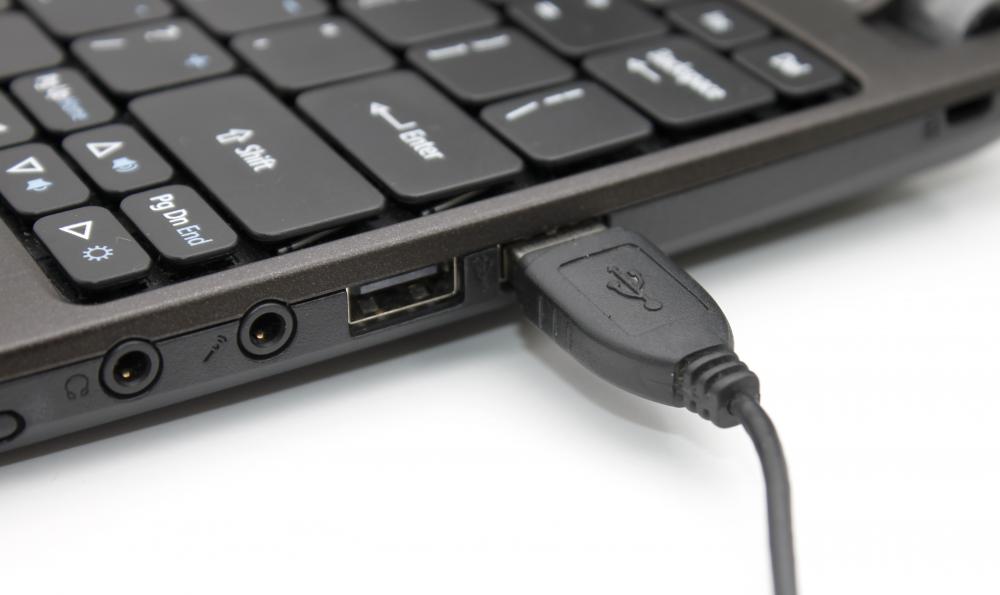
What Is A USB Printer Port with Pictures

Network Brother Mfc 425Cn Suppliesmax Compatible Replacement For

ABI TECH NEWS Different Types Of Ports In Computer

Buy AMERIERGO Printer Stand With Drawer 3 Tier Height Adjustable
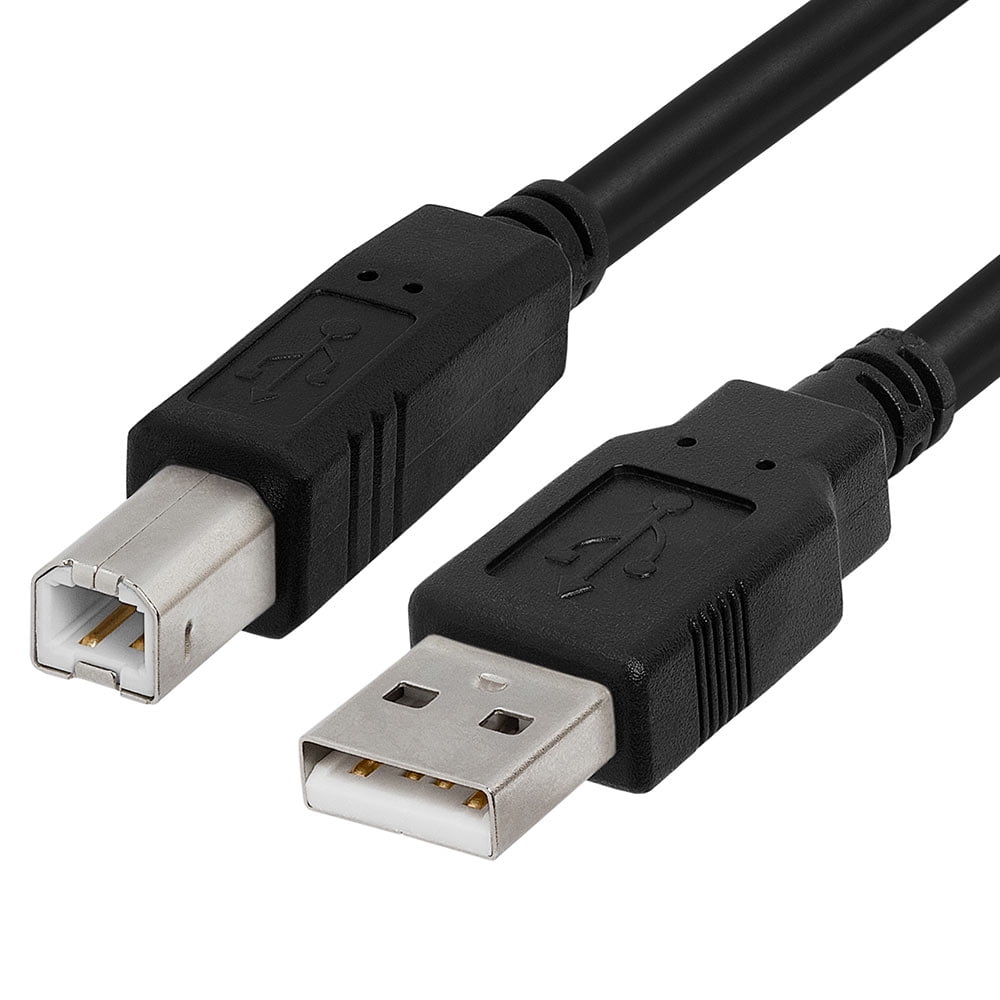
How do I cancel pending documents that I don t want to print but that s in the queue

Apr 19 2023 nbsp 0183 32 I accidentally removed OneNote as a printer option I need to be able to print there for school I am not sure how to add it back now
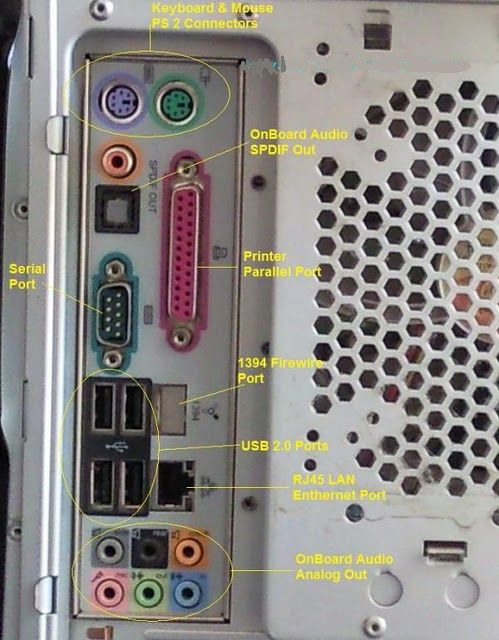
Feb 11 2015 nbsp 0183 32 If I ve changed the default printer to PDF to make Excel usable I have to change the printer selection for everything else I do So the question is how do I stop Excel

Nov 27 2017 nbsp 0183 32 You will need to update your Printer Driver to Latest from internet and after that restart word

Sep 30 2024 nbsp 0183 32 I am at a complete loss at this point and feel that I have tried everything to get our printer to Scan Email using an organization s Microsoft 365 email address Admin Console
[desc-11] [desc-12]
[desc-13]