Print Selected Pages Pdf Mac How To Use Pages On Mac A Guide For Beginners In 2024 How To Print Selected Pages From Computer Documents YouTube Print Selected Pages Of A PDF File Using Acrobat Or Reader Mengecilkan Ukuran PDF Di MacBook Menggunakan Preview How To Print A PDF On Mac WEB Apr 20 2020 nbsp 0183 32 The PDF printer feature is available from almost any application that allows printing such as Safari Chrome Pages or Microsoft Word Here s how to do it Open the document you d like to
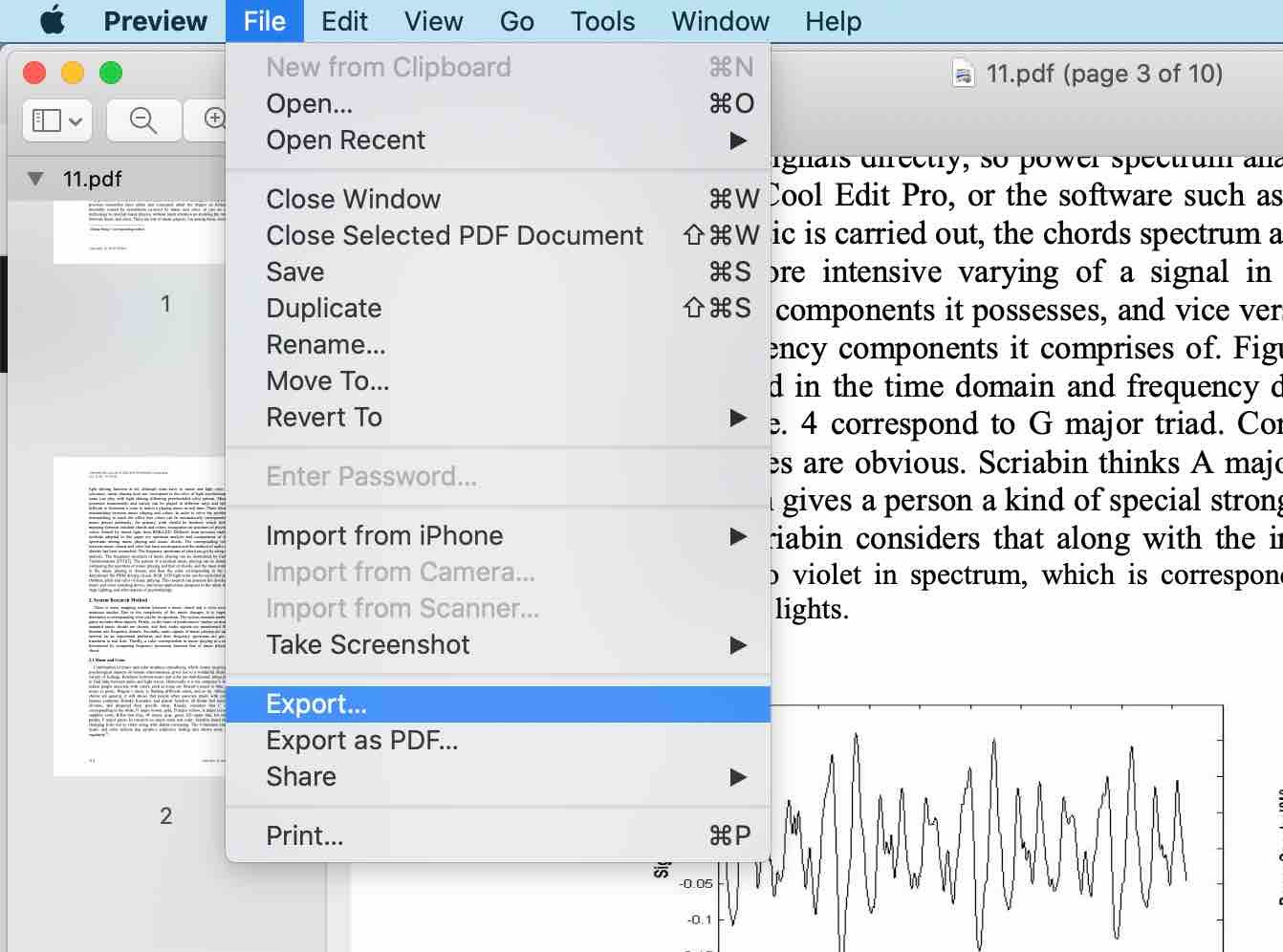
WEB How to save a page from a PDF as a separate file Use the sidebar to make your selection Mac 911 By Glenn Fleishman Contributor DEC 22 2022 1 00 am PST Image Apple The Preview app in WEB Aug 28 2017 nbsp 0183 32 Once all desired pages have been selected you will click File gt Print from the menu bar and chose the Selected Pages In Sidebar option Using the PDF drop
How To Print A PDF On Mac Best Free PDF Editor Mac PDFgear Desktop For Mac Shrinking PDFs A Step by Step Guide For Mac Users Infetech Creating A Save As PDF Keyboard Shortcut In MacOS Ventura How To Edit A PDF On Mac Preview Step by Step Guide Christmas Tree Papercraft 3D DIY Low Poly Paper Crafts Etsy 3d Mac Print Mac Pages Free Template Download Thunderrenew 3 Ways To Print Multiple Pages Per Sheet In Adobe Reader
Print Selected Pages Pdf Mac
 Print Selected Pages Pdf Mac
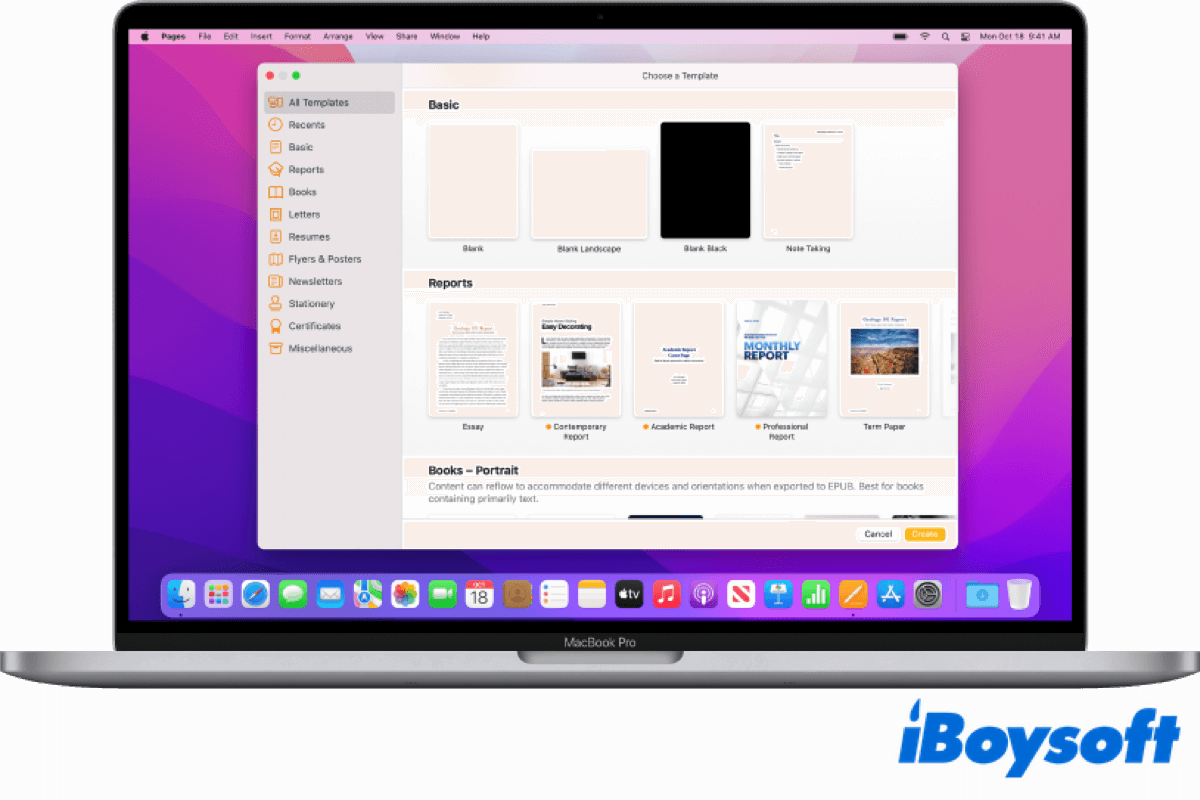
https://iboysoft.com/images/en-howto/how-to-use-pages-on-mac/summary-how-to-use-pages-on-mac.png
WEB Use quot Print quot other than quot Export quot gives the most customizability Print p gt Paper Size gt Manage Custom Size gt Set Left Top Bottom Right to 0mm To export PDF click PDF gt Save as PDF in Print Window
Pre-crafted templates provide a time-saving solution for producing a varied range of documents and files. These pre-designed formats and layouts can be used for various individual and expert projects, including resumes, invites, leaflets, newsletters, reports, discussions, and more, enhancing the material creation process.
Print Selected Pages Pdf Mac
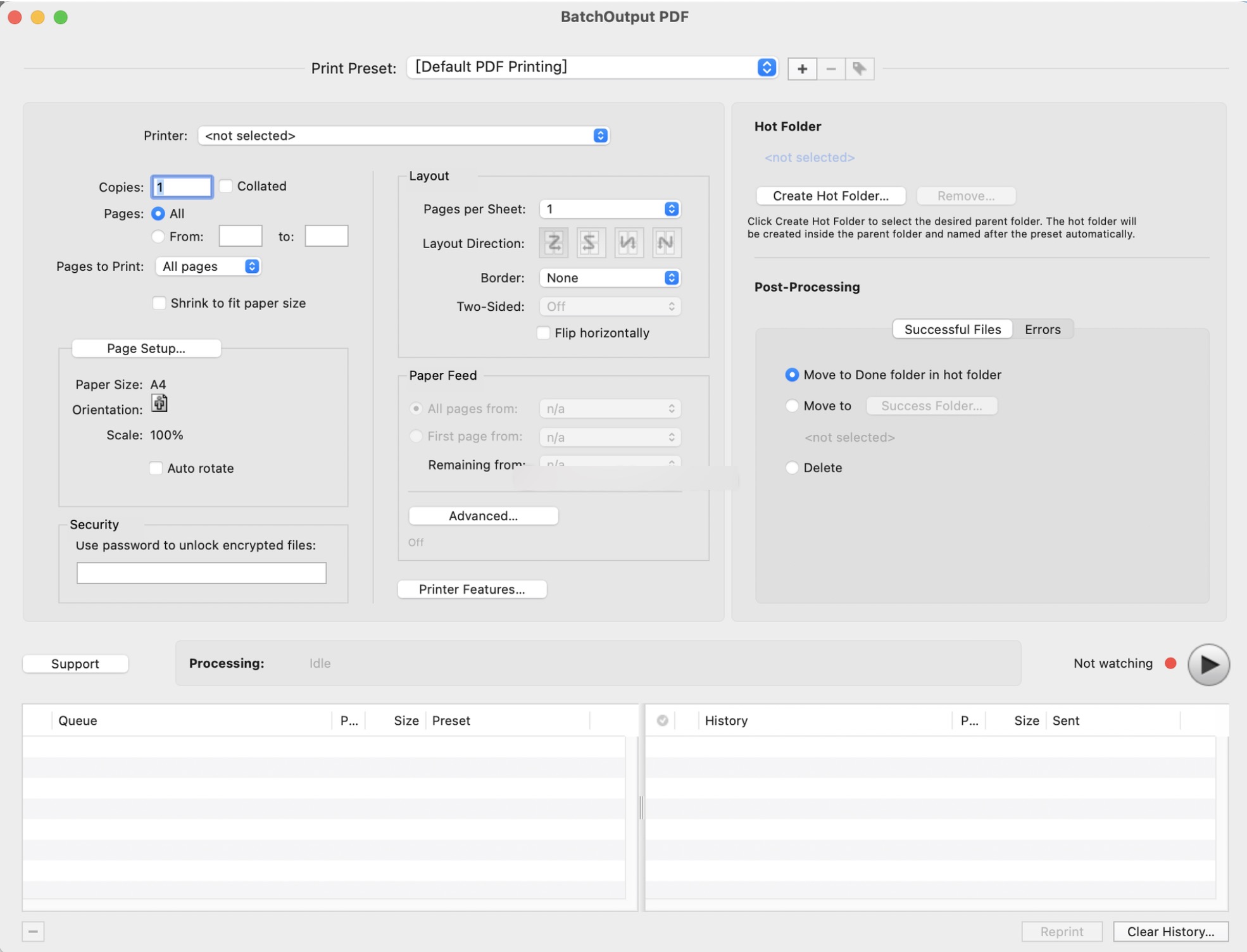
BatchOutput PDF For Mac PDF

Best Free PDF Editor Mac PDFgear Desktop For Mac
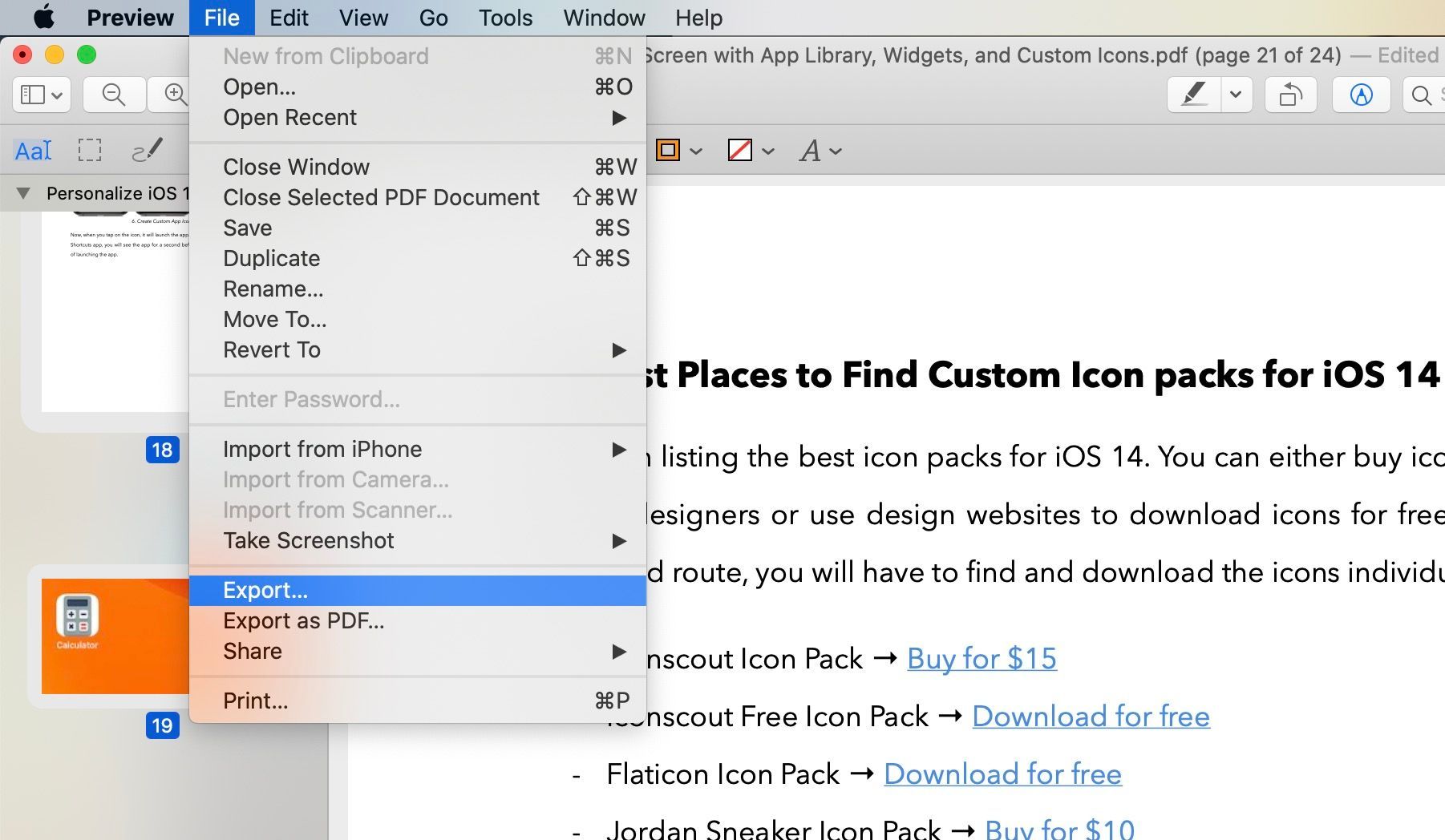
Shrinking PDFs A Step by Step Guide For Mac Users Infetech

Creating A Save As PDF Keyboard Shortcut In MacOS Ventura

Christmas Tree Papercraft 3D DIY Low Poly Paper Crafts Etsy 3d
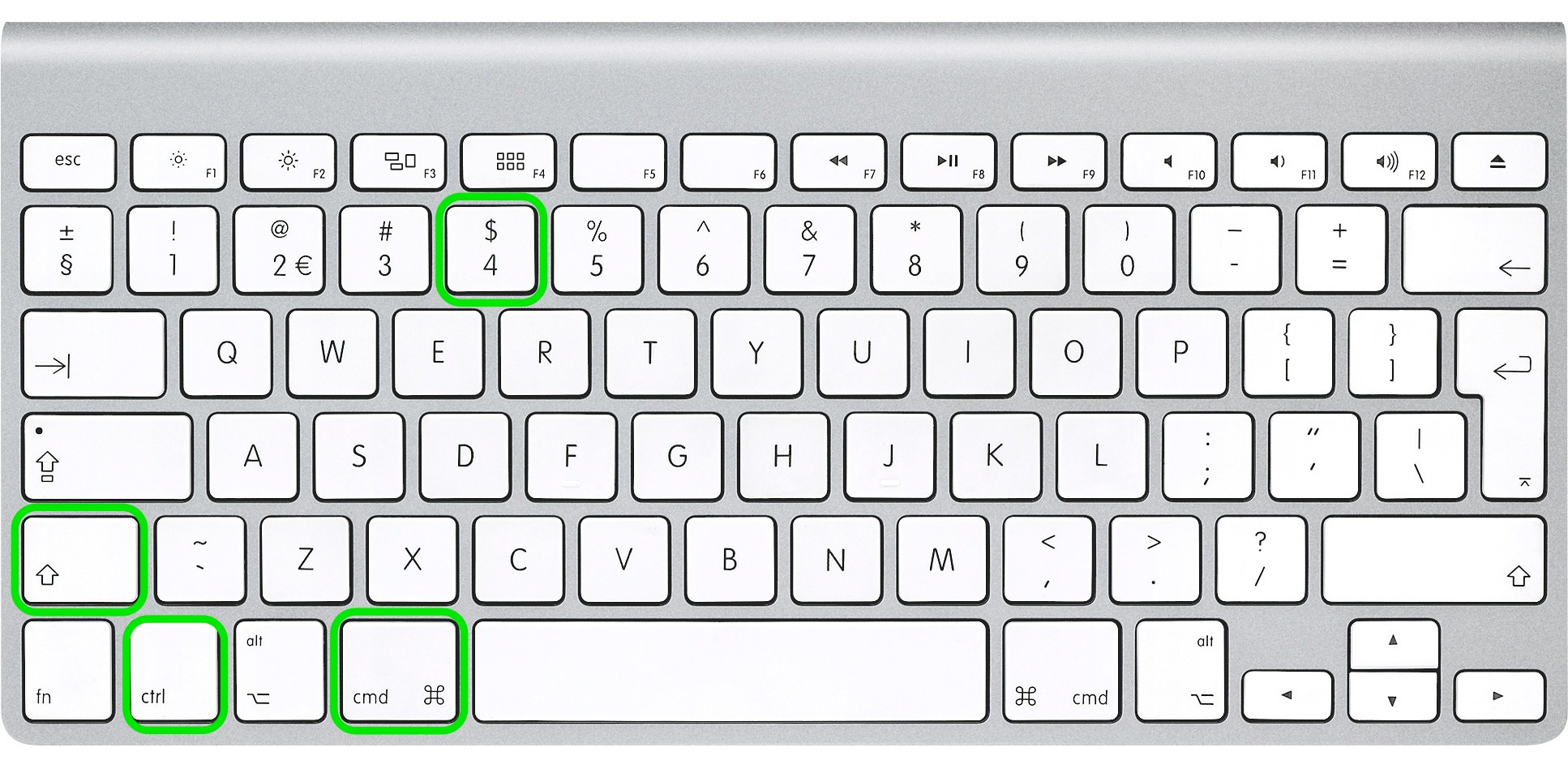
Mac Print
WEB Print PDFs and images in Preview on Mac In Preview you can print some or all pages in a PDF print several selected images on the same sheet of paper and choose whether

WEB Print or create a PDF of a webpage in Safari on Mac When printing or creating a PDF of a webpage you can include its background image and color and show the web address
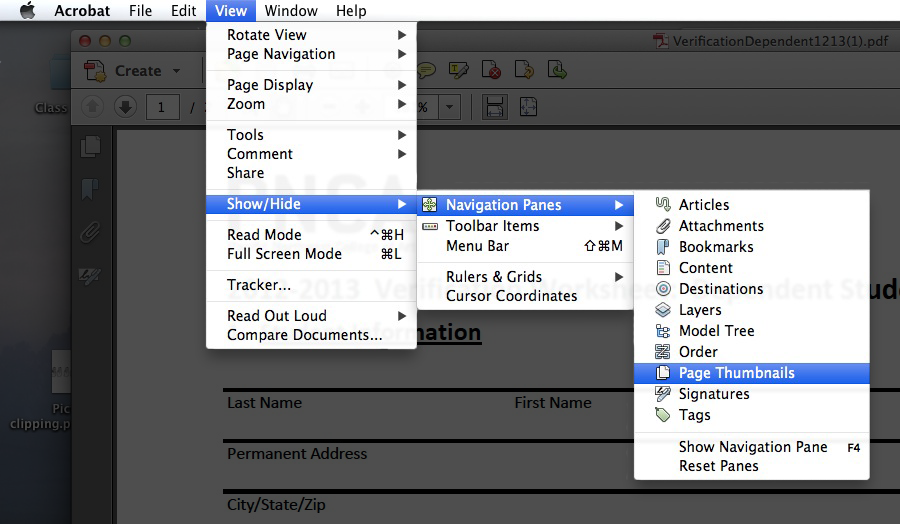
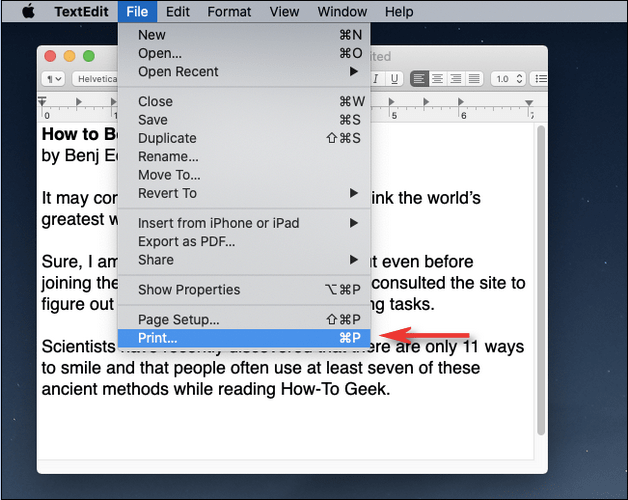
WEB Follow these simple steps to print a PDF on your Mac With the PDF open click File and select Print or press Command P In the Print dialog that opens make sure your
WEB May 23 2023 nbsp 0183 32 Print selected PDF pages in Adobe Acrobat or Reader Select thumbnails of specific PDF pages or specify individual page numbers or range of pages in the Print dialog
WEB Add delete or move PDF pages in Preview on Mac You can open a PDF in Preview then add delete and rearrange pages or move pages from one PDF to another In the
WEB Sep 30 2023 nbsp 0183 32 To print to or save as a PDF on a Mac With a supported app open hit Cmd P on your keyboard or click File gt Print from the menu bar Click on PDF at the bottom WEB Aug 4 2015 nbsp 0183 32 Preview is a powerful app for managing PDF documents on your Mac Here are two ways to extract pages from existing PDFs and save them to a new file
WEB Apr 22 2021 nbsp 0183 32 The usual way of selecting Odd or Even pages only for printing is found in the Print dialog itself in the quot Paper Handling quot section So Preview doesn t replicate this