Print Screen Key Working Windows 10 How To Fix Print Screen Key Not Working On Windows 10 Fix Print What Is The Print Screen Key Maker s Aid Print How Screen To How To Print Screen On Windows Selected Area BEST GAMES WALKTHROUGH Microsoft Set To Change The Print Screen Button So It Opens The Whether you want to compress a PDF file edit a PDF document or print a web page for free you re in the right place Our PDF converter will help you convert your PDF files automatically
Nigeria s leading printing company in Lagos Print anything from business cards flyers banners t shirts gifts and stickers Fast delivery nationwide In the Bluetooth amp devices gt Printers amp Scanners gt lt Printer gt window select Open print queue The Print Queue window opens and displays a list of the pending print jobs waiting to print on
Microsoft Set To Change The Print Screen Button So It Opens The Solved Take Screenshots On Windows 10 With Without Print Screen EaseUS How To Take Screenshot On Windows 11 How To Enable Or Disable Print Screen Key To Launch Snipping Tool In How To Solve Print Screen Not Working In Windows 10 11 YouTube Print Screen Key Not Working Print Screen Problem In Laptop Using Print Screen Key To Screenshot Whole Screen Instead Of Lwin My How To Print Screen On Windows 10 ITHelpSupport How To Take A Screenshot In Windows 7 8 And 10
Print Screen Key Working Windows 10
 Print Screen Key Working Windows 10
https://i.ytimg.com/vi/xnkJYcVG8yw/maxresdefault.jpg
support print sa 966599139318
Templates are pre-designed documents or files that can be utilized for different functions. They can save effort and time by providing a ready-made format and layout for producing different sort of content. Templates can be utilized for individual or expert projects, such as resumes, invites, flyers, newsletters, reports, presentations, and more.
Print Screen Key Working Windows 10
Iogear Displaylink Not Working Windows 10 Vectordelta

Solved Take Screenshots On Windows 10 With Without Print Screen EaseUS

How To Take Screenshot On Windows 11

How To Enable Or Disable Print Screen Key To Launch Snipping Tool In
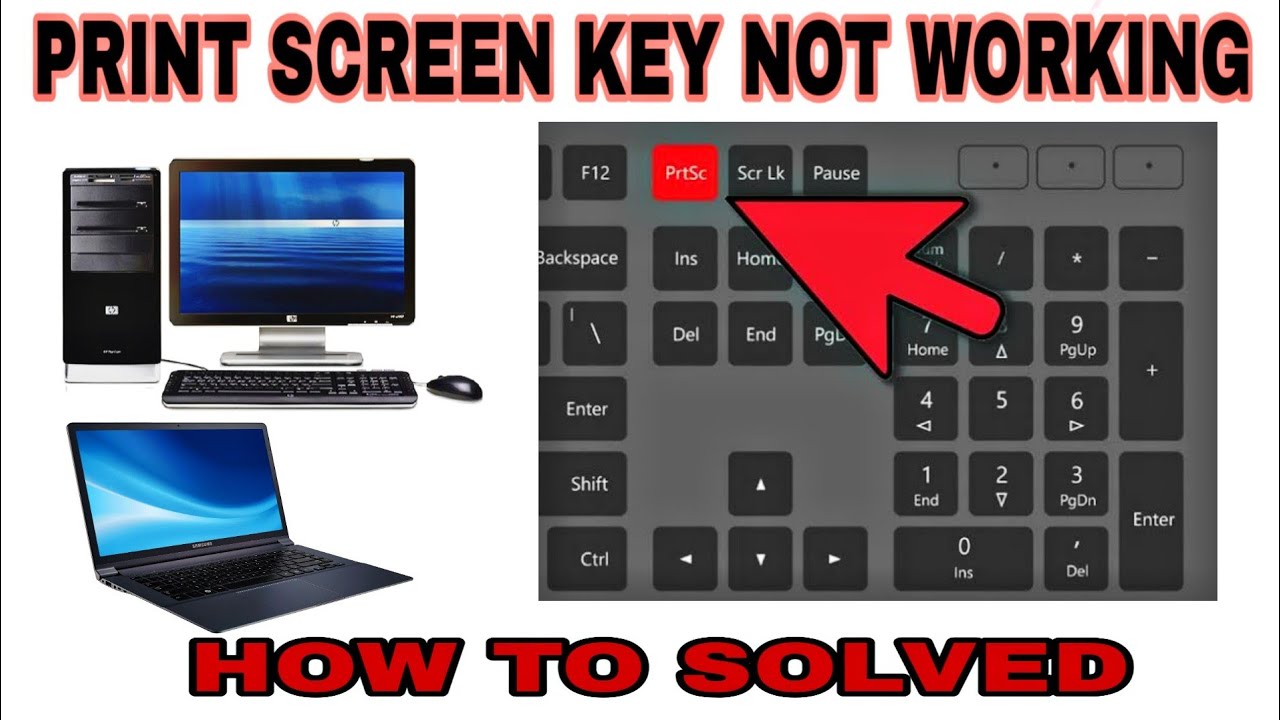
Print Screen Key Not Working Print Screen Problem In Laptop
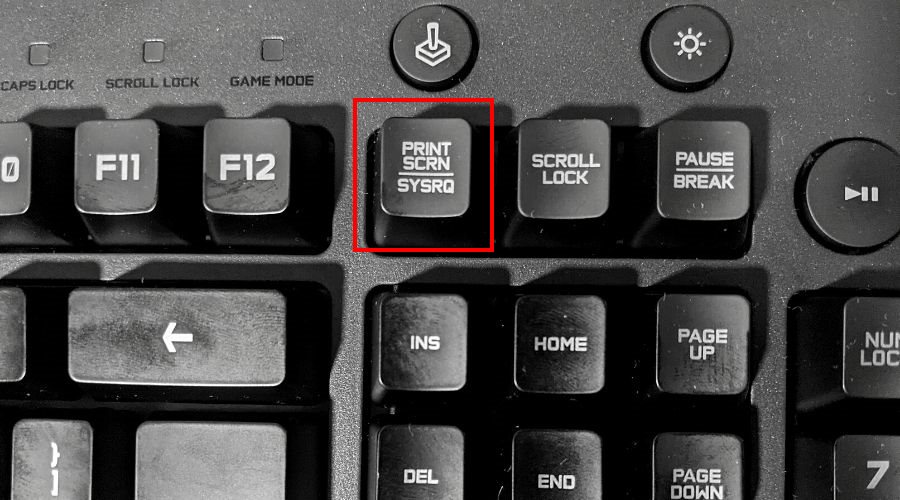
Using Print Screen Key To Screenshot Whole Screen Instead Of Lwin My

Canon PRINT previously Canon Inkjet Smart Connect is an application to help you make full use of your printer s functions Canon PRINT offers the following features Simple operation for

1 day ago nbsp 0183 32 India s digital platform for latest news and reports Lok Sabha Elections 2024 insightful analyses opinion on politics policy governance economy education defence and

Mar 27 2025 nbsp 0183 32 You ll be able to print a variety of files such as PDF Word documents Excel spreadsheets and more This wikiHow will show you how to print a document using your

Nigeria s No 1 online print shop Our print services and solutions are trusted by these brands and over 15 000 other businesses in Nigeria
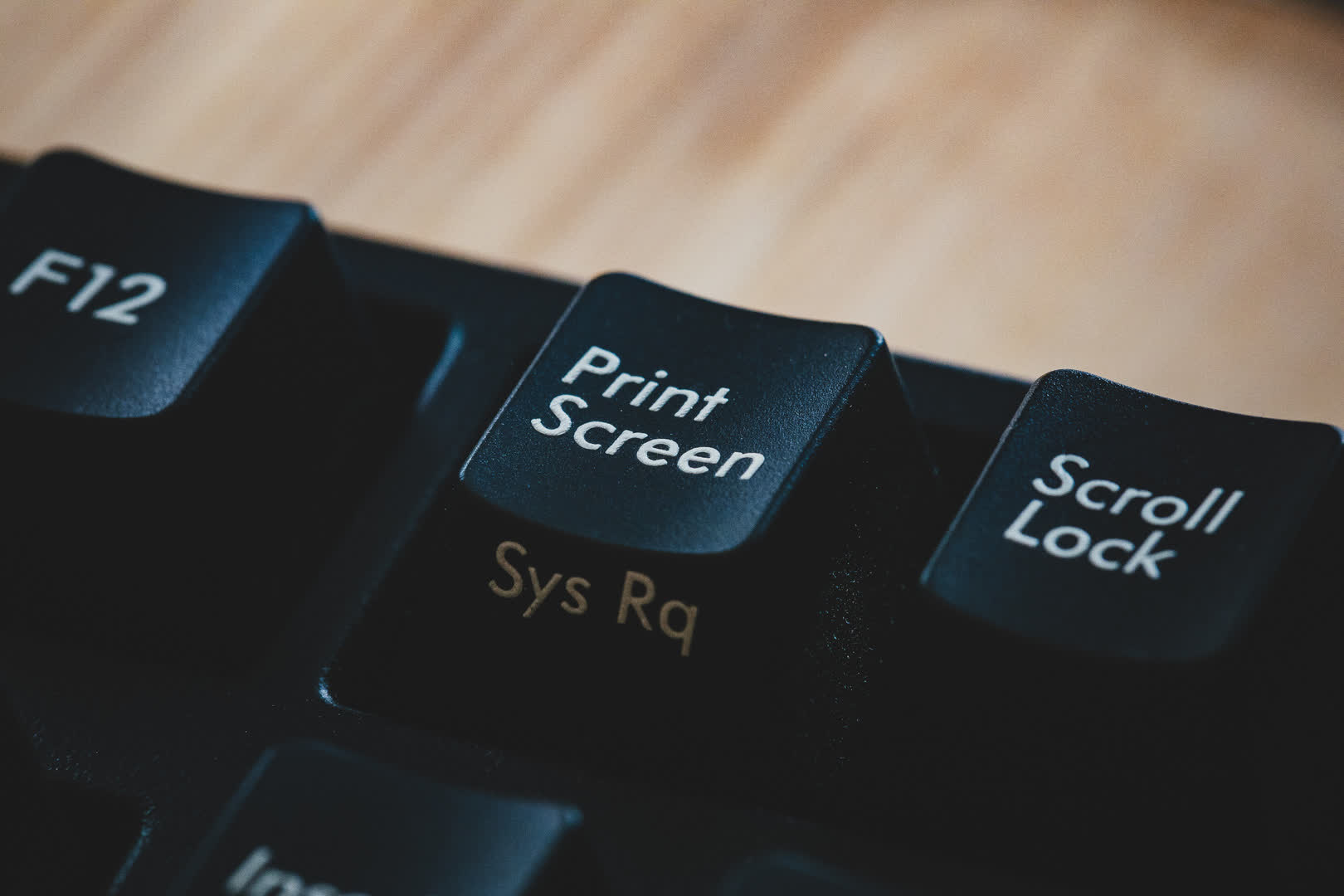
If you have a Word document that contains color text or graphics but you want to print it in black and white or grayscale you can do so by changing your printer properties
[desc-11] [desc-12]
[desc-13]