Powershell Shutdown Command Timer Setting A Shutdown Timer With Command Prompt YouTube Windows Shutdown Timer Command Corehety How To Shutdown Windows 10 With Command Prompt Timer YouTube How To Shut Down Windows 10 With A Timer How To Setting A Shutdown Timer With Command Prompt YouTube Alternatively you can use the Windows key R keyboard shortcut to open the Run dialog box Type shutdown s t number and press Enter on your keyboard or click OK Replace the word number in the command to specify seconds For example 1200 20 minutes
This cmdlet is only available on the Windows platform The Restart Computer cmdlet restarts the operating system on the local and remote computers You can use the parameters of Restart Computer to run the restart operations to specify the authentication levels and alternate credentials to limit the operations that run at the same time and to force an immediate restart Starting in Windows Setting an Automatic Shut Down from Command Prompt You can also set your computer to auto shutdown by using the command prompt The steps are pretty similar to the earlier method Open the power user menu by pressing Win X keys and click Command Prompt
How To Setting A Shutdown Timer With Command Prompt YouTube Restart Windows Using Cmd And PowerShell ShellGeek Learn How To Shutdown Someone Computer Using CMD Command Prompt Or How To Change PowerShell To Command Prompt In Windows 10 YouTube Electrical How Do I Replace A Single Pole Light Switch With A COMMAND TIMER Download SUBBED YouTube Auto Shutdown Windows From Command Line Paris Polyzos Blog Master The PowerShell WhatIf Parameter Custom Command Timer Ideas For Nightbot On Streams YouTube
Powershell Shutdown Command Timer
 Powershell Shutdown Command Timer
https://i.ytimg.com/vi/TzOpRyRzOHs/maxresdefault.jpg
Description The Start Sleep cmdlet suspends the activity in a script or session for the specified period of time You can use it for many tasks such as waiting for an operation to complete or pausing before repeating an operation Examples Example 1 Pause execution for 1 5 seconds
Pre-crafted templates use a time-saving option for producing a diverse series of files and files. These pre-designed formats and designs can be utilized for numerous personal and professional jobs, including resumes, invites, leaflets, newsletters, reports, presentations, and more, streamlining the material development procedure.
Powershell Shutdown Command Timer
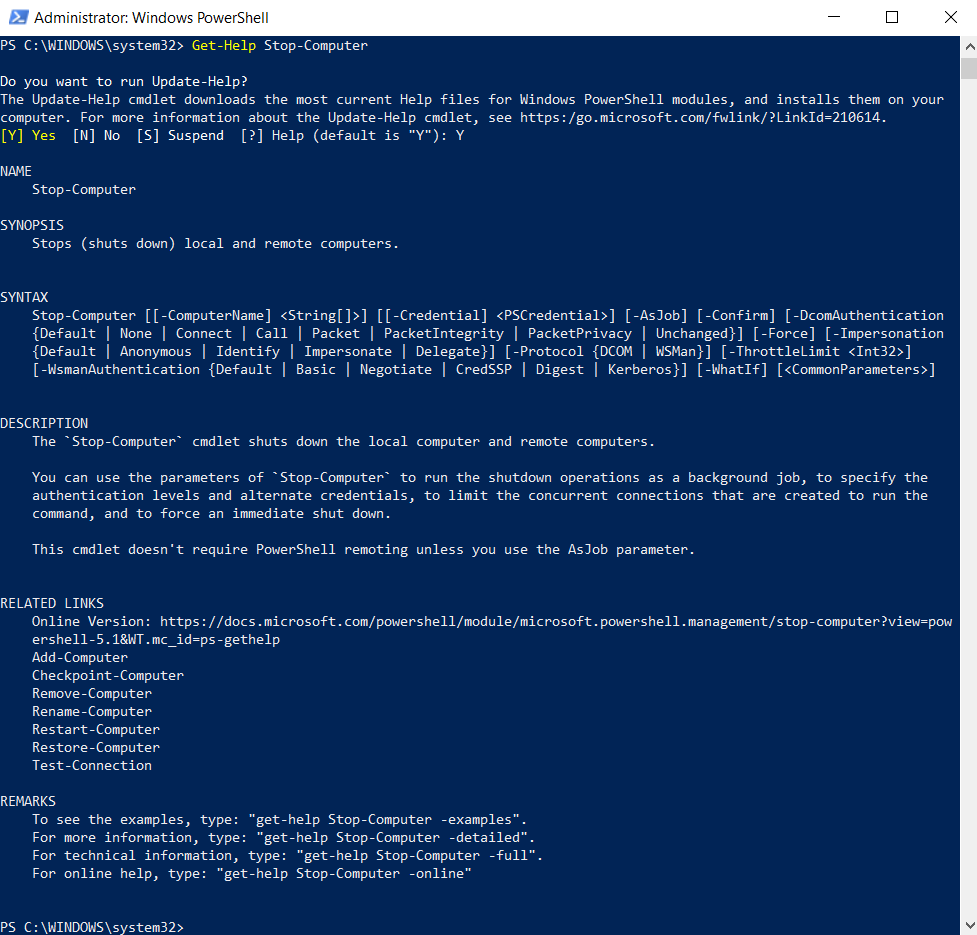
How To Shutdown Remote Computers Via Powershell Action1
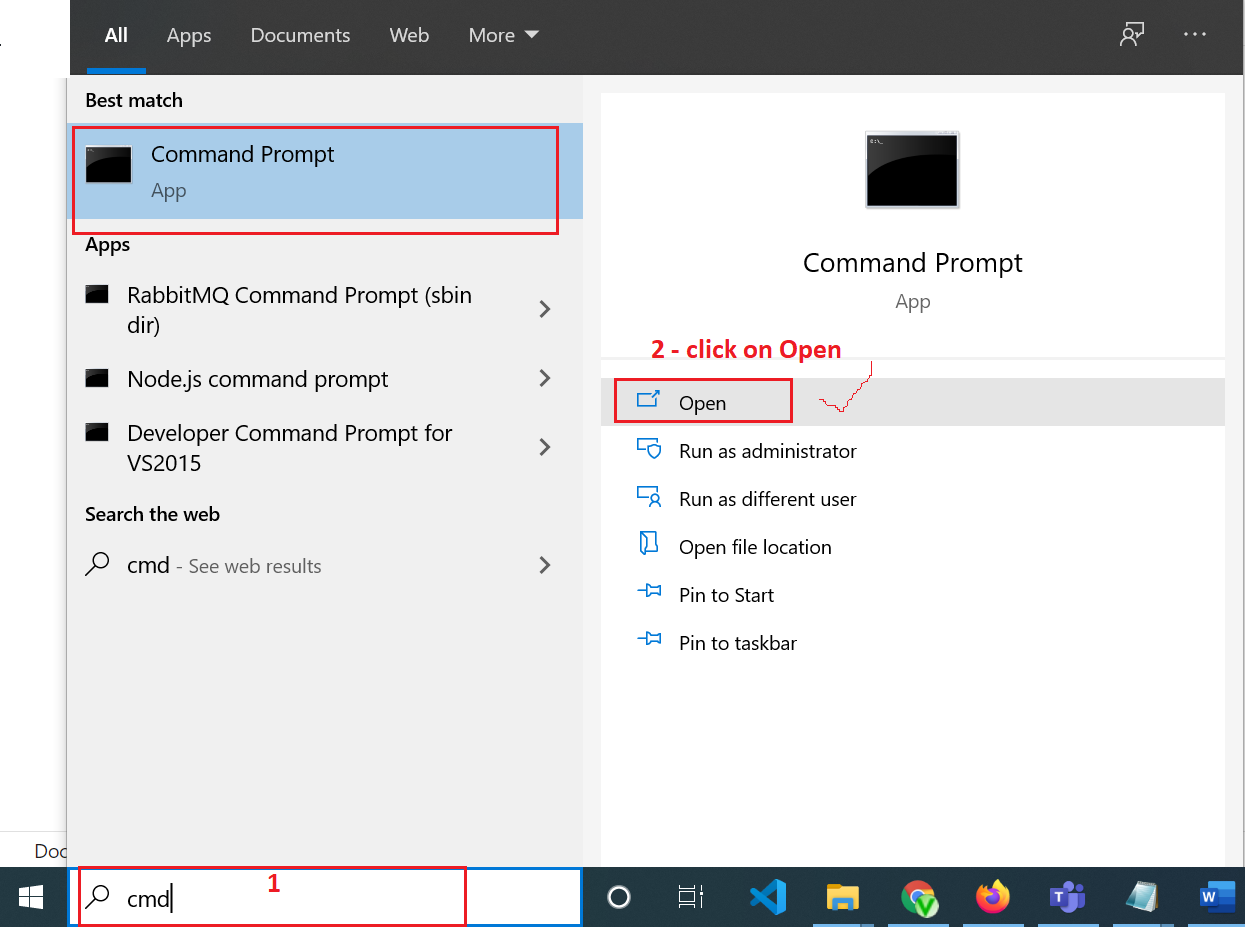
Restart Windows Using Cmd And PowerShell ShellGeek

Learn How To Shutdown Someone Computer Using CMD Command Prompt Or
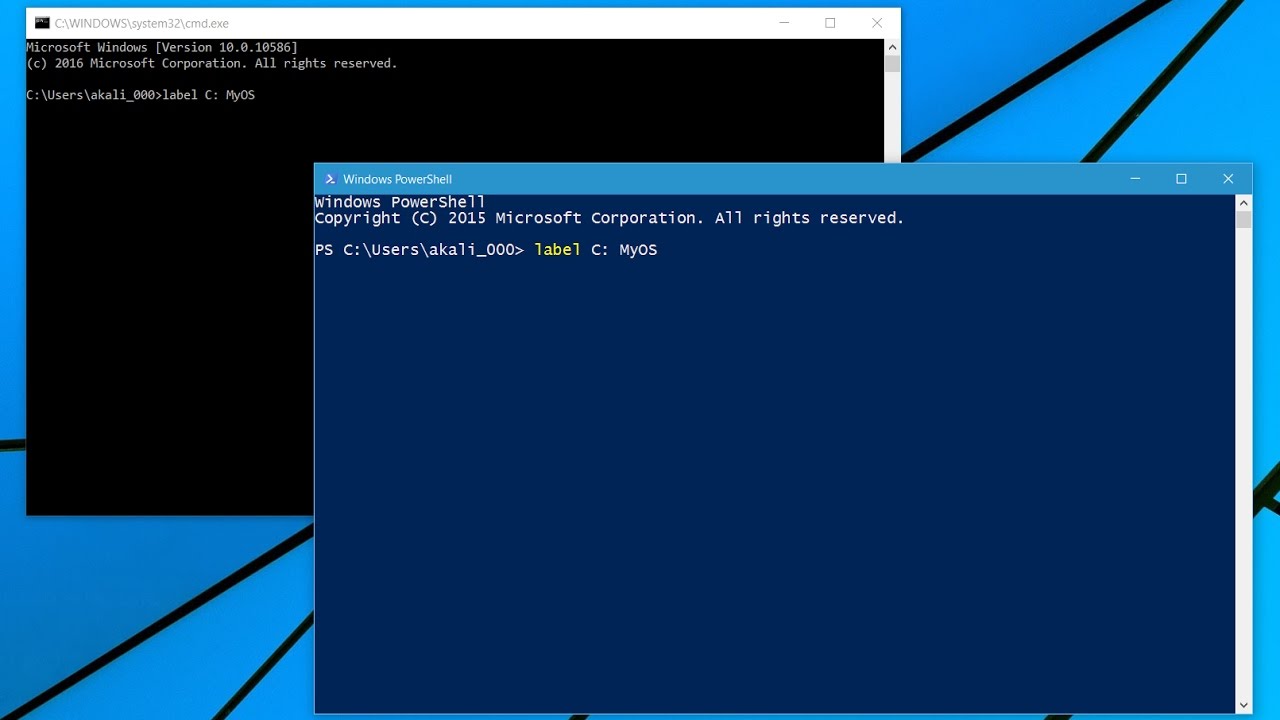
How To Change PowerShell To Command Prompt In Windows 10 YouTube

COMMAND TIMER Download SUBBED YouTube

Auto Shutdown Windows From Command Line Paris Polyzos Blog

Asked 9 years ago Modified 6 months ago Viewed 20k times 3 I m looking for a way to restart a computer with PowerShell Restart Computer at a given time Example 03 00AM The PS Script itself will run at a random time when the user executes it so it s no option to schedule the script at 03 00AM

1 Answer Sorted by 2 Following up on what Lee Dailey and Jeroen Mostert commented You can set a daily scheduled task to run at certain times if needed Luckily powershell has the New SchduledTask cmdlet you can use to easily do this Creating a New Scheduled Task

Description The Stop Computer cmdlet shuts down the local computer and remote computers You can use the parameters of Stop Computer to specify the authentication levels and alternate credentials and to force an immediate shut down In PowerShell 7 1 Stop Computer was added for Linux and macOS The parameters have no effect on these platforms

For one time use Open Command Prompt then type shutdown s t of seconds Enter Also for one time needs Use the Run command shutdown s t of seconds OK You can also use Task Scheduler to create a detailed system and schedule for regularly scheduled shutdown events

Using Command Prompt The formula for Command Prompt Run and PowerShell is shutdown s t XXXX
For doing this you need to perform the following steps Type run in the search section of your taskbar and click on the search result to launch the run prompt The newly opened Run Prompt is shown in the following image Type the command shutdown s t TimeInSeconds in the text box corresponding to the Open field The shutdown command line tool to restart Windows and Restart Computer cmdlet in PowerShell is used to restart windows or reboot the windows without any GUI tool Windows administrators periodically need to reboot computers remote computers Using command line restart or PowerShell Restart Computer remotely without scripting
Building a Countdown Timer with PowerShell Every DBA should have basic PowerShell skills In this article Greg Moore explains how to write a PowerShell script that can create a window for a countdown timer When one thinks of PowerShell one thinks of it as a scripting language Generally this is true