Powershell Set Proxy Command Line Mac Os Set Proxy Command Line Enable Update Windows XP Through Proxy Using Windows Automatic Updates Proxy Requirements Powershell Set Proxy Credentials Different Ways To Bypass Powershell Execution Policy ps1 Cannot Be Apr 21 2020 nbsp 0183 32 How to Enable or Disable IPv6 in Windows 7 Windows 8 and Windows 10 The Internet Protocol version 6 IPv6 is a new suite of standard protocols for the network layer of the Internet IPv6 is designed to solve many of the problems of the current version of the Internet Protocol suite known as IPv4 with regard to address depletion security auto configuration
Nov 7 2019 nbsp 0183 32 How to Enable or Disable Windows PowerShell 2 0 in Windows 10 Windows PowerShell is a task based command line shell and scripting language designed especially for system administration Built on the NET Framework Windows PowerShell helps IT professional Sep 17 2020 nbsp 0183 32 How to Find Serial Number of Hard Drive in Windows Sometimes abbreviated as Serial No SN or S N a serial number is a unique number assigned to the PC by the OEM Original Equipment Manufacturer used for identification and inventory purposes A serial number allows the manufacturer to identify a product and get additional information about it for
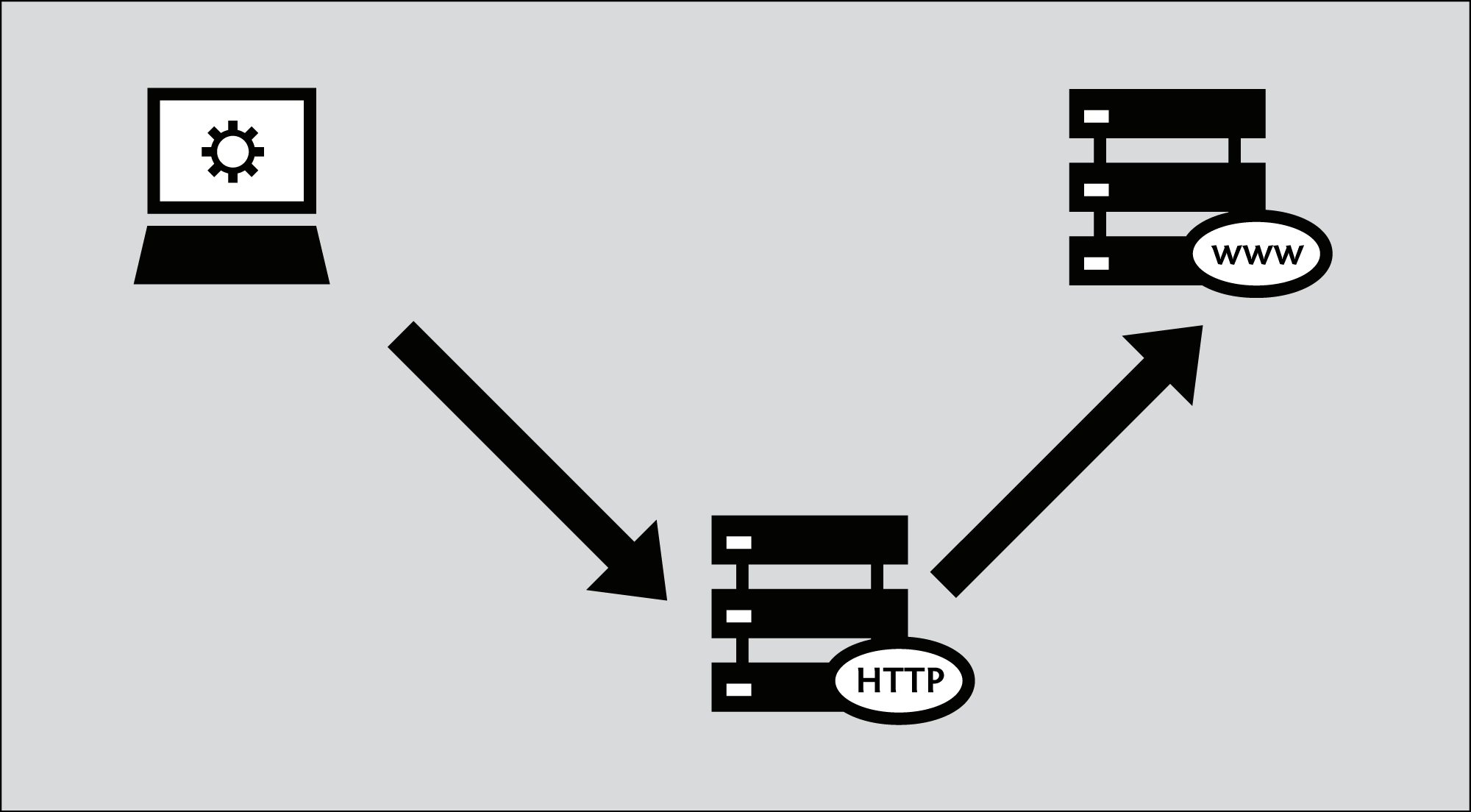
Different Ways To Bypass Powershell Execution Policy ps1 Cannot Be Using PowerShell Behind A Proxy Server Windows OS Hub Set UserPhoto Error On Proxy Command Set Proxy Pac Powershell Proxy Set Header X Xss Protection Robert Fritz Structural Thinking Currentlasopa Java Proxy Dynamic Java Io Ioexception Failed To Authenticate With Proxy Android Set Proxy For Ng
Powershell Set Proxy Command Line
 Powershell Set Proxy Command Line
https://wuliangx.files.wordpress.com/2015/04/urlrewrite.png
Aug 20 2022 nbsp 0183 32 Check What Graphics Card or GPU is in PC in PowerShell 1 Open a PowerShell 3 Copy and paste either command below into PowerShell and press Enter see screenshots below
Pre-crafted templates provide a time-saving solution for creating a diverse range of documents and files. These pre-designed formats and designs can be utilized for different personal and expert jobs, consisting of resumes, invites, leaflets, newsletters, reports, discussions, and more, enhancing the material development process.
Powershell Set Proxy Command Line

Curl Proxy Command Line Windows
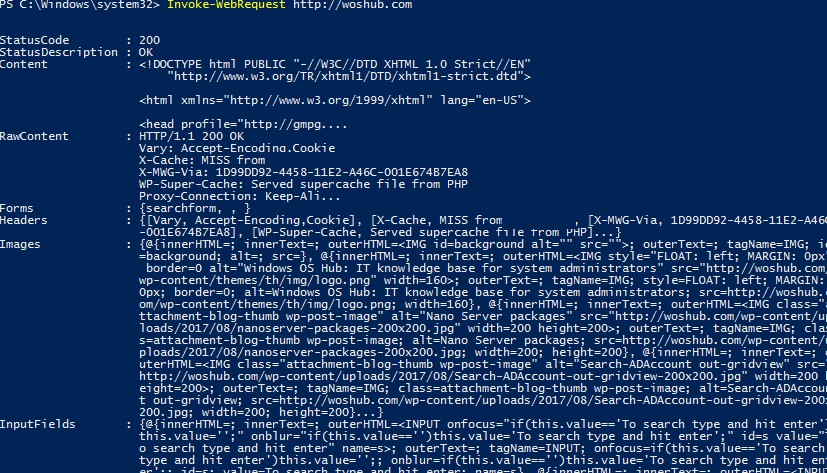
Using PowerShell Behind A Proxy Server Windows OS Hub

Set UserPhoto Error On Proxy Command
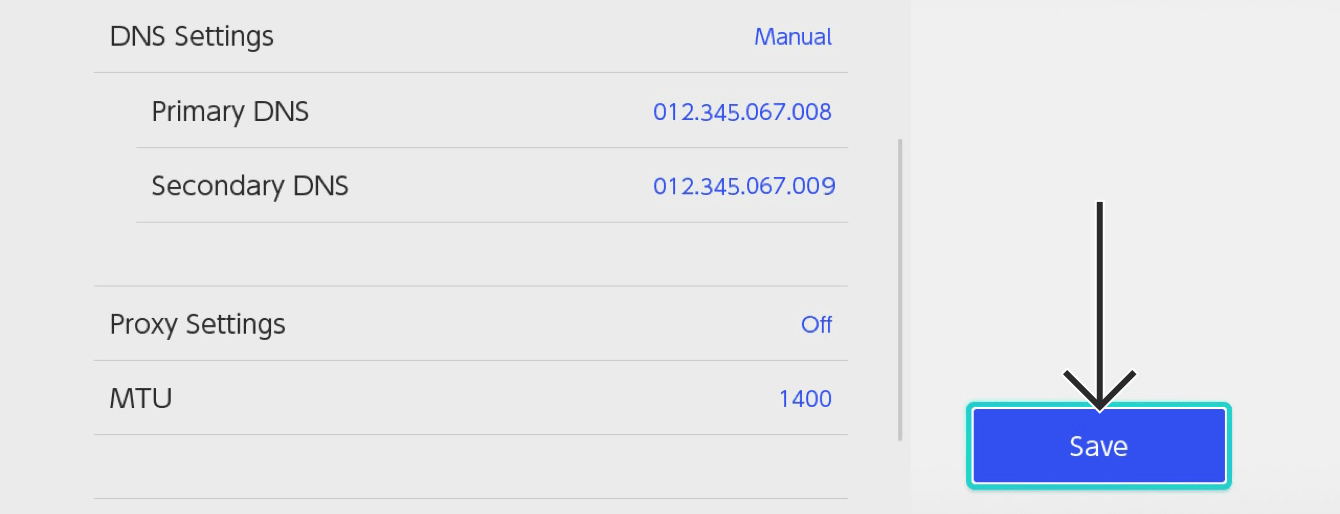
Set Proxy Pac Powershell

Robert Fritz Structural Thinking Currentlasopa

Java Proxy Dynamic

Jul 21 2020 nbsp 0183 32 How to Find Serial Number of Windows PC Sometimes abbreviated as Serial No SN or S N a serial number is a unique number assigned to the PC by the OEM Original Equipment Manufacturer used for identification and inventory purposes A serial number allows the manufacturer to identify a product and get additional information about it for replacement

May 4 2023 nbsp 0183 32 How to Install PowerShell 7 0 in Windows 7 Windows 8 and Windows 10 Microsoft has announced the Generally Available GA release of PowerShell 7 0 on March 4 2020 PowerShell 7 is the latest major update to PowerShell a cross platform Windows Linux
Sep 21 2023 nbsp 0183 32 How to Uninstall Desktop Apps and Windows Apps in Windows 10 If you no longer want or use an app then you could uninstall the app to remove it and free up space on the drive When you uninstall a desktop app program it will uninstall it for all users on the PC When you uninstall a Windows app ex Microsoft Store it will uninstall it for only your user account since

Sep 27 2020 nbsp 0183 32 How to Install NET Framework 3 5 in Windows 10 The NET Framework is a managed execution environment for Windows that provides a variety of services to its running apps It consists of two major components the common language runtime CLR which is the

Aug 6 2020 nbsp 0183 32 Edit User Environment Variables in PowerShell 1 Open Windows PowerShell 3 Copy and paste the Get ChildItem Env command into PowerShell press Enter and make note of the user variable name ex quot Downloads quot you want edit the value for see screenshot below 3 Type the command below into PowerShell and press Enter see screenshot below
[desc-11] [desc-12]
[desc-13]