Powershell Service Status Stopped PowerShell 2023 Windows Powershell Vs Command Prompt What s The Difference Anyway Master The PowerShell WhatIf Parameter PowerShell Basics How To Use PowerShell Help Windows PowerShell Has Stopped Working Try These Procedures With Windows PowerShell you can use the ComputerName parameter of the Get Service cmdlet to get the services on remote computers The ComputerName parameter accepts multiple values and wildcard characters so you can get the services on multiple computers with a single command
Run the following command Get Service Name RasMan Select Object Property As you can see from the output the current Status of the service is Stopped From this output you can also see other details like whether you can start it stop it reset it its dependent services type etc PowerShell provides the ability to query start stop restart set and even create Windows services For instance to get the current status of the remote registry service we can simply run I can see the current status is Stopped as well as see other properties such as the dependent services For the purposes of monitoring services we
Windows PowerShell Has Stopped Working Try These Procedures How To Bypass The PowerShell Execution Policy Powershell Tips YouTube Generating A Self Signed Certificate Using Powershell PowerShell Backup GPO Settings Automate Deploy Top 10 Powershell Windows Commands Beginner To Pro 20 For Online PowerShell Course Introduction To PowerShell Pluralsight How To Check Windows Service Status With Get Service Command In How To Delete Files In PowerShell WindowsTect PowerShell Not Equal Operator Applications Examples Itechguides
Powershell Service Status Stopped
 Powershell Service Status Stopped
https://heritage-offshore.com/images/powershell-commands-cheat-sheet.jpg
This cmdlet is only available on the Windows platform The Set Service cmdlet changes the properties of a service such as the Status Description DisplayName and StartupType Set Service can start stop suspend or pause a service To identify a service enter its service name or submit a service object Or send a service name or service object down the pipeline to Set Service
Templates are pre-designed files or files that can be utilized for various purposes. They can save effort and time by offering a ready-made format and design for producing various kinds of material. Templates can be utilized for personal or professional jobs, such as resumes, invites, leaflets, newsletters, reports, discussions, and more.
Powershell Service Status Stopped
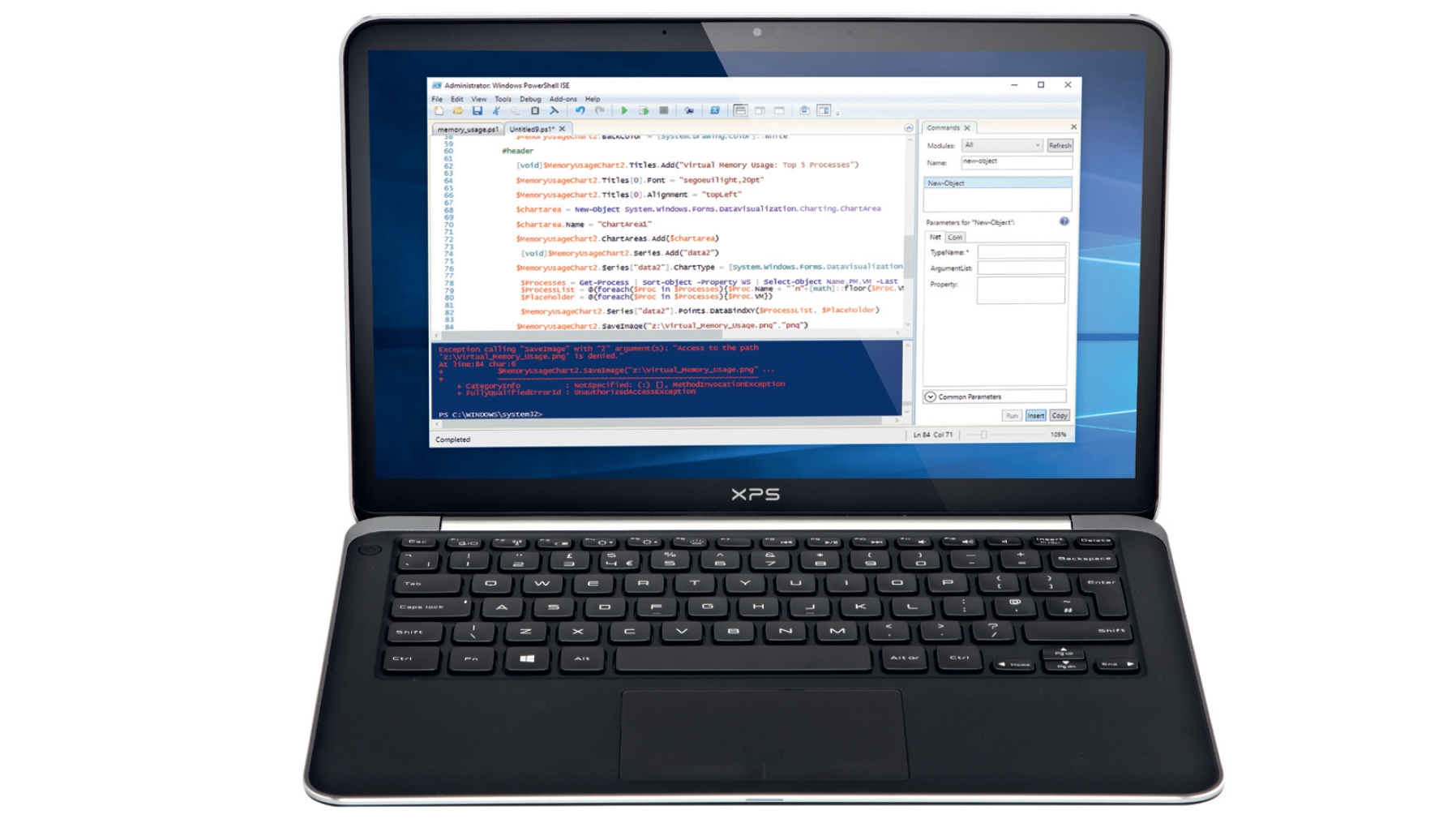
How To Automate Windows With PowerShell TechRadar

How To Bypass The PowerShell Execution Policy Powershell Tips YouTube

Generating A Self Signed Certificate Using Powershell

PowerShell Backup GPO Settings Automate Deploy

Online PowerShell Course Introduction To PowerShell Pluralsight

How To Check Windows Service Status With Get Service Command In

Description This cmdlet is only available on the Windows platform The Get Service cmdlet gets objects that represent the services on a computer including running and stopped services By default when Get Service is run without parameters all the local computer s services are returned

1 Answer Sorted by 0 Since it looks like you haven t started I ll give you a few things to kick you off Get Service Where Object status eq stopped This is a way to retrieve all the stopped services

Sorted by 2 You can use the following code This will stop all started services and then start all services even if they hadn t been started before but are not disabled either get service SERVICE where object Status eq Running stop service get service SERVICE where object StartType ne Disabled and Status eq

Description This cmdlet is only available on the Windows platform The Restart Service cmdlet sends a stop message and then a start message to the Windows Service Controller for a specified service If a service was already stopped it is started without notifying you of an error

Example 1 Stop a service on the local computer PowerShell PS C Stop Service Name sysmonlog This command stops the Performance Logs and Alerts SysmonLog service on the local computer Example 2 Stop a service by using the display name PowerShell PS C Get Service DisplayName telnet Stop Service
Here is the Powershell command that can be used to find stopped services on a Windows computer Get Service Where Object status eq Stopped The output of this command is displayed on the console In case you are looking for some quick data points the console output can offer you a ready solution 1 Start Service MSSQLSERVER PassThru The PassThru parameter forces the command to wait until the service has started and then displays the status Similar to the previous command we can stop a service by using the Stop Service cmdlet Below I am stopping the MSSQLSERVER service
Try Windows Update service wuauserv run the following cmdlet to see the status of the wuauserv service PS Get Service wuauserv Status Name DisplayName Running wuauserv Windows Update So the service is running let stop it by typing the following PS Stop Service wuauserv