Powershell Select Object Calculated Property Name Remove A PowerShell Object Property LazyWinAdmin Select Object powershell Kharuka PowerShell Select Object Explained Itechguides Powershell Select object Command YouTube PowerShell Basics Where Where Object property Statement Filter PowerShell calculated properties let you change the data stored in objects or add new data In this article we re going to look at a practical example that uses a short script to generates a
Using PowerShell s Calculated Properties This guide will walk you through changing property names and values for the Select Object cmdlet One of the big advantages of using PowerShell as a scripting language is its use of objects Since everything is an object in PowerShell we can take advantage of structured data by calling properties History of Calculated Properties In PowerShell version 1 0 the Select Object cmdlet only supported Name for the hash table key name of calculated properties and Format Table and Format List only supported Label In PowerShell version 2 0 Select Object was updated to support Label and Format Table and Format List were updated to support Name They now support both for backward compatibility
PowerShell Basics Where Where Object property Statement Filter Using PowerShell Select Object Petri IT Knowledgebase Using PowerShell Select Object Petri IT Knowledgebase PowerShell Basics The Power Of Where Object YouTube Executing PowerShell Core From Windows PowerShell Max Trinidad The Select Object Eigenschaften Von Objekten In PowerShell Filtern Graphing With The PowerShell Console The Lonely Administrator A Guide To PowerShell Part 2 The Solving Where Object Taking On PowerShell One Cmdlet At A Time Weekly Blog
Powershell Select Object Calculated Property Name
 Powershell Select Object Calculated Property Name
https://lazywinadmin.com/images/headers/Code01_1920x500.jpg
To create a calculated property you must specify a new property name and an expression that defines how to calculate the property value Run the command below to perform the following Retrieve a list of running processes Get Process selecting only Select Object the Name and CPU properties
Templates are pre-designed documents or files that can be utilized for different purposes. They can save time and effort by providing a ready-made format and layout for developing different sort of content. Templates can be used for individual or expert jobs, such as resumes, invites, leaflets, newsletters, reports, discussions, and more.
Powershell Select Object Calculated Property Name

PowerShell Select Object Explained Itechguides
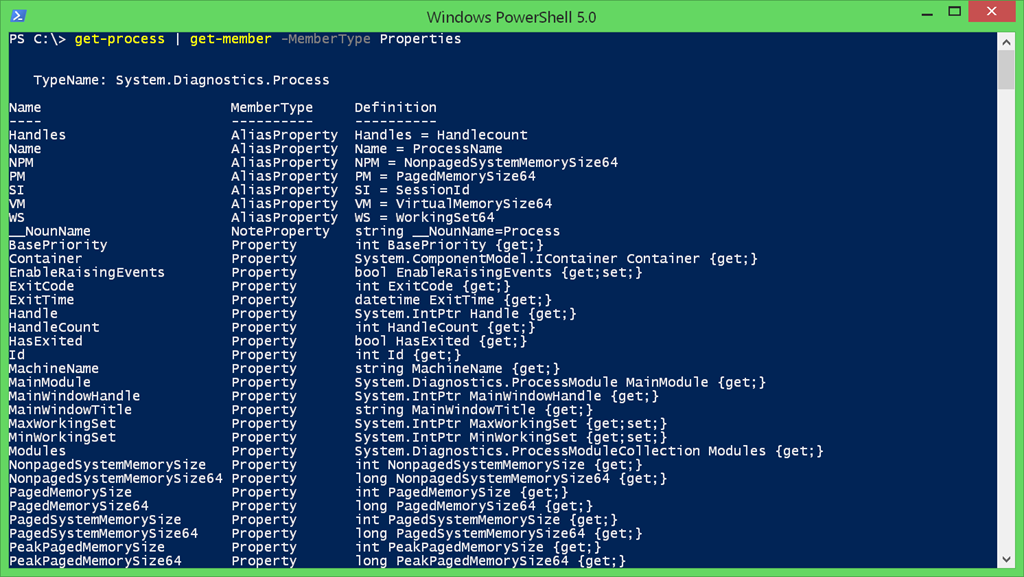
Using PowerShell Select Object Petri IT Knowledgebase

Using PowerShell Select Object Petri IT Knowledgebase

PowerShell Basics The Power Of Where Object YouTube

Select Object Eigenschaften Von Objekten In PowerShell Filtern
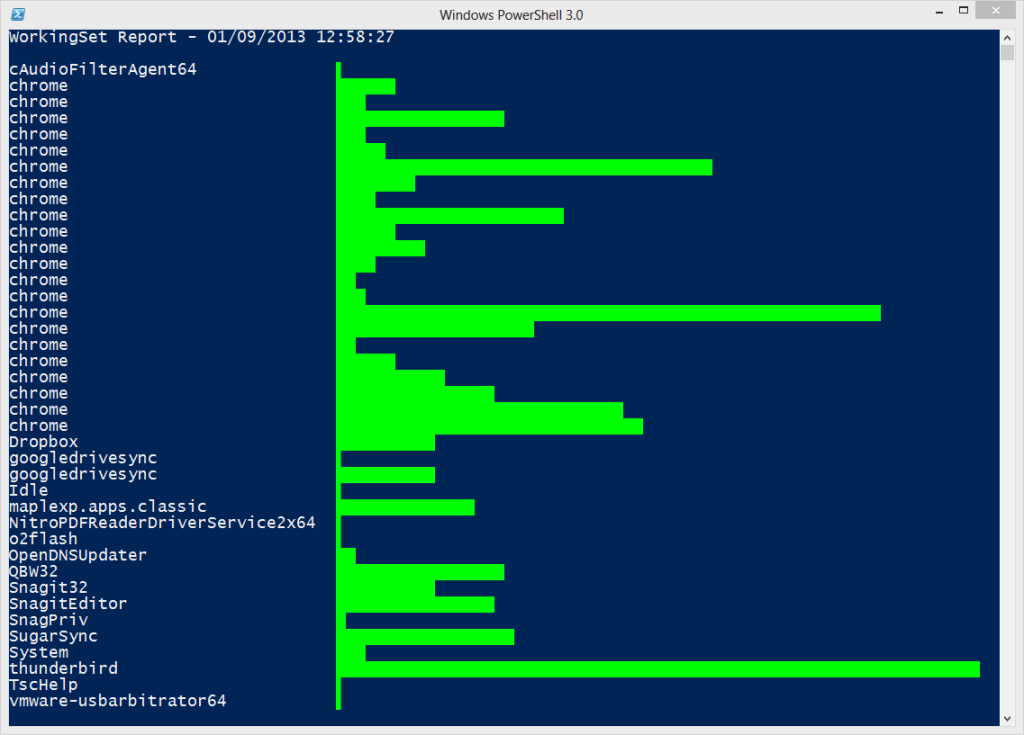
Graphing With The PowerShell Console The Lonely Administrator
Select Object You can use calculated properties to add additional members to the objects output with the Select Object cmdlet In this example we re listing the PowerShell aliases that begin with the letter C Using Select Object we output the alias the cmdlet it s mapped to and a count for the number of parameters defined for the cmdlet Using a calculated property we can create the
The Select Object cmdlet selects specified properties of an object or set of objects It can also select unique objects a specified number of objects or objects in a specified position in an array To select objects from a collection use the First Last Unique Skip and Index parameters To select object properties use the Property parameter When you select properties Select Object

PowerShell Select Object The Select Object cmdlet is always piped behind another cmdlet in PowerShell It allows you to select or modify properties from objects that come down the pipeline The selected properties are then only displayed in the results or can for example be exported to a CSV file with the Export CSV cmdlet

Many times a returned property from an object in PowerShell may not be ideally named or the value is not quite in the necessary format For those instances PowerShell has the calculated properties construct This useful feature allows for modifying the returned value easily during select operations and quickly and easily return what s needed in the pipelined output

I m creating an array of PSObjects with calculated properties I need one property that is calculated based on another property of the same object How do I do that Example let s say I have array of strings like a 1 b 2 c 3 etc and I have a lookup function that returns something based on the first part of those strings i e someLookUpFunction a would return AA with input of a
In this article You can use the Select Object cmdlet to create new custom PowerShell objects that contain properties selected from the objects you use to create them Type the following command to create a new object that includes only the Name and FreeSpace properties of the Win32 LogicalDisk WMI class Get CimInstance Class Win32 LogicalDisk Select Object Property Name FreeSpace Powershell calculated properties for multiple values Ask Question Asked 5 years 11 months ago Select Object DisplayName SmtpAddress UserName AccountType ExchangeConnectionMode Sort Object Property SmtpAddress Format Table This do the job
If somebody comes up with a proper solution that handles it during the initial Select Object rather than requiring a workaround afterwards I ll accept that as answer Share Improve this answer