Powershell Script To Check Service Status On Remote Computer How To View Connection History Remote Desktop On Windows 10 11 Powershell Script To Test Websites YouTube How To Check Battery Level Using Command Line On Windows 10 YouTube Powershell Script To Delete Secondary SMTP Addresses Of Exchange 2010 Powershell Script To Be Called By Serveral Servers To Copy Log Files To May 26 2021 nbsp 0183 32 How to Open Windows PowerShell in Windows 10 Windows 10 comes with Windows PowerShell 5 0 included Windows PowerShell is a task based command line shell
Feb 22 2025 nbsp 0183 32 PowerShell 7 6 0 preview 3 released for Windows 11 and Windows 10 Posted 22 Feb 2025 github PowerShell Breaking Changes Remove trailing space from event source Aug 20 2022 nbsp 0183 32 Check What Graphics Card or GPU is in PC in PowerShell 1 Open a PowerShell 3 Copy and paste either command below into PowerShell and press Enter see screenshots
Powershell Script To Be Called By Serveral Servers To Copy Log Files To PowerShell Script For SQL Server Instance Details Create Backup Jobs Solved Write A Powershell Script To Use The Above Infor Get CPU Information In Windows PowerShell Action1 Blog Windows 7 Ultimate Tips How To Check Service Status YouTube Powershell Comments Examples Run Powershell Script From Command Line Hot Sex Picture Create A Deployment Package In Configmgr With Powershell Hot Sex Picture How To Deploy PowerShell Script From Intune Askme4Tech
Powershell Script To Check Service Status On Remote Computer
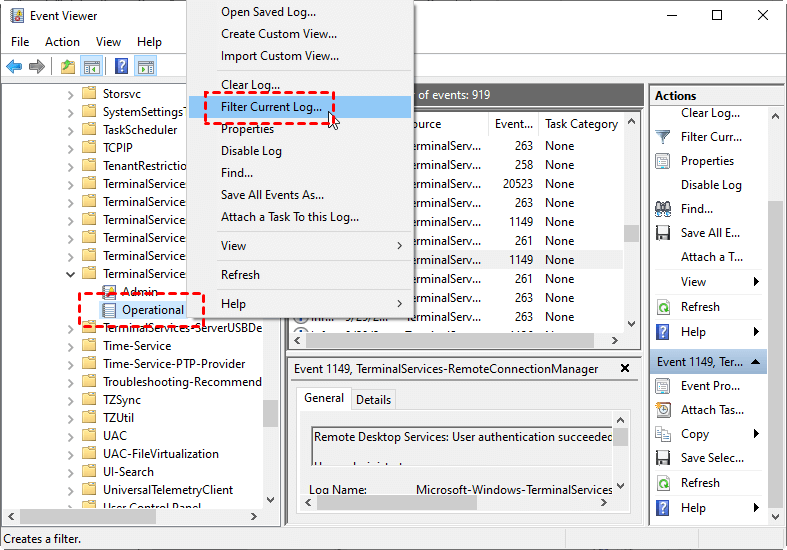 Powershell Script To Check Service Status On Remote Computer
https://www.anyviewer.com/screenshot/windows/event-viewer-event-id-filter.png
Feb 23 2023 nbsp 0183 32 How to Set PowerShell Script Execution Policy in Windows 10 The PowerShell script execution policies enables you to determine which Windows PowerShell scripts if any
Pre-crafted templates provide a time-saving solution for developing a varied series of files and files. These pre-designed formats and designs can be used for various personal and expert jobs, including resumes, invites, leaflets, newsletters, reports, discussions, and more, streamlining the content creation procedure.
Powershell Script To Check Service Status On Remote Computer
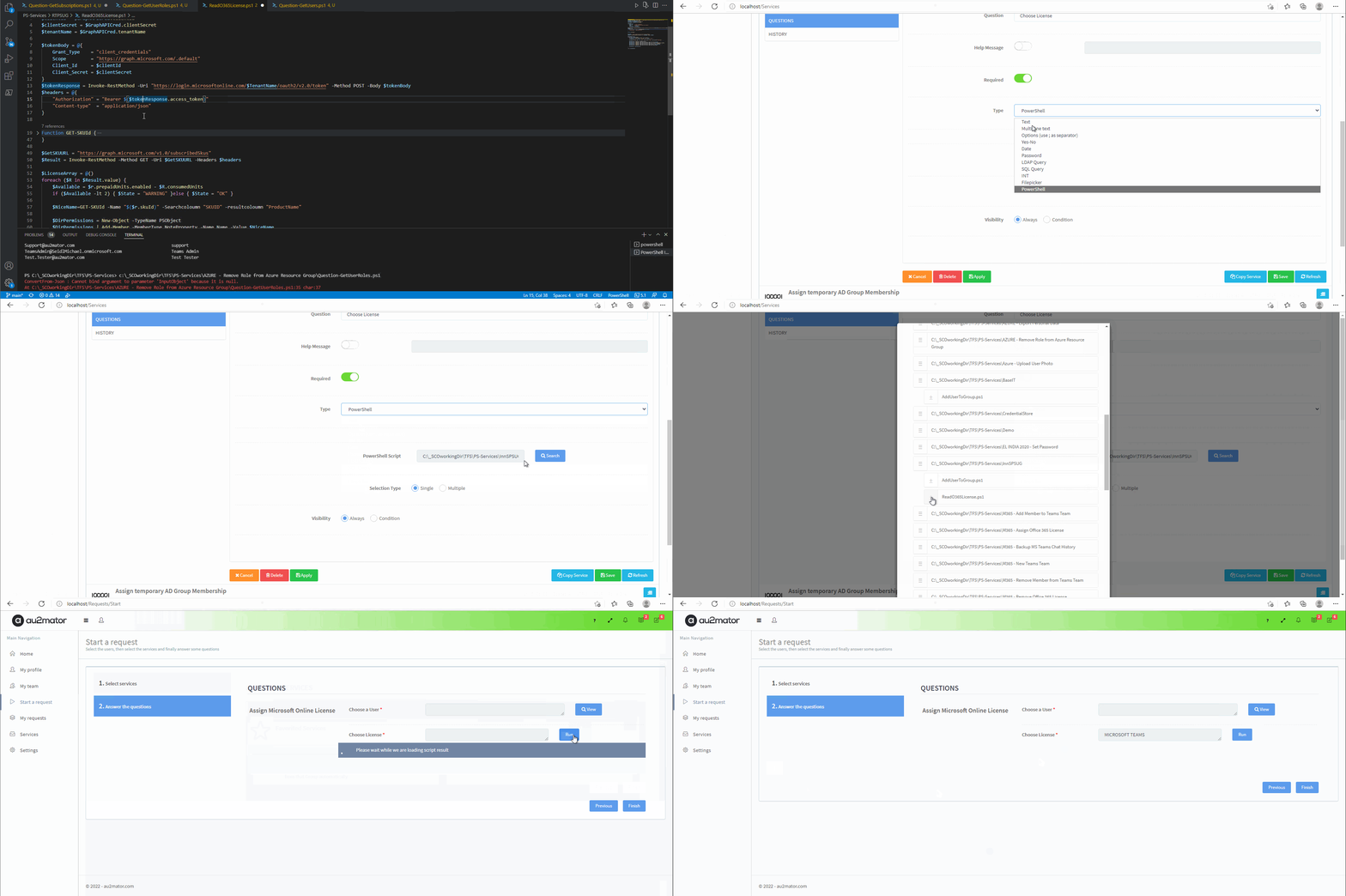
PowerShell Question Type Au2mator Self Service Portal

PowerShell Script For SQL Server Instance Details Create Backup Jobs
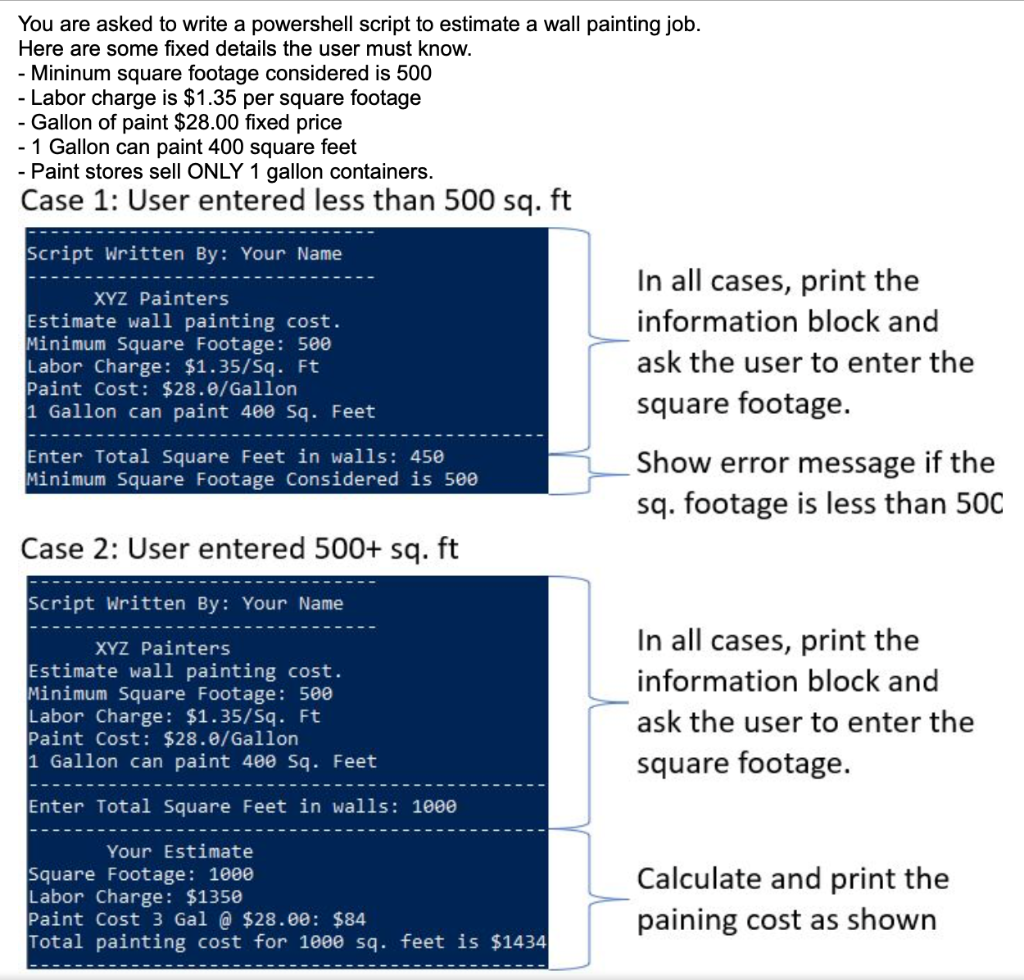
Solved Write A Powershell Script To Use The Above Infor
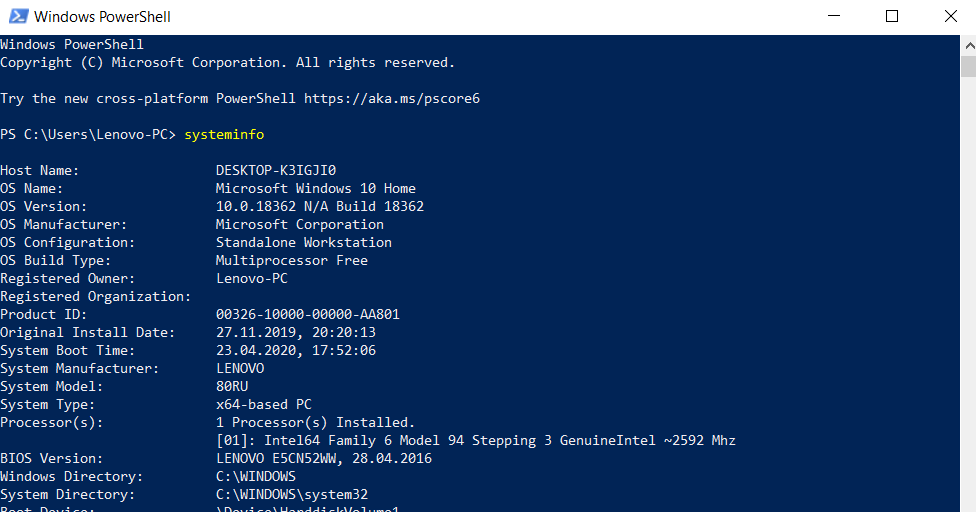
Get CPU Information In Windows PowerShell Action1 Blog

Powershell Comments Examples
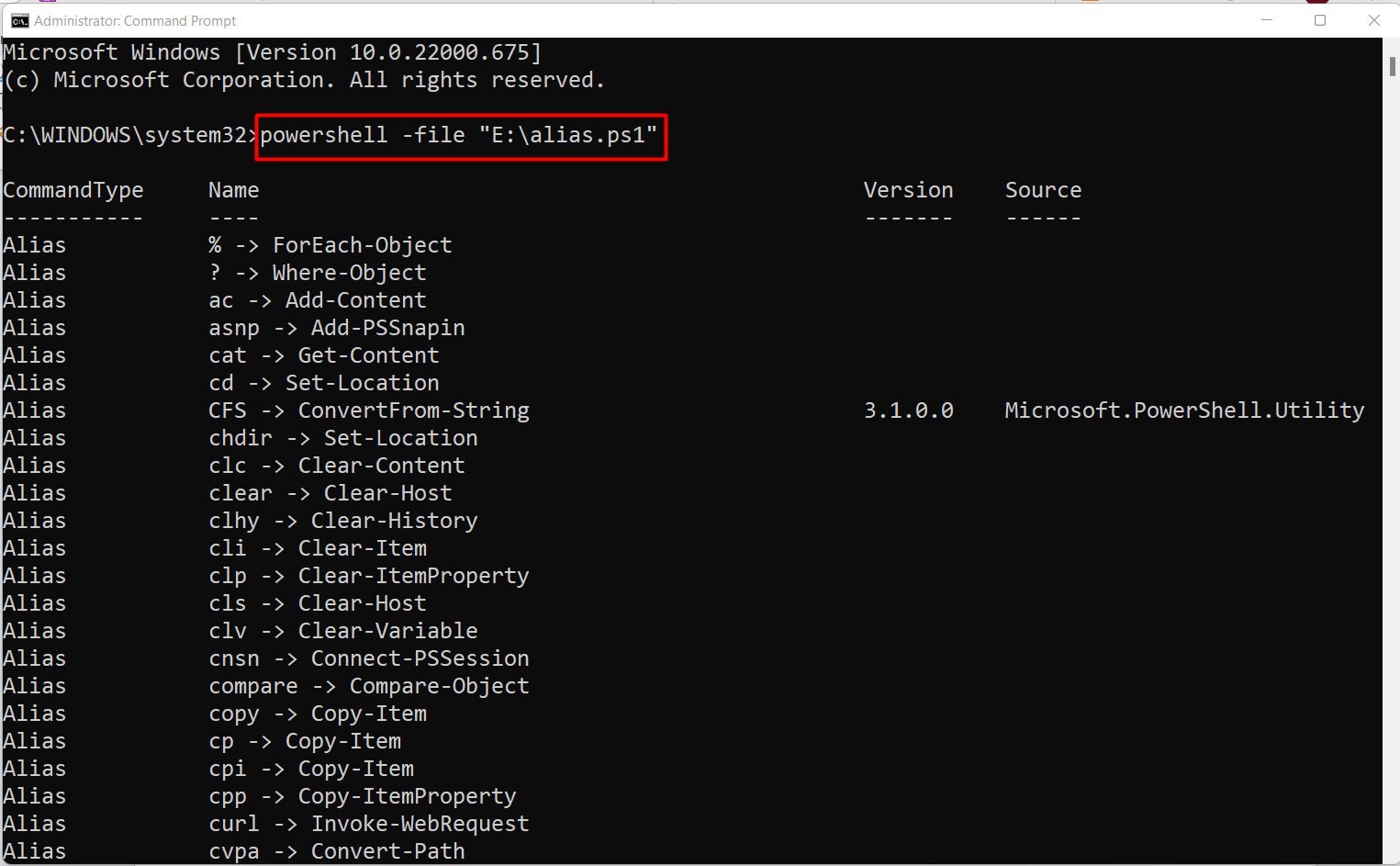
Run Powershell Script From Command Line Hot Sex Picture
Jul 29 2022 nbsp 0183 32 How to See Full Details about a Windows 10 ISO file B Type the command below you want to use into the elevated PowerShell press Enter and go to step 8 below see

Nov 7 2019 nbsp 0183 32 How to Enable or Disable Windows PowerShell 2 0 in Windows 10 Windows PowerShell is a task based command line shell and scripting language designed especially for

Nov 7 2017 nbsp 0183 32 One of many PowerShell security features is that you can t run a script simply by double clicking it s icon on desktop or in a folder Doing so will by default open script in
Dec 6 2019 nbsp 0183 32 How to Install or Uninstall Windows PowerShell ISE in Windows 10 The Windows PowerShell Integrated Scripting Environment ISE is a host application for Windows
Mar 8 2022 nbsp 0183 32 Is it possible to scan all wifi networks with powershell I tried this but it doesn t work it only shows current connections Only works when I click bottom right on wifi connection and
[desc-11] [desc-12]
[desc-13]