Powershell Restart Service Remote Computer With Credentials Enter Network Credentials On Windows 11 10 11 Best Solutions 2023 PowerShell Restart Service How To Do PowerShell Restart Service Shutdown Or Reboot A Remote Computer Step by step Guide 2023 Rebooting A Remote Desktop Computer To Restart It Shutdown Or Reboot A Remote Computer Step by step Guide 2023 These cmdlets include Restart Computer Test Connection Clear EventLog Get EventLog Get HotFix Get Process Get Service Set Service Get WinEvent Get WmiObject Typically cmdlets that support remoting without special configuration have the ComputerName parameter and don t have the Session parameter To find these cmdlets in your session type
However if you must pass a credential to the remote computer you must use a CIM session A CIM session also is a bit more efficient if you need to execute multiple CIM methods or perform CIM queries on the remote computer because it re uses the same session instead of having to create a new one for each task Using PowerShell to Restart a Service You can do this with the Restart Service cmdlet with Powershell Remoting over WinRM by using Invoke Command Note that while you can use the pipeline to get a service with Get Service and pipe it to Stop Service Start Service or Restart Service that isn t really necessary here and you can t directly invoke them on remote servers anyways
Shutdown Or Reboot A Remote Computer Step by step Guide 2023 Powershell Get Service Remote Computer Credentials 10 Most Correct How To Use PowerShell To Reboot Remote Computers Use Remote Desktop Connection To Access A Remote Computer With Master PowerShell Start Service And Windows Service Cmdlets Stop Start Restart Windows Service Command Line How To How To Shutdown Remote Computers Via Powershell Action1 Restart Remote Computer Or Windows Server Here s Howto It Get Credential Taking On PowerShell One Cmdlet At A Time Weekly
Powershell Restart Service Remote Computer With Credentials
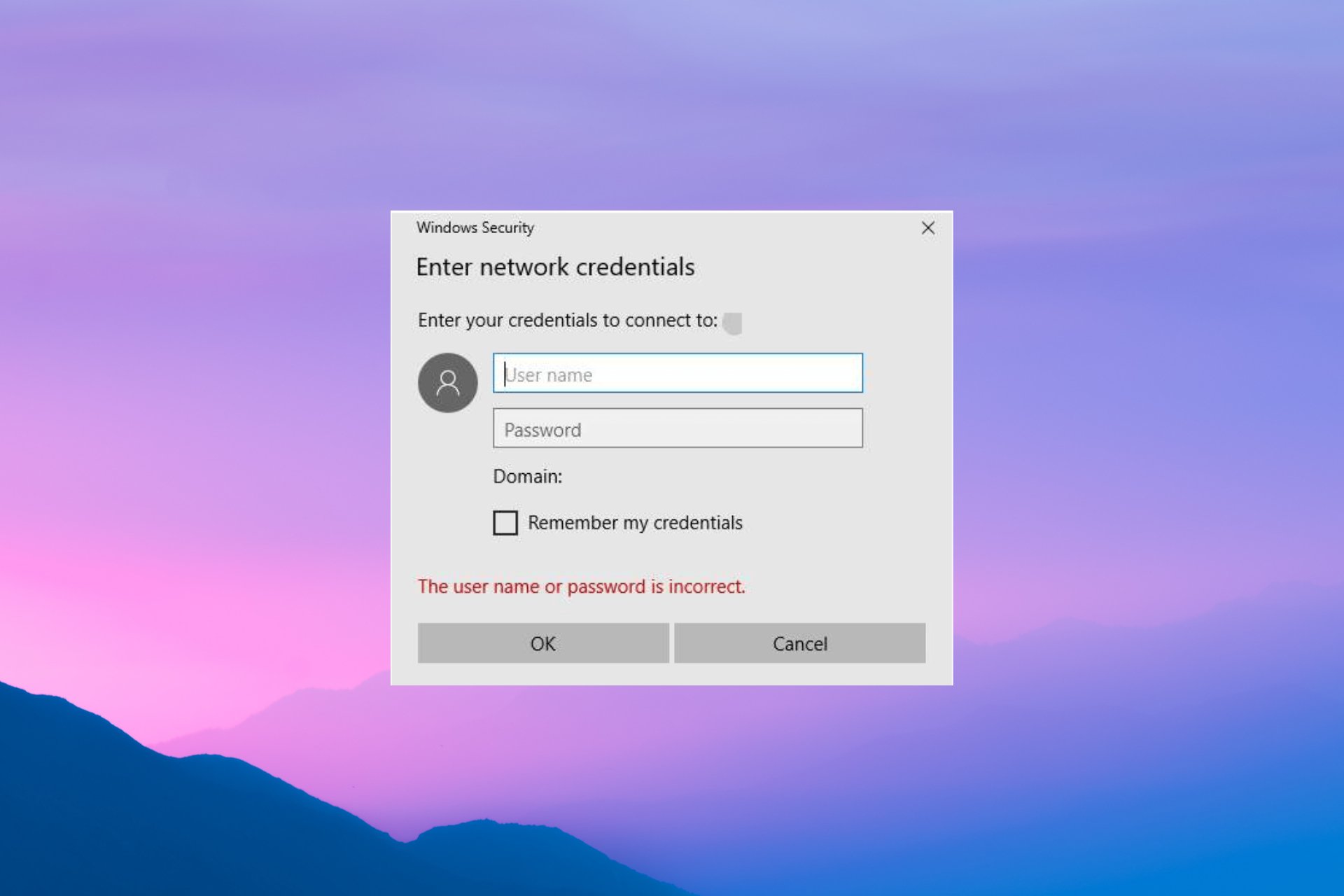 Powershell Restart Service Remote Computer With Credentials
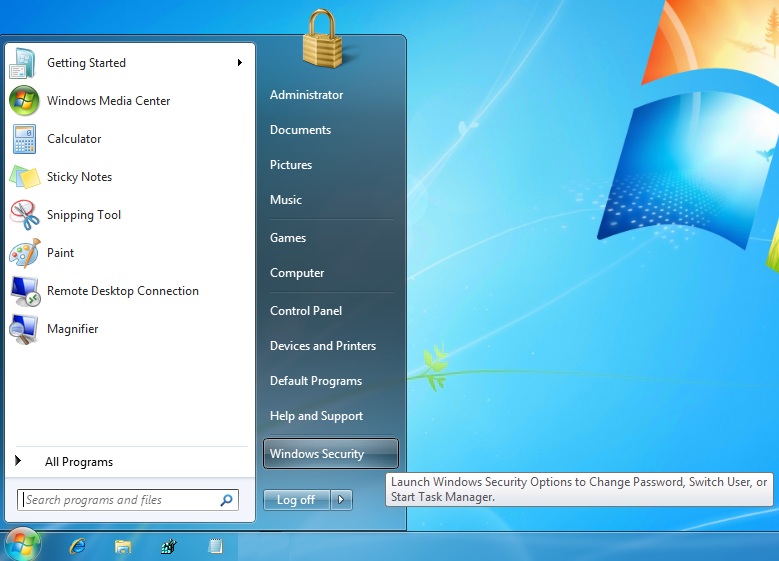
https://cdn.windowsreport.com/wp-content/uploads/2021/11/Enter-Network-Credentials-on-Windows-11.jpg
You will need administrative credentials on the remote computer to restart services Remote PowerShell Execution Requirements Please note that the PowerShell remoting has below requirements WinRM The Windows Remote Management WinRM service must be running on the remote computer and properly configured to allow remote connections
Templates are pre-designed documents or files that can be used for different purposes. They can save effort and time by providing a ready-made format and layout for creating various kinds of material. Templates can be used for individual or professional tasks, such as resumes, invitations, flyers, newsletters, reports, presentations, and more.
Powershell Restart Service Remote Computer With Credentials
How To Shutdown Or Reboot A Remote Computer Step by Step

Powershell Get Service Remote Computer Credentials 10 Most Correct

How To Use PowerShell To Reboot Remote Computers
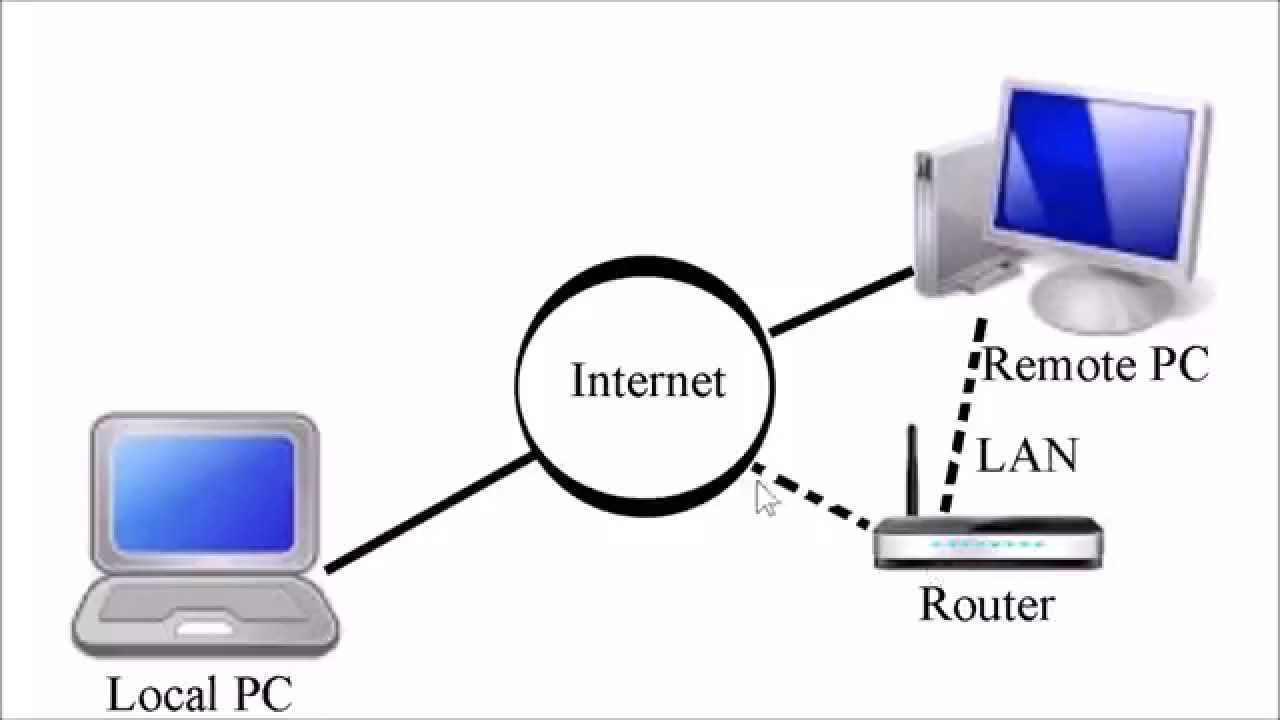
Use Remote Desktop Connection To Access A Remote Computer With

Stop Start Restart Windows Service Command Line How To
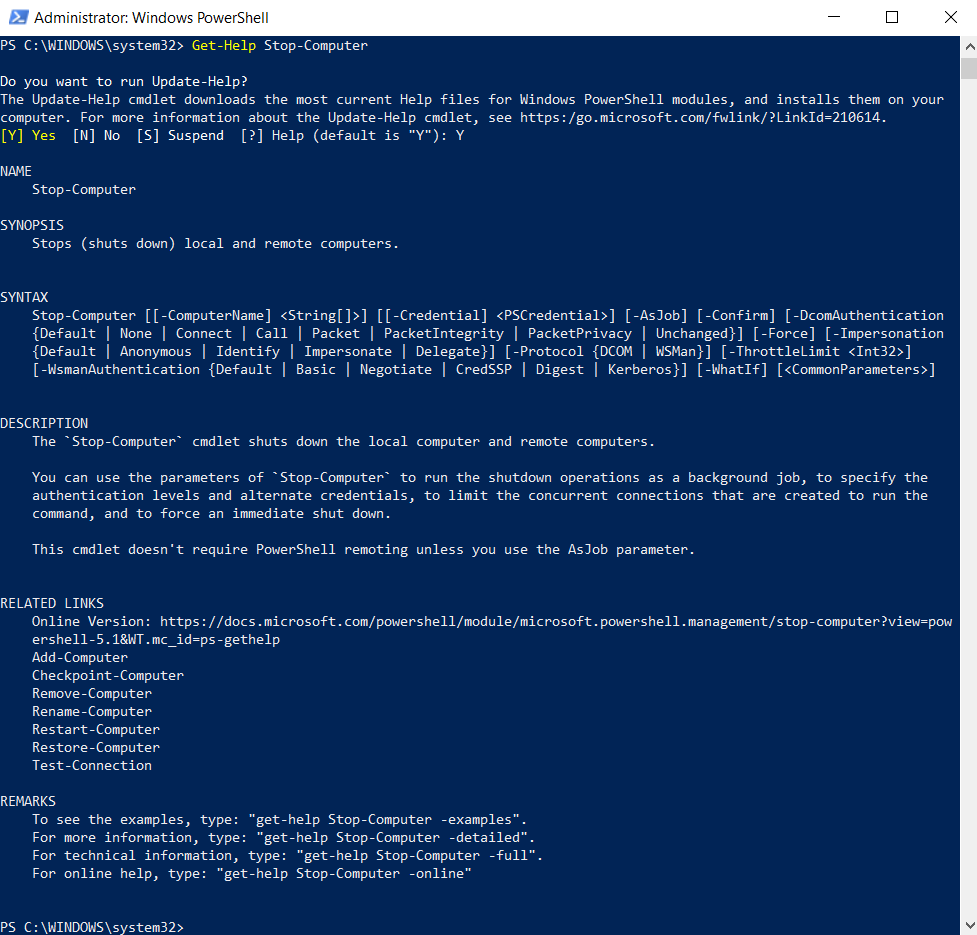
How To Shutdown Remote Computers Via Powershell Action1

How do I utilize a PowerShell script to restart a service on a remote server Additionally I will need to use an admin username and password I don t need to stop start rather I would like to just restart What have you tried where are you stuck you might want to look into invoke command and restart service
Description Examples Parameters Inputs Outputs Notes Related Links Syntax PowerShell Restart Computer WsmanAuthentication String ComputerName String Credential PSCredential Force Wait Timeout Int32 For WaitForServiceTypes Delay Int16 WhatIf Confirm CommonParameters Description

Here is the code credential Get Credential myservice Get WmiObject Class Win32 Service ComputerName SERVER1 Credential credential Filter Name spooler myservice stopservice It is that simple Similarly if you want to start the service just use startservice method like given below
Description This cmdlet is only available on the Windows platform The Restart Service cmdlet sends a stop message and then a start message to the Windows Service Controller for a specified service If a service was already stopped it is started without notifying you of an error

5 Answers Sorted by 31 You can do cred get credential fill you credential in the pop up window and then Invoke Command ComputerName mycomputer ScriptBlock Get ChildItem C credential cred Remember that the password in cred is easily recoverable in clear text Share Improve this answer Follow edited Oct 1 2014 at 11 52
To create session to remote computer we can use Enter PSSession and specify the computer name we want to connect as well as the credential username and password After connected we can run Restart Service command Then to close the session we use Exit PSSession cmdlet Enter PSSession vm2 Credential Get Credential Restart Service Name And if you decided to run PowerShell from an elevated account a firewall between you and the remote computer can block the request To use the PowerShell remoting commands that are demonstrated in this chapter PowerShell remoting must be enabled on the remote computer Use the Enable PSRemoting cmdlet to enable PowerShell remoting PowerShell
You could put the computer names from the file to an array and then use Invoke Command and pass the array to the ComputerName parameter and run the Get Service conditional logic within a ScriptBlock using the AsJob parameter to pass the processing of the commands off to each machine iterated