Powershell Restart Azure Vm Agent How To Restart A Computer Using Powershell Restart Computer Cmdlet Azure VM Agent Status Is Not Ready Troubleshoot The Azure Log Analytics VM Extension Azure Monitor Azure VM Azure VMware Solution Microsoft Azure VM Performance Using The Portal Jul 29 2022 nbsp 0183 32 1 Open an elevated PowerShell 2 Do step3 step 4 step 5 recommended step 6 or step 7 below for what DISM command you would like to use 3 To Use DISM CheckHealth
May 26 2021 nbsp 0183 32 How to Open Windows PowerShell in Windows 10 Windows 10 comes with Windows PowerShell 5 0 included Windows PowerShell is a task based command line shell Windows PowerShell Windows PowerShell Windows PowerShell Windows PowerShell Windows PowerShell
Azure VM Performance Using The Portal Troubleshoot Azure Windows VM Agent Issues Virtual Machines Create Azure Vms With Powershell Part 2 Laptrinhx How To Rename An Vm What Is Azure Guest Agent The Tech Guy How To Start Restart Stop Or Delete Multiple Azure VMs YouTube Cannot Add Azure VM To Update Management Microsoft Q A How To Remove An Azure Virtual Machine Vm Azure Lessons Vrogue Link Between Azure VM Scale Set And Azure DevOps Agent Pool DEV Community Install The Azure VM Agent In Offline Mode Virtual Machines
Powershell Restart Azure Vm Agent
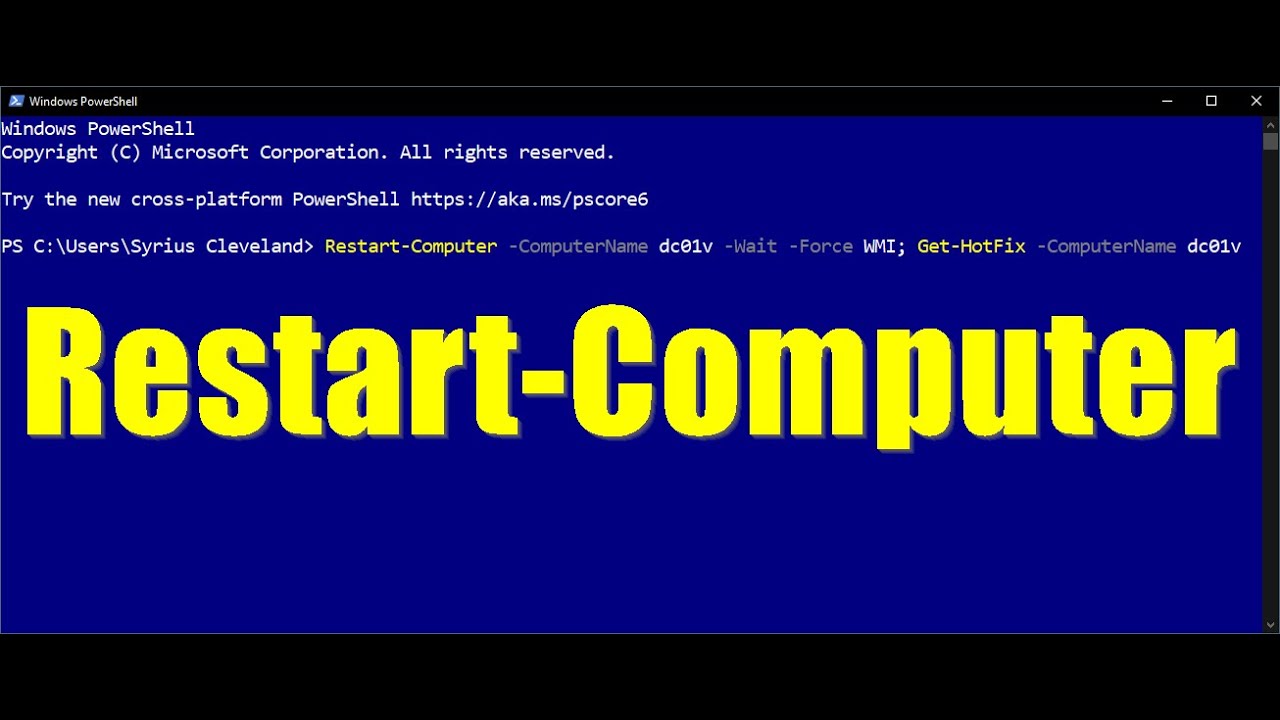 Powershell Restart Azure Vm Agent
https://i.ytimg.com/vi/RYgv6TvL2Wo/maxresdefault.jpg
Dec 6 2019 nbsp 0183 32 How to Install or Uninstall Windows PowerShell ISE in Windows 10 The Windows PowerShell Integrated Scripting Environment ISE is a host application for Windows
Templates are pre-designed files or files that can be utilized for numerous purposes. They can conserve effort and time by supplying a ready-made format and layout for creating different kinds of content. Templates can be utilized for individual or professional jobs, such as resumes, invitations, flyers, newsletters, reports, presentations, and more.
Powershell Restart Azure Vm Agent

Troubleshoot the Logon Attempt Failed In Azure VM Setting Up Multi
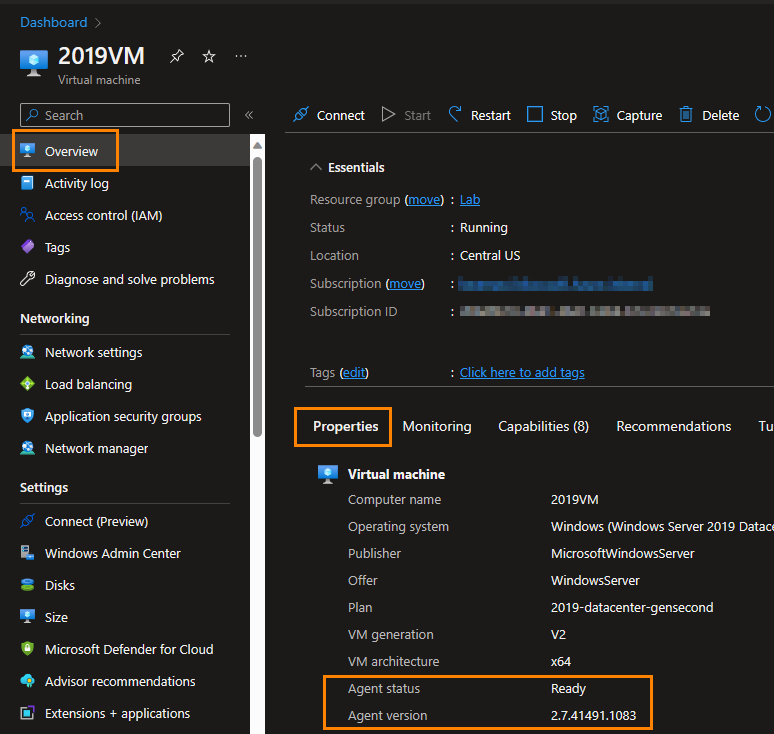
Troubleshoot Azure Windows VM Agent Issues Virtual Machines

Create Azure Vms With Powershell Part 2 Laptrinhx How To Rename An Vm

What Is Azure Guest Agent The Tech Guy

Cannot Add Azure VM To Update Management Microsoft Q A

How To Remove An Azure Virtual Machine Vm Azure Lessons Vrogue

Nov 7 2017 nbsp 0183 32 One of many PowerShell security features is that you can t run a script simply by double clicking it s icon on desktop or in a folder Doing so will by default open script in

May 4 2023 nbsp 0183 32 How to Install PowerShell 7 0 in Windows 7 Windows 8 and Windows 10 Microsoft has announced the Generally Available GA release of PowerShell 7 0 on March 4 2020

Mar 14 2025 nbsp 0183 32 PowerShell cmd PowerShell

Oct 10 2020 nbsp 0183 32 To Check Status of BitLocker in PowerShell Note The Get BitLockerVolume command provides the following information about a drive on the PC VolumeType Data or

Jun 28 2018 nbsp 0183 32 powershell windows 7 powershell
[desc-11] [desc-12]
[desc-13]