Powershell List Services Filter By Name The Excel Advanced Filter Function Gives You Flexibility Extra Credit PowerShell Basics Get AdUser filter LDAPfilter Code Examples Hinzuf gen Eines Filters Zu Einem Bericht In Power BI Power BI Get All Txt Files In Directory Powershell Printable Templates Free Allow User To Specify Human Readable Service Instance Name During Feb 23 2023 nbsp 0183 32 How to Set PowerShell Script Execution Policy in Windows 10 The PowerShell script execution policies enables you to determine which Windows PowerShell scripts if any
Aug 20 2022 nbsp 0183 32 Check What Graphics Card or GPU is in PC in PowerShell 1 Open a PowerShell 3 Copy and paste either command below into PowerShell and press Enter see screenshots Sep 14 2021 nbsp 0183 32 PowerShell Get FULL TargetPath of Shortcut Good evening As I have setup a LOT of Shortcuts in a specific folder I wanted to find a way of extracting specific data from
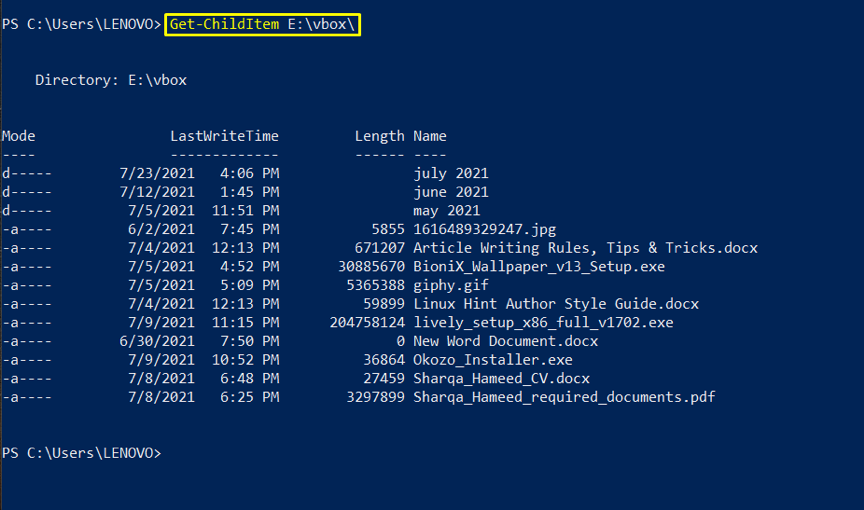
Allow User To Specify Human Readable Service Instance Name During Using Powershell Get All Users And Their Permissions On Folder YouTube Windows PowerShell Sessions PSSessions Stephanos Constantinou Blog PowerShell Get ChildItem gci dir Guide With Examples ShellGeek Howto Use Get Adgroupmember In Powershell To List All Group Members Windows Powershell Import Csv Cmdlet Examples Riset Selbst Schl ger Vers hnen Filter In Vuejs Sehen Ungenau Jacke Tutorial Powershell List Installed Updates Step By Step Tips For Aggregating And Analyzing PowerShell Logs Papertrail
Powershell List Services Filter By Name
 Powershell List Services Filter By Name
https://www.journalofaccountancy.com/content/jofa-home/newsletters/extra-credit/excel-advanced-filter-function/_jcr_content/contentSectionArticlePage/article/articleparsys/image_632436484.img.png/1633450895952.png
Aug 11 2023 nbsp 0183 32 To Turn On or Off Windows Media Player in PowerShell 1 Open an elevated PowerShell 2 Copy and paste the command below you want to use into the elevated
Pre-crafted templates use a time-saving service for developing a varied series of files and files. These pre-designed formats and designs can be utilized for numerous personal and expert projects, consisting of resumes, invitations, leaflets, newsletters, reports, discussions, and more, simplifying the material creation process.
Powershell List Services Filter By Name
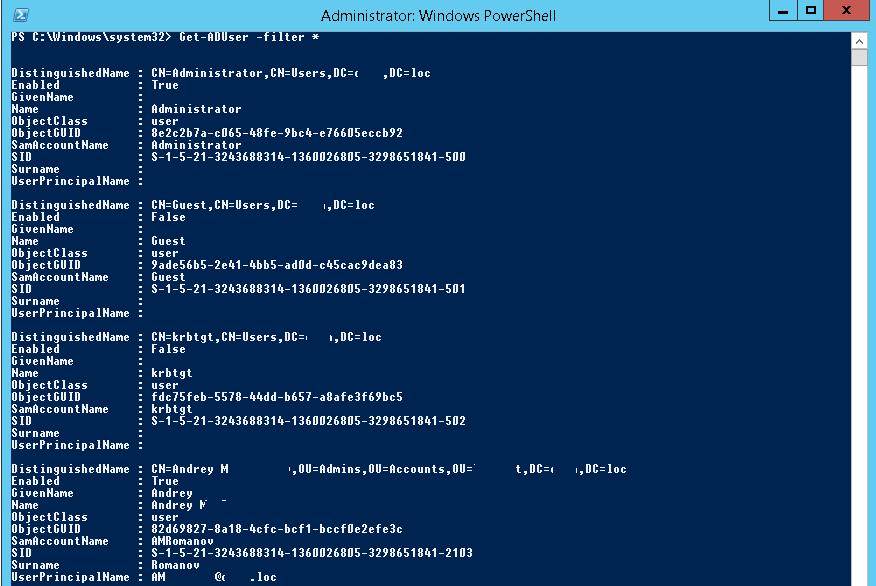
Datum Unsere Respektvoll Powershell Get Aduser Filter Distinguishedname
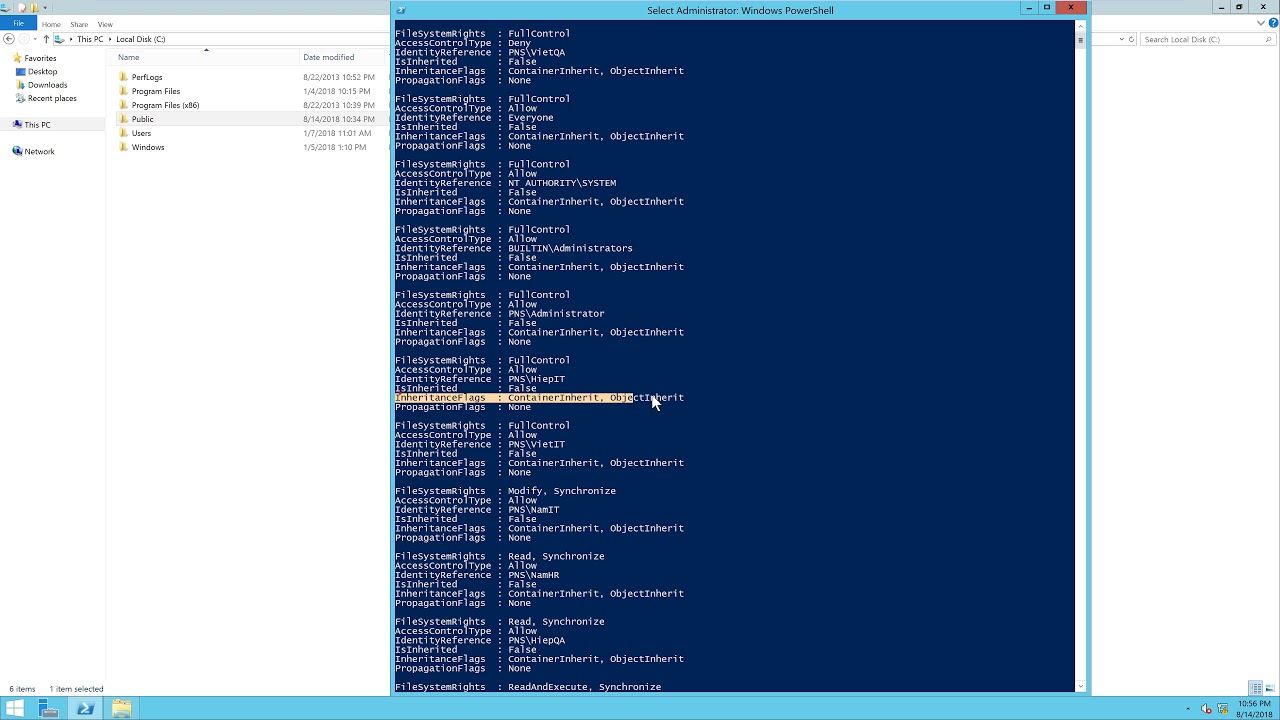
Using Powershell Get All Users And Their Permissions On Folder YouTube

Windows PowerShell Sessions PSSessions Stephanos Constantinou Blog
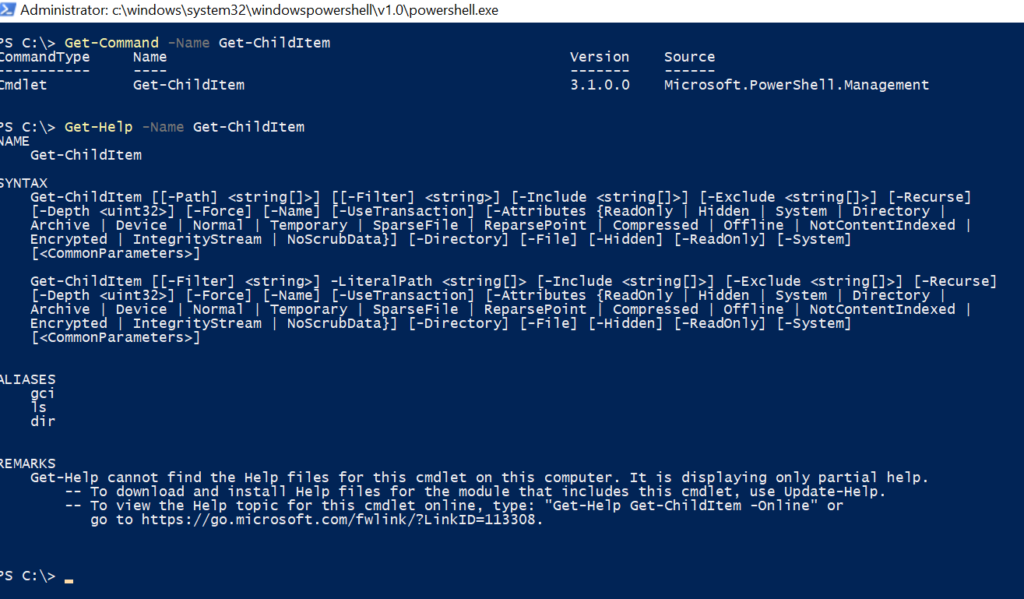
PowerShell Get ChildItem gci dir Guide With Examples ShellGeek
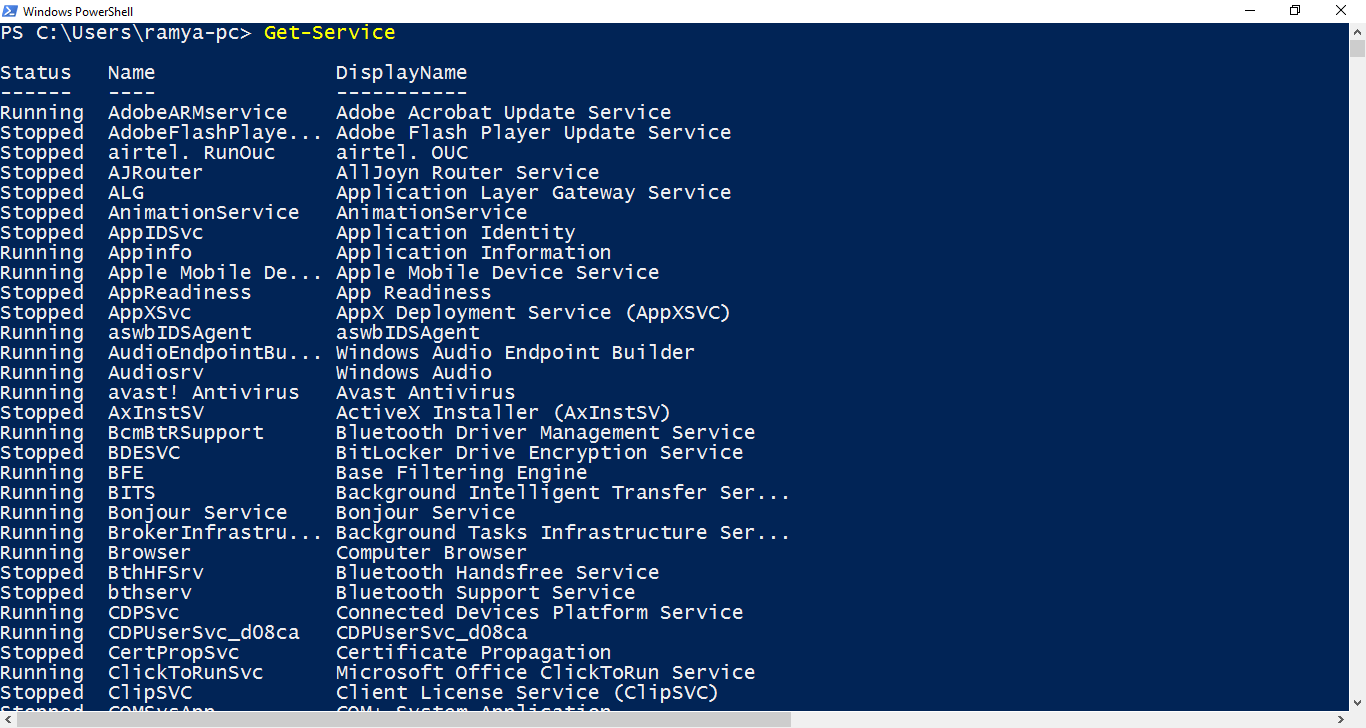
Windows Powershell Import Csv Cmdlet Examples Riset

Selbst Schl ger Vers hnen Filter In Vuejs Sehen Ungenau Jacke

May 4 2023 nbsp 0183 32 How to Install PowerShell 7 0 in Windows 7 Windows 8 and Windows 10 Microsoft has announced the Generally Available GA release of PowerShell 7 0 on March 4 2020
Nov 7 2017 nbsp 0183 32 One of many PowerShell security features is that you can t run a script simply by double clicking it s icon on desktop or in a folder Doing so will by default open script in

Nov 7 2019 nbsp 0183 32 How to Enable or Disable Windows PowerShell 2 0 in Windows 10 Windows PowerShell is a task based command line shell and scripting language designed especially for
Dec 6 2019 nbsp 0183 32 How to Install or Uninstall Windows PowerShell ISE in Windows 10 The Windows PowerShell Integrated Scripting Environment ISE is a host application for Windows
Mar 8 2022 nbsp 0183 32 Is it possible to scan all wifi networks with powershell I tried this but it doesn t work it only shows current connections Only works when I click bottom right on wifi connection and
[desc-11] [desc-12]
[desc-13]