Powershell List Object Property Names Learn About Using PowerShell Value Binding By Property Name Scripting Comparing PowerShell Property Names The Lonely Administrator A Guide To PowerShell Part 2 The Solving Powershell Select Object Property All Answers Brandiscrafts PowerShell Tip Using WMIObject To Check Disk Partitions Info And Adding object methods Using DefaultPropertySet the long way Show 2 more PSCustomObject is a great tool to add into your PowerShell tool belt Let s start with the basics and work our way into the more advanced features The idea behind using a PSCustomObject is to have a simple way to create structured data
Module Microsoft PowerShell Core Selects objects from a collection based on their property values In this article Syntax Description Examples Parameters Inputs Outputs Notes Related Links Syntax PowerShell Where Object InputObject PSObject Property String Value Object EQ CommonParameters PowerShell How can I use Windows PowerShell to change the property names of my output objects The easiest way to achieve this to use Select Object and a calculated field Get WmiObject Class win32 OperatingSystem ComputerName webr201 select N ComputerName E PSComputerName N OS E caption
PowerShell Tip Using WMIObject To Check Disk Partitions Info And PowerShell Basics Where Where Object property Statement Filter Powershell Where Where Object Cmdlet Syntax Alias Examples A Guide To PowerShell Part 2 The Solving Extending PowerShell With Custom Property Sets The Lonely Administrator 3230 list installed programs with powershell 1 jpg List Files In A Directory With PowerShell Video What Is PowerShell How Can It Make Your IT Staff More Efficient Compare 2 Files With PowerShell A Little Tech Blog
Powershell List Object Property Names
 Powershell List Object Property Names
https://devblogs.microsoft.com/wp-content/uploads/sites/29/2019/02/7103.hsg-3-25-13-13.png
To simply select a couple of properties from an object we can use a comma separated list with the property s names Get Process Select Object Property Name CPU You can also leave out the parameter Property Get Process Select Object Name CPU
Pre-crafted templates use a time-saving solution for producing a varied range of files and files. These pre-designed formats and layouts can be used for numerous individual and expert projects, including resumes, invites, leaflets, newsletters, reports, discussions, and more, improving the content development procedure.
Powershell List Object Property Names
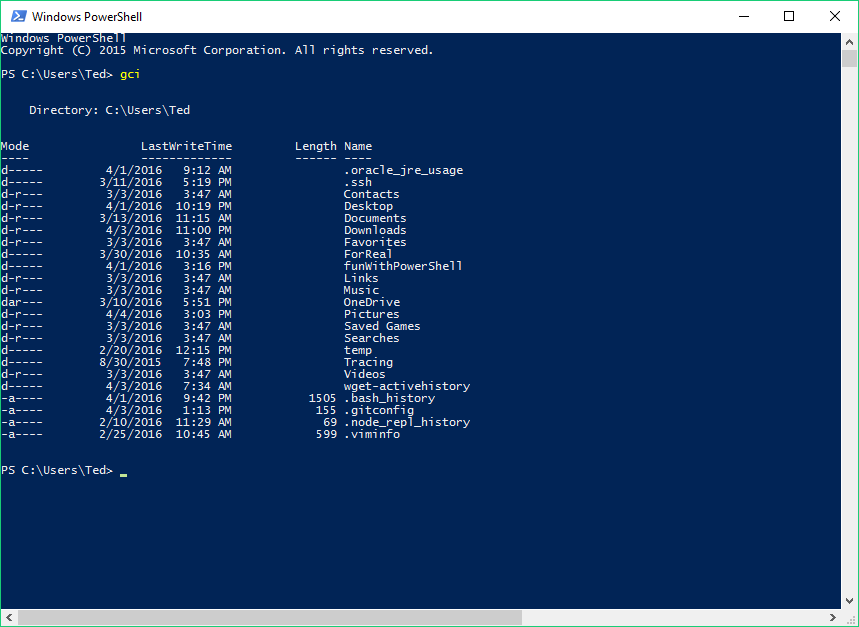
Introduction To The Windows Command Line With PowerShell Programming

PowerShell Basics Where Where Object property Statement Filter

Powershell Where Where Object Cmdlet Syntax Alias Examples
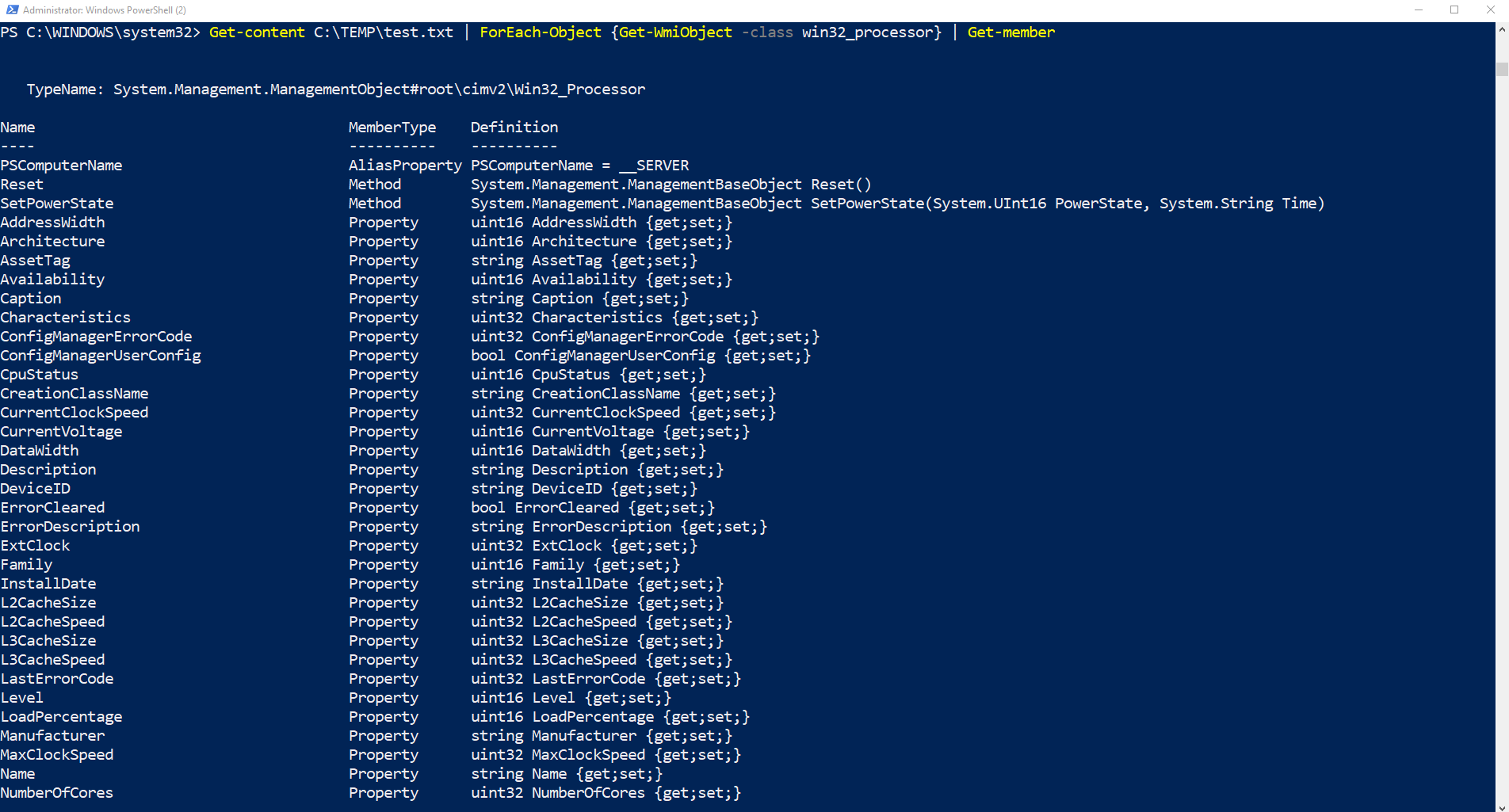
A Guide To PowerShell Part 2 The Solving
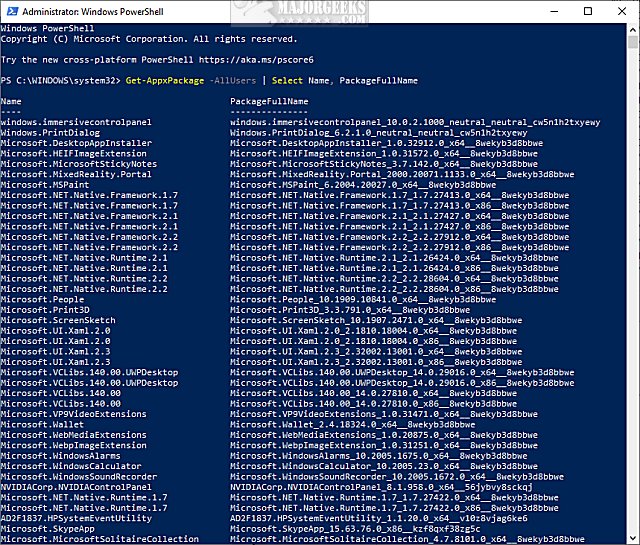
3230 list installed programs with powershell 1 jpg
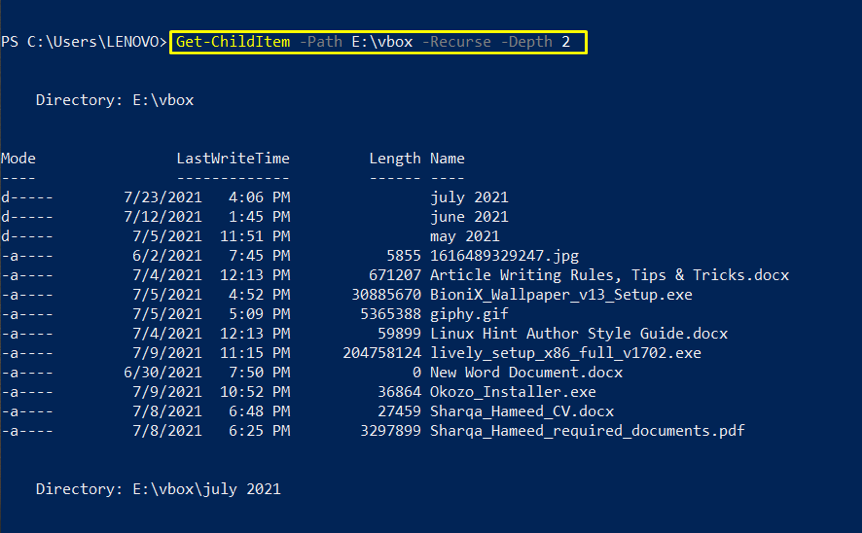
List Files In A Directory With PowerShell
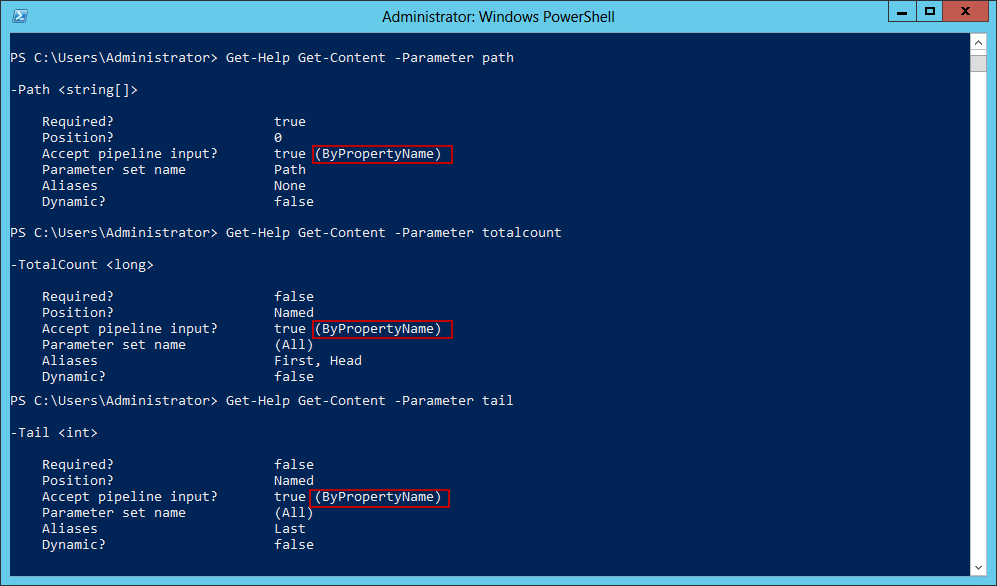
A property is a characteristic about an item Your drivers license has a property called eye color and the most common values for that property are blue and brown A method is an action that can be taken on an item
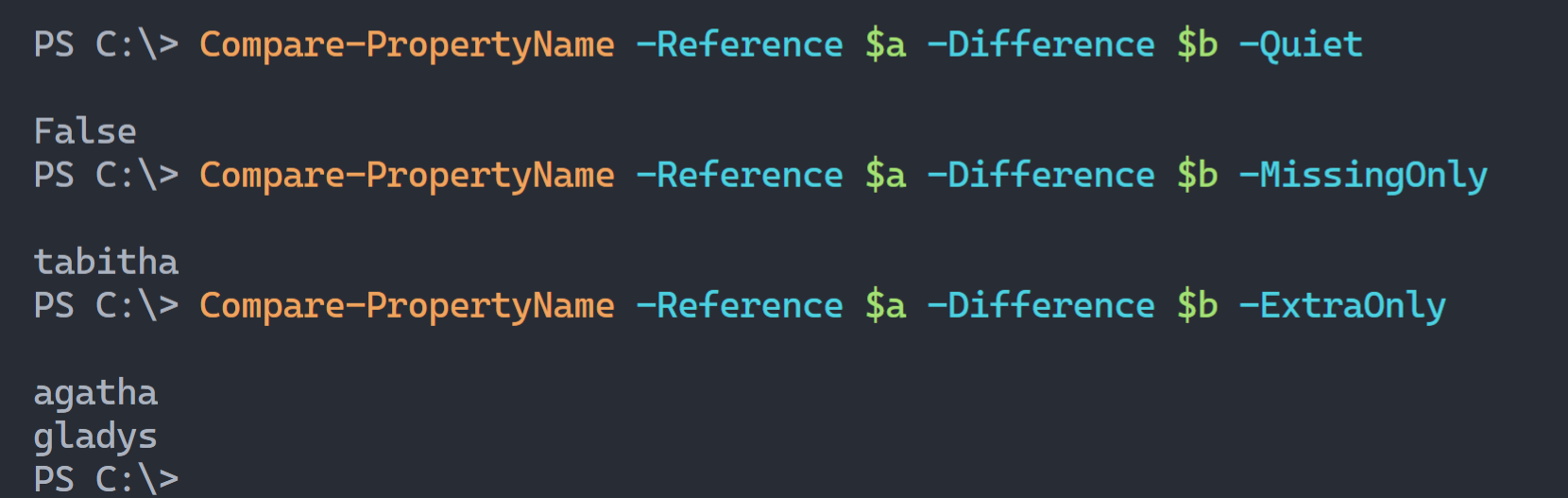
How to get the name of an object property in powershell Asked 10 years 6 months ago Modified 10 years 6 months ago Viewed 42k times 7 I know I can use get member to get all the properties of an object but I m going through a list of objects and I m interested in the very last property whose name keeps changing
Object properties To get the properties of an object use the Get Member cmdlet For example to get the properties of a FileInfo object use the Get ChildItem cmdlet to get the FileInfo object that represents a file Then use a pipeline operator to send the FileInfo object to Get Member

Description The Select Object cmdlet selects specified properties of an object or set of objects It can also select unique objects a specified number of objects or objects in a specified position in an array To select objects from a collection use the First Last Unique Skip and Index parameters

PowerShell Get Member InputObject PSObject Name String MemberType PSMemberTypes View PSMemberViewTypes Static Force CommonParameters Description The Get Member cmdlet gets the members the properties and methods of objects
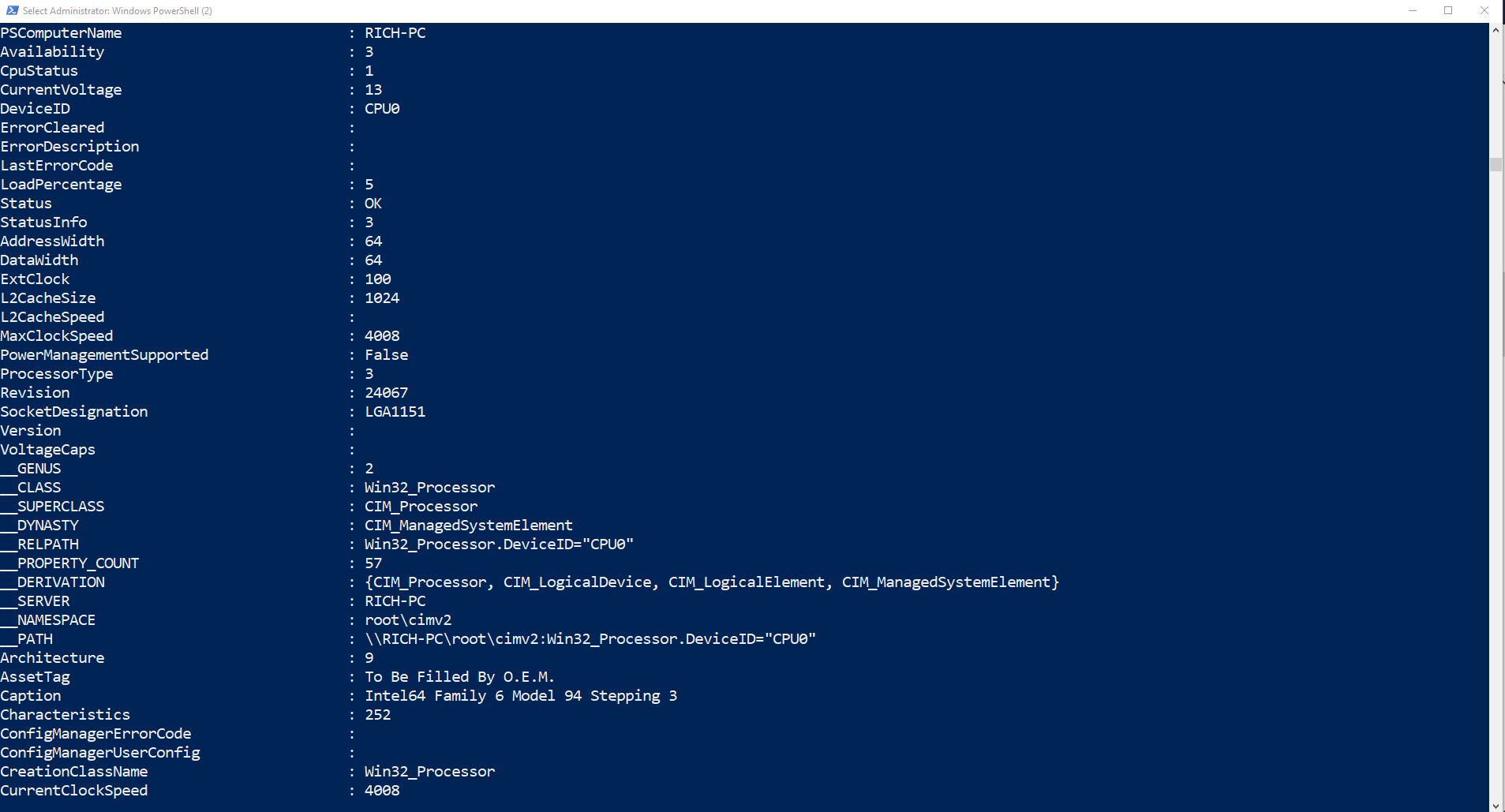
1 By using PowerShell command aliases the above answer can be shortened to x fl string x gm m Property Name sort Ryan Prechel When querying a PowerShell object it only returns a few essential properties by default For example querying the W32 ComputerSystem class with Get WmiObject cmdlet only returns properties like Manufacturer ComputerName TotalPhysicalMemory etc To get the full list of the properties of Win32 ComputerSystem class you can pipe the result to Format List like below
6 Answers Sorted by 163 Try this Get WmiObject Class Win32 computersystem Format List Get WmiObject Class Win32 computersystem Format List Property For certain objects PowerShell provides a set of formatting instructions that can affect either the table or list formats