Powershell List All Open Ports How To Scan IP Address And Find All Open Ports How To Scan IP Address And Find All Open Ports How To Check Which Ports Are Open Pausebear Get All Txt Files In Directory Powershell Printable Templates Free How To Check List Of Open Ports In Windows 10 Youtube Hot Sex Picture Web Jul 20 2021 nbsp 0183 32 You can display a list of open listening ports on your local computer Get NetTCPConnection State Listen Select Object Property LocalAddress LocalPort RemoteAddress RemotePort State Sort Object LocalPort ft The Get NetUDPEndpoint cmdlet is used to get information about UDP ports You can display external Internet
Web PowerShell PS C gt Get NetTCPConnection This command gets all current TCP connections Example 2 Get established connections PowerShell PS C gt Get NetTCPConnection State Established This command gets all TCP connections that have an Established state Example 3 Get Internet TCP connections PowerShell Web Download Old Check Open Ports ps1 Last edited 2023 05 18 To check a remote computer for open closed TCP ports using PowerShell version 2 and up you can use the Net Sockets TcpClient class from the NET libraries
How To Check List Of Open Ports In Windows 10 Youtube Hot Sex Picture How To Reuse A Windows PowerShell Command How To Check Which Ports Are In Use Windows 10 Rylee has Huerta Quick Tip List All Open Ports On The VCSA PSC Windows Powershell Import Csv Cmdlet Examples Riset PowerShell Basics How To Scan Open Ports Within A Network PowerShell Adding Records To The Hosts File PowerShell Get ChildItem gci dir Guide With Examples ShellGeek Using Powershell Get All Users And Their Permissions On Folder YouTube
Powershell List All Open Ports
 Powershell List All Open Ports
https://benisnous.com/wp-content/uploads/2020/11/How-to-Scan-IP-address-and-find-all-open-ports.jpg
Web Jan 7 2020 nbsp 0183 32 Is there some command or option to retrieve a full list of all TCP ports that exist on a device irrespective of whether or not they re in use Note I see an excellent list of IANA assigned port numbers which goes up to 65000 But I can t see a specific max and I m not sure if all laptops servers VMs have that many ports
Pre-crafted templates provide a time-saving service for developing a diverse variety of documents and files. These pre-designed formats and designs can be used for various personal and professional projects, consisting of resumes, invites, leaflets, newsletters, reports, discussions, and more, enhancing the content creation procedure.
Powershell List All Open Ports
How To Get Folder Size In Windows Using Powershell Command Design Talk

How To Reuse A Windows PowerShell Command
How To Check Which Ports Are In Use Windows 10 Rylee has Huerta

Quick Tip List All Open Ports On The VCSA PSC

PowerShell Basics How To Scan Open Ports Within A Network
PowerShell Adding Records To The Hosts File
Web Apr 7 2021 nbsp 0183 32 1 Open up a PowerShell console as administrator The only reason you need to elevate a PowerShell console is to see the program that owns the connection like the netstat b parameter 2 Run Get NetTcpConnection You ll see output similar to what netstat provided

Web Jul 5 2023 nbsp 0183 32 A list of all open TCP ports on the computer can be viewed as follows Get NetTcpConnection State Listen Select Object LocalAddress LocalPort Sort Object Property LocalPort Format Table You can also use the Get NetTCPConnection cmdlet to list active TCP IP connections
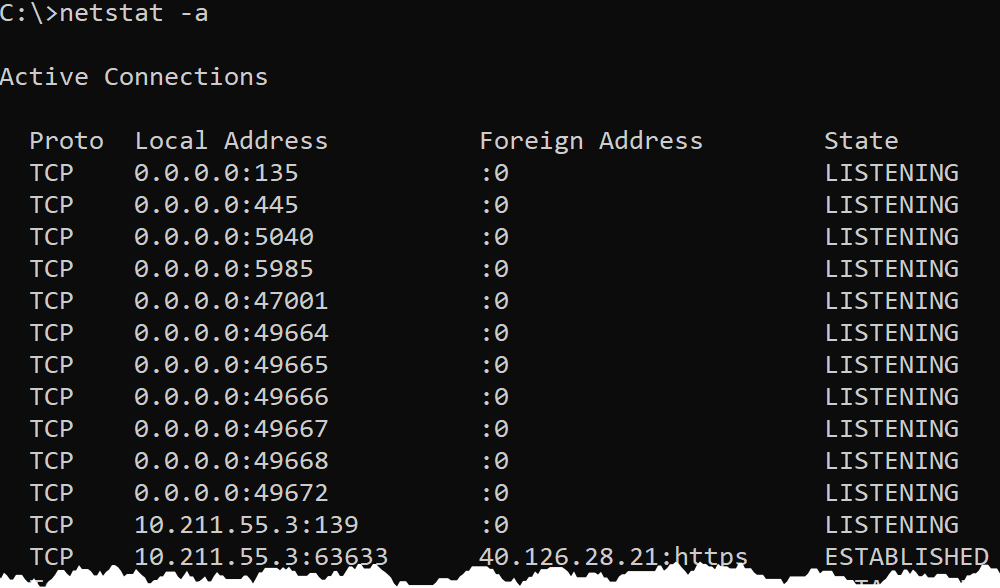
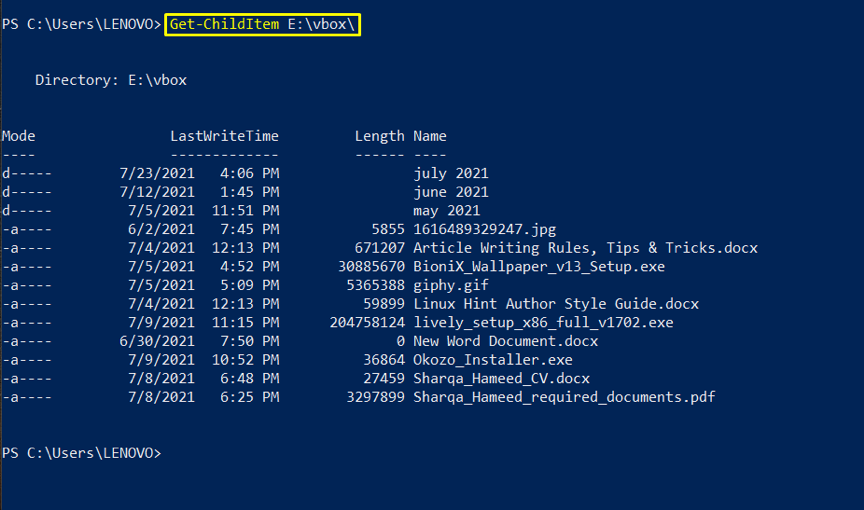
Web Learn how to use Powershell to list the open TCP ports on a computer running Windows in 5 minutes or less
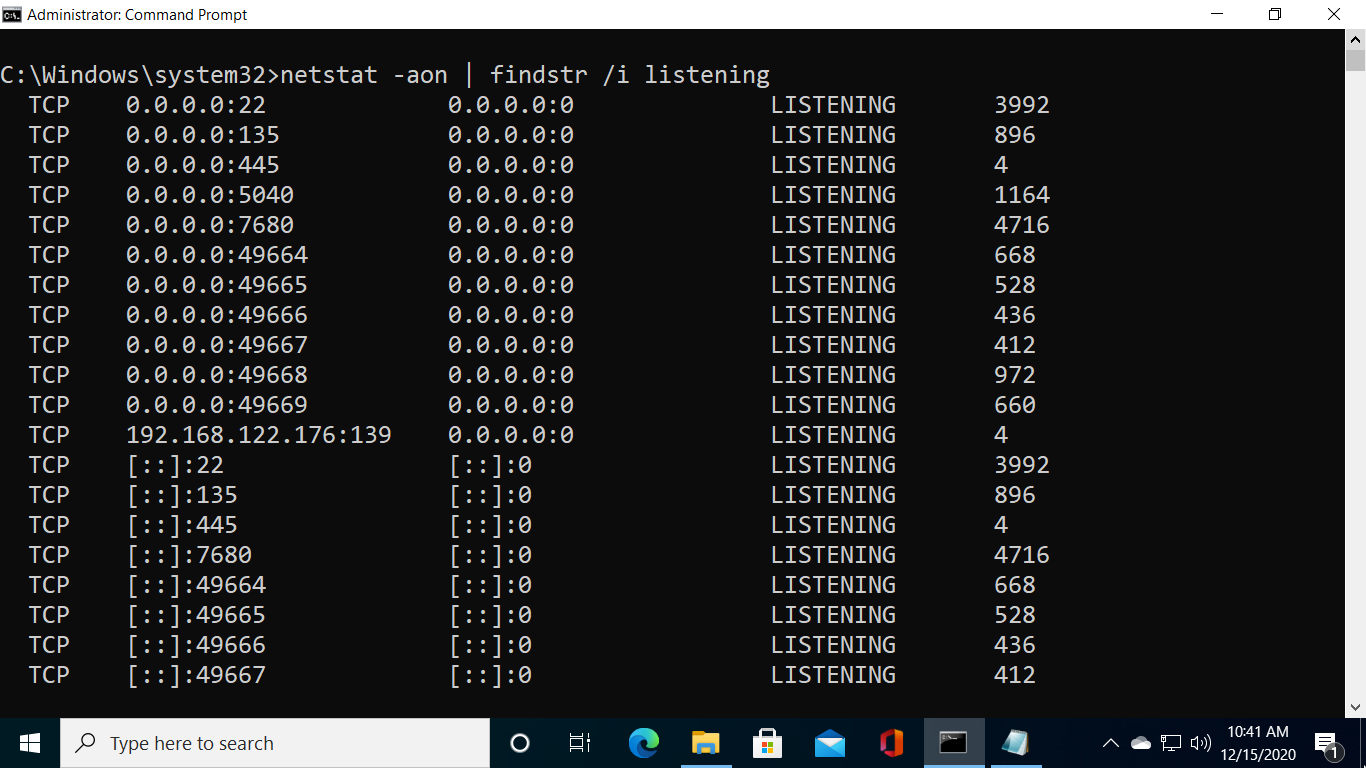
Web Aug 20 2023 nbsp 0183 32 Run the command quot netstat ab quot in an elevated Command Prompt PowerShell or Terminal window to see a list of applications and their associated ports This works in Windows 11 too Checking open ports can be done using built in tools like Command Prompt or PowerShell which list active ports and the associated process

Web Oct 22 2019 nbsp 0183 32 If Test Connection BufferSize 32 Count 1 quiet ComputerName ip Attempt made to connect to the desired port for testing socket new object System Net Sockets TcpClient ip port Report success if the desired port is open If socket Connected ip port port open socket Close
Web Jan 12 2016 nbsp 0183 32 Open a command shell and run netstat a n p tcp o No need to run as administrator The last column is the PID You can look up this PID in the task manager Be sure to activate quot show processes of all users quot there See the documentation for netstat Web Would you like to learn how to list the open TCP ports using Powershell In this tutorial we are going to show you how to use Powershell to create a list of TCP ports in the listening state on a computer running Windows Windows 2012 R2 Windows 2016 Windows 2019 Windows 10
Web Oct 7 2013 nbsp 0183 32 How to check open ports using powershell Ask Question Asked 9 years 11 months ago Modified 8 years 8 months ago Viewed 18k times 2 I would like to write a script to check radom IP or hostname to see if ports are open Here is what I have so far The scripts name is checkports