Powershell Ise Exe Command Line Options How To Block PowerShell Using Group Policy Editor Askit Solutii Si How To Get Current Directory Full Path In PowerShell ShellGeek Powershell Install Appx Via Command Line Lab Core The Lab Of Mrnettek Command Prompt Vs PowerShell What Are The Differences Fix Type Setting The Location Of Windows PowerShell Executable File With Definition powershell ise exe Options ReadOnly AllScope Description OutputType System String Name ise CommandType Alias Visibility Public ModuleName Module Parameters ParameterSets
To execute an inline script block defined inside a string the call operator can be used Windows Command Prompt powershell exe Command Get WinEvent LogName security If the value of Command is a string Command must be the last parameter for pwsh because all arguments following it are interpreted as part of the command to execute 4 contributors Feedback Use the following keyboard shortcuts to perform actions in Windows PowerShell Integrated Scripting Environment ISE Windows PowerShell ISE is available as part of the Windows Server and Windows client operating systems Keyboard shortcuts for editing text You can use the following keyboard shortcuts when you edit text
Setting The Location Of Windows PowerShell Executable File With PowerShell Windows 10 Cpab Playing With PowerShell ISE Preview Scripting Blog archived Powershell exe Command Syntax Parameters And Examples Exploring Functions And Parameters Using The PowerShell ISE Command Add Powershell exe Command Syntax Parameters And Examples Desire To Install Windows PowerShell On Windows 8 Techyv Powershell exe Command Syntax Parameters And Examples Extending The PowerShell ISE With Exchange Functionality Winblog
Powershell Ise Exe Command Line Options
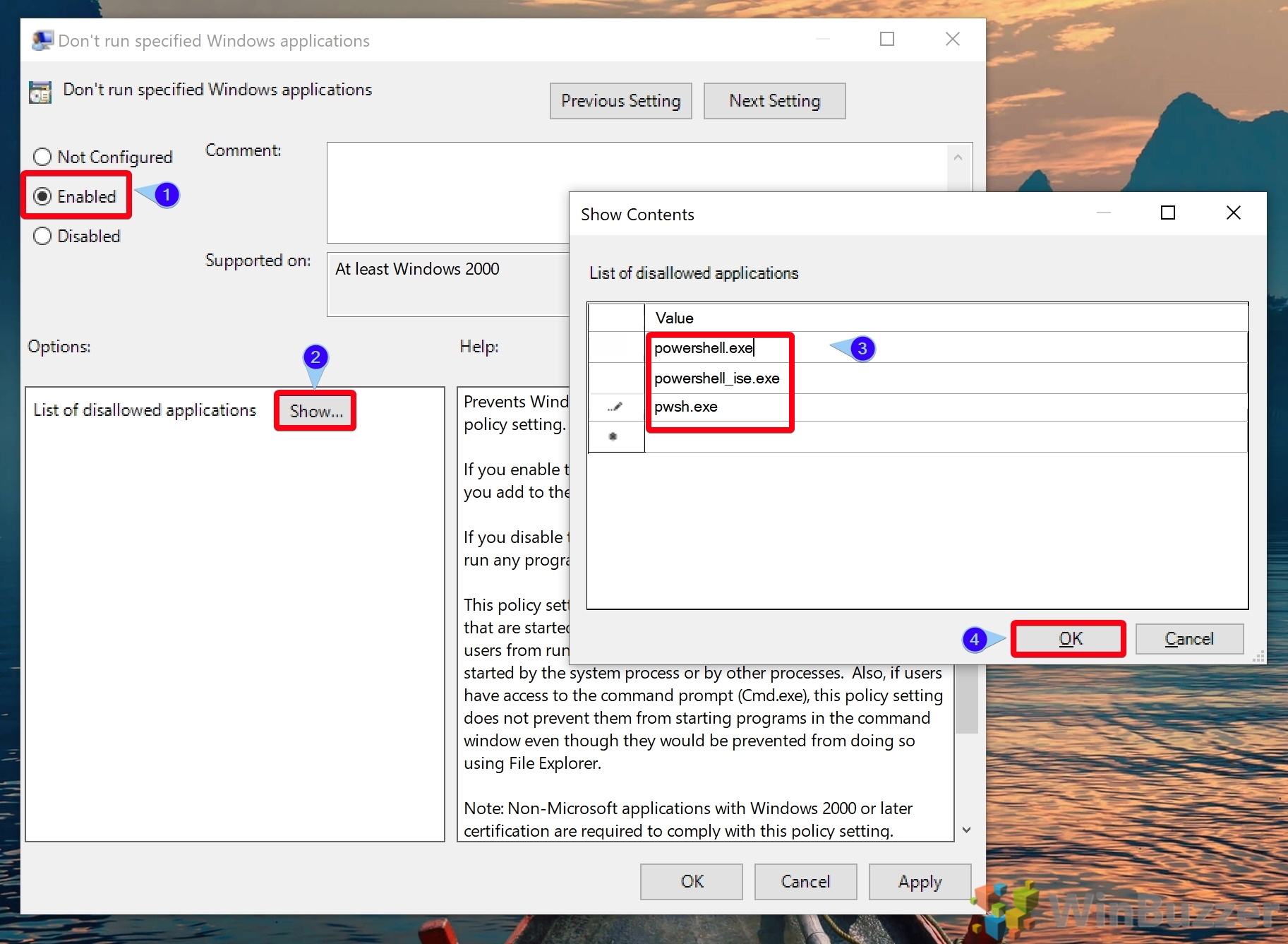 Powershell Ise Exe Command Line Options
https://askit.ro/wp-content/uploads/2022/06/imag3.jpg
I solved creating a script ps1 file in Powershell ISE and after this I went to Powershell window and type this command to allow script to run Set ExecutionPolicy RemoteSigned and create a bat file with this line Powershell exe executionpolicy remotesigned File ps1 file path ps1 file name ps1 and all works fine
Pre-crafted templates use a time-saving option for creating a varied series of files and files. These pre-designed formats and designs can be utilized for various individual and expert tasks, consisting of resumes, invitations, leaflets, newsletters, reports, discussions, and more, streamlining the content creation procedure.
Powershell Ise Exe Command Line Options

Powershell exe Command Syntax Parameters And Examples

PowerShell Windows 10 Cpab
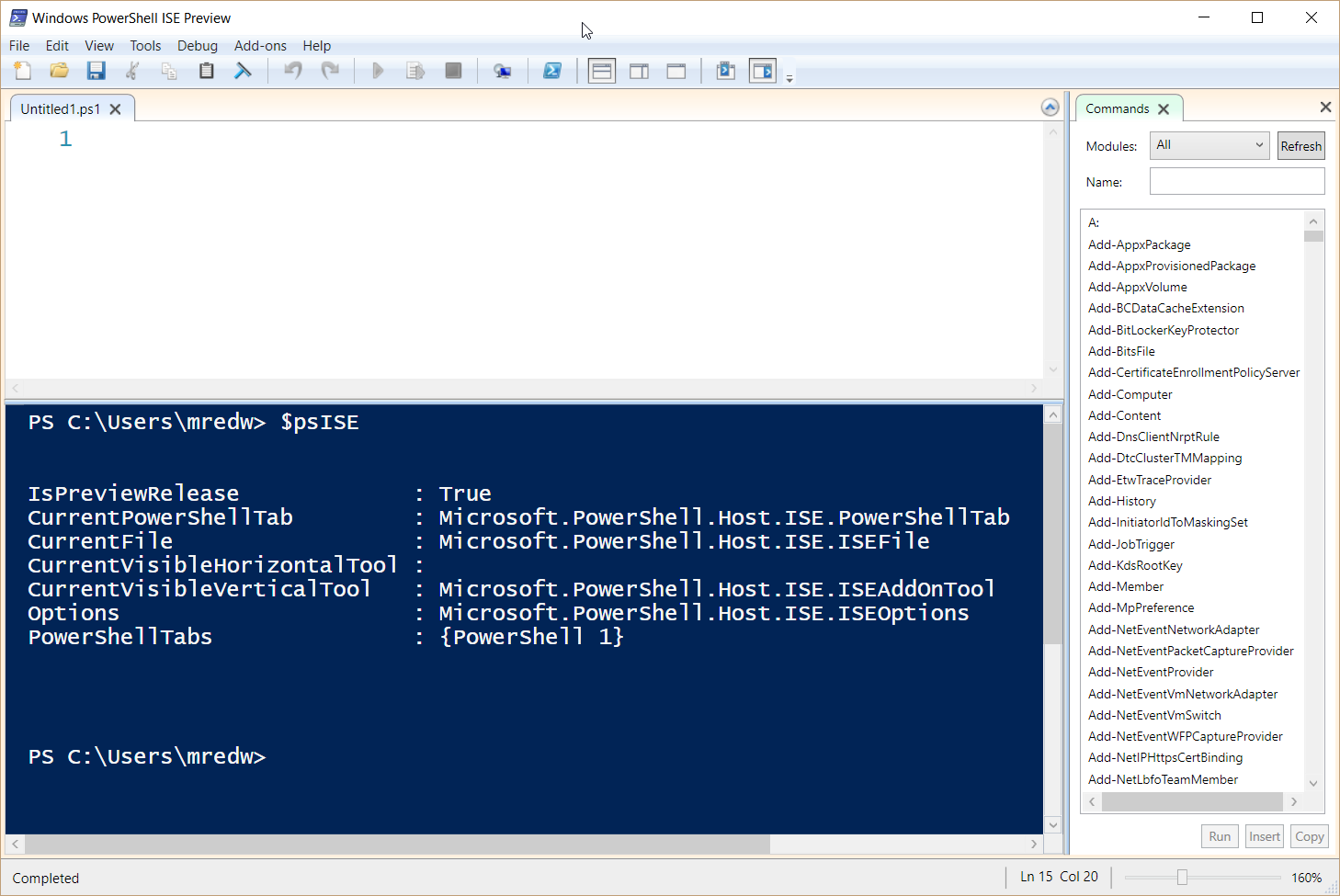
Playing With PowerShell ISE Preview Scripting Blog archived
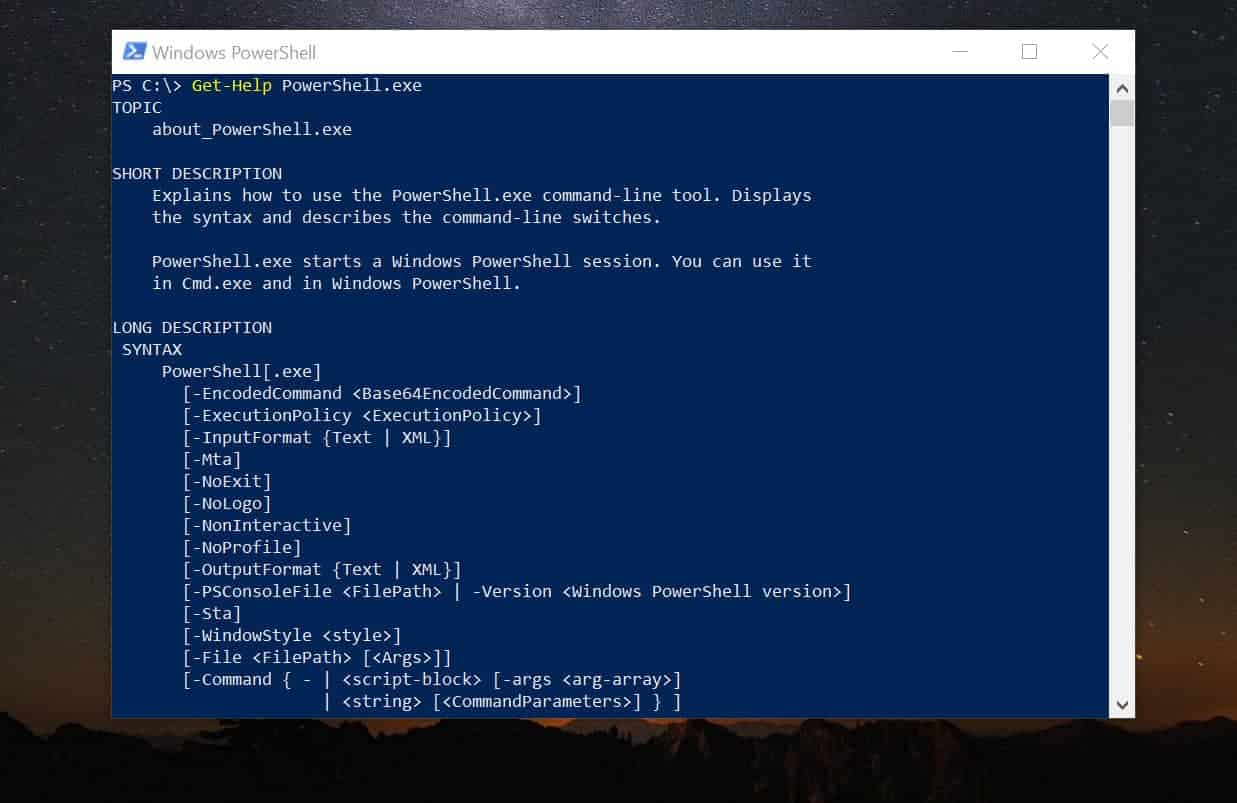
Powershell exe Command Syntax Parameters And Examples

Powershell exe Command Syntax Parameters And Examples
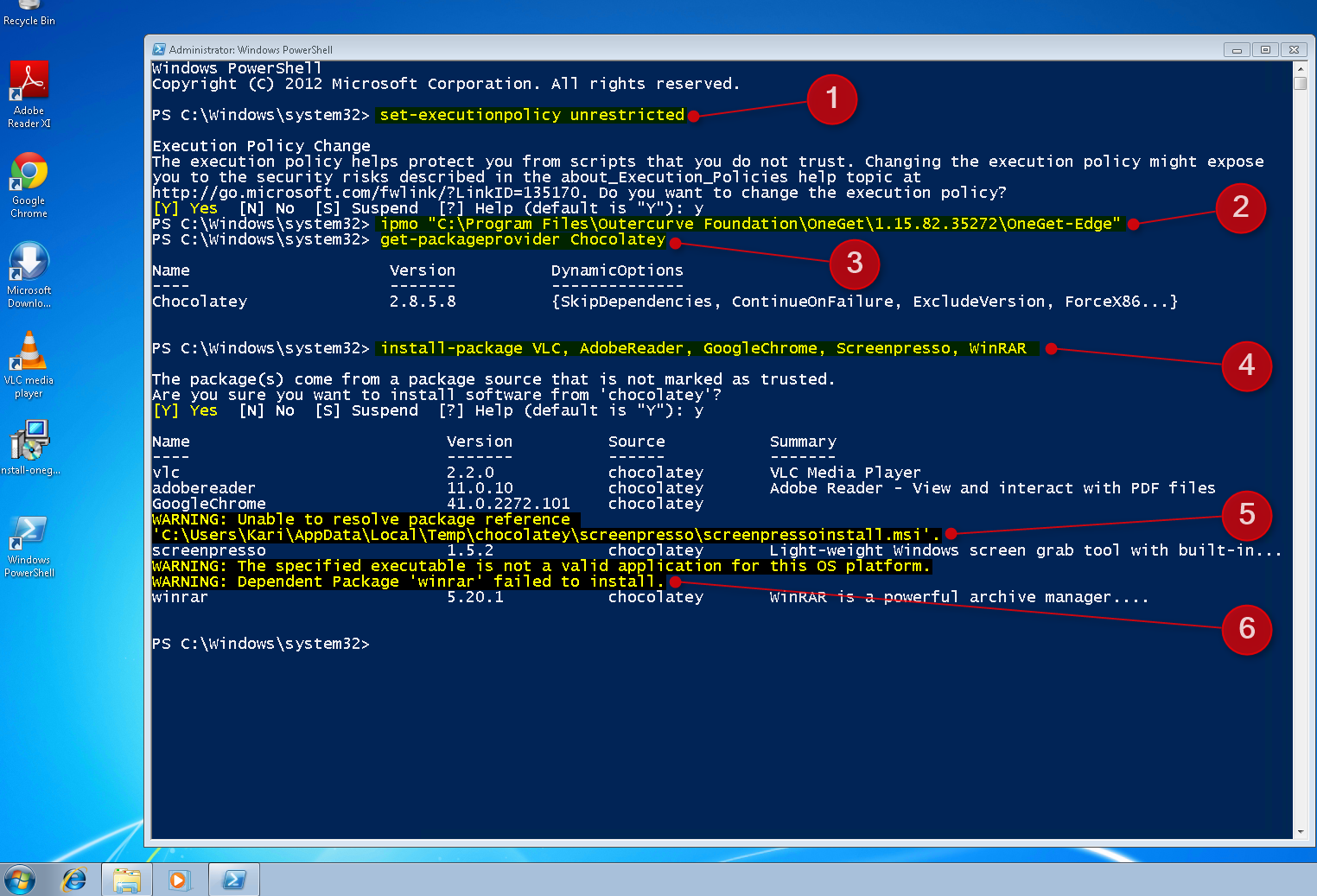
Desire To Install Windows PowerShell On Windows 8 Techyv
Explains how to use the PowerShell Ise exe command line tool Long description PowerShell Ise exe starts a Windows PowerShell Integrated Scripting Environment ISE session You can run it in Cmd exe and in Windows PowerShell To run PowerShell ISE exe type PowerShell ISE exe PowerShell ISE or ISE Syntax
Powershell Parameters into Powershell ISE from Command Line Stack Overflow I ve developed a script in Powershell ISE to backup a SQL Server database on one server move the file to another server and restore to the target server with a different database name Works fine Stack Overflow About Products For Teams

Multiline editing To insert a blank line under the current line in the Command pane press SHIFT ENTER Selective execution To run part of a script select the text you want to run and then click the Run Script button Or press F5 Context sensitive help Type Invoke Item and then press F1

The most common hosts you ll start are the interactive command line powershell exe and the Interactive Scripting Environment powershell ise exe PowerShell has renamed binary PowerShell version 6 and higher uses NET Core Supported versions are available on Windows macOS and Linux

Running Interactive Commands You can run any Windows PowerShell expression or command in Windows PowerShell ISE You can use cmdlets providers snap ins and modules as you would use them in the Windows PowerShell console You can type or paste interactive commands in the Console pane
The ISE lets developers run PowerShell commands and create test and refine PowerShell scripts without operating directly in the traditional PowerShell command line interface CLI At first glance PowerShell ISE is a convenient graphical user interface GUI for the PowerShell console In PowerShell type the ampersand symbol press Spacebar enter your executable file s path and press Enter If your file path has spaces enclose the path with double quotes If you re unsure how to locate your program s file path simply drag and drop your file onto your PowerShell window to automatically fill the file path
1 Open Settings and click tap on the Apps icon 2 Click tap on Apps features on the left side and click tap on the Optional features link on the right side see screenshot below 3 Do step 4 install or step 5 uninstall below for what you would like to do 4 To Install Windows PowerShell ISE This is the default setting