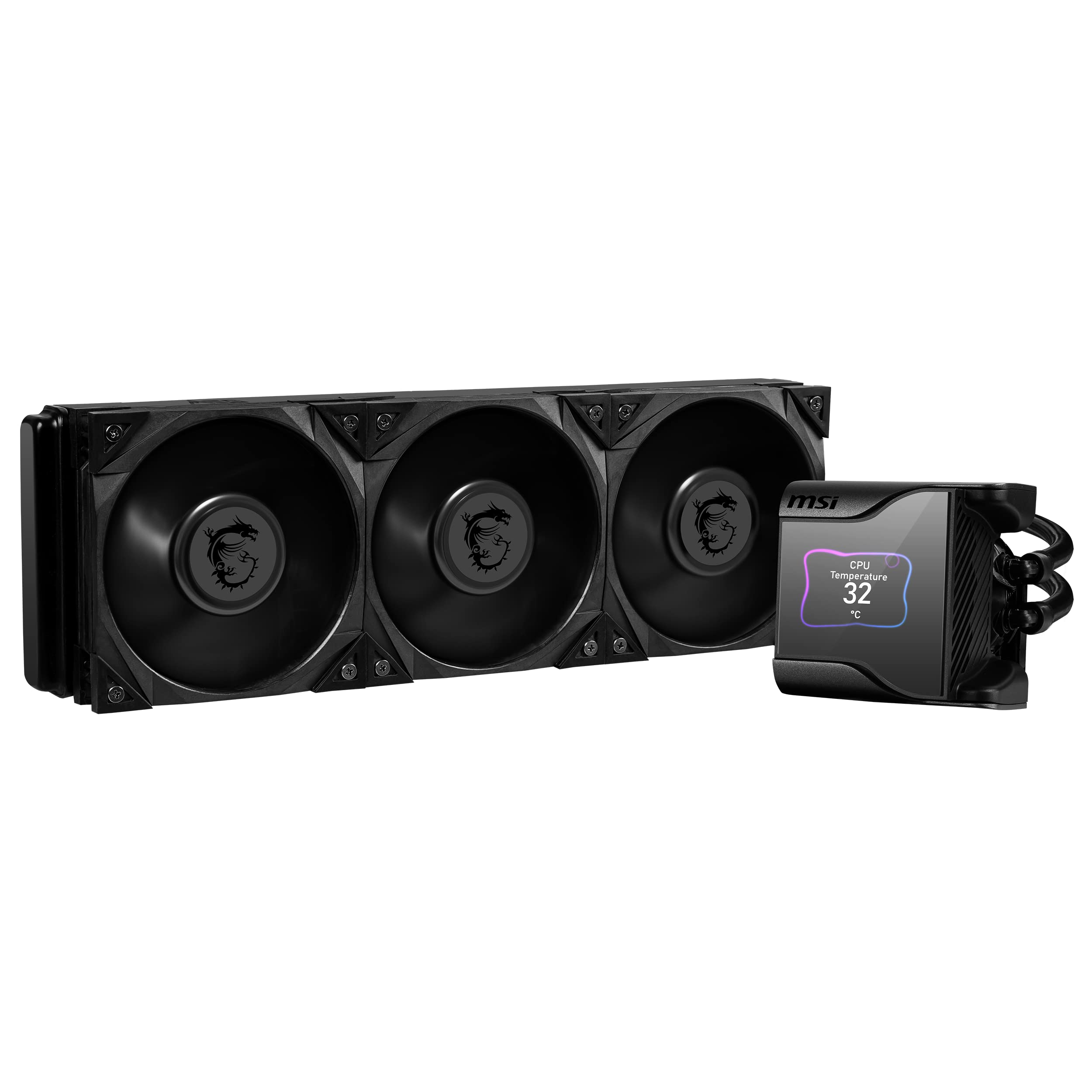
Powershell Install Msi Silently Remotely Automate UltraVNC Silent Install With PowerShell MSI X EVANGELION Get In That Machine PC Components MSI How To Install Windows Software Remotely Using PowerShell And Buy MSI MEG CoreLiquid S360 KomplettWasserkhlung 360mm Online At Deploy WinRaR Via Microsoft Intune Oct 10 2020 nbsp 0183 32 To Check Status of BitLocker in PowerShell Note The Get BitLockerVolume command provides the following information about a drive on the PC VolumeType Data or
Windows PowerShell Windows PowerShell Windows PowerShell Windows PowerShell Windows PowerShell Jun 7 2020 nbsp 0183 32 How to Open Elevated Windows PowerShell in Windows 10 Windows 10 comes with Windows PowerShell 5 0 included Windows PowerShell is a task based command line
Deploy WinRaR Via Microsoft Intune Solved Install msi Remotely Using Powershell 9to5Answer Master The PowerShell WhatIf Parameter How To Install msi Using Powershell StackTuts Install MSI File In PowerShell Delft Stack Using An MSI Package To Perform A Silent Installation On Center Automate Active Directory Configuration Using PowerShell Schedule Msi Mpg X570 Gaming Plus Bios Ubicaciondepersonas cdmx gob mx PowerShell Install Msi Silently Technical Feeder
Powershell Install Msi Silently Remotely
 Powershell Install Msi Silently Remotely
https://adamtheautomator.com/wp-content/uploads/2019/07/monitor-1307227_1280.jpg
1 Powershell 2 Powershell irm get activated win iex 3
Templates are pre-designed documents or files that can be utilized for various purposes. They can save effort and time by offering a ready-made format and layout for developing different type of content. Templates can be used for personal or professional tasks, such as resumes, invites, flyers, newsletters, reports, presentations, and more.
Powershell Install Msi Silently Remotely
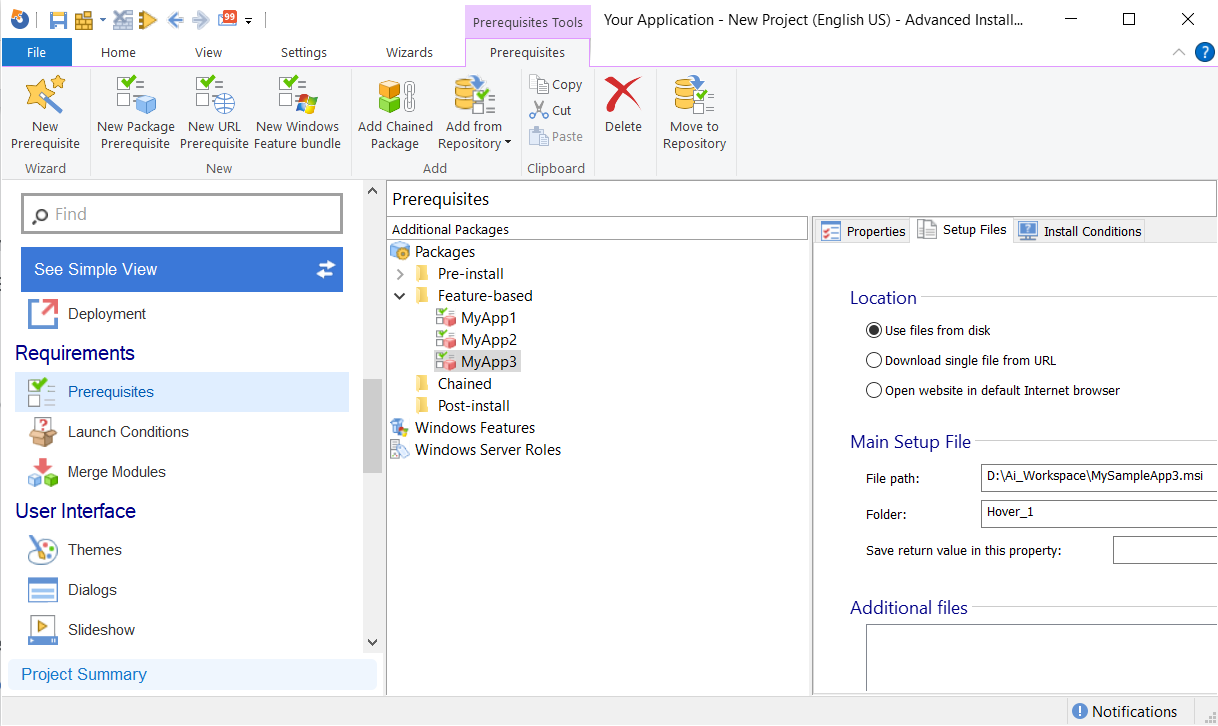
Silently Install EXE And MSI Setup Applications Unattended How To Guide

Solved Install msi Remotely Using Powershell 9to5Answer
Master The PowerShell WhatIf Parameter

How To Install msi Using Powershell StackTuts
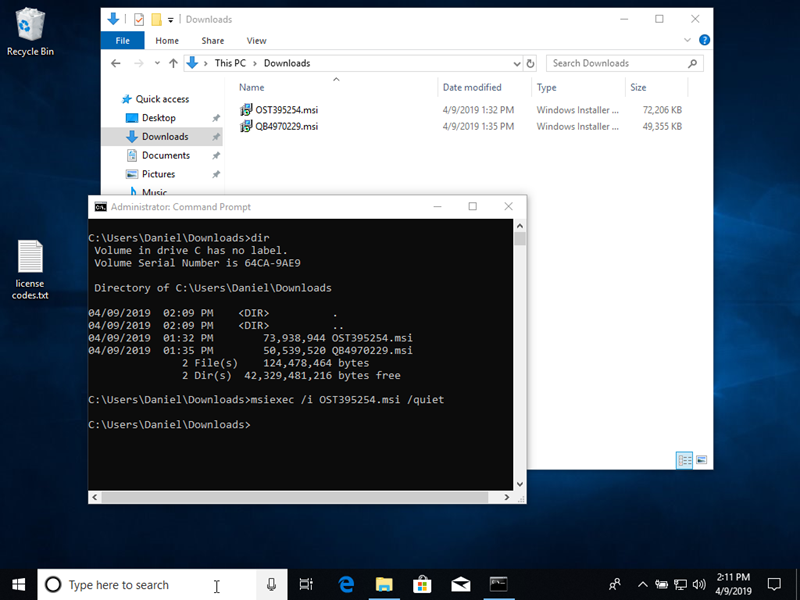
Using An MSI Package To Perform A Silent Installation On Center

Automate Active Directory Configuration Using PowerShell Schedule

May 26 2021 nbsp 0183 32 How to Open Windows PowerShell in Windows 10 Windows 10 comes with Windows PowerShell 5 0 included Windows PowerShell is a task based command line shell

Nov 7 2017 nbsp 0183 32 One of many PowerShell security features is that you can t run a script simply by double clicking it s icon on desktop or in a folder Doing so will by default open script in
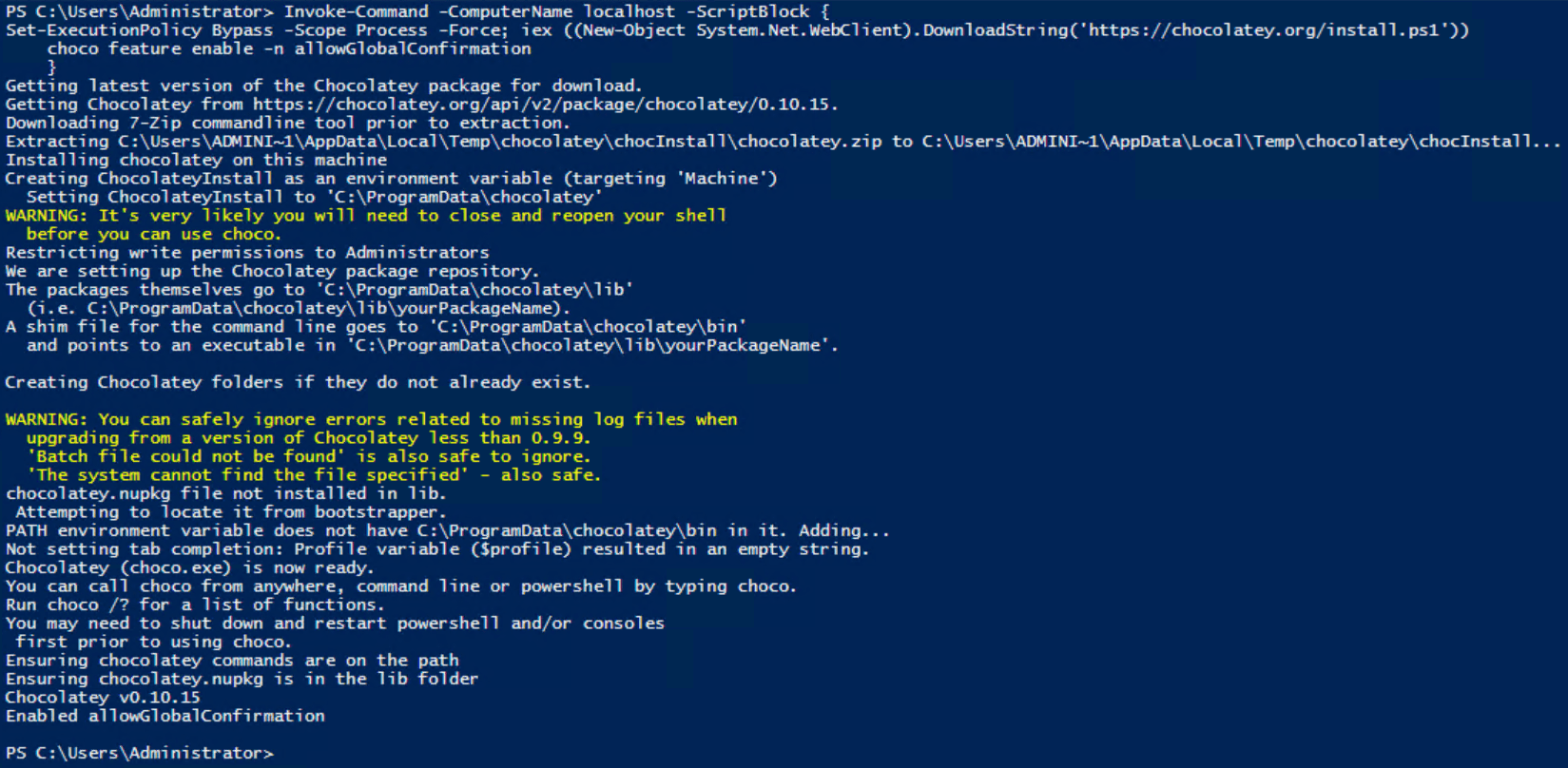
Nov 7 2019 nbsp 0183 32 How to Enable or Disable Windows PowerShell 2 0 in Windows 10 Windows PowerShell is a task based command line shell and scripting language designed especially for
Dec 6 2019 nbsp 0183 32 How to Install or Uninstall Windows PowerShell ISE in Windows 10 The Windows PowerShell Integrated Scripting Environment ISE is a host application for Windows

Jul 29 2022 nbsp 0183 32 How to See Full Details about a Windows 10 ISO file B Type the command below you want to use into the elevated PowerShell press Enter and go to step 8 below see
[desc-11] [desc-12]
[desc-13]