Powershell Get Usb Device History Ways To View The USB Device History In Windows The Tech Edvocate How To Check USB History In Windows 11 10 YouTube Windows 10 Device Waking Device When Disabled From Doing So Super User Comment D tecter L historique USB En Utilisant PowerShell Quickly Get USB Devices History On Windows With These Components Jul 29 2022 nbsp 0183 32 How to See Full Details about a Windows 10 ISO file B Type the command below you want to use into the elevated PowerShell press Enter and go to step 8 below see
Dec 6 2019 nbsp 0183 32 How to Install or Uninstall Windows PowerShell ISE in Windows 10 The Windows PowerShell Integrated Scripting Environment ISE is a host application for Windows Sep 17 2020 nbsp 0183 32 To Find Serial Number of Hard Drives in PowerShell 1 Open PowerShell 2 Copy and paste the command below into PowerShell and press Enter see screenshot below
Quickly Get USB Devices History On Windows With These Components How To Use PowerShell GetCounter To Get CPU Usage PDQ How To Use PowerShell History On Multiple Devices How To Fix Unknown USB Device Device Descriptor Request Failed 5 Ways To View The USB Device History In Windows Servicio Tecnico Hp How To Find A USB History With PowerShell Digital Forensics How To View USB Device History In Windows 11 DroidWin The Device History Record Show USB Devices Event History Using Usbrip In Linux OSTechNix
Powershell Get Usb Device History
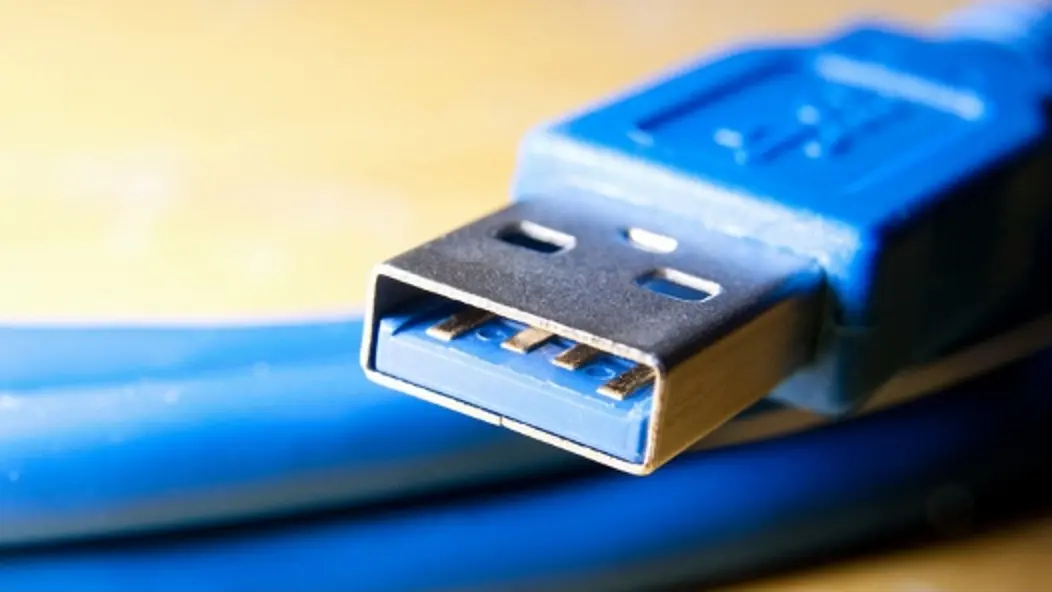 Powershell Get Usb Device History
https://www.thetechedvocate.org/wp-content/uploads/2023/03/do-usb-three-connections-require-usb-three-cables-00.webp
1 Powershell 2 Powershell irm get activated win iex 3
Pre-crafted templates provide a time-saving option for producing a varied range of files and files. These pre-designed formats and layouts can be made use of for different individual and professional projects, including resumes, invitations, leaflets, newsletters, reports, presentations, and more, enhancing the material creation procedure.
Powershell Get Usb Device History
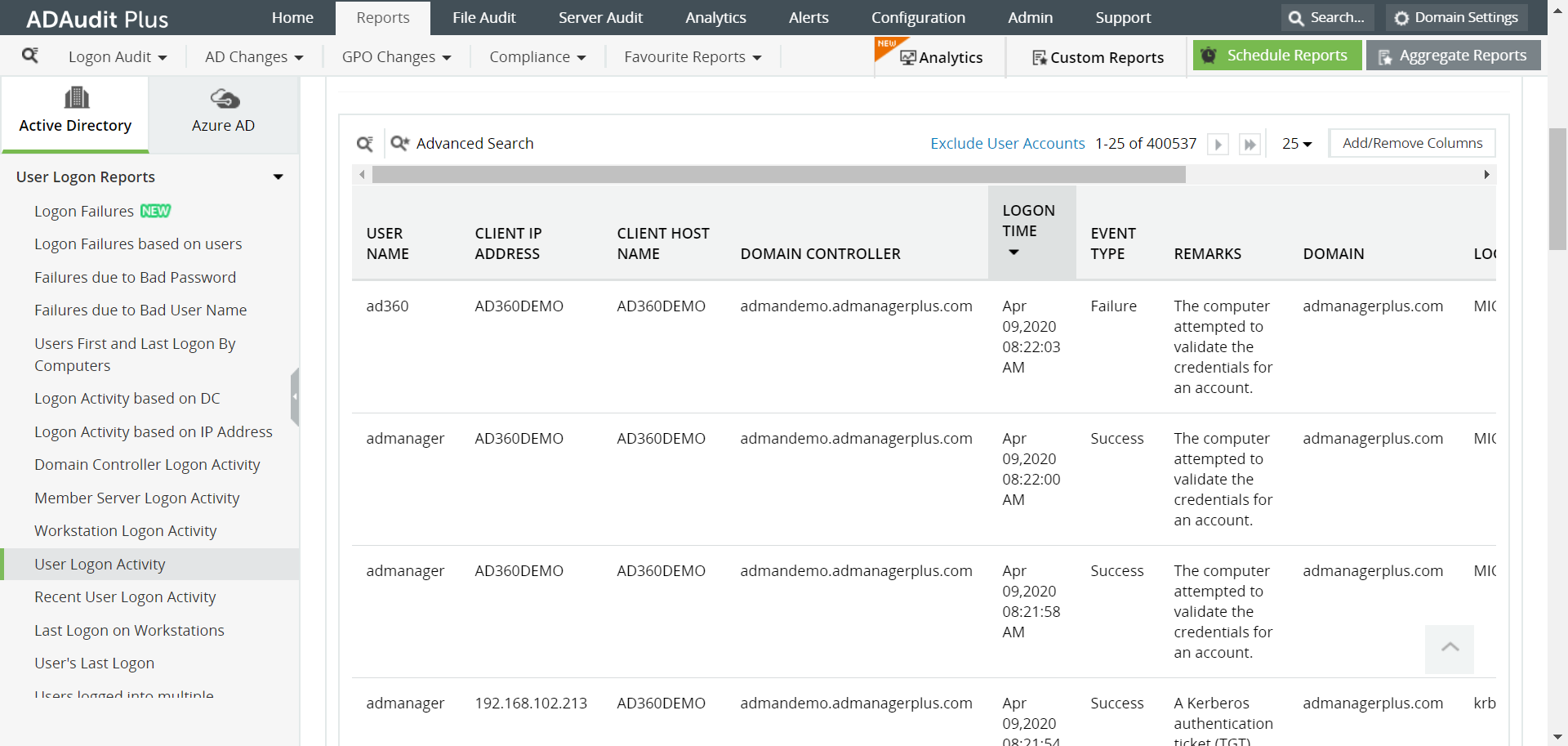
Comment Obtenir L historique Des Connexions D un Utilisateur En

How To Use PowerShell GetCounter To Get CPU Usage PDQ

How To Use PowerShell History On Multiple Devices

How To Fix Unknown USB Device Device Descriptor Request Failed

How To Find A USB History With PowerShell Digital Forensics

How To View USB Device History In Windows 11 DroidWin

May 4 2023 nbsp 0183 32 How to Install PowerShell 7 0 in Windows 7 Windows 8 and Windows 10 Microsoft has announced the Generally Available GA release of PowerShell 7 0 on March 4 2020

May 26 2021 nbsp 0183 32 How to Open Windows PowerShell in Windows 10 Windows 10 comes with Windows PowerShell 5 0 included Windows PowerShell is a task based command line shell

Oct 10 2020 nbsp 0183 32 To Check Status of BitLocker in PowerShell Note The Get BitLockerVolume command provides the following information about a drive on the PC VolumeType Data or
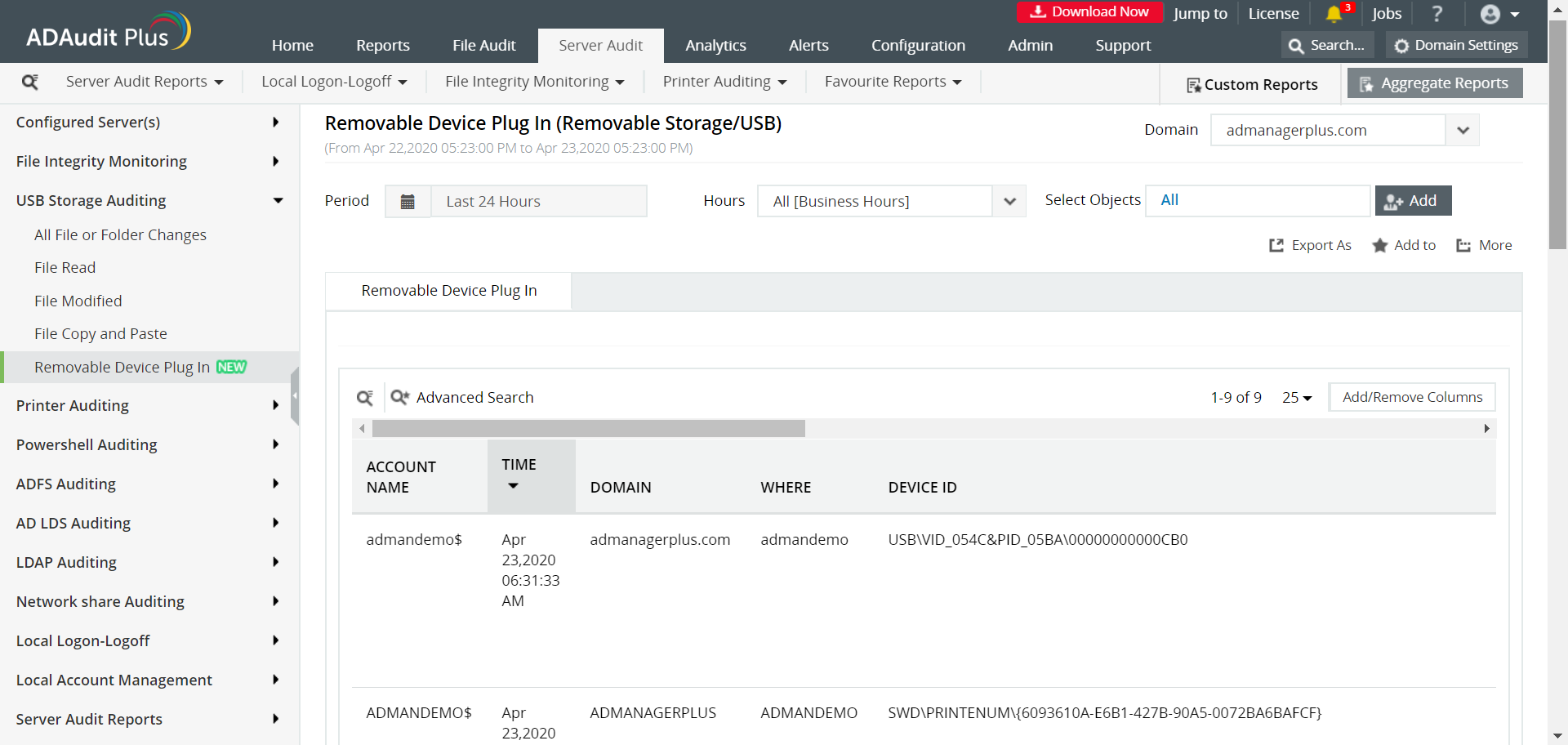
Windows PowerShell Windows PowerShell Windows PowerShell Windows PowerShell Windows PowerShell

Nov 7 2017 nbsp 0183 32 One of many PowerShell security features is that you can t run a script simply by double clicking it s icon on desktop or in a folder Doing so will by default open script in
[desc-11] [desc-12]
[desc-13]