Powershell Get Service Account On Remote Computer Get Service In PowerShell Peter Whyte DBA Blog PowerShell Get Service Status WindowsTect Remote Desktop Credentials Windows 10 D0wnloadtones Powershell Get Service Account Details And Their Usages In SharePoint Environment SharePoint How Can I Change Service Account On Paid Invoices And Direct To The Correct Income Account Jul 8 2020 nbsp 0183 32 To Check BIOS or UEFI Firmware Version in PowerShell 1 Open PowerShell 2 Type the command below you want to use into PowerShell and press Enter see screenshots
Aug 16 2021 nbsp 0183 32 4 To Set Network Location to Private A Type the command below into the elevated PowerShell press Enter and go to step 7 below see screenshot below Set Jun 16 2020 nbsp 0183 32 How to Mount and Unmount a Drive or Volume in Windows When you add or connect a new volume disk or drive Windows will automatically mount it with an assigned
How Can I Change Service Account On Paid Invoices And Direct To The Correct Income Account Google Sheets As A Database Get Service Status From Remote Computer Using PowerShell Delft Stack PowerShell Restart Fails Other Users Logged On PeteNetLive Google Sheets As A Database Using Group Managed Service Accounts With SQL Server Install Uninstall SQL Server Via Command Peter Whyte DBA Blog How To Pin A Conversation To The Top Of The Zalo PC Loving Home Newsletter SHKP Club
Powershell Get Service Account On Remote Computer
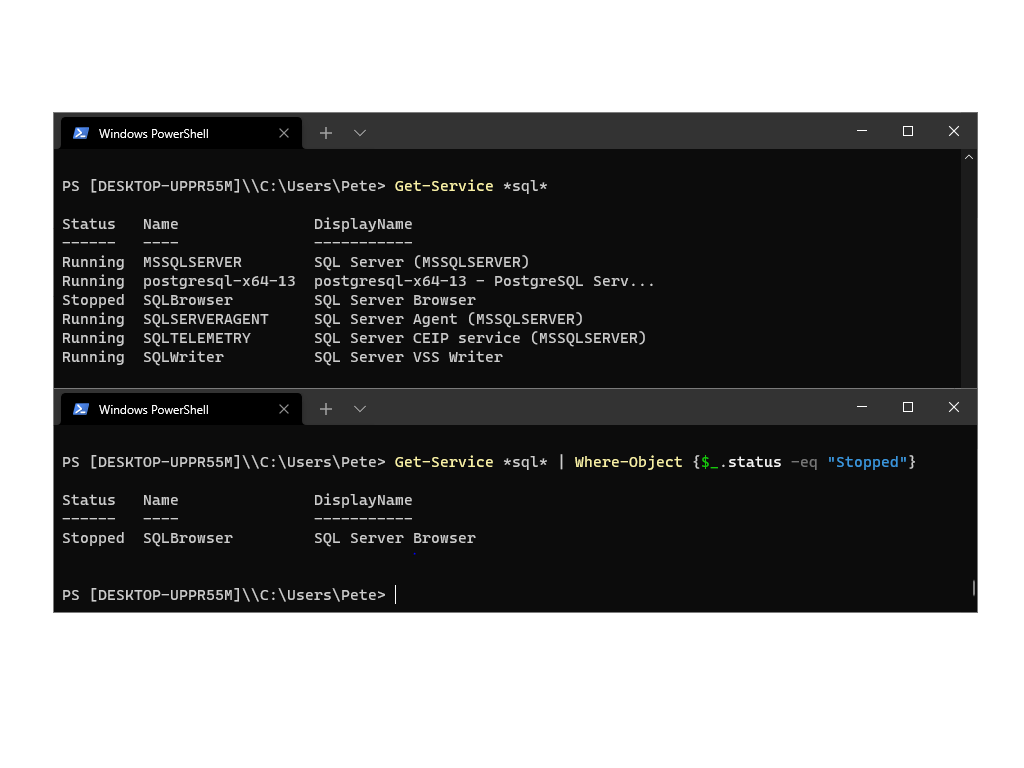 Powershell Get Service Account On Remote Computer
https://peter-whyte.com/wp-content/uploads/2021/10/get-service_feature.png
Jun 11 2023 nbsp 0183 32 How to Create Soft and Hard Symbolic Links in Windows A symbolic link is a file system object file or directory that points to another file system object file or directory The
Templates are pre-designed files or files that can be used for numerous purposes. They can save time and effort by offering a ready-made format and layout for creating various type of material. Templates can be utilized for individual or expert tasks, such as resumes, invites, leaflets, newsletters, reports, discussions, and more.
Powershell Get Service Account On Remote Computer

Powershell Get Service Detailed DESCRIPTION Of The Windows Service Stack Overflow
Google Sheets As A Database

Get Service Status From Remote Computer Using PowerShell Delft Stack
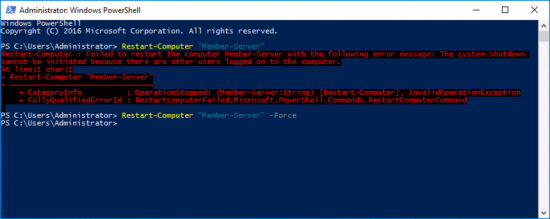
PowerShell Restart Fails Other Users Logged On PeteNetLive
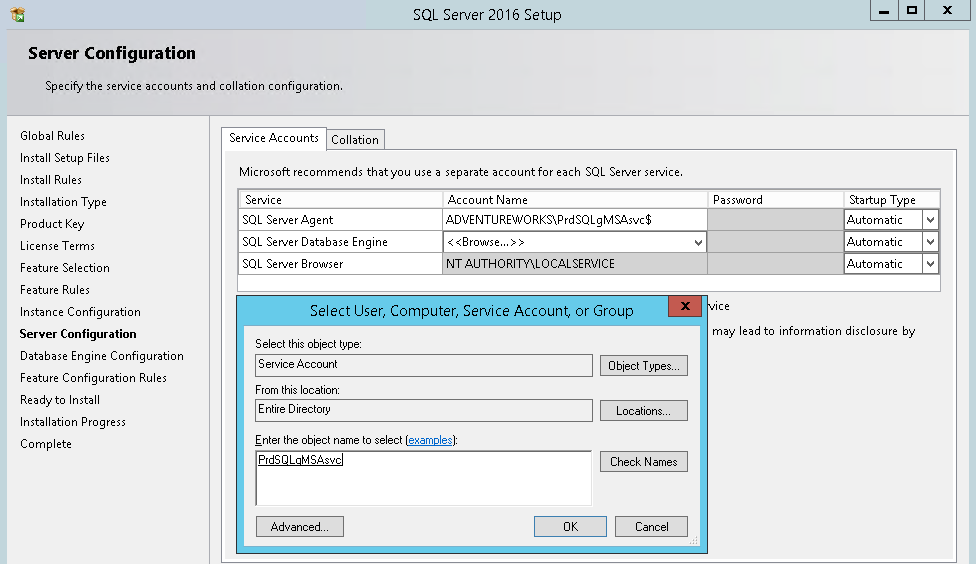
Using Group Managed Service Accounts With SQL Server
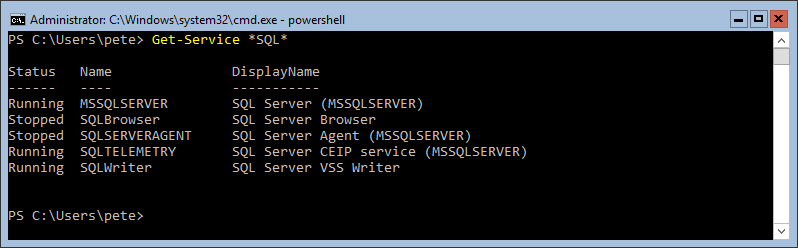
Install Uninstall SQL Server Via Command Peter Whyte DBA Blog
Mar 6 2025 nbsp 0183 32 conda init PowerShell conda Conda PATH

Virtual Machine Platform is not enabled Enable it using the following PowerShell script in an administrative PowerShell and then restart your computer before using Docker

Apr 19 2022 nbsp 0183 32 To Enable or Disable SMB1 in Windows 7 using PowerShell 1 Open an elevated PowerShell 2 Type the command below you want to use into the elevated PowerShell and

Nov 7 2019 nbsp 0183 32 How to Enable or Disable Windows PowerShell 2 0 in Windows 10 Windows PowerShell is a task based command line shell and scripting language designed especially for

Aug 6 2020 nbsp 0183 32 Edit User Environment Variables in PowerShell 1 Open Windows PowerShell 3 Copy and paste the Get ChildItem Env command into PowerShell press Enter and make
[desc-11] [desc-12]
[desc-13]