Powershell Get Remote Computer Reboot Time Shutdown Or Reboot A Remote Computer Step by step Guide 2023 Shutdown Or Reboot A Remote Computer Step by step Guide 2023 How To Shutdown Or Reboot A Remote Computer Step by Step How To Reboot A Computer Manually Jiganet Rebooting A Remote Desktop Computer To Restart It 1 steam 2 O O 1
May 4 2023 nbsp 0183 32 How to Install PowerShell 7 0 in Windows 7 Windows 8 and Windows 10 Microsoft has announced the Generally Available GA release of PowerShell 7 0 on March 4 2020 Apr 27 2021 nbsp 0183 32 To Remove quot Microsoft Print to PDF quot Printer in PowerShell If you want to restore the quot Microsoft Print to PDF quot printer again after using this option you will need to disable and then
Rebooting A Remote Desktop Computer To Restart It Ottieni Gli Accessi Al Terminale Server Manageengine ADAudit Plus HOW TO MASTER YOUR DSTV REMOTE CONTROL SATELLITE TELEVISION DIY Jak Uzyska Dane O Ostatnich U ytkownikach Zalogowanych W Komputerze Professional IP Based PDU Remote Power Reboot Switch With Web Control Predpis N vrh r Uhol How To Reboot Pc Hovori Hodinky P i Sa Mi To How To Check Who Rebooted The Server In Linux CertSimple How To Use PowerShell To Restart Computers All The Ways Everything You Wanted To Know About PowerShell s Module Path Stefan
Powershell Get Remote Computer Reboot Time
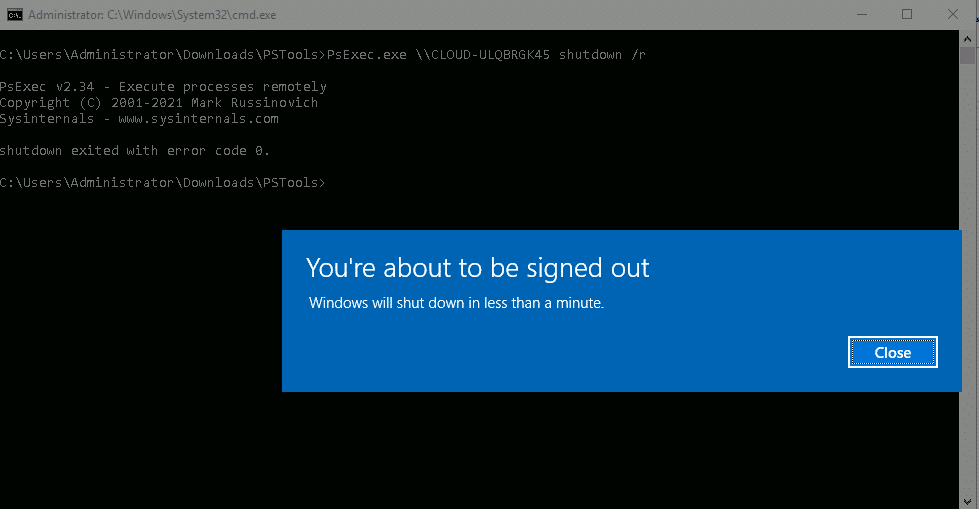 Powershell Get Remote Computer Reboot Time
https://www.pcwdld.com/wp-content/uploads/reboot-using-psexec.png
Dec 6 2019 nbsp 0183 32 How to Install or Uninstall Windows PowerShell ISE in Windows 10 The Windows PowerShell Integrated Scripting Environment ISE is a host application for Windows
Templates are pre-designed documents or files that can be utilized for different purposes. They can save effort and time by supplying a ready-made format and design for creating different kinds of content. Templates can be utilized for individual or expert projects, such as resumes, invitations, leaflets, newsletters, reports, discussions, and more.
Powershell Get Remote Computer Reboot Time

Get Reboot History Using Powershell The Sysadmin Channel
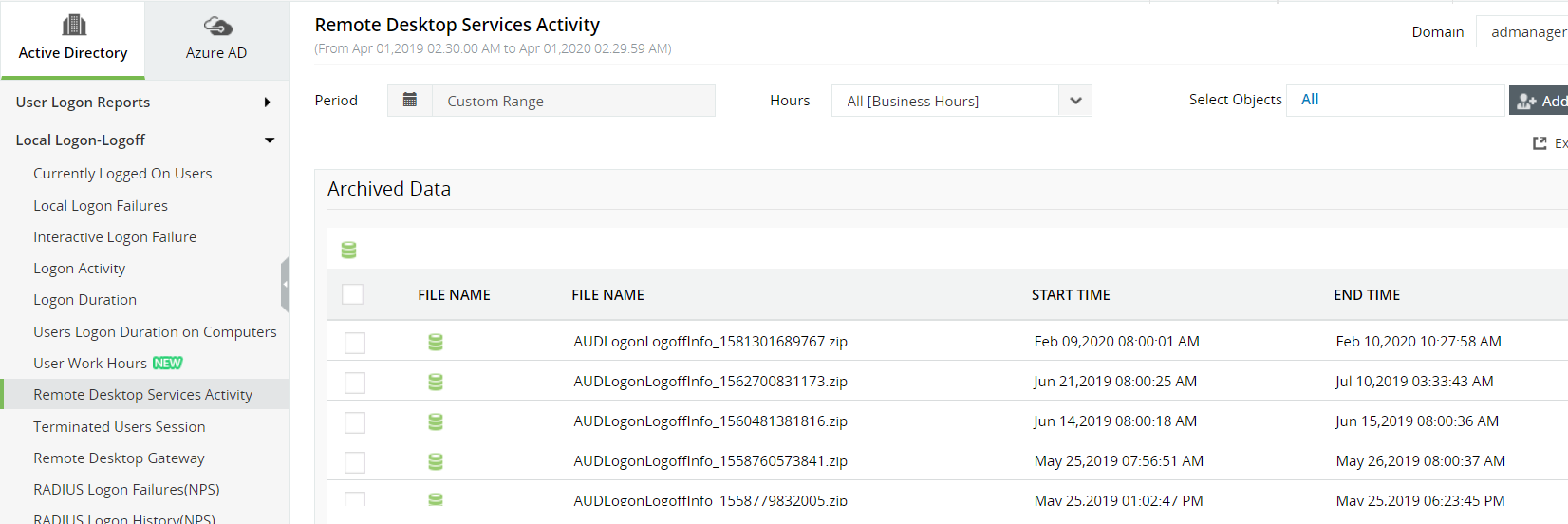
Ottieni Gli Accessi Al Terminale Server Manageengine ADAudit Plus

HOW TO MASTER YOUR DSTV REMOTE CONTROL SATELLITE TELEVISION DIY
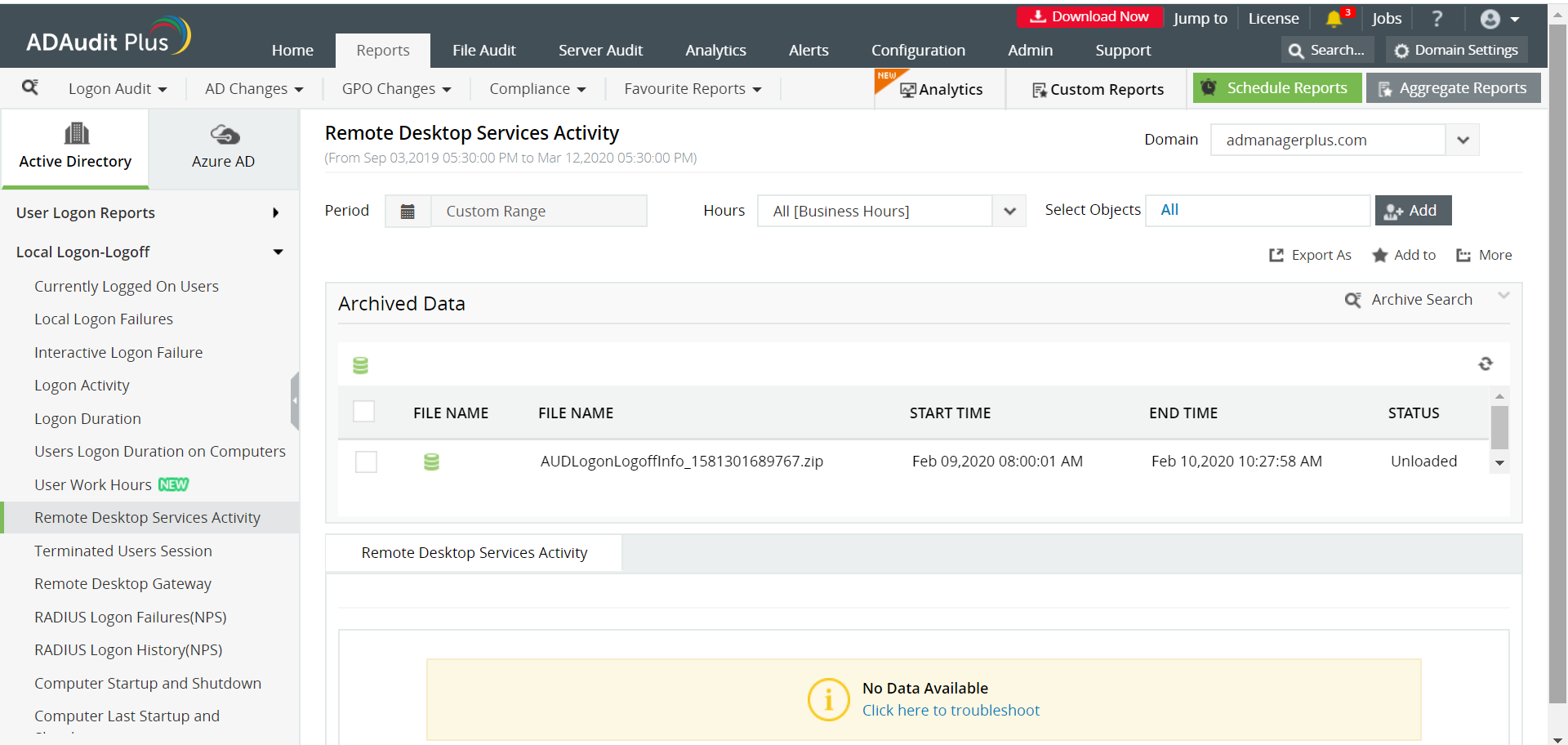
Jak Uzyska Dane O Ostatnich U ytkownikach Zalogowanych W Komputerze

Predpis N vrh r Uhol How To Reboot Pc Hovori Hodinky P i Sa Mi To

How To Check Who Rebooted The Server In Linux CertSimple

Steam

Jul 29 2022 nbsp 0183 32 1 Open an elevated PowerShell 2 Do step3 step 4 step 5 recommended step 6 or step 7 below for what DISM command you would like to use 3 To Use DISM CheckHealth

Oct 10 2020 nbsp 0183 32 To Check Status of BitLocker in PowerShell Note The Get BitLockerVolume command provides the following information about a drive on the PC VolumeType Data or

Oct 3 2018 nbsp 0183 32 Windows10 Powershell CMD Windows10 Powershell
PowerShell irm steam work iex irm Invoke RestMethod URL iex Invoke Expression
[desc-11] [desc-12]
[desc-13]