Powershell Get Processes On Remote Computer PowerShell Get Processes By Memory Usage And Kill Sys Admin YouTube Get Service Status From Remote Computer Using PowerShell Delft Stack How To Get Drivers Version Using PowerShell ShellGeek Get Registry On A Remote Computer In PowerShell Delft Stack Troubleshoot Rogue PowerShell Processes Running From C Windows CCM Dec 6 2019 nbsp 0183 32 How to Install or Uninstall Windows PowerShell ISE in Windows 10 The Windows PowerShell Integrated Scripting Environment ISE is a host application for Windows
Jan 22 2024 nbsp 0183 32 Steam PowerShell irm steam work iex 1 steam 2 O O 1
Troubleshoot Rogue PowerShell Processes Running From C Windows CCM SOLVED How To Kill Tasks On A Remote Computer Up Running Inc Top 10 Powershell Commands For Beginners Realistic Ex Vrogue co Process How To Enable Remote Desktop Remotely Using PowerShell Command PUPUWEB Keulen Schmutzig Einheimisch Powershell Execute Ps1 File Hausaufgaben G10 2 4GHz Wireless Remote Control With USB Receiver Voice Control For Your Guide To Updating To PowerShell 7 Week 1 Remote Access And The Filesystem Cse15l lab reports
Powershell Get Processes On Remote Computer
 Powershell Get Processes On Remote Computer
https://i.ytimg.com/vi/3Rx2f245n0k/maxresdefault.jpg
Feb 25 2022 nbsp 0183 32 OR Remove user Remove LocalGroupMember Group quot Remote Desktop Users quot Member quot User quot Substitute User in the command above with the actual name of the user
Templates are pre-designed documents or files that can be utilized for numerous functions. They can conserve time and effort by offering a ready-made format and layout for developing different kinds of content. Templates can be used for personal or professional tasks, such as resumes, invitations, leaflets, newsletters, reports, presentations, and more.
Powershell Get Processes On Remote Computer

Get Registry On A Remote Computer In PowerShell Delft Stack
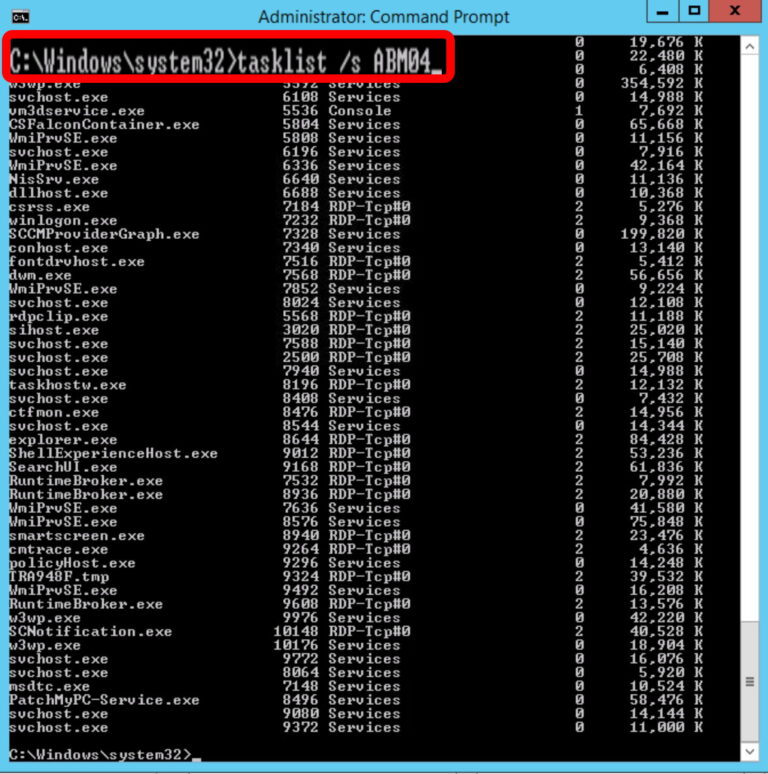
SOLVED How To Kill Tasks On A Remote Computer Up Running Inc
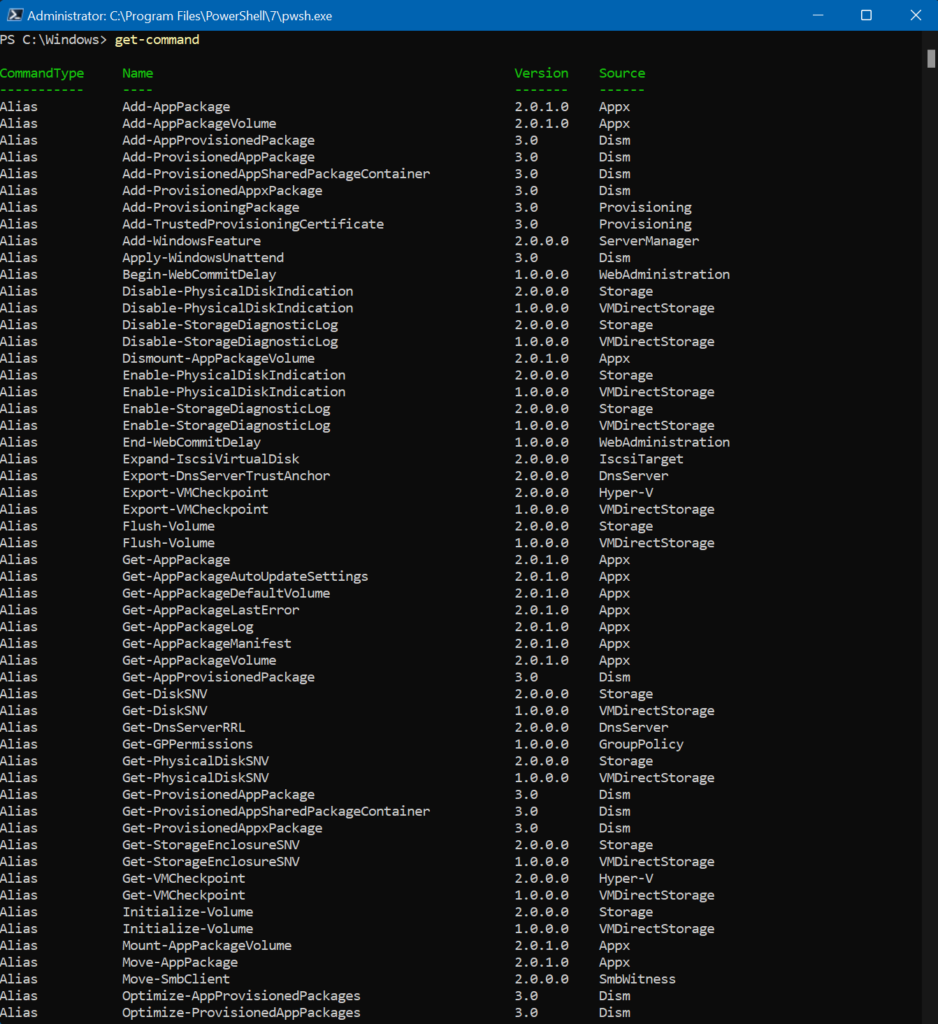
Top 10 Powershell Commands For Beginners Realistic Ex Vrogue co
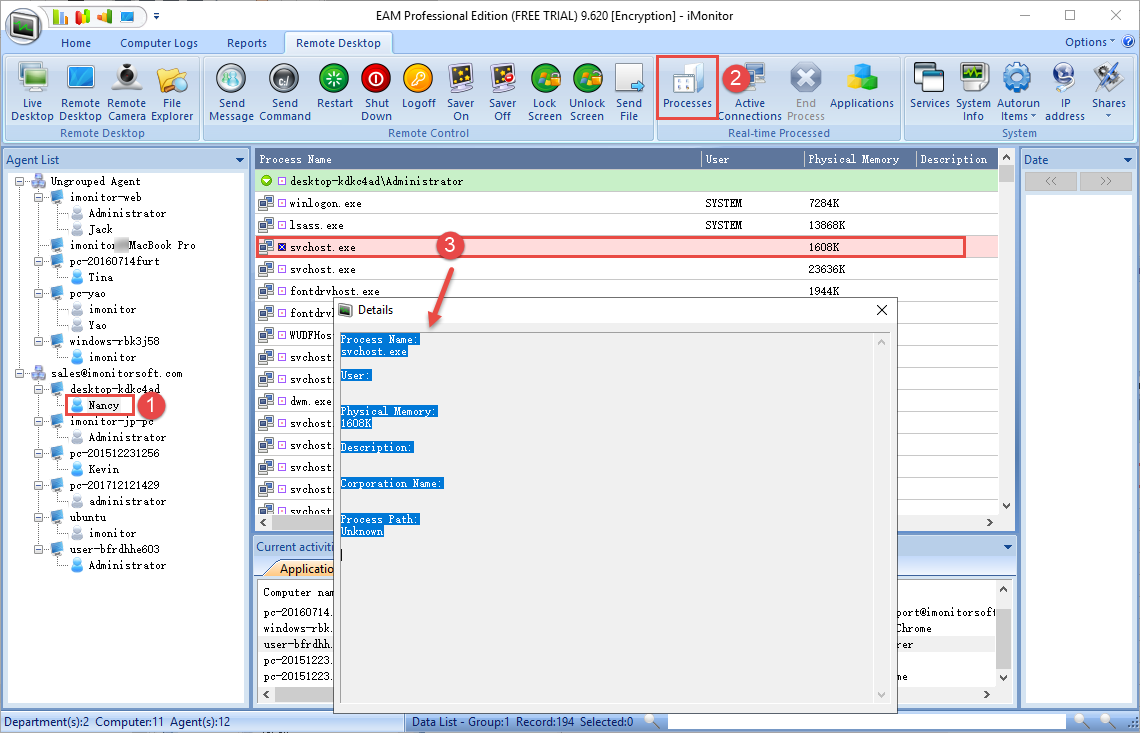
Process
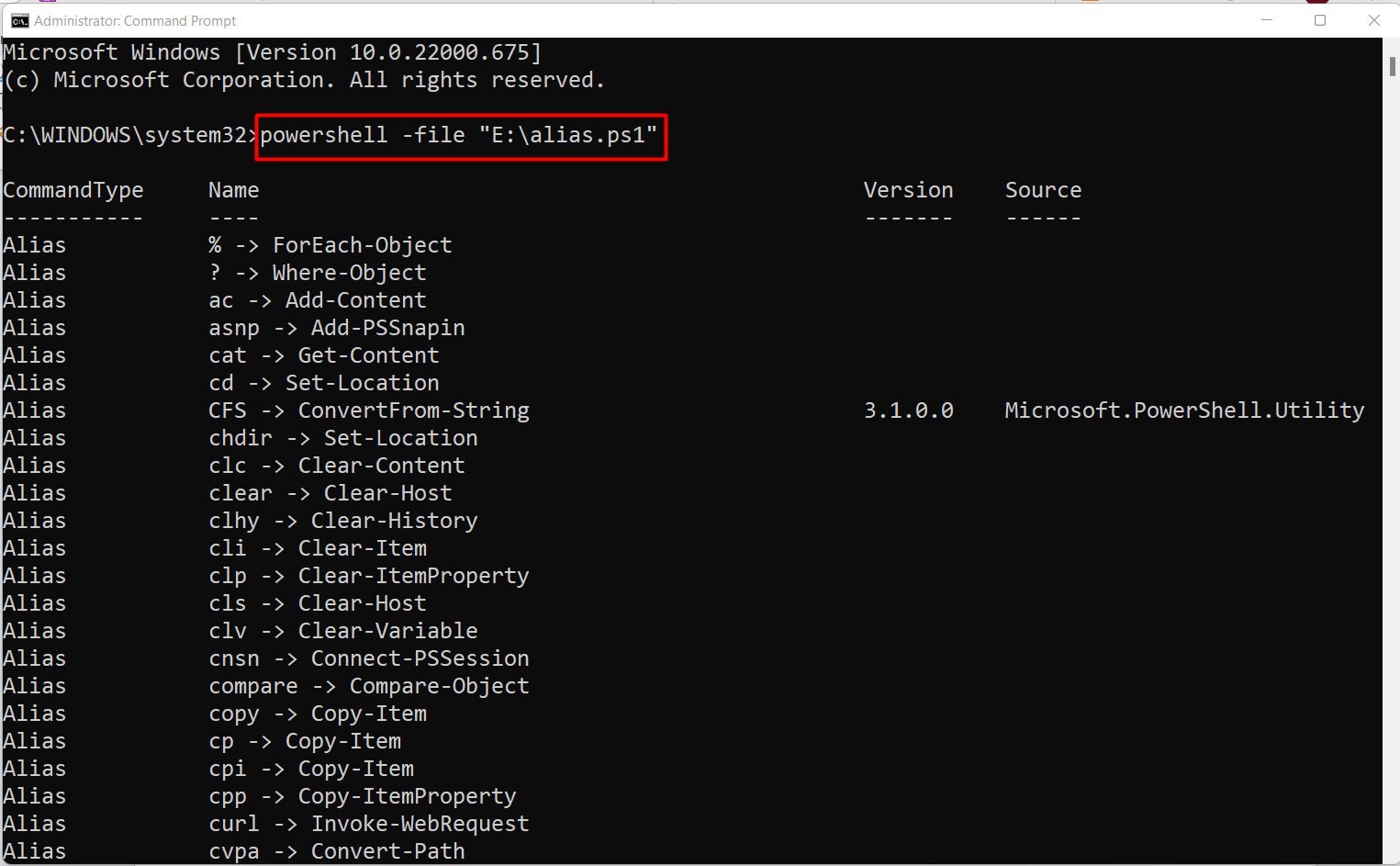
Keulen Schmutzig Einheimisch Powershell Execute Ps1 File Hausaufgaben

G10 2 4GHz Wireless Remote Control With USB Receiver Voice Control For
Steam

PowerShell irm steam work iex irm Invoke RestMethod URL iex Invoke Expression
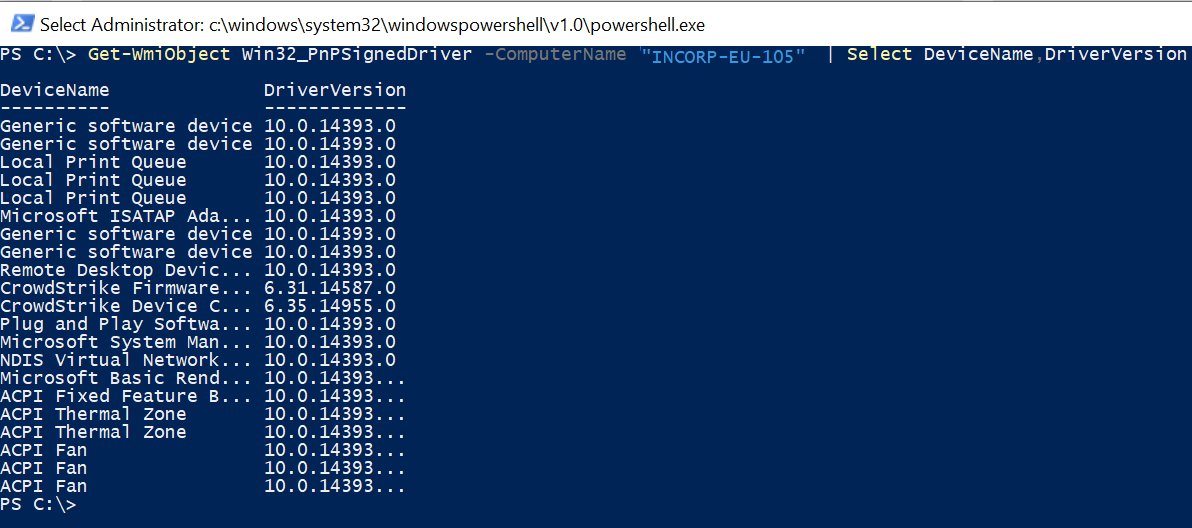
Jul 29 2022 nbsp 0183 32 How to See Full Details about a Windows 10 ISO file B Type the command below you want to use into the elevated PowerShell press Enter and go to step 8 below see

windows conda init Powershell VSCode 2 conda 1 2

Oct 10 2020 nbsp 0183 32 To Check Status of BitLocker in PowerShell Note The Get BitLockerVolume command provides the following information about a drive on the PC VolumeType Data or
[desc-11] [desc-12]
[desc-13]