Powershell Get Process Order By Pid PowerShell Security How To Encrypt PowerShell Scripts ITPro Today Powershell Get Process Couldn t Connect To Remote Machine 6 Powershell Top 10 Powershell Commands For Beginners Realistic Ex Vrogue co Piping Instrumentation Diagrams P IDs Punchlist Zero 2022 powershell powershell node 53 CSDN
Nov 7 2017 nbsp 0183 32 One of many PowerShell security features is that you can t run a script simply by double clicking it s icon on desktop or in a folder Doing so will by default open script in Sep 14 2021 nbsp 0183 32 PowerShell Get FULL TargetPath of Shortcut Good evening As I have setup a LOT of Shortcuts in a specific folder I wanted to find a way of extracting specific data from
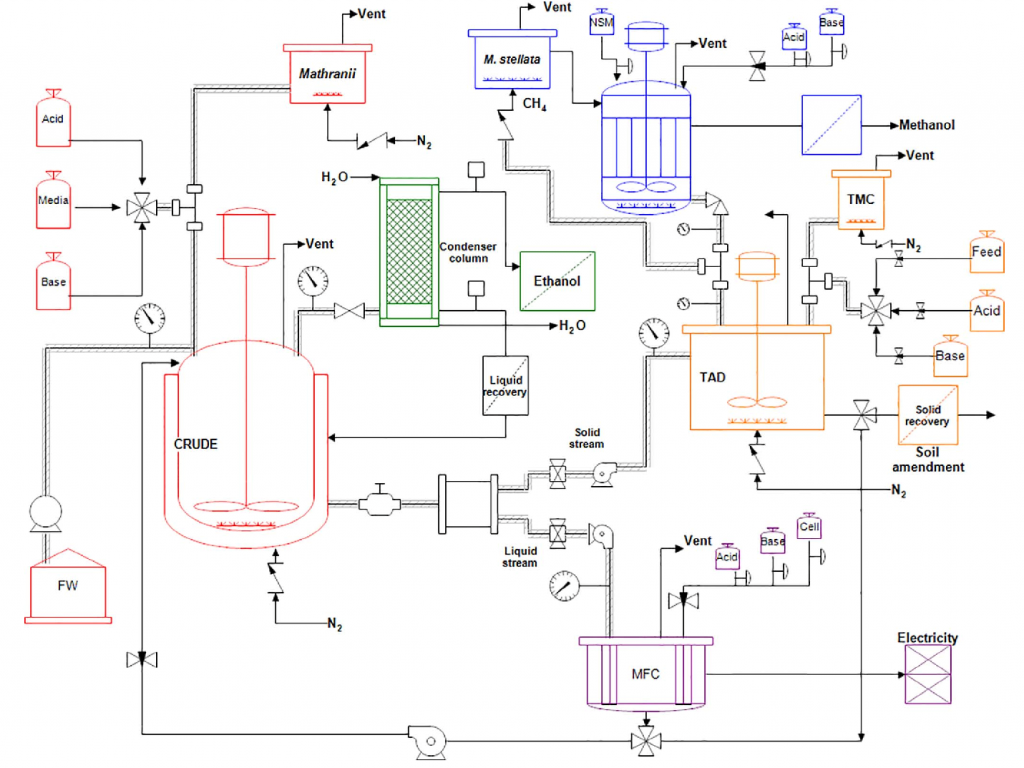
Piping Instrumentation Diagrams P IDs Punchlist Zero 2022 Have PowerShell Trigger An Action When CPU Or Memory Usage Reaches PowerShell Get Process Windows FAQ Powershell Get Process SE Your Guide To Updating To PowerShell 7 How To List All Installed Drivers In Windows powershell Cmd Vrogue How To Bypass Execution Policy Temporarily In Powershell Vrogue Steamy PowerShell Get Process Cmdlet For Running Processes How To Chain Multiple PowerShell Commands On One Line Thomas Maurer
Powershell Get Process Order By Pid
 Powershell Get Process Order By Pid
https://www.itprotoday.com/sites/itprotoday.com/files/Encrypted PowerShell 2_0.jpg
Jan 19 2021 nbsp 0183 32 windows powershell win win R cmd
Templates are pre-designed documents or files that can be used for different functions. They can conserve effort and time by offering a ready-made format and design for developing various sort of material. Templates can be used for individual or expert projects, such as resumes, invitations, leaflets, newsletters, reports, presentations, and more.
Powershell Get Process Order By Pid

Top 51 PowerShell Examples You Should Learn SPGuides 2023
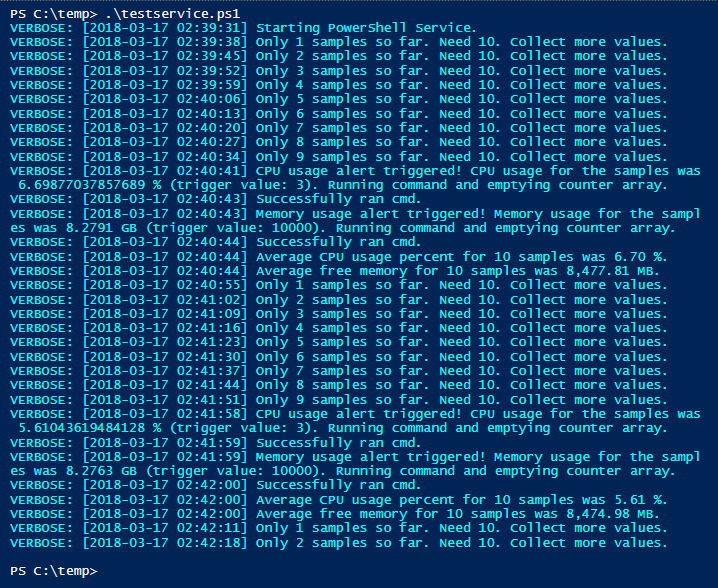
Have PowerShell Trigger An Action When CPU Or Memory Usage Reaches

PowerShell Get Process Windows FAQ
Powershell Get Process SE

How To List All Installed Drivers In Windows powershell Cmd Vrogue

How To Bypass Execution Policy Temporarily In Powershell Vrogue

Dec 6 2019 nbsp 0183 32 How to Install or Uninstall Windows PowerShell ISE in Windows 10 The Windows PowerShell Integrated Scripting Environment ISE is a host application for Windows

Nov 7 2019 nbsp 0183 32 How to Enable or Disable Windows PowerShell 2 0 in Windows 10 Windows PowerShell is a task based command line shell and scripting language designed especially for

Jul 29 2022 nbsp 0183 32 1 Open an elevated PowerShell 2 Do step3 step 4 step 5 recommended step 6 or step 7 below for what DISM command you would like to use 3 To Use DISM CheckHealth
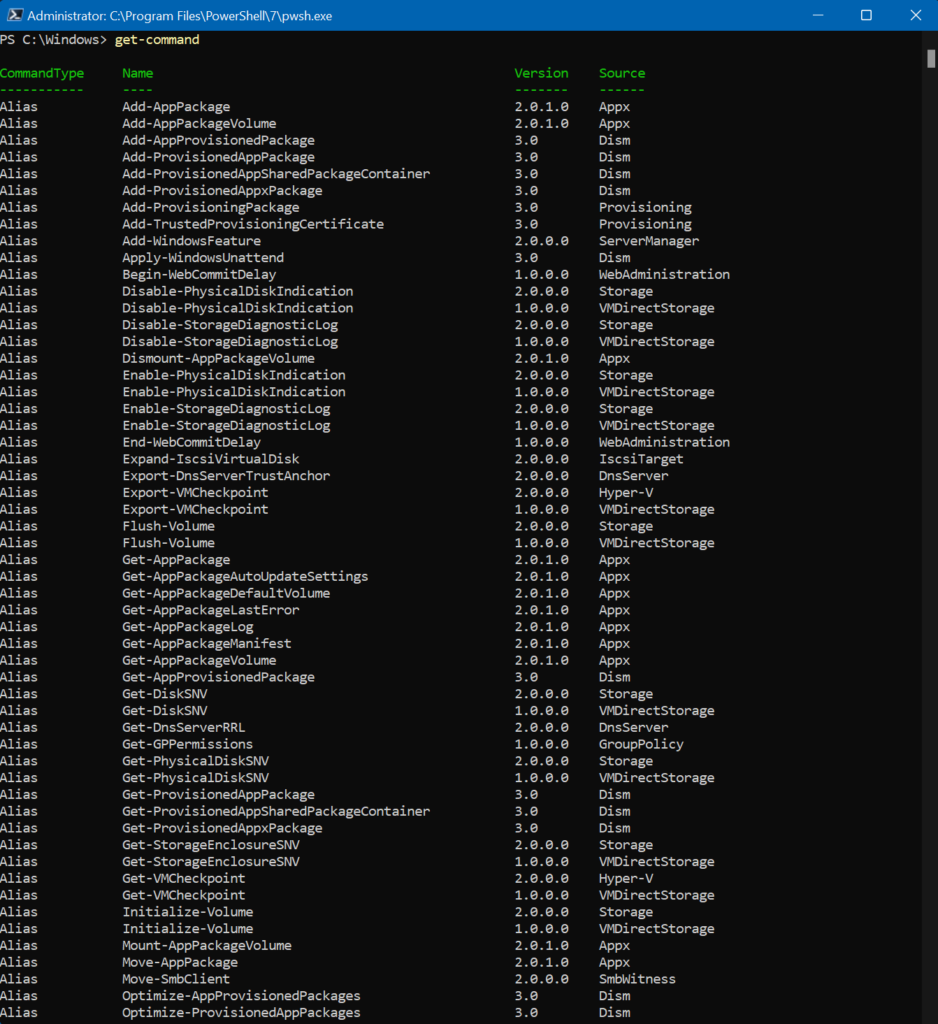
Mar 8 2022 nbsp 0183 32 Is it possible to scan all wifi networks with powershell I tried this but it doesn t work it only shows current connections Only works when I click bottom right on wifi connection and
1 steam 2 O O 1
[desc-11] [desc-12]
[desc-13]