Powershell Get Process Name By Pid PowerShell Basics Get Process Tutorial YouTube Top 10 Powershell Commands For Beginners Realistic Examples With Vrogue PowerShell 2023 PowerShell Scripts Get process With SQL Server Process SQL Your Guide To Updating To PowerShell 7 Dec 6 2019 nbsp 0183 32 How to Install or Uninstall Windows PowerShell ISE in Windows 10 The Windows PowerShell Integrated Scripting Environment ISE is a host application for Windows
Jul 29 2022 nbsp 0183 32 How to See Full Details about a Windows 10 ISO file B Type the command below you want to use into the elevated PowerShell press Enter and go to step 8 below see 1 Powershell 2 Powershell irm get activated win iex 3
Your Guide To Updating To PowerShell 7 Formatting Pipeline Output In Windows Powershell Mobile Legends Get Process Taking On PowerShell One Cmdlet At A Time Weekly Blog Get Domain Name Using PowerShell And CMD ShellGeek How To End A Process With PowerShell Get Process Taking On PowerShell One Cmdlet At A Time Weekly Blog PowerShell Get ChildItem gci dir Guide With Examples ShellGeek Pid Starting Explorer From Powershell Returns Invalid Process ID Get Process Taking On PowerShell One Cmdlet At A Time Weekly Blog
Powershell Get Process Name By Pid
 Powershell Get Process Name By Pid
https://i.ytimg.com/vi/yThXwLuBIaE/maxresdefault.jpg
Sep 17 2020 nbsp 0183 32 To Find Serial Number of Hard Drives in PowerShell 1 Open PowerShell 2 Copy and paste the command below into PowerShell and press Enter see screenshot below
Templates are pre-designed files or files that can be utilized for numerous functions. They can save time and effort by providing a ready-made format and layout for producing various type of content. Templates can be used for personal or expert tasks, such as resumes, invitations, leaflets, newsletters, reports, presentations, and more.
Powershell Get Process Name By Pid

PowerShell Get Process Windows FAQ

Formatting Pipeline Output In Windows Powershell Mobile Legends

Get Process Taking On PowerShell One Cmdlet At A Time Weekly Blog
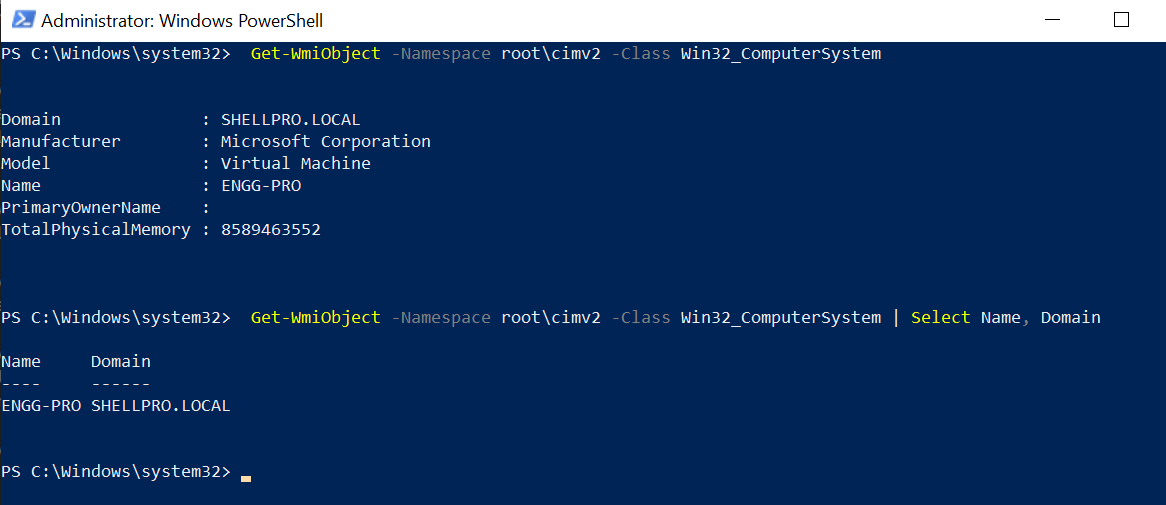
Get Domain Name Using PowerShell And CMD ShellGeek

Get Process Taking On PowerShell One Cmdlet At A Time Weekly Blog
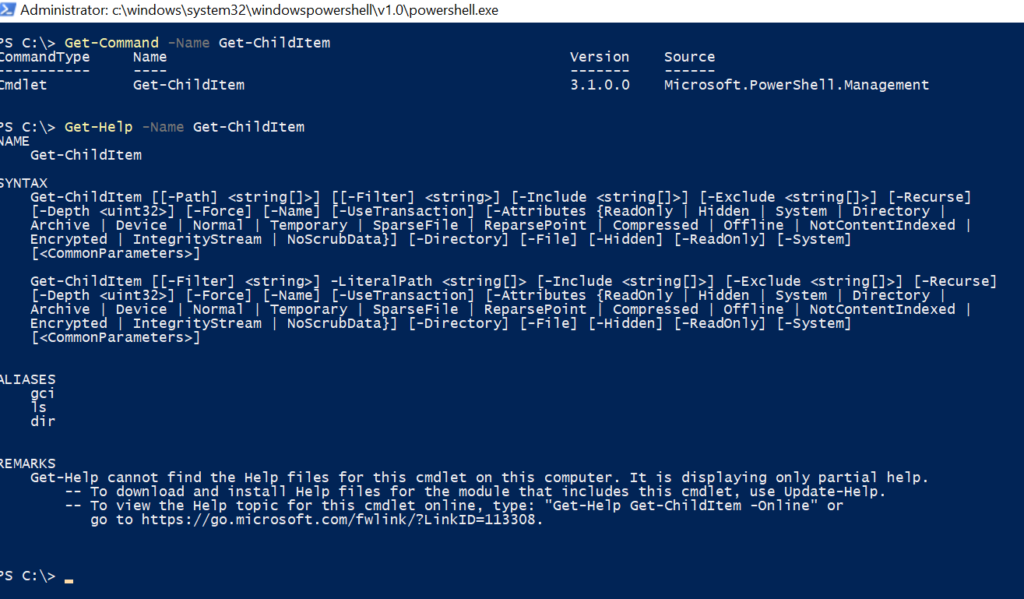
PowerShell Get ChildItem gci dir Guide With Examples ShellGeek

May 4 2023 nbsp 0183 32 How to Install PowerShell 7 0 in Windows 7 Windows 8 and Windows 10 Microsoft has announced the Generally Available GA release of PowerShell 7 0 on March 4 2020
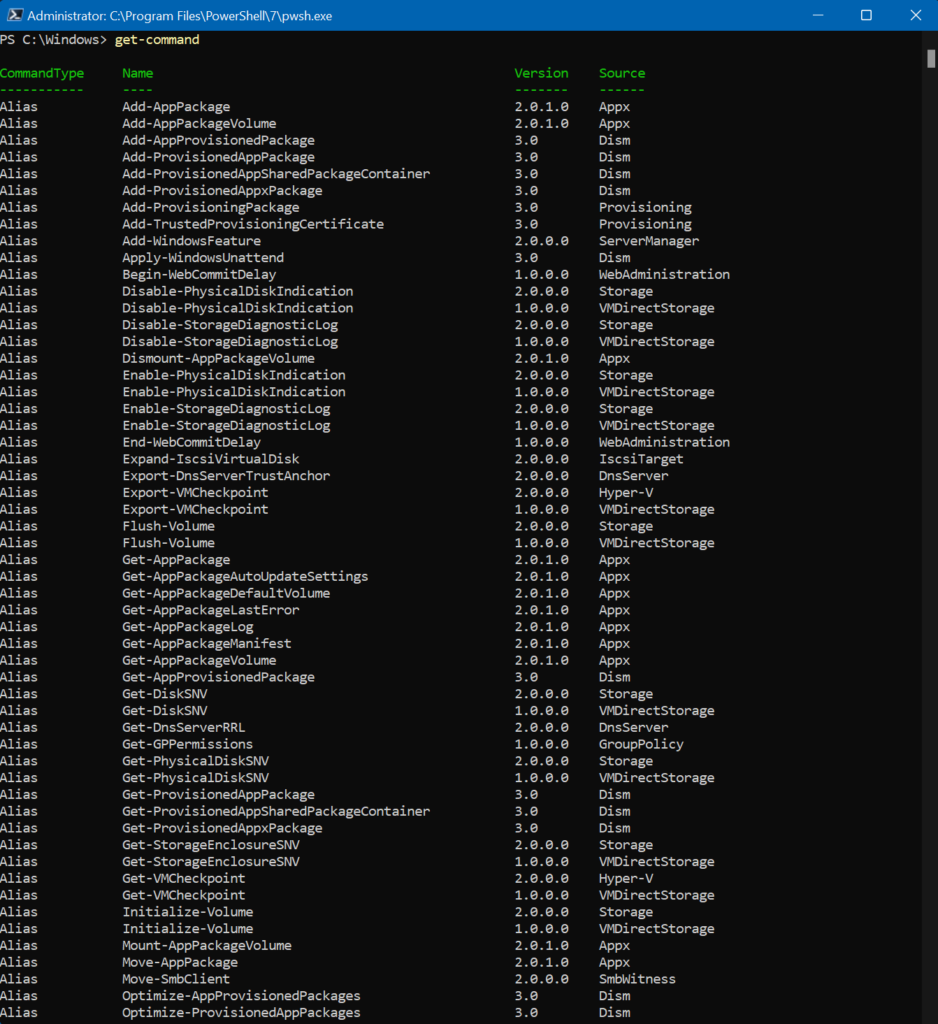
Nov 7 2017 nbsp 0183 32 One of many PowerShell security features is that you can t run a script simply by double clicking it s icon on desktop or in a folder Doing so will by default open script in

Oct 10 2020 nbsp 0183 32 To Check Status of BitLocker in PowerShell Note The Get BitLockerVolume command provides the following information about a drive on the PC VolumeType Data or

May 26 2021 nbsp 0183 32 How to Open Windows PowerShell in Windows 10 Windows 10 comes with Windows PowerShell 5 0 included Windows PowerShell is a task based command line shell
Windows PowerShell Windows PowerShell Windows PowerShell Windows PowerShell Windows PowerShell
[desc-11] [desc-12]
[desc-13]