Powershell Get Device Manager Information How To Enable A Device In Device Manager In Windows 11 YouTube Get PowerShell Version ItsMyCode Device Descriptor Request Failed How To Fix Unknown USB Device Error Get CPU Information In Windows PowerShell Action1 Blog My NZXT Device Is Not Recognized In CAM NZXT Support Center May 26 2021 nbsp 0183 32 How to Open Windows PowerShell in Windows 10 Windows 10 comes with Windows PowerShell 5 0 included Windows PowerShell is a task based command line shell
Oct 10 2020 nbsp 0183 32 To Check Status of BitLocker in PowerShell Note The Get BitLockerVolume command provides the following information about a drive on the PC VolumeType Data or Apr 27 2021 nbsp 0183 32 To Remove quot Microsoft Print to PDF quot Printer in PowerShell If you want to restore the quot Microsoft Print to PDF quot printer again after using this option you will need to disable and then
My NZXT Device Is Not Recognized In CAM NZXT Support Center How To Get Drivers Version Using PowerShell ShellGeek AMS Device Manager Data Server Plant Engineering PowerShell Get IIS Certificate ShellGeek PowerShell Script Execution Device Management 1 Beyond Camera Manager Manual How To Manage PowerShell Secrets With SecretsManagement Module PDQ Motherboard Resources In Device Manager Recordvlero Enabling Device Manager In Windows Technote Enabling Comrex Device
Powershell Get Device Manager Information
 Powershell Get Device Manager Information
https://i.ytimg.com/vi/bRSoqnwB3GU/maxresdefault.jpg
Sep 21 2023 nbsp 0183 32 How to Uninstall Desktop Apps and Windows Apps in Windows 10 If you no longer want or use an app then you could uninstall the app to remove it and free up space on the
Pre-crafted templates offer a time-saving option for creating a diverse series of files and files. These pre-designed formats and designs can be used for numerous personal and expert tasks, including resumes, invitations, leaflets, newsletters, reports, presentations, and more, simplifying the content production process.
Powershell Get Device Manager Information

PowerShell Quick Tips Get ChildItem YouTube
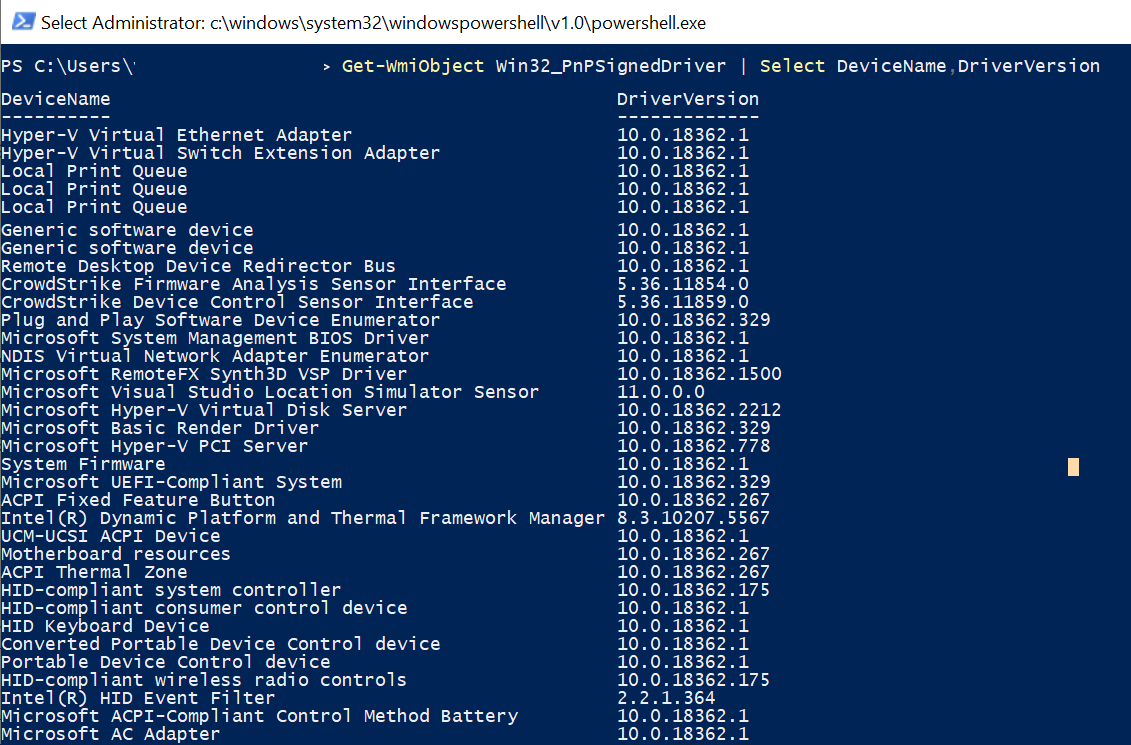
How To Get Drivers Version Using PowerShell ShellGeek

AMS Device Manager Data Server Plant Engineering
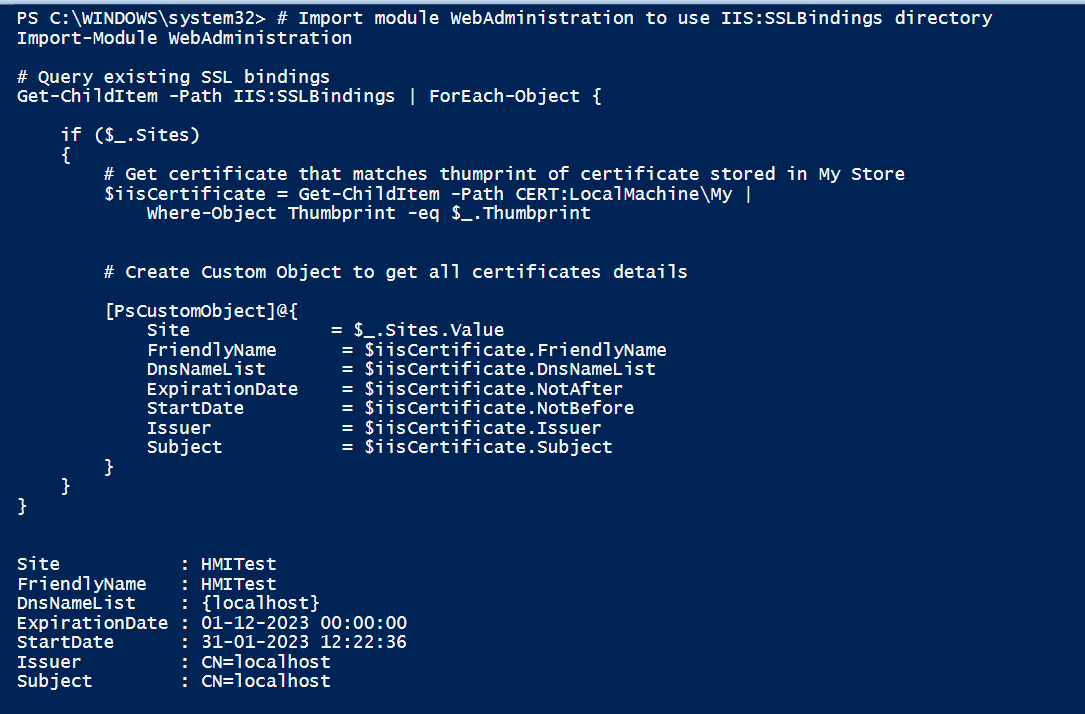
PowerShell Get IIS Certificate ShellGeek

Device Management 1 Beyond Camera Manager Manual

How To Manage PowerShell Secrets With SecretsManagement Module PDQ

Jul 29 2022 nbsp 0183 32 1 Open an elevated PowerShell 2 Do step3 step 4 step 5 recommended step 6 or step 7 below for what DISM command you would like to use 3 To Use DISM CheckHealth

Nov 7 2019 nbsp 0183 32 How to Enable or Disable Windows PowerShell 2 0 in Windows 10 Windows PowerShell is a task based command line shell and scripting language designed especially for

Nov 7 2017 nbsp 0183 32 One of many PowerShell security features is that you can t run a script simply by double clicking it s icon on desktop or in a folder Doing so will by default open script in
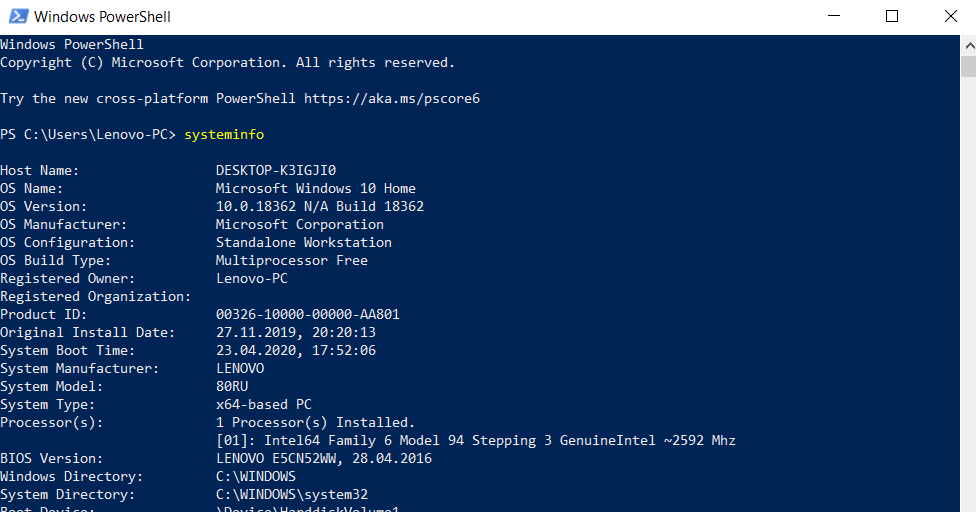
Dec 6 2019 nbsp 0183 32 How to Install or Uninstall Windows PowerShell ISE in Windows 10 The Windows PowerShell Integrated Scripting Environment ISE is a host application for Windows
Aug 20 2022 nbsp 0183 32 Check What Graphics Card or GPU is in PC in PowerShell 1 Open a PowerShell 3 Copy and paste either command below into PowerShell and press Enter see screenshots
[desc-11] [desc-12]
[desc-13]