Powershell Get Device Information By Ip Address How To Easily Find The IP Address Of A Remote Computer Active What Is My IP Address CMD How To Find Your Public IP Addresses With 1 Command FREE TECH Get CPU Information In Windows PowerShell Action1 Blog Top 10 Powershell Commands For Beginners Realistic Ex Vrogue co Dec 28 2024 nbsp 0183 32 3 To Reinstall and Re Register All Windows Apps for All Accounts A Open an elevated Windows PowerShell B Copy and paste the command below in PowerShell and
Dec 6 2019 nbsp 0183 32 How to Install or Uninstall Windows PowerShell ISE in Windows 10 The Windows PowerShell Integrated Scripting Environment ISE is a host application for Windows Mar 8 2022 nbsp 0183 32 Is it possible to scan all wifi networks with powershell I tried this but it doesn t work it only shows current connections Only works when I click bottom right on wifi connection and
Top 10 Powershell Commands For Beginners Realistic Ex Vrogue co Find Ip Address And Ping Details In Command Prompt Exclude Internal Traffic From Your Analytics Plausible Docs Restricting Specific Ip Addresses From Accessing Sites Hot Sex Picture Information About Provider IServ Computing AS29695 Altibox AS All IP My IP Address Location On The App Store D Link DFL 210 464 552 17511 Whitelisting By IP Address In Google Workspace ATTACK Simulator Detect Device Browser And Version Using Javascript By Kim T
Powershell Get Device Information By Ip Address
 Powershell Get Device Information By Ip Address
https://activedirectorypro.com/wp-content/uploads/2023/05/get-ip-address-remote-computer-featured.webp
Steam
Templates are pre-designed documents or files that can be used for various purposes. They can conserve effort and time by providing a ready-made format and design for developing different sort of material. Templates can be utilized for personal or professional projects, such as resumes, invitations, flyers, newsletters, reports, presentations, and more.
Powershell Get Device Information By Ip Address

How To Get Current Location By Ip Address CodexCoach

Find Ip Address And Ping Details In Command Prompt
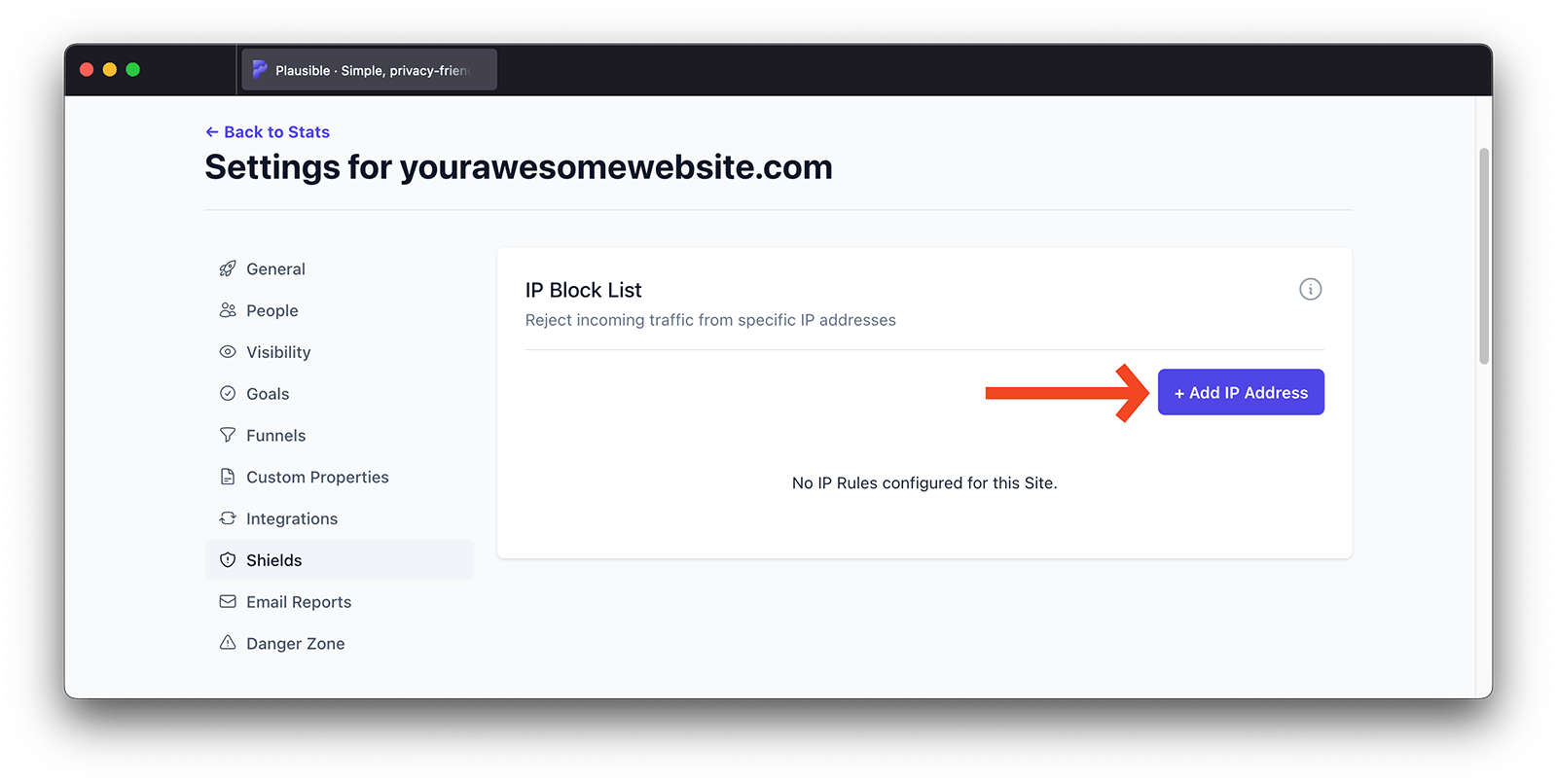
Exclude Internal Traffic From Your Analytics Plausible Docs

Restricting Specific Ip Addresses From Accessing Sites Hot Sex Picture

My IP Address Location On The App Store

D Link DFL 210 464 552 17511

Jul 29 2022 nbsp 0183 32 How to See Full Details about a Windows 10 ISO file B Type the command below you want to use into the elevated PowerShell press Enter and go to step 8 below see
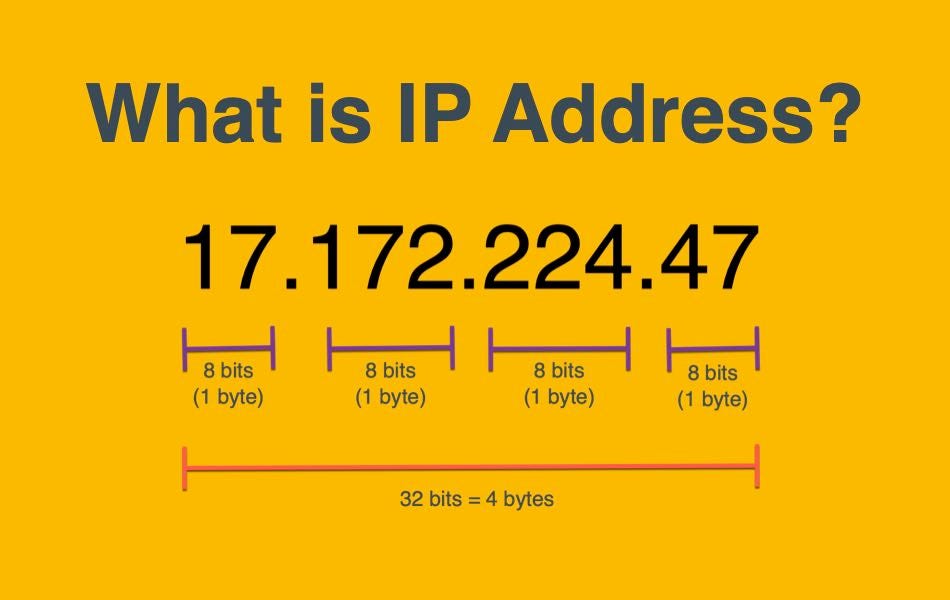
May 4 2023 nbsp 0183 32 How to Install PowerShell 7 0 in Windows 7 Windows 8 and Windows 10 Microsoft has announced the Generally Available GA release of PowerShell 7 0 on March 4 2020
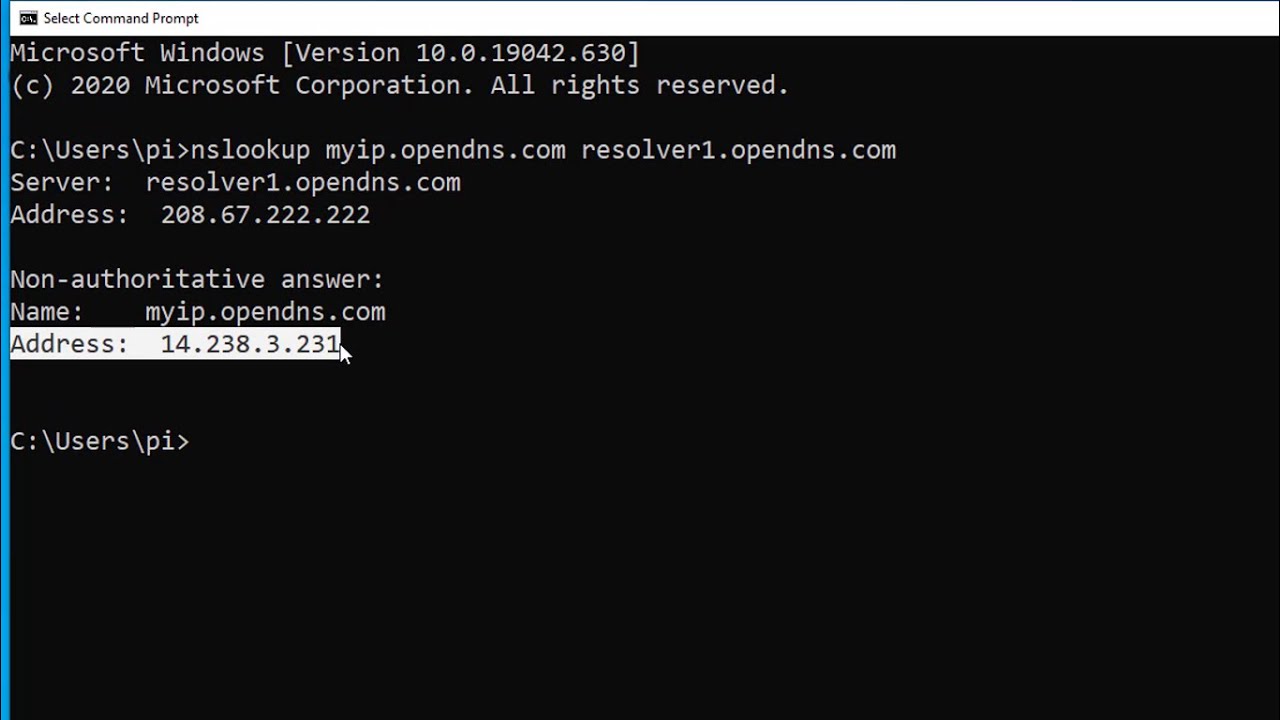
PowerShell Load C C dll COM PowerShell cmd
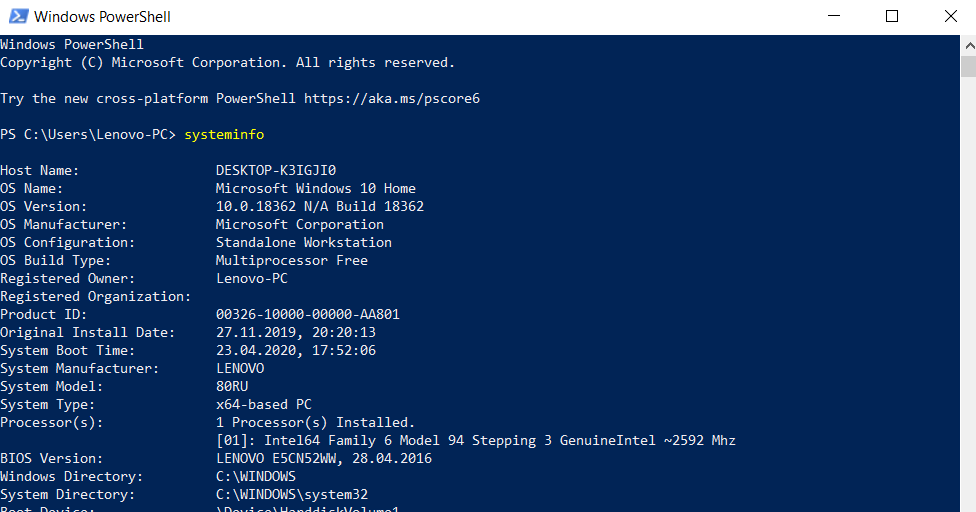
Sep 23 2020 nbsp 0183 32 Enable quot Windows Subsystem for Linux quot WSL in PowerShell 1 Open an elevated PowerShell 2 Copy and paste the command below into the elevated PowerShell and press
Windows PowerShell Windows PowerShell Windows PowerShell Windows PowerShell Windows PowerShell
[desc-11] [desc-12]
[desc-13]