Powershell Get Device Info From Ip How To Easily Find The IP Address Of A Remote Computer Active Get CPU Information In Windows PowerShell Action1 Blog How To Get Drivers Version Using PowerShell ShellGeek Top 10 Powershell Commands For Beginners Realistic Ex Vrogue co PowerShell Version 7 0 2 64 bit For PC Big Box Software Sep 23 2020 nbsp 0183 32 Enable quot Windows Subsystem for Linux quot WSL in PowerShell 1 Open an elevated PowerShell 2 Copy and paste the command below into the elevated PowerShell and press
Dec 6 2019 nbsp 0183 32 How to Install or Uninstall Windows PowerShell ISE in Windows 10 The Windows PowerShell Integrated Scripting Environment ISE is a host application for Windows Steam
PowerShell Version 7 0 2 64 bit For PC Big Box Software Device Info For Android APK Download How To Check Hardware Specs Of Windows 11 Pc 8 Methods Techdirs Powershell Tutorial 5 6 Of 7 Your Ultimate Powershell Guide Www vrogue co Using PowerShell Get All Users Are Password Never Expires In Domain Como Verificar A Vers o Do PowerShell No Windows 10 TheFastCode Everything You Wanted To Know About PowerShell s Module Path Stefan Windows PowerShell Get CimInstance Creates Popup To Select Files How To Get Dns Server Diagnostics Using Powershell Manageengine Free
Powershell Get Device Info From Ip
 Powershell Get Device Info From Ip
https://activedirectorypro.com/wp-content/uploads/2023/05/get-ip-address-remote-computer-featured.webp
Nov 7 2017 nbsp 0183 32 One of many PowerShell security features is that you can t run a script simply by double clicking it s icon on desktop or in a folder Doing so will by default open script in
Templates are pre-designed documents or files that can be utilized for various functions. They can conserve time and effort by supplying a ready-made format and design for producing various sort of content. Templates can be utilized for personal or expert projects, such as resumes, invitations, leaflets, newsletters, reports, presentations, and more.
Powershell Get Device Info From Ip

Solved Use Powershell To Get Device Names And Their 9to5Answer

Device Info For Android APK Download
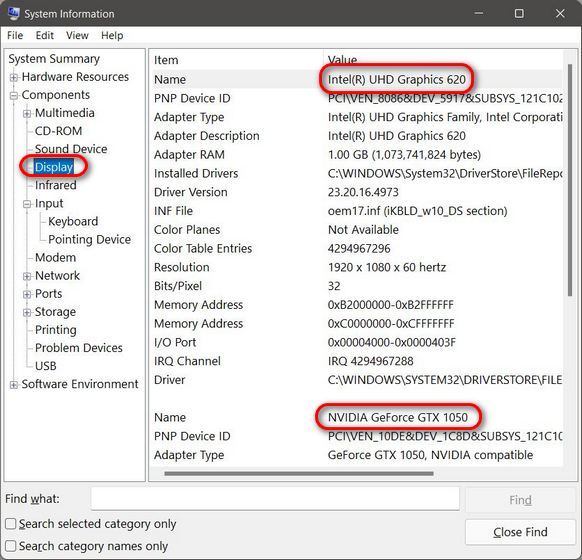
How To Check Hardware Specs Of Windows 11 Pc 8 Methods Techdirs
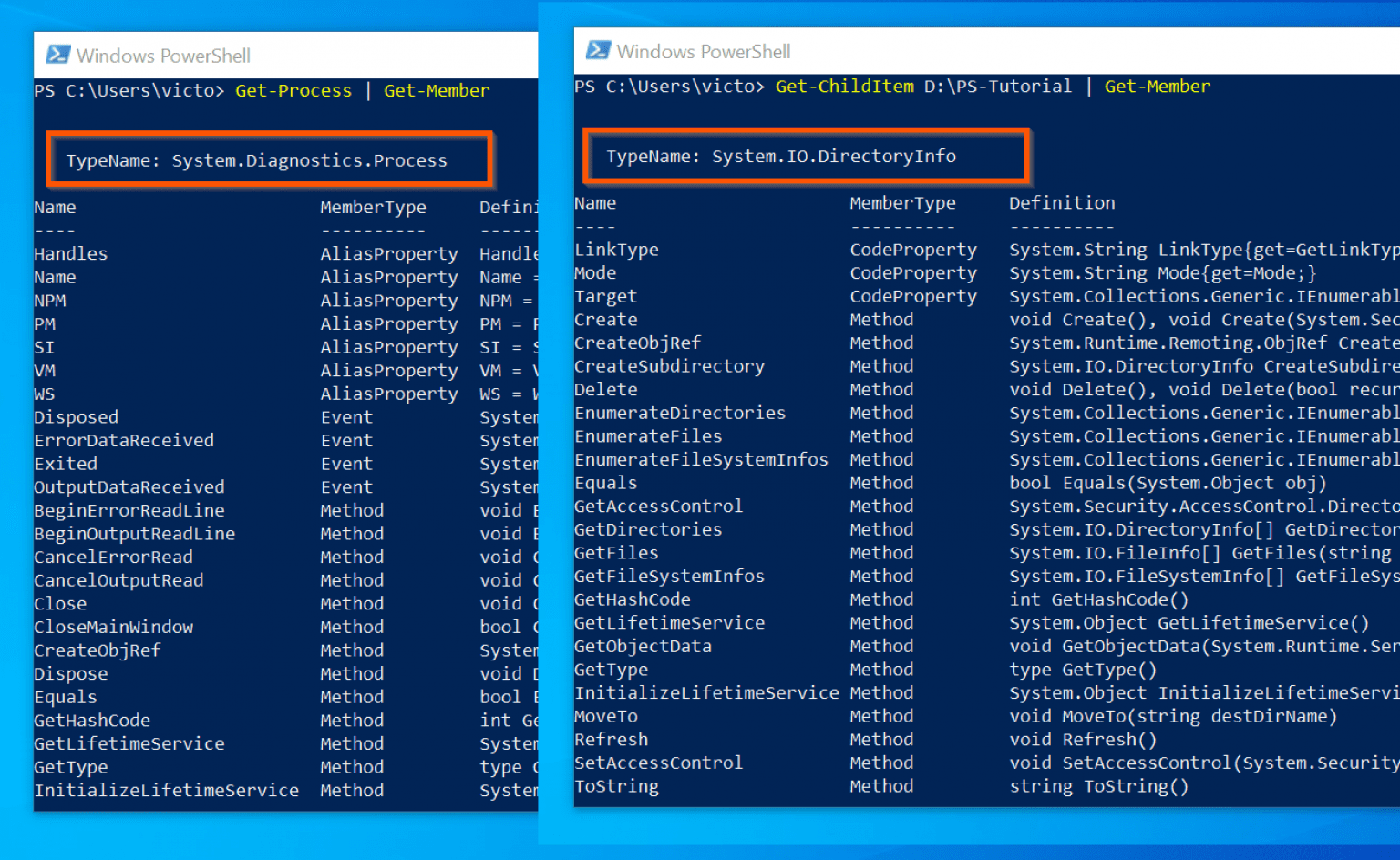
Powershell Tutorial 5 6 Of 7 Your Ultimate Powershell Guide Www vrogue co

Como Verificar A Vers o Do PowerShell No Windows 10 TheFastCode
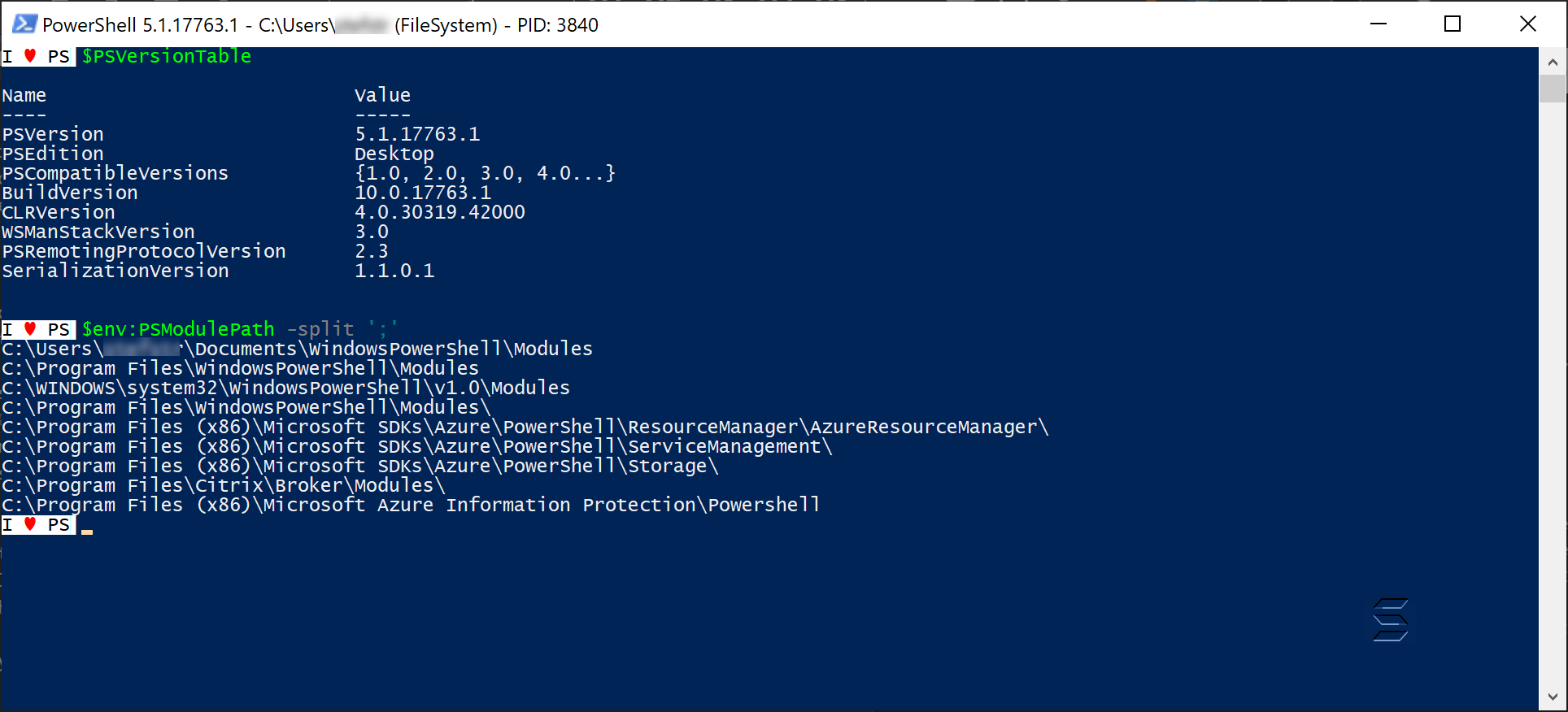
Everything You Wanted To Know About PowerShell s Module Path Stefan

Jul 29 2022 nbsp 0183 32 How to See Full Details about a Windows 10 ISO file B Type the command below you want to use into the elevated PowerShell press Enter and go to step 8 below see
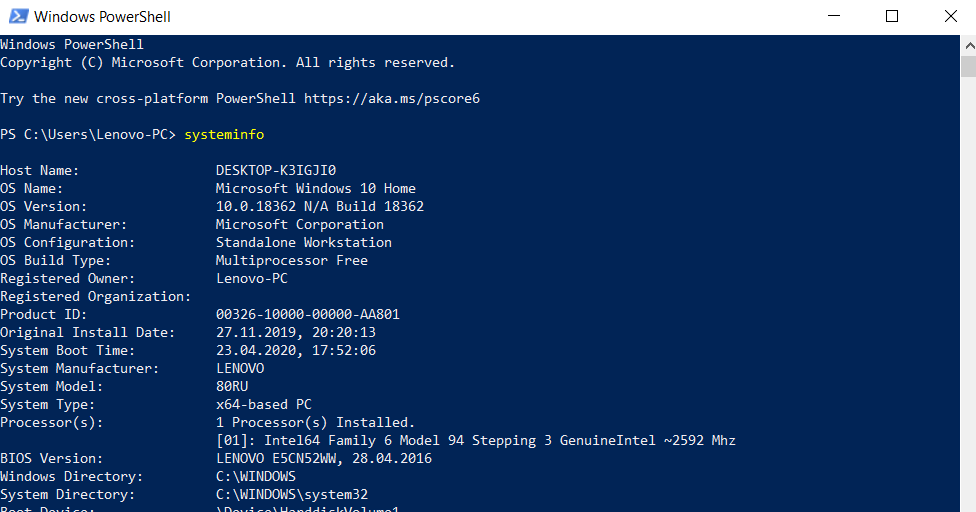
Windows PowerShell Windows PowerShell Windows PowerShell Windows PowerShell Windows PowerShell
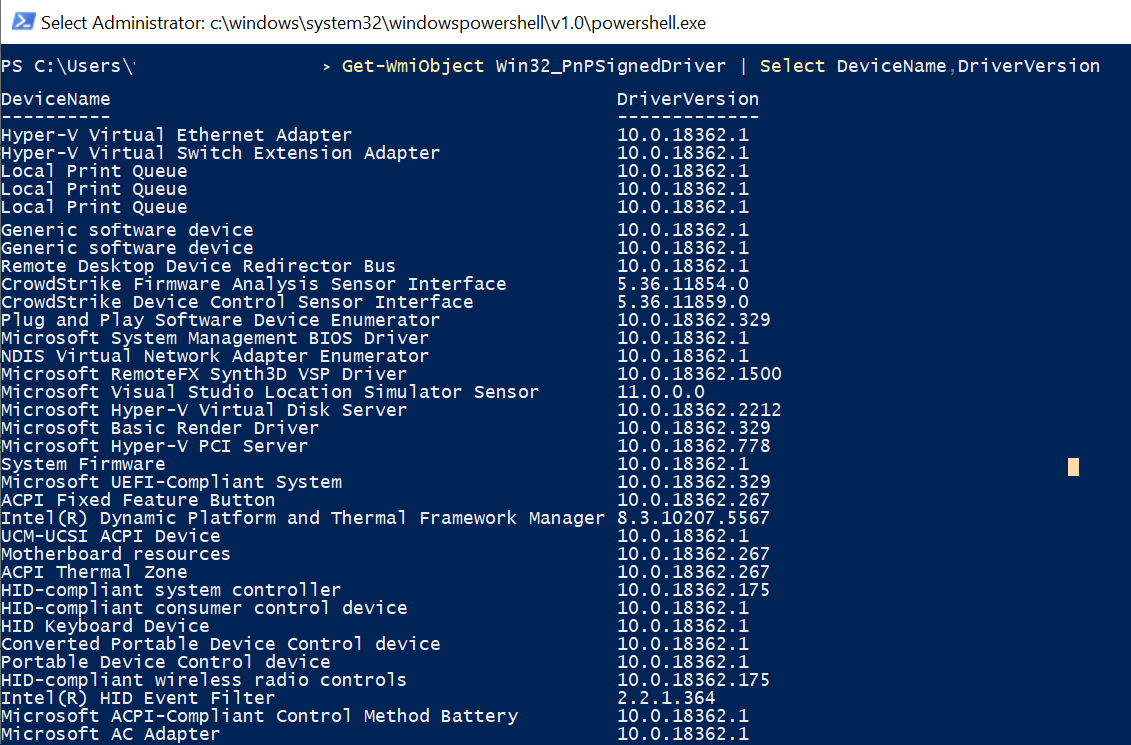
May 4 2023 nbsp 0183 32 How to Install PowerShell 7 0 in Windows 7 Windows 8 and Windows 10 Microsoft has announced the Generally Available GA release of PowerShell 7 0 on March 4 2020
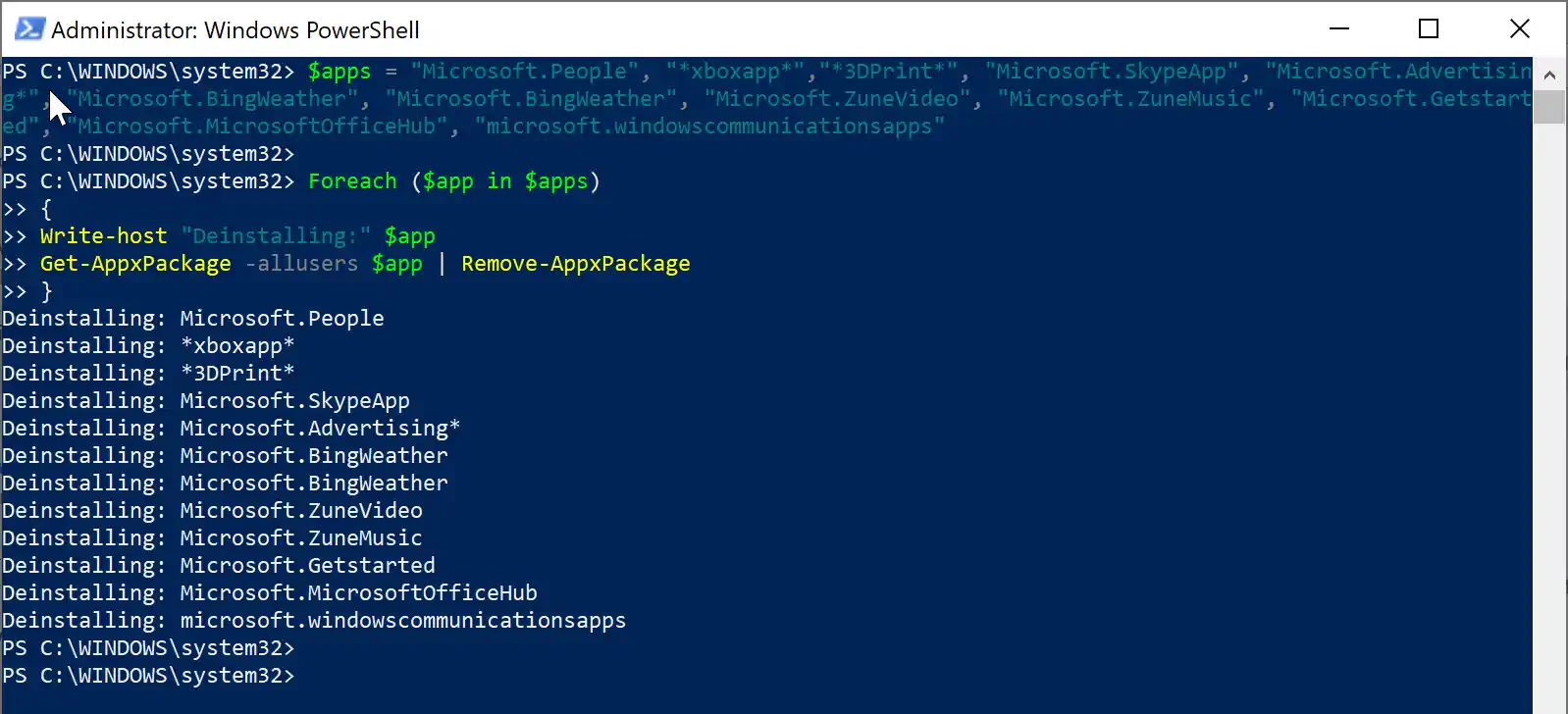
Dec 28 2024 nbsp 0183 32 3 To Reinstall and Re Register All Windows Apps for All Accounts A Open an elevated Windows PowerShell B Copy and paste the command below in PowerShell and
PowerShell Load C C dll COM PowerShell cmd
[desc-11] [desc-12]
[desc-13]