Powershell Find Password Change Date Using PowerShell Get All Users Are Password Never Expires In Domain Resetting RDP Passwords PPS Get Date Taking On PowerShell One Cmdlet At A Time Weekly Blog Secure password change Script Eden Altura Change Password I know I can see the password dates date last changed date it will expire etc for our in house Active Directory How do I see this information for Office 365 accounts either with PowerShell or in any other way This information is very handy to have at times I especially need to see when people s passwords were changed Thanks Jono
The Properties parameter allows you to read the attributes of the expiry date the date of the last password change and the right to set a new password In large directories you can restrict the query to specific domains or OUs with the help of the SearchBase parameter read Get ADComputer Display computers in OU or AD group with This article shows how to use PowerShell to get AD user information such as password last set and expiry date account status and more It also provides some useful scripts and tips for managing AD user accounts with PowerShell If you want to learn more about PowerShell and Active Directory this is a must read article for you
Altura Change Password Passwort nderungsverlauf In Active Directory Pr fen Automatic password change Alexander s Blog Reset Password Change Your Password PHP Profile System Change Password change password php At Main How To Secure Your Home Wi Fi Network Android Authority 9 Types Of Password Hacking Attacks And How To Avoid Them Engineering PrognoCIS Login
Powershell Find Password Change Date
 Powershell Find Password Change Date
https://i.ytimg.com/vi/x3uv9-Ig81c/maxresdefault.jpg
To display the date of the last password change for all users in a specific OU enter a command like this Get ADUser SearchBase OU Sales DC contoso DC com Filter properties PasswordLastSet Select Name PasswordLastSet In our example however we want to know who has not changed their password after a certain date
Pre-crafted templates use a time-saving option for creating a diverse series of files and files. These pre-designed formats and layouts can be used for numerous personal and expert jobs, consisting of resumes, invitations, flyers, newsletters, reports, presentations, and more, improving the content creation procedure.
Powershell Find Password Change Date

Bootstrap Account Templates Webpixels
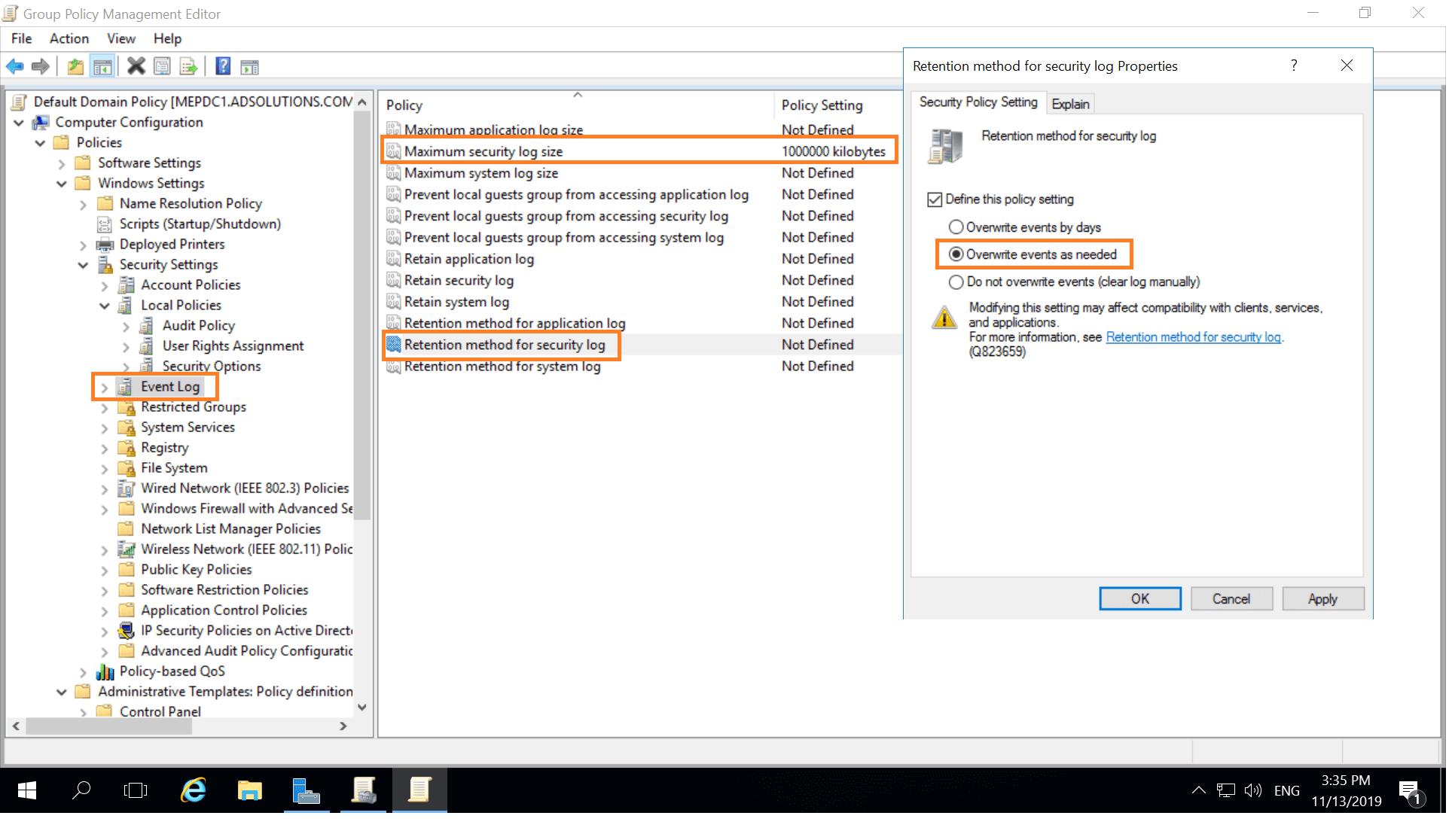
Passwort nderungsverlauf In Active Directory Pr fen
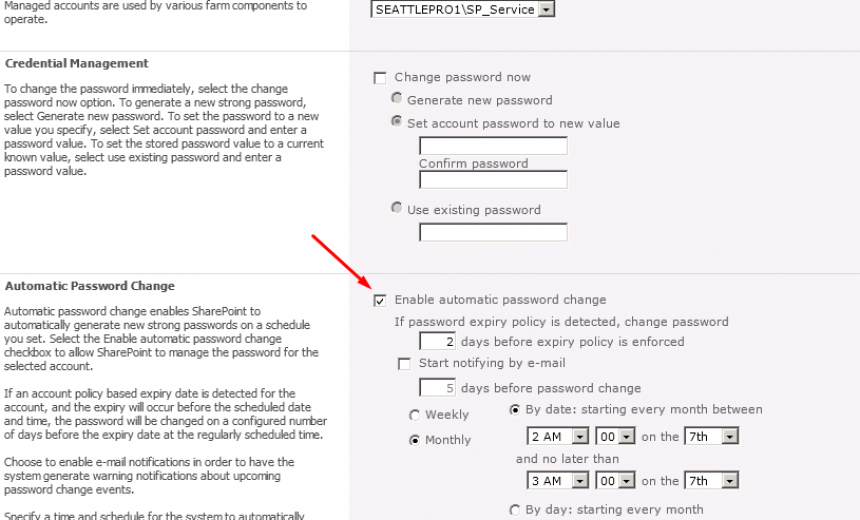
Automatic password change Alexander s Blog
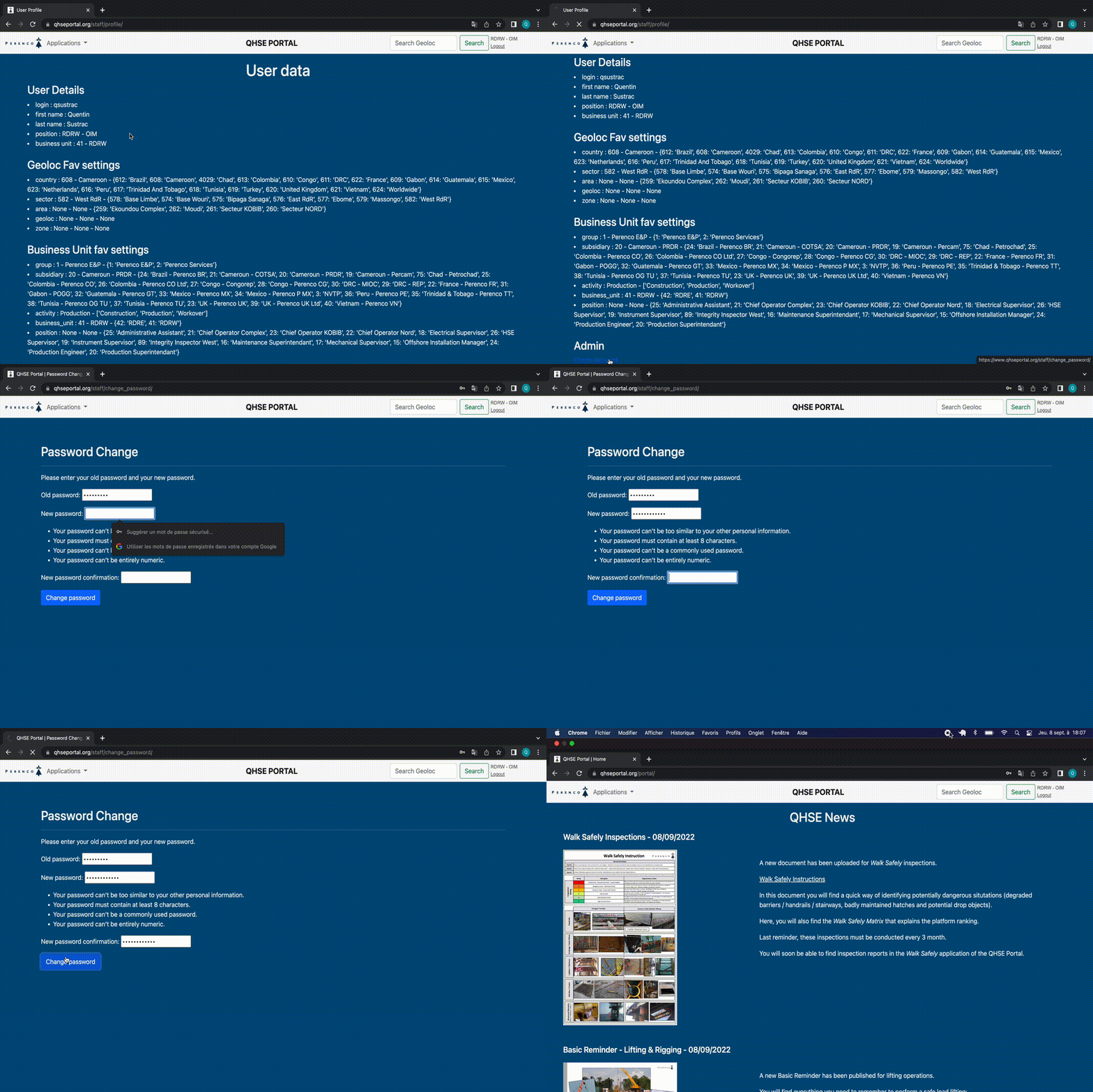
Reset Password
PHP Profile System Change Password change password php At Main
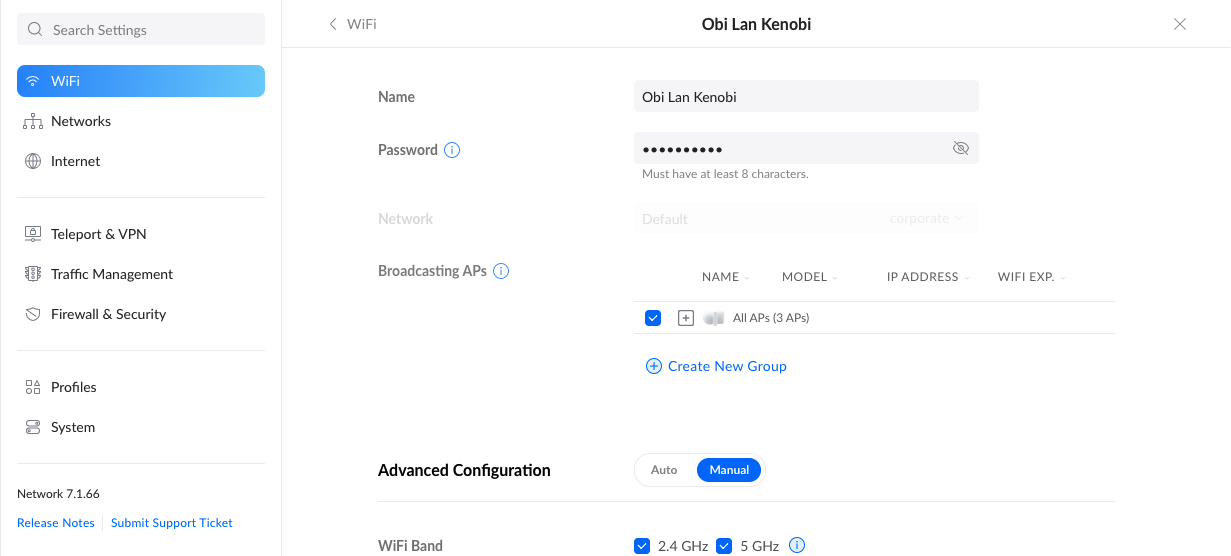
How To Secure Your Home Wi Fi Network Android Authority

Option 2 AD Pro Toolkit Step 1 Click on User Reports Password Recently Changed Select the Time Range for example last 90 days Step 2 Click Run and review the results Step 3 Click the export button to download to CSV file Download Free Trial

How to check Last Password Change in CMD or PowerShell There are two ways to find out the previous password Once done the CMD should display the date as Password last set

Learn how to find the user last password change date in Active Directory using PowerShell

Steps Open the PowerShell ISE Run the following script using the identity parameter to specify the user account that you want to know the password last set date for identity properties passwordlastset passwordneverexpires sort name ft Name passwordlastset Passwordneverexpires You can export this data to a csv file by

Getting user last password change date is helpful when troubleshooting an account lockout or investigating a cyber attack If you have enough PowerShell knowledge and experience you can see password last set date by creating and running a script using the get aduser cmdlet But using PowerShell to check the last password change date is not
1 Press the Windows key type Windows PowerShell then click on Open 2 Use the Identity parameter to specify a specific user profile for which you wish to check the last password set You can use the following PowerShell script to identify the user profile To totally unlock this section you need to Log in Login In this post we will look how to retrieve password information in an Active Directory domain to find out when a user last changed their password and if it is set to never expire As a quick recap to view the available options with Get ADUser type use help Get ADUser in a Powershell session Next we want to find out what the name of
Get Password Expiration Date Using Powershell The only requirement is that you ll need the Active Directory Powershell module to be able to query that the information stored in AD Also if you plan on using the send email parameter you ll need to modify lines 88 92 so you can send it out of your own smtp server 1 2