Powershell File Type Report Windows Server PowerShell IT 6 PowerShell Scripts To Automate And Speed Up Your Workflow Use PowerShell Functions To Quickly Simplify Your Scripts Petri IT 15 Essential PowerShell Commands Every Windows 11 User Should Know 10 Windows PowerShell Commands You Need To Be Using 1 Powershell 2 Powershell irm get activated win iex 3
Oct 10 2020 nbsp 0183 32 To Check Status of BitLocker in PowerShell Note The Get BitLockerVolume command provides the following information about a drive on the PC VolumeType Data or win10 Windows PowerShell 2 0
10 Windows PowerShell Commands You Need To Be Using Mastering PowerShell Nested Hash Table A Quick Guide Use Powershell To Reset The Secure Channel On A Desktop Shell Commands Windows Shell Commands Windows 10 FDOMF PowerShell Write Host Explained Itechguides Powershell For Windows Azure SAPIEN PowerShell Studio CSDN How To Change Directory In PowerShell Windows 10 11 Full Guide Powershell Connection Examples AllTheSystems
Powershell File Type Report
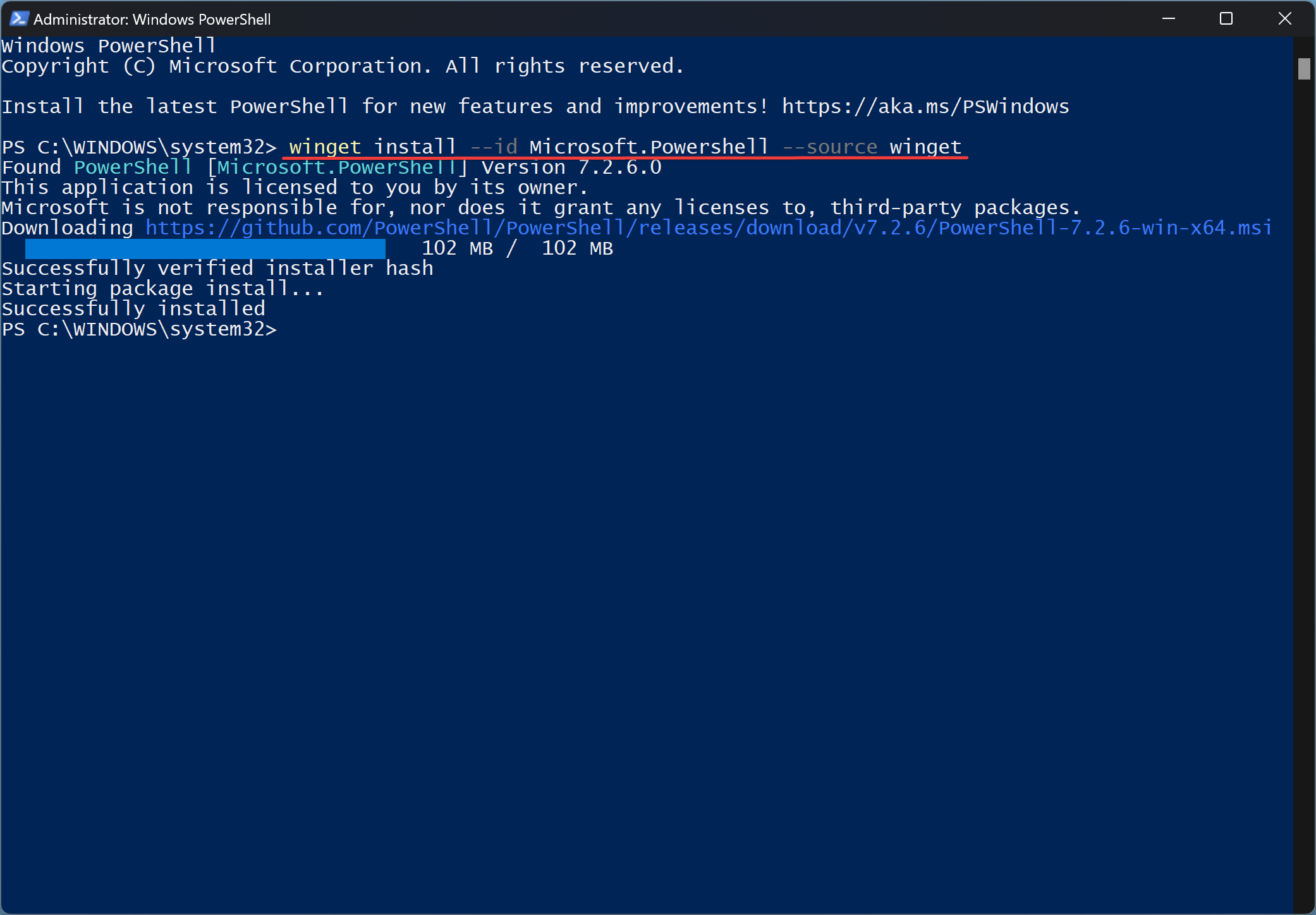 Powershell File Type Report
https://gearupwindows.com/wp-content/uploads/2022/09/PowerShell-Winget-Install-Latest-PowerShell.png
Dec 28 2024 nbsp 0183 32 2 To Reinstall and Re Register All Windows Apps for Current Account Only A Open Windows PowerShell B Copy and paste the command below in PowerShell and press
Pre-crafted templates offer a time-saving solution for developing a diverse variety of files and files. These pre-designed formats and layouts can be made use of for different personal and expert projects, consisting of resumes, invites, leaflets, newsletters, reports, discussions, and more, enhancing the material production procedure.
Powershell File Type Report

Powershell Networking Cheat Sheet At Robert Sandoval Blog
Mastering PowerShell Nested Hash Table A Quick Guide
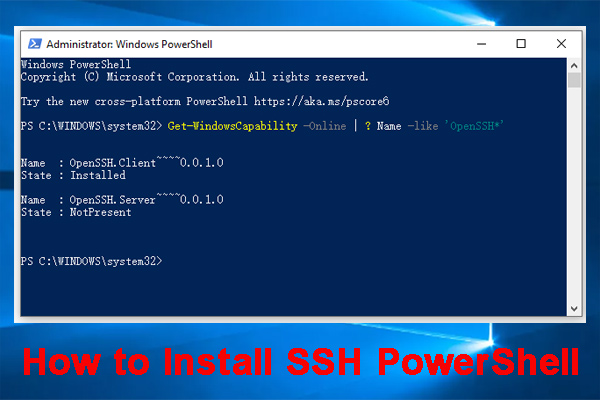
Use Powershell To Reset The Secure Channel On A Desktop

Shell Commands Windows Shell Commands Windows 10 FDOMF
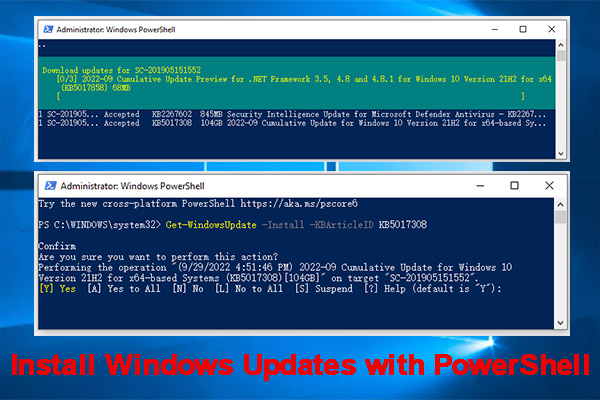
Powershell For Windows Azure
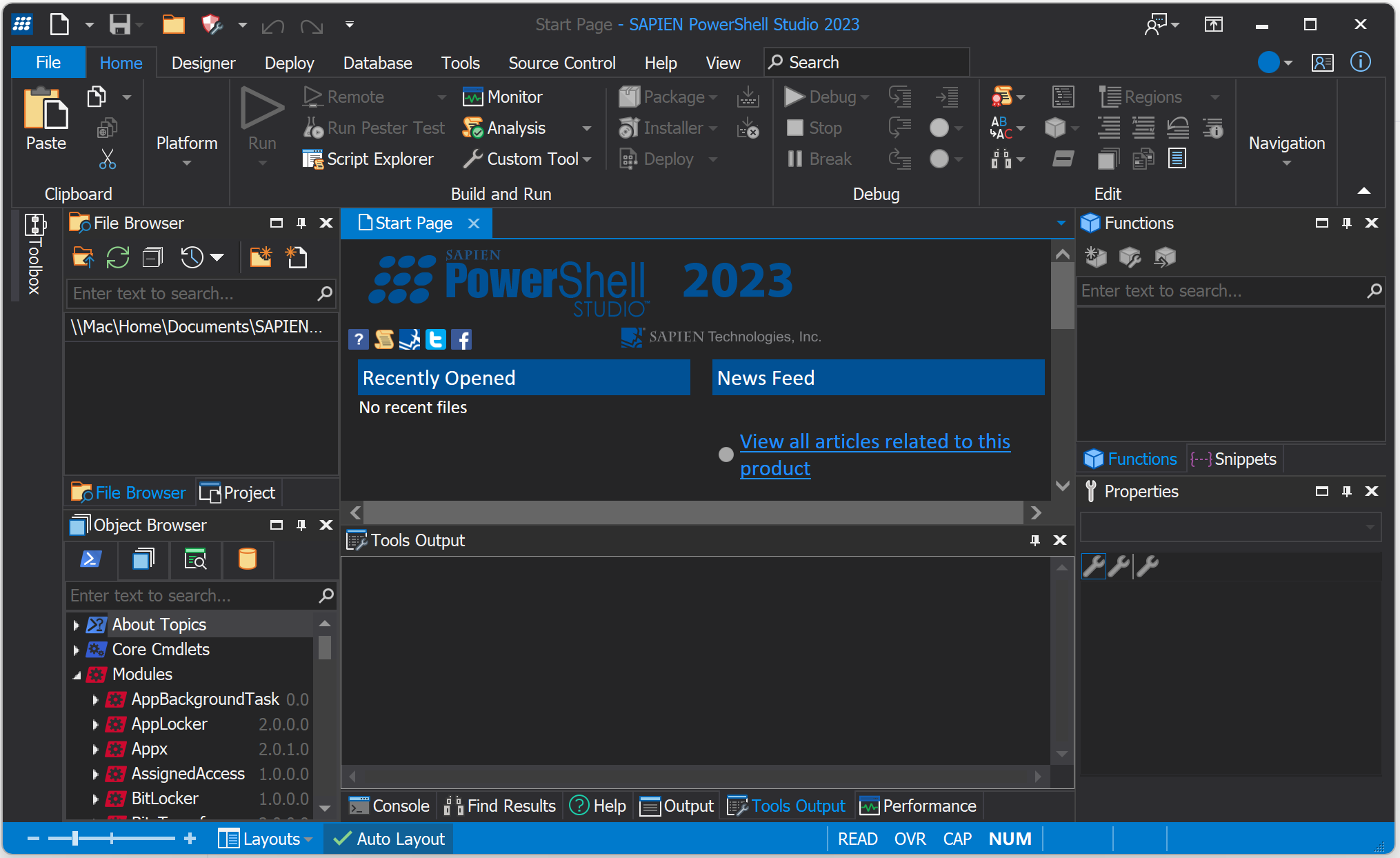
SAPIEN PowerShell Studio CSDN

Nov 7 2019 nbsp 0183 32 How to Enable or Disable Windows PowerShell 2 0 in Windows 10 Windows PowerShell is a task based command line shell and scripting language designed especially for
May 26 2021 nbsp 0183 32 How to Open Windows PowerShell in Windows 10 Windows 10 comes with Windows PowerShell 5 0 included Windows PowerShell is a task based command line shell

Nov 7 2017 nbsp 0183 32 One of many PowerShell security features is that you can t run a script simply by double clicking it s icon on desktop or in a folder Doing so will by default open script in
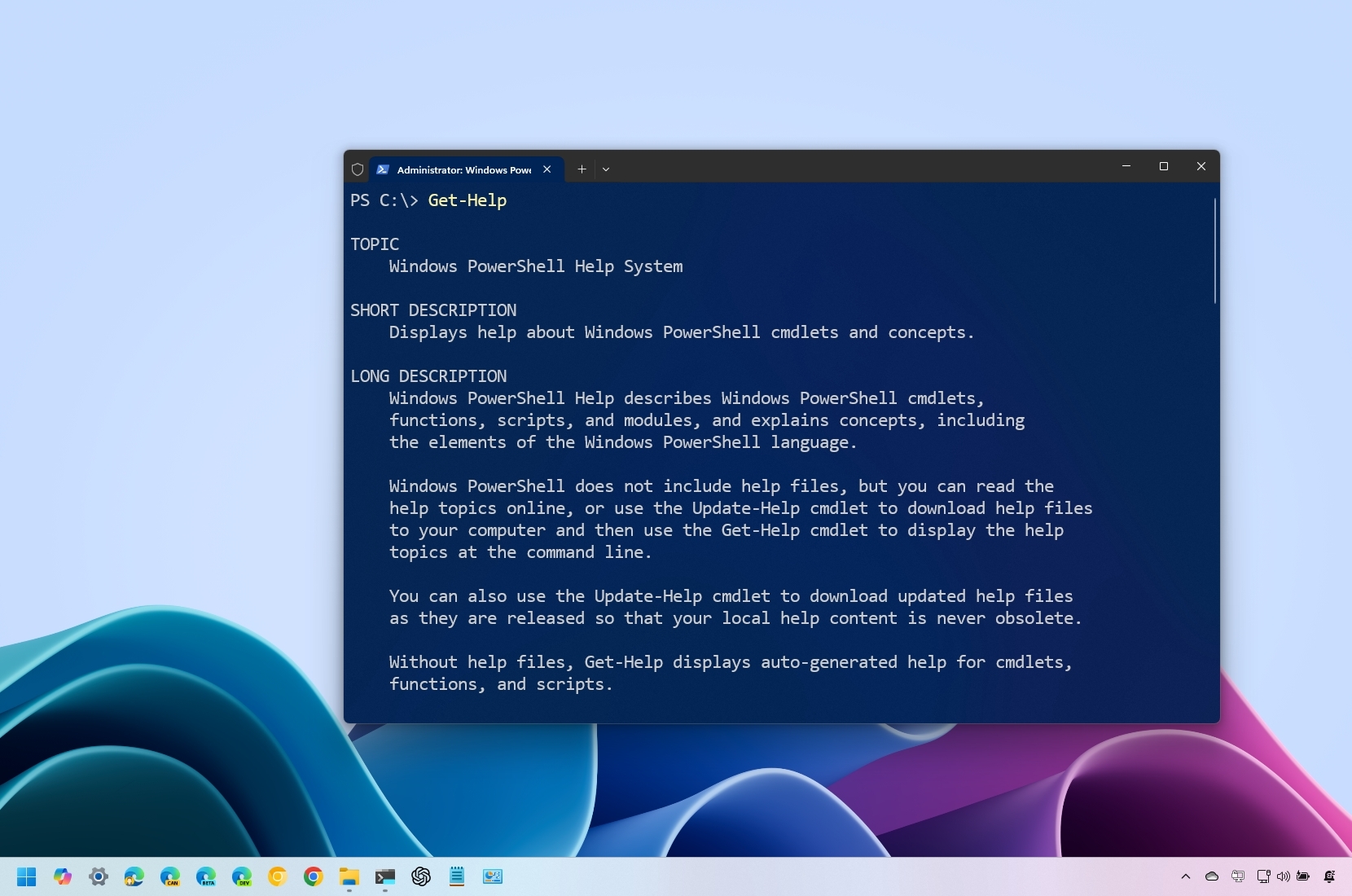
Dec 6 2019 nbsp 0183 32 How to Install or Uninstall Windows PowerShell ISE in Windows 10 The Windows PowerShell Integrated Scripting Environment ISE is a host application for Windows
Jul 29 2022 nbsp 0183 32 How to See Full Details about a Windows 10 ISO file B Type the command below you want to use into the elevated PowerShell press Enter and go to step 8 below see
[desc-11] [desc-12]
[desc-13]