Powershell Command To Get Public Ip Address What Is A Public IP Address LEMP Kali Linux How To Find Your IP Address Systran Box Find Public IP Address With One Command In Command Prompt How To Use Powershell Get An Ip Address Vrogue How To Get Public IP Address Using PowerShell In Windows 10 How to find public ip address of a windows 11 pc using powershell or command prompt Tried ipconfig and gip powershell both of them shows different ip compared to ip from the browser IPv4 displayed in the https whatismyipaddress is showing correct in this powershell command Invoke WebRequest ifconfig me ip Content Trim
Keep it simple If PowerShell offers a simpler way to do something do it For example to find the IPv4 address on all network adapters on a local computer run a single line Get NetIPAddress AddressFamily IPV4 Finding IPV4 addresses with Get NetIPAddress Invoke RestMethod Uri https ipinfo io ip The output of this command lists the public IP address in IPv4 format as displayed in the screenshot below We can also use the Web Request method to fetch the IP address information from the ipinfo io website The command that invokes the web request to pull the IP information is stated hereunder
How To Get Public IP Address Using PowerShell In Windows 10 Working With IPv4 Addresses In PowerShell ITPro Today IT News How How To Get Public IP Address Using PowerShell Prajwal Desai How To Get External Ip Address From Command Line Powershell And Cmd Buy Sell Lease IPv4 Addresses Purchase IP Block Cheap IPv4s Ipv4 Ich Bin M de D nn Helfen Ip Kamera Finder Ergebnis Vorteil Stroh How To List All Windows Services Using PowerShell Or Command Line Get Public IP From Terminal On Ubuntu 22 04 Example K p Sz zszorsz p Azonban How To Get Modem Ip Kamera Szorosan rny k
Powershell Command To Get Public Ip Address
 Powershell Command To Get Public Ip Address
https://lemppics.lemp.io/1666261079643.jpg
To find your public IP address run the curl ifcfg me command or alternative methods like curl icanhazip or nslookup myip opendns PowerShell and Bash shell have similar commands for finding your public IP address
Pre-crafted templates offer a time-saving solution for creating a varied series of files and files. These pre-designed formats and layouts can be utilized for different personal and professional projects, including resumes, invites, flyers, newsletters, reports, discussions, and more, simplifying the material production procedure.
Powershell Command To Get Public Ip Address
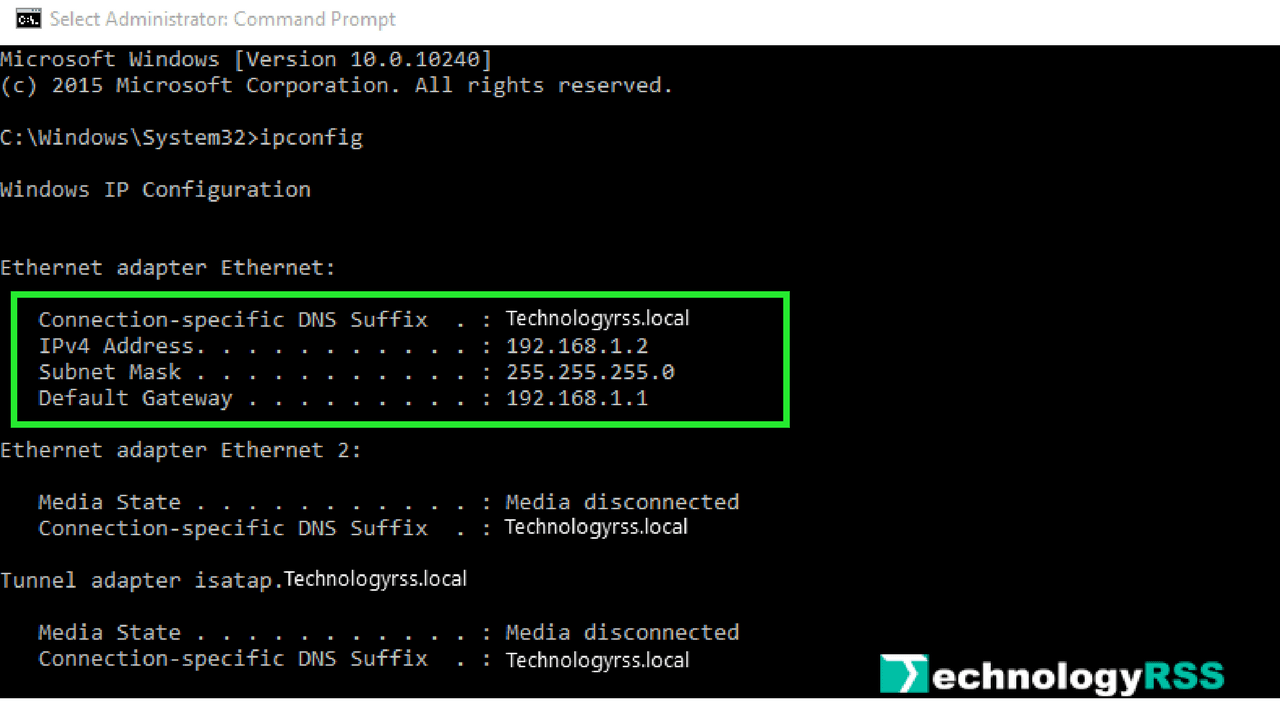
How To See IP Address On Windows TechnologyRSS
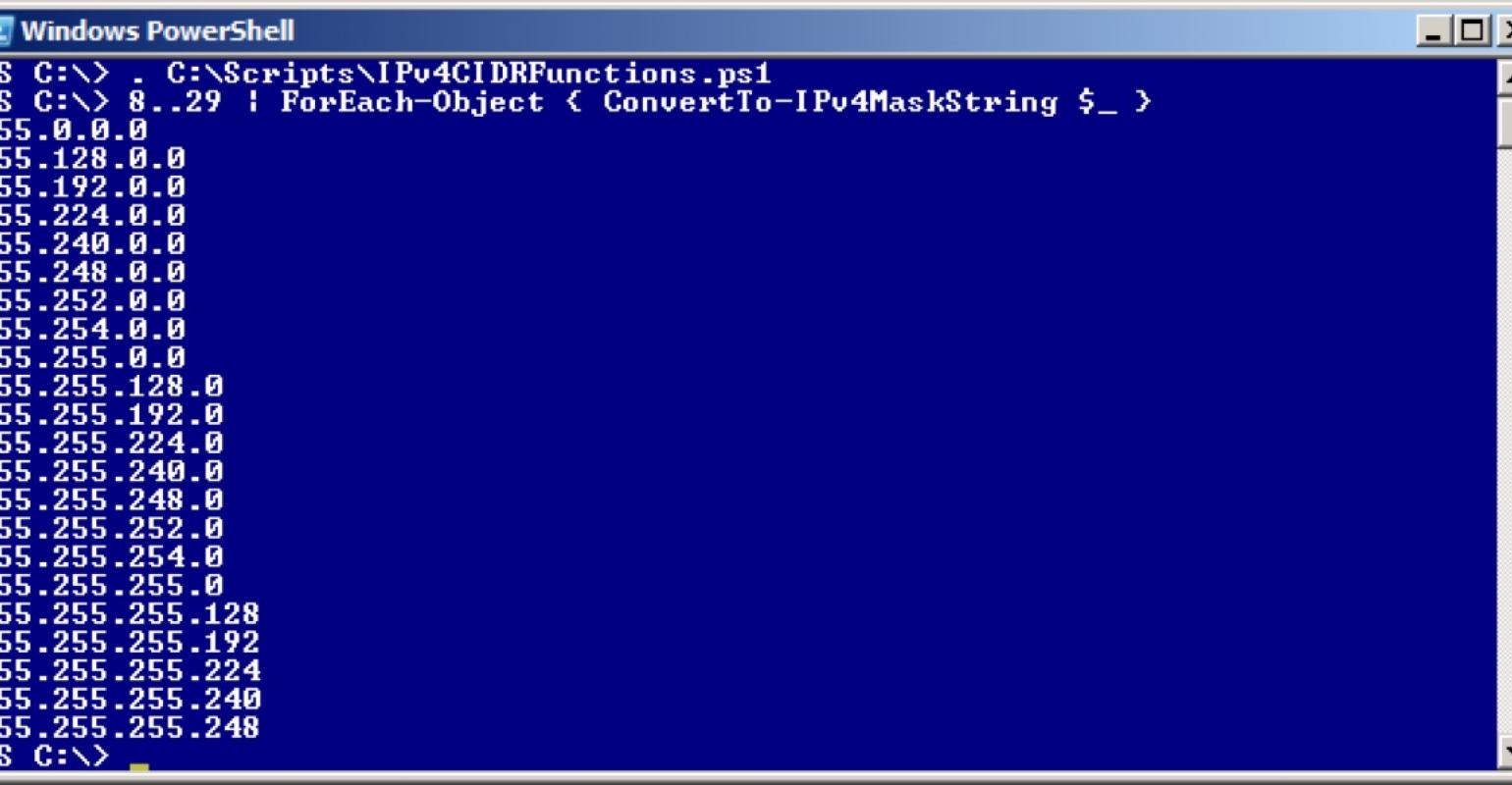
Working With IPv4 Addresses In PowerShell ITPro Today IT News How

How To Get Public IP Address Using PowerShell Prajwal Desai

How To Get External Ip Address From Command Line Powershell And Cmd
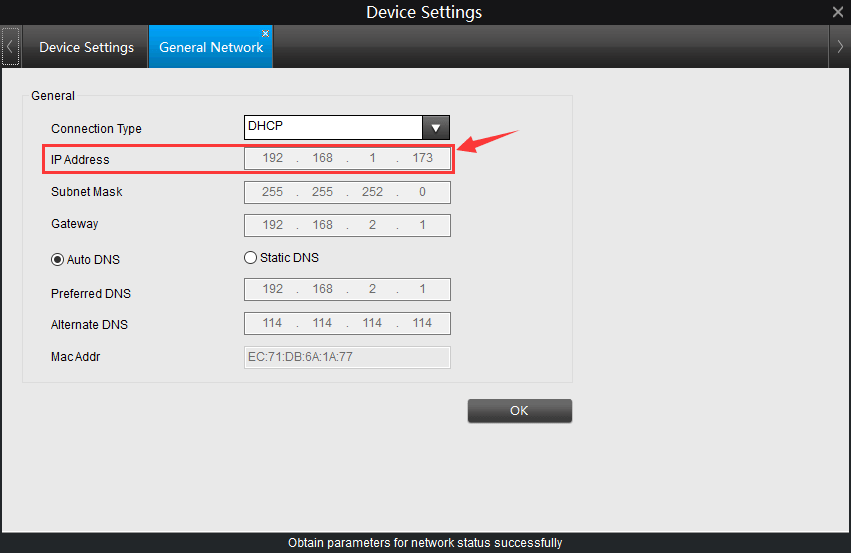
Ich Bin M de D nn Helfen Ip Kamera Finder Ergebnis Vorteil Stroh
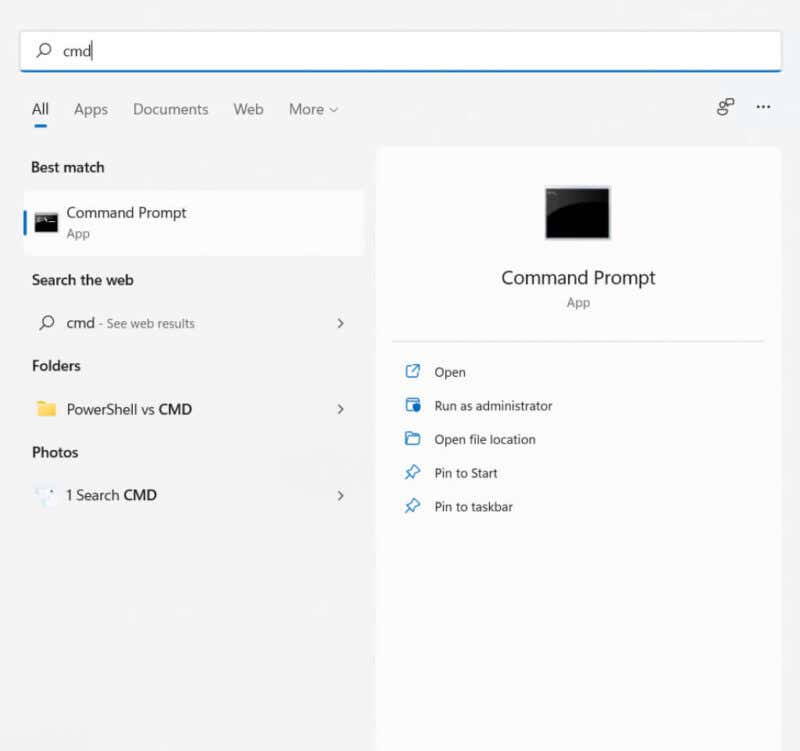
How To List All Windows Services Using PowerShell Or Command Line

The standard way to display the IP address in PowerShell is by using the Get NetIPAddress cmdlet which shows the IP address configuration This cmdlet lists the IP configuration of all physical and virtual networks on your system So you need to combine it with an additional cmdlet to narrow down the result to the current network

This command returns to the console the public IP address that you are using to access the Internet Or even you can get your GeoIP data such as country city region postal code and GPS coordinates Invoke RestMethod Uri http ipinfo io Invoke WebRequest uri http ifconfig me ip Content

To get the Public IP address using PowerShell In the PowerShell Console type the following command Press the Enter key to run the command After completing the above steps you will

To find out the public IP address using PowerShell use these steps Open Start Search for PowerShell and click the top result to open the experience Type the following command to find your public IP address and press Enter Invoke WebRequest ifconfig me ip Content Trim PowerShell public IP address command
Open command prompt by going to Run cmd Run the following command for IP address lookup ipconfig ipconfig This will show you the summary of all the connected network interfaces including their assigned IP addresses If you want complete information of all the network interfaces on your computer you can run the following command ipconfig all
11 Answers Sorted by 22 Use the Invoke WebRequest module in powershell For example Invoke WebRequest ifconfig me ip Go to source Edit I misread the question and thought you needed to use Powershell there is no built in command in cmd exe to return a public IP address but you can use nslookup to resolve it like so Add a comment 4 There s nothing automatically built into Windows that will do this You could as other users have suggested in the past try something like C nslookup myip opendns resolver1 opendns and use a DNS request to return your public facing IP Answer was originally found here
Example 1 Get IPv6 address configuration PowerShell PS C Get NetIPAddress AddressFamily IPv6 This command gets information about IP address configuration for all IPv6 addresses on the computer Example 2 Get IP address information and format the output PowerShell PS C Get NetIPAddress Format Table