Powershell Close Cmd Window After Execution Va Lawmakers Expected To Set Electric Chair As Backup When Lethal From America s Busiest Death Chamber A Catalog Of Last Rants Pleas Run Windows Defender Scan Zoomgirls 3 Clever PowerShell Functions After Upgrading To Windows 10 Solved How To Automatically Close Cmd Window After 9to5Answer If you execute the exit keyword inside of a PowerShell script it will only terminate the script and the commands that follow it won t be executed Write Host Script Start Write Host Executing
Example 1 Stop all instances of a process PowerShell PS C Stop Process Name notepad This command stops all instances of the Notepad process on the computer Each instance of Notepad runs in its own process It uses the Name parameter to specify the processes all of which have the same name If you were to use the Id parameter to stop This is a GUI app so the next thing I did was figure out how to hide the shell during it s execution The final part thats missing is how to exit the hidden shell window upon completion Currently I m unhiding the window so that I can type EXIT manually This is fine for me but for other users who may use this script I d prefer that they
Solved How To Automatically Close Cmd Window After 9to5Answer Windows Powershell Import Csv Cmdlet Examples Riset Bat File Close Cmd Window Quick Answer Brandiscrafts KNIME Cmd Batch Execution Error KNIME Analytics Platform KNIME Execution After A People s Tribunal By Everett How To Change PowerShell Execution Policy In Windows 10 5 Ways To Access A Locked Windows Account TechSpot How To Get External IP Address From Command line PowerShell And CMD 22 Best CMD Commands For Windows 2023
Powershell Close Cmd Window After Execution
 Powershell Close Cmd Window After Execution
https://www.washingtonpost.com/rf/image_1484w/2010-2019/WashingtonPost/2014/02/04/Local-Politics/Images/Execution_Alternatives-01be9.jpg?t=20170517
How to exit from the cmd exe from a batch file after execution from a PS script I tried something like this powershell exe ExecutionPolicy Bypass File H Generatereport ps1 exit B but the cmd exe window is still there How can I exit from the cmd exe after the script finishes execution Thanks Related Topics
Pre-crafted templates offer a time-saving option for producing a varied range of files and files. These pre-designed formats and layouts can be utilized for numerous individual and expert projects, consisting of resumes, invitations, leaflets, newsletters, reports, presentations, and more, streamlining the material development process.
Powershell Close Cmd Window After Execution
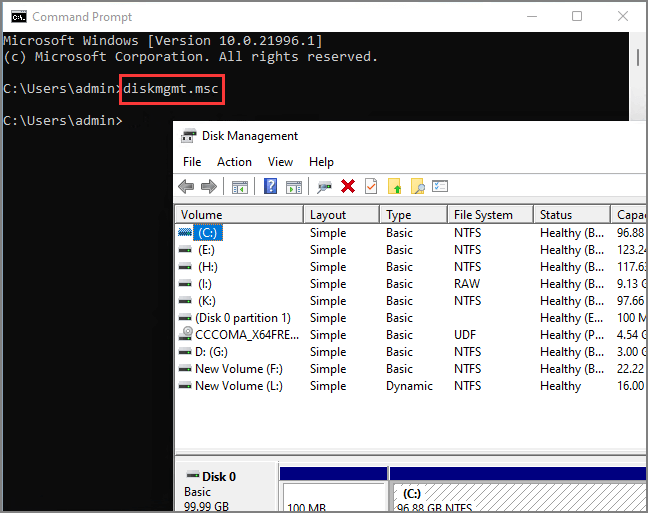
How Do I Open Access Disk Management In Windows 11 All Methods You Can
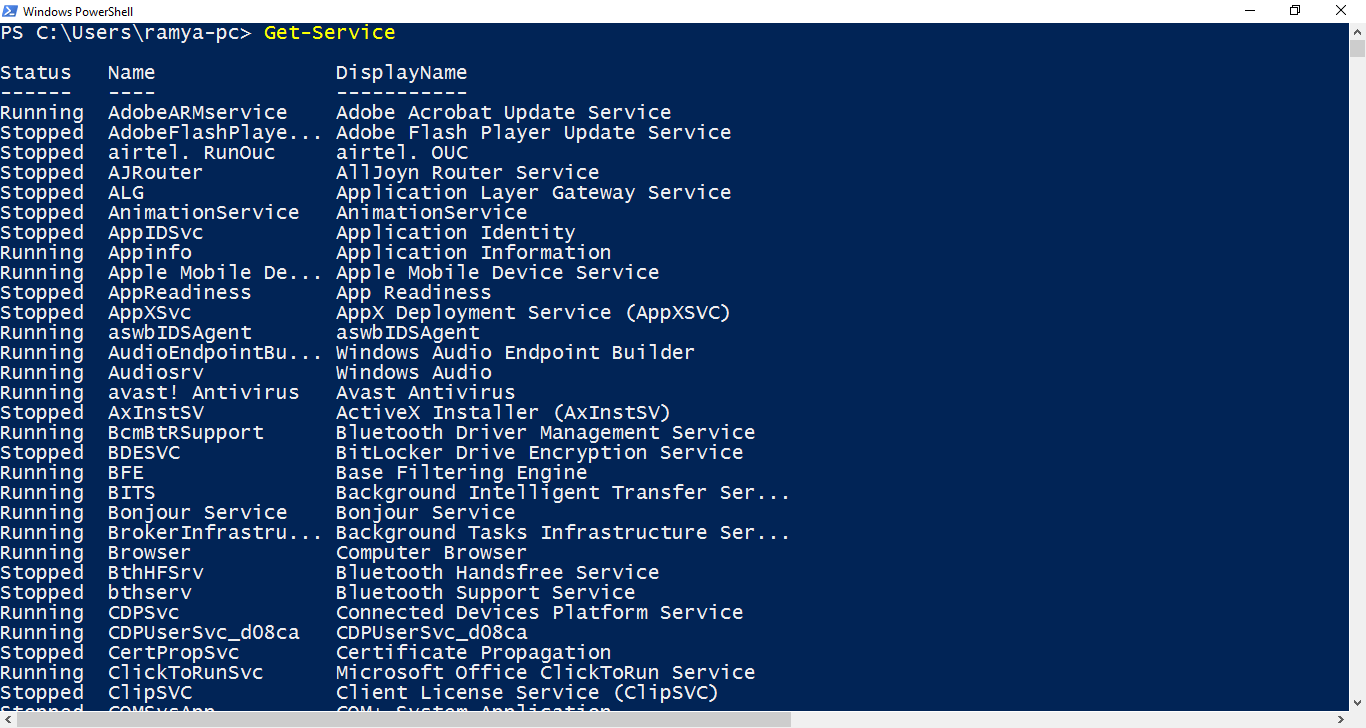
Windows Powershell Import Csv Cmdlet Examples Riset

Bat File Close Cmd Window Quick Answer Brandiscrafts
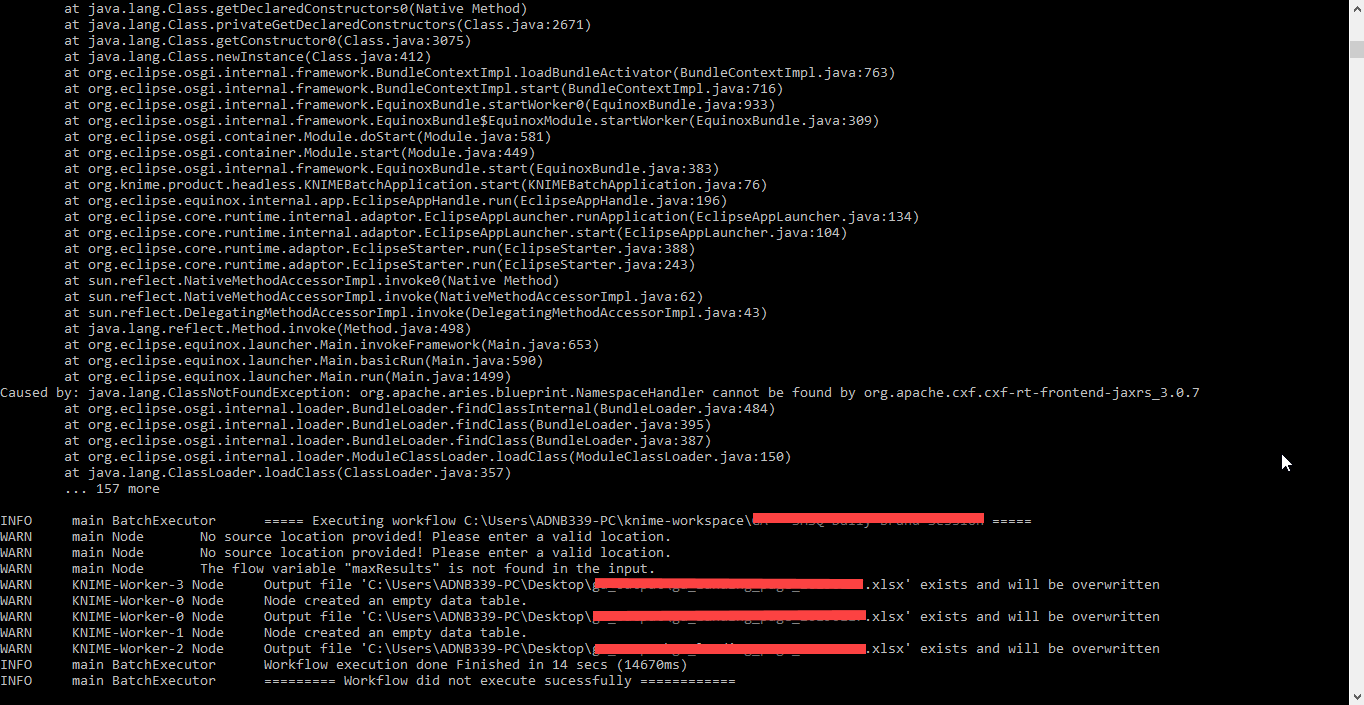
KNIME Cmd Batch Execution Error KNIME Analytics Platform KNIME
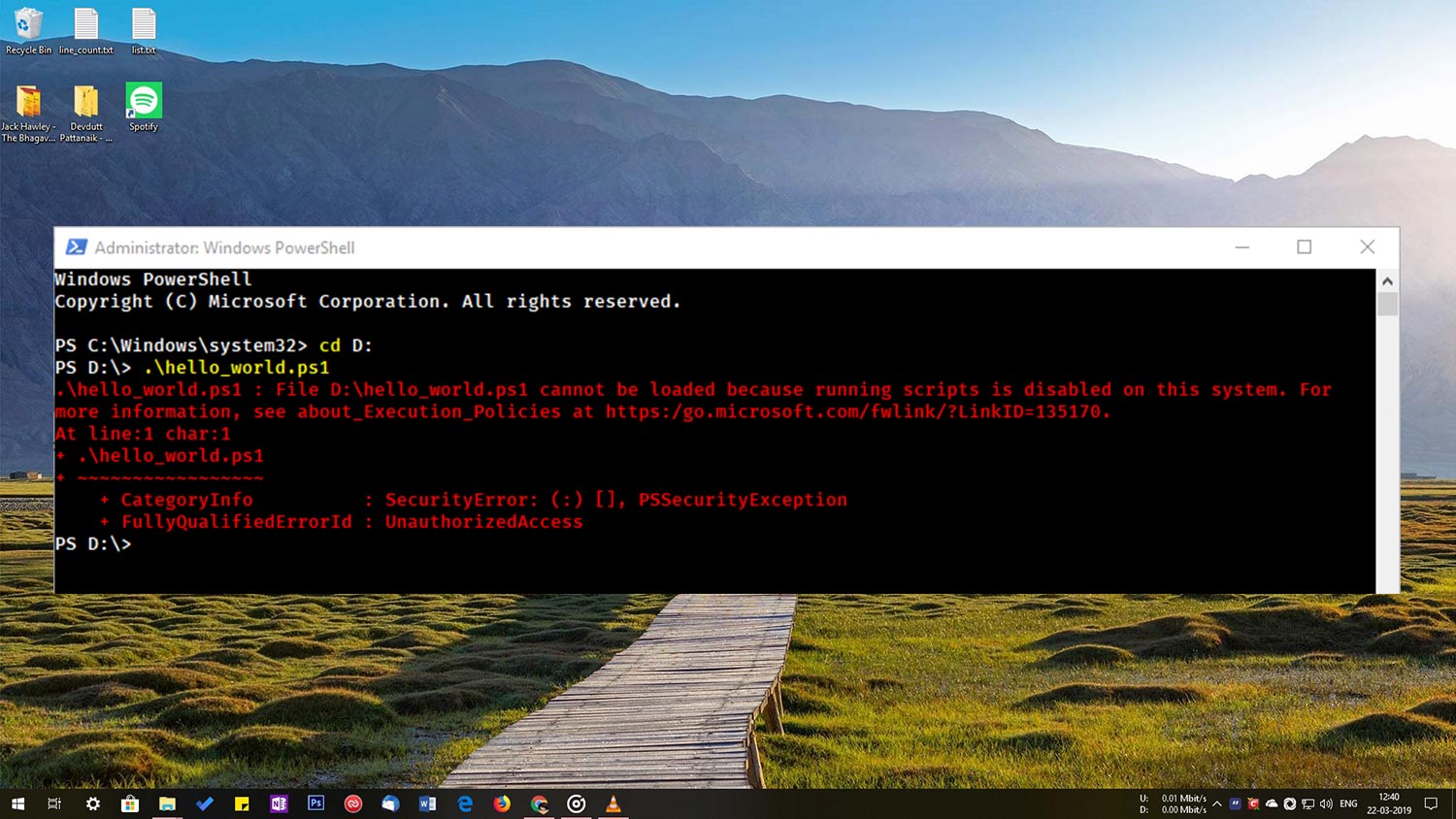
How To Change PowerShell Execution Policy In Windows 10

5 Ways To Access A Locked Windows Account TechSpot

Open a PowerShell console session type exit and press the Enter key The PowerShell console will immediately close This keyword can also exit a script rather than the console session Including the exit keyword in a script and exit terminates only the script and not the entire console session from where the script runs

How to close the command line window after running a batch file Asked 10 years 10 months ago Modified 6 months ago Viewed 331k times 69 I ve got a batch file After it finished running i e all command lines have been executed the cmd exe window stays open However I d like to have it closed right after the batch file finishes its job

1 One time solution Open a PowerShell console and manually run the script from the command line I show how to do this a bit in this post as the PowerShell syntax to run a script from the command line is not straight forward if you ve never done it before
Putting a pause line after batch programs to prompt the user to press a key before exiting Running these batch files or other command line manipulating tools even service starting restarting etc with net start xy or anything similar within cmd exe Start Run cmd exe Running these programs with cmd k like this cmd k myprogram bat

Windows powershell cmd windows 10 intel fortran Share Improve this question Follow asked Jul 30 2018 at 17 49 Ol rin 3 427 2 23 42 Are you sure that ps1 is executed You have extra space here command which should cause PowerShell to error out user4003407 Jul 30 2018 at 19 11 Yes Typo here but not there Ol rin Jul 30 2018 at 19 33
May 11 2022 12 11 AM Hello Thank you for your question and reaching out I can understand you are having some issues queries related to rerun or close a scripts after executed Using Exit will exit PowerShell too If you wish to break out of just the current function or script use Break For Example It means that the main command and the close window command should be executed in parallel as background jobs As jobs are started the main script continues and waits until either jobs finish or timeout is expired Then it stops hung jobs if any and outputs execution results There is a listing of the script close windows ps1
If you re saying you followed my example step by step with your script substituted for the example path and it is still exiting after execution then I m afraid you ve got something very strange going on that is beyond any settings or flags in PowerShell that I m aware of local offer Tagged Items Big Green Man