Powershell Check Time Sync Status Command Check Time Sync PDF Charts And Graph With Analysis Business Financial Data Online Sprawdzanie Kondycji Us ugi Active Directory Za Pomoc Skrypt w Real time Sync WooCommerce Customer To Salesforce Account Contact YouTube Como Verificar A Vers o Do PowerShell No Windows 10 Mais Geek Nov 27 2021 nbsp 0183 32 NTP is a fault tolerant highly scalable time protocol that is most commonly used to synchronize computer clocks using a known time reference You can check the NTP source by using the below command on the server or your personal computers as well in the command prompt or in PowerShell
Sep 10 2018 nbsp 0183 32 Agreed with PPC You can use net time querysntp or w32tm query status to see current configuration of time syncing Also this link can be helpful Oct 4 2019 nbsp 0183 32 Fix it running the command w32tm config syncfromflags domhier reliable no update Useful Commands to Work with NTP via Powershell w32tm query configuration is to view current time service settings Where SpecialPollInterval 3600 stands for synchronization interval in seconds Synchronization is held once a day
Como Verificar A Vers o Do PowerShell No Windows 10 Mais Geek Introducing Time Sync With ClickUp Express Sync Real Time Sync Products Inventory Pricing Shopify Fix Better Display For Sync Status By Yanguoyu Pull Request 2352 Time sync manual Force Full Sync For Specified OpenResty Edge Node Servers OpenResty Powershell Tutorial 5 6 Of 7 Your Ultimate Powershell Guide Www vrogue co How To Check Software Installation Date In Windows Techcult Shopify HubSpot Integration Connect Them Today
Powershell Check Time Sync Status

https://imgv2-1-f.scribdassets.com/img/document/80336220/original/295ecb4331/1703212052?v=1
Feb 15 2019 nbsp 0183 32 Step 1 Start and stop time service Use this commands net start w32time net stop w32time or stop service w32time start service w32time Step 2 Let s specify the server with which we will synchronize time Check if our time is synchronized with Microsoft s public ntp server w32tm stripchart computer time windows samples 4 dataonly
Templates are pre-designed documents or files that can be utilized for numerous purposes. They can save effort and time by supplying a ready-made format and design for developing various sort of material. Templates can be utilized for individual or professional jobs, such as resumes, invitations, flyers, newsletters, reports, presentations, and more.
Powershell Check Time Sync Status

Brieftasche Blockieren Eintauchen Esp8266 Ntp Uhr Marine Paradox Aufz hlen

Introducing Time Sync With ClickUp

Express Sync Real Time Sync Products Inventory Pricing Shopify
Fix Better Display For Sync Status By Yanguoyu Pull Request 2352

Force Full Sync For Specified OpenResty Edge Node Servers OpenResty
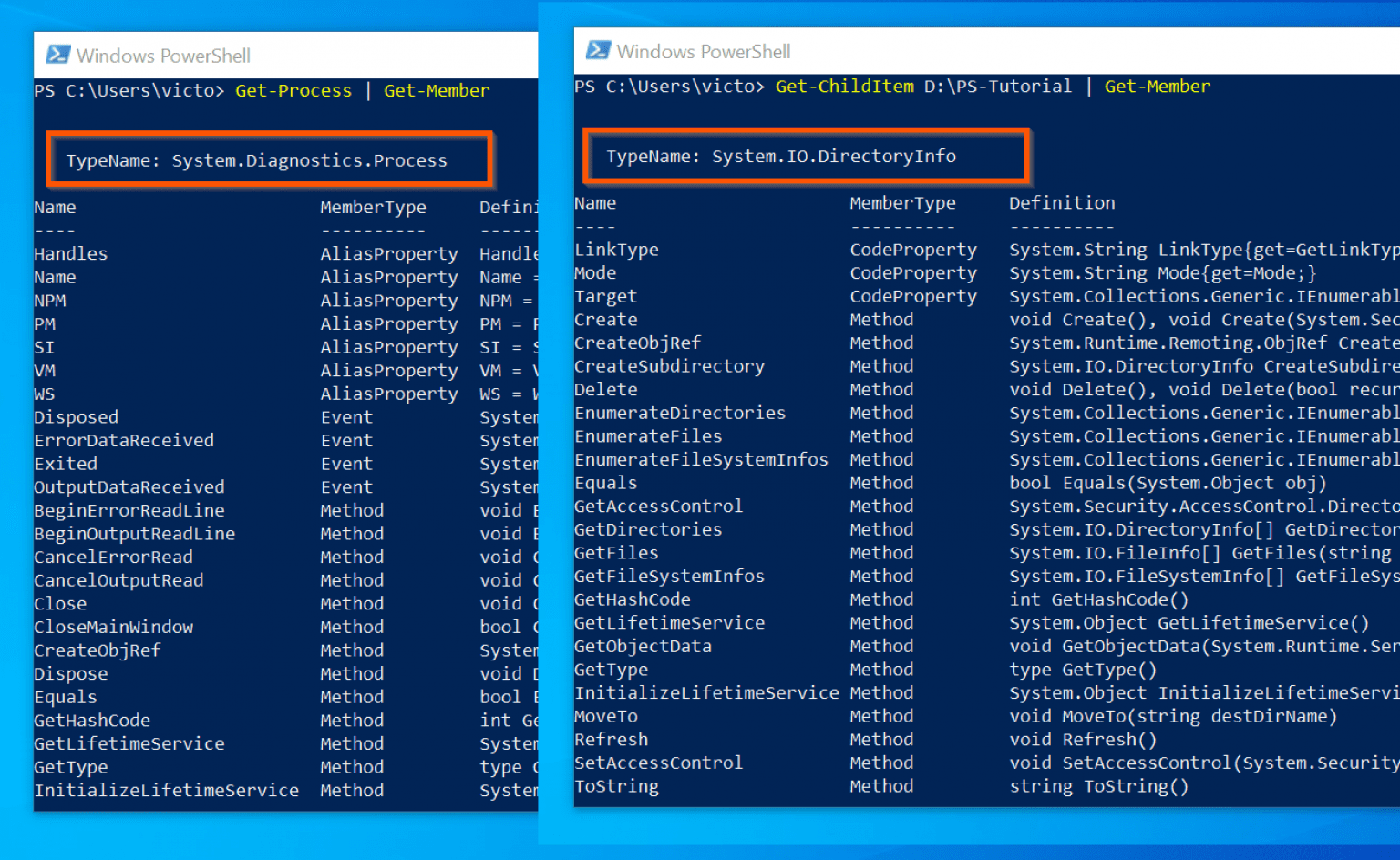
Powershell Tutorial 5 6 Of 7 Your Ultimate Powershell Guide Www vrogue co

May 16 2012 nbsp 0183 32 w32tm query status gives you information such as stratum leap indicator precision last sync NTP server poll interval time T outputs the current system time Note w32tm query was first made available in the Windows Time client versions of Windows Vista and Windows Server 2008 See Windows Time Service Tools and Settings

Jun 18 2019 nbsp 0183 32 Import Module quot OneDriveLib dll quot Get ODStatus ByPath env OneDrive Getting Syncing or OneDemandOruknown during syncing How to check in script that once status is UptoDate status script should terminate especially when
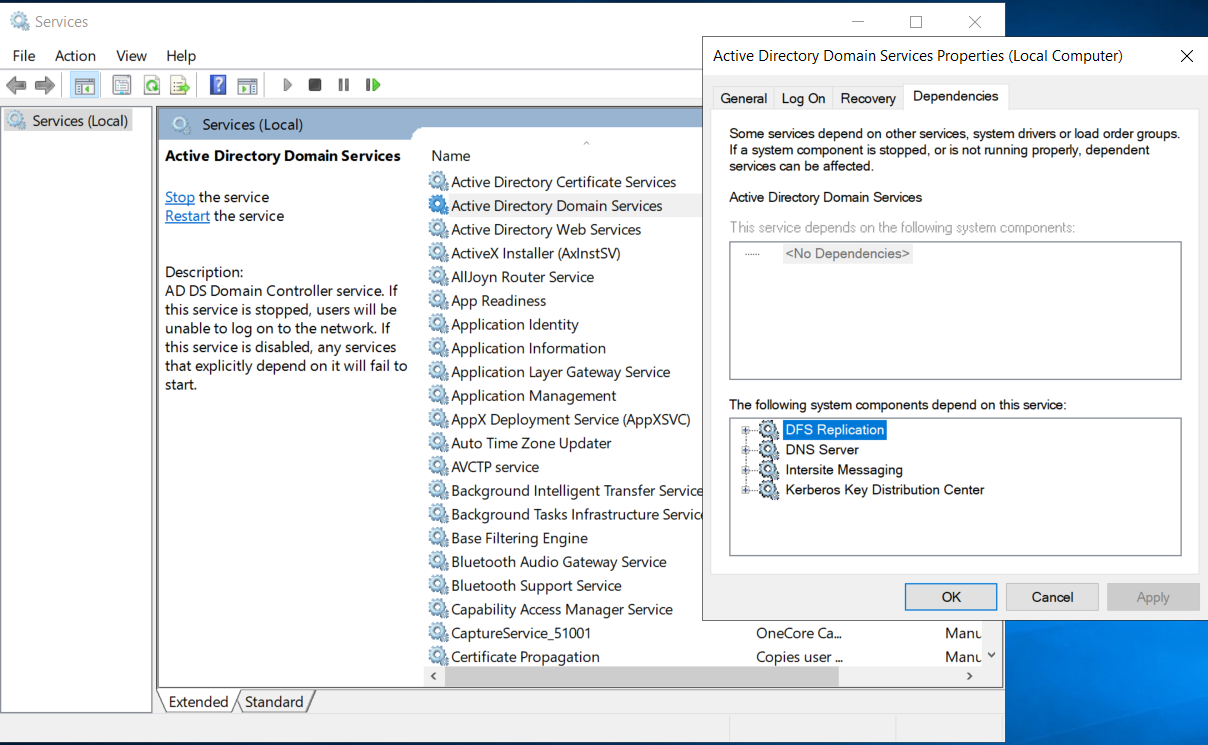
Jul 28 2011 nbsp 0183 32 Set w32time service as unreliable w32tm config reliable no syncfromflags manual update Option syncfromflags manual means sync with NTP listed in peer list i e external NTP update for notifying the time service the configuration have changed Restart the w32time

May 27 2015 nbsp 0183 32 How can I use Windows PowerShell to find the status of the time service on my local computer If all you are looking for is the status use the W32tm command with the query and status switches

Mar 7 2024 nbsp 0183 32 Ensuring devices in a network have congruent times is vital for various functionalities and security protocols This article delves into a PowerShell script designed to compare local system time with an NTP server signaling whether the difference surpasses a stipulated threshold
You can then include this into your powershell script and use it like this NTPTime Get NtpTime NtpTime This will store the time returned from the default ntp server pool ntp in a DateTime data type You can change which NTP server by using the server parameter May 29 2015 nbsp 0183 32 The workflow orchestrates all the testing reporting and monitoring actions from a single point SMA server management server and it checks or corrects time synchronization on a large number of remote servers Technically it is not a problem to use Test VSystemTimeSynchronization against a local server but there is no reason to do that
Apr 17 2018 nbsp 0183 32 If you find any users with errors check the last synchronization date and time for the user You may need to troubleshoot further as to know what caused synchronization failure for a user Thanks