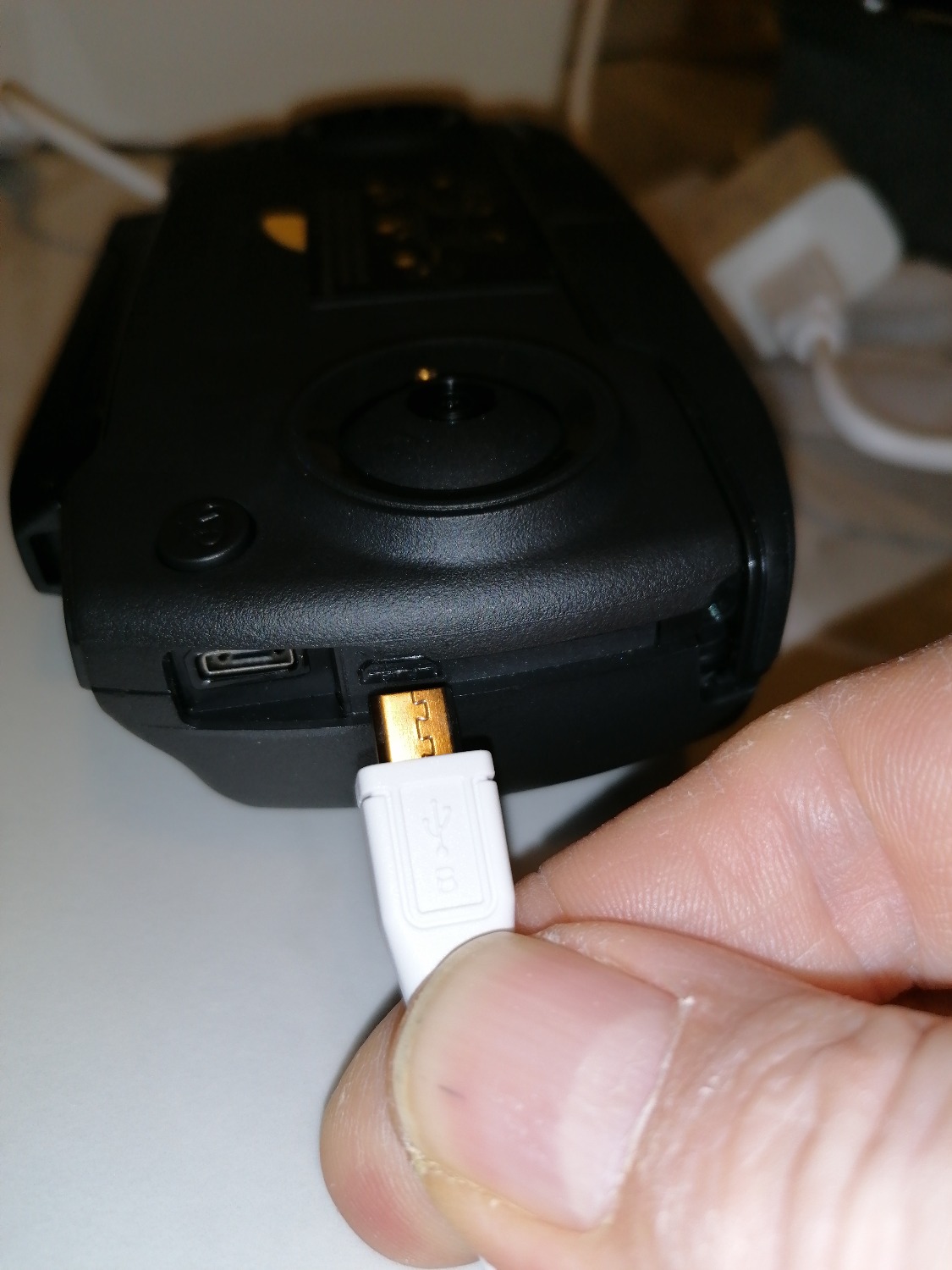
Powershell Check Port On Remote Server Check Firewall Port Is Open Or Block On Windows 11 Using PowerShell Testing Connectivity To Remote Server Ports With PowerShell MSSQL DBA How To Check Port Number In Windows Constructiongrab Moonlightchai Missing Micro USB Port On The Remote Controlller DJI FORUM Install Remote Server Administration Tools Rsat On Windows 10 Techcult Jun 5 2020 nbsp 0183 32 win R powershell exe powershell exe
Sep 14 2021 nbsp 0183 32 PowerShell Get FULL TargetPath of Shortcut Good evening As I have setup a LOT of Shortcuts in a specific folder I wanted to find a way of extracting specific data from PowerShell Load C C dll COM PowerShell cmd
Install Remote Server Administration Tools Rsat On Windows 10 Techcult Use PowerShell To Install The Remote Server Administration Tools RSAT PowerShell Windows 10 Cpab How To Detect Remote Desktop Figfilm3 Kritisch Heute Abend Elefant Routing Server 2016 Zusammenschluss How To Check PowerShell Version On Windows 7 8 And 10 Powershell Testing A Port With Test NetConnection Alexandre VIOT How To Check PowerShell Version In Windows 10 YouTube How To Connect To Exchange And Microsoft 365 With Remote PowerShell
Powershell Check Port On Remote Server
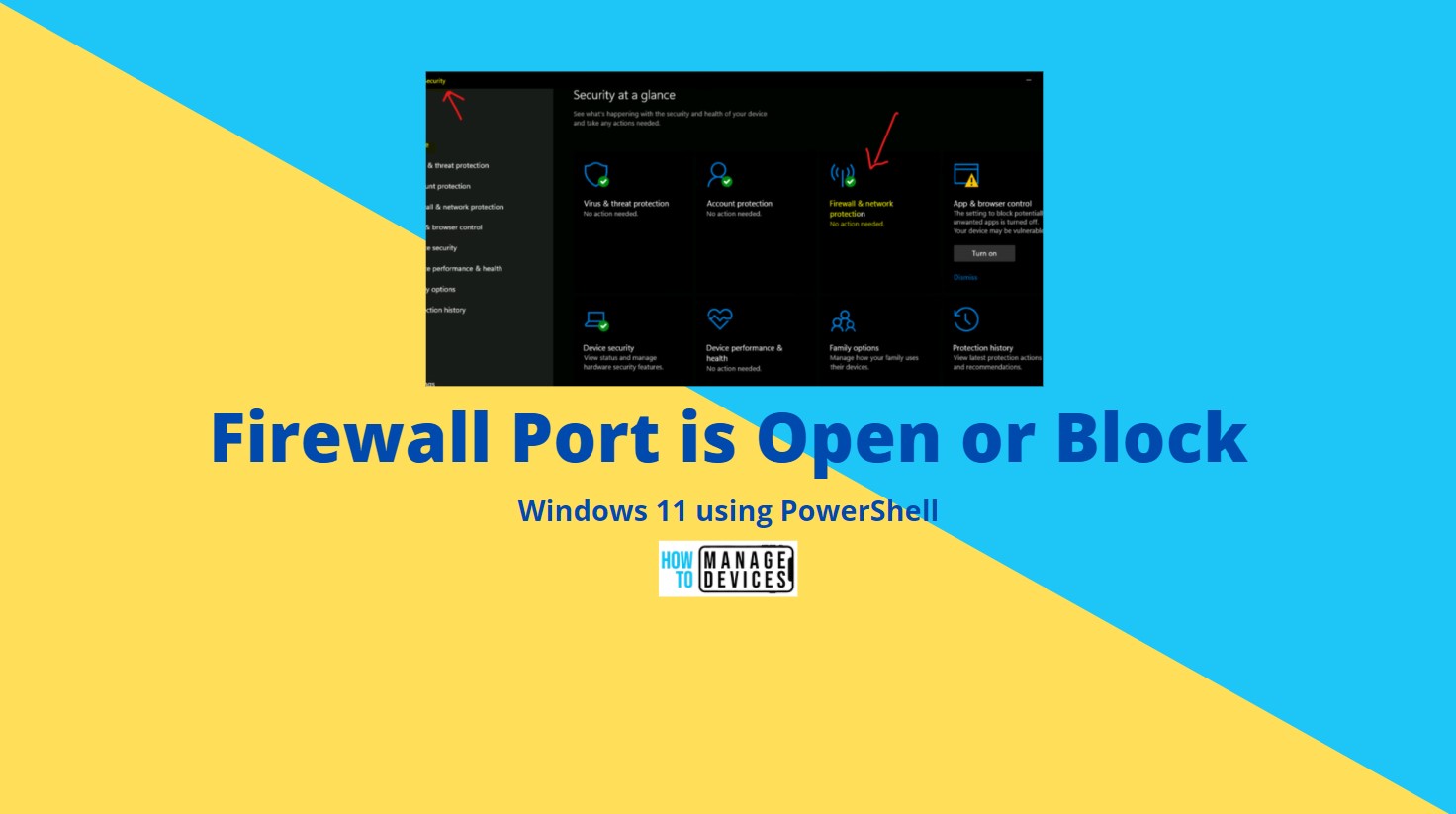 Powershell Check Port On Remote Server
https://www.anoopcnair.com/wp-content/uploads/2022/02/Check-Firewall-Port-is-Open-or-Block-on-Windows-11.jpg
Aug 20 2022 nbsp 0183 32 Check What Graphics Card or GPU is in PC in PowerShell 1 Open a PowerShell 3 Copy and paste either command below into PowerShell and press Enter see screenshots
Pre-crafted templates provide a time-saving solution for creating a varied range of files and files. These pre-designed formats and layouts can be made use of for numerous individual and expert projects, including resumes, invitations, flyers, newsletters, reports, discussions, and more, simplifying the material development procedure.
Powershell Check Port On Remote Server
Remote Server Administration Tools Updated For Windows 10 November

Use PowerShell To Install The Remote Server Administration Tools RSAT

PowerShell Windows 10 Cpab

How To Detect Remote Desktop Figfilm3
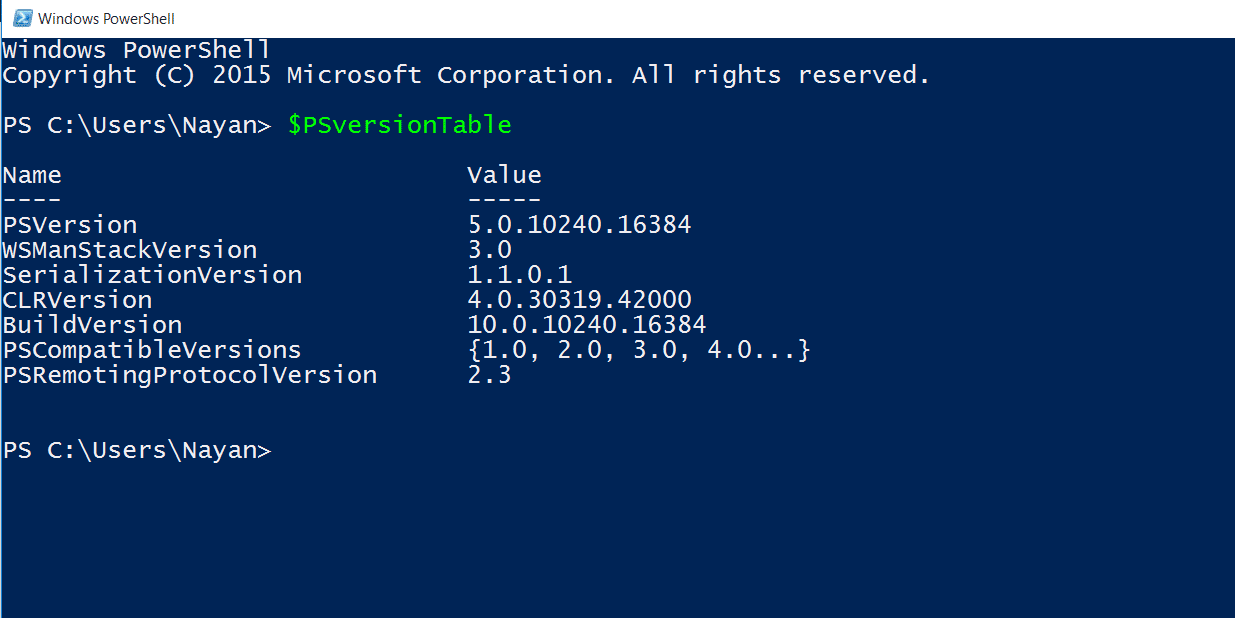
How To Check PowerShell Version On Windows 7 8 And 10
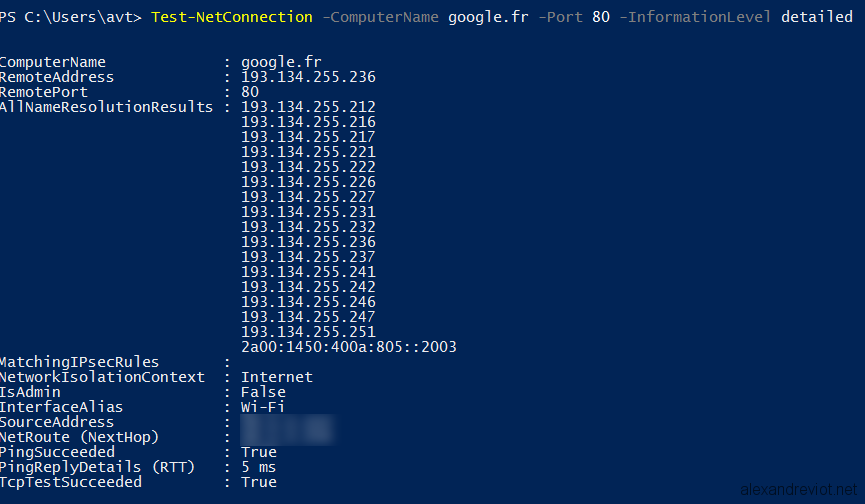
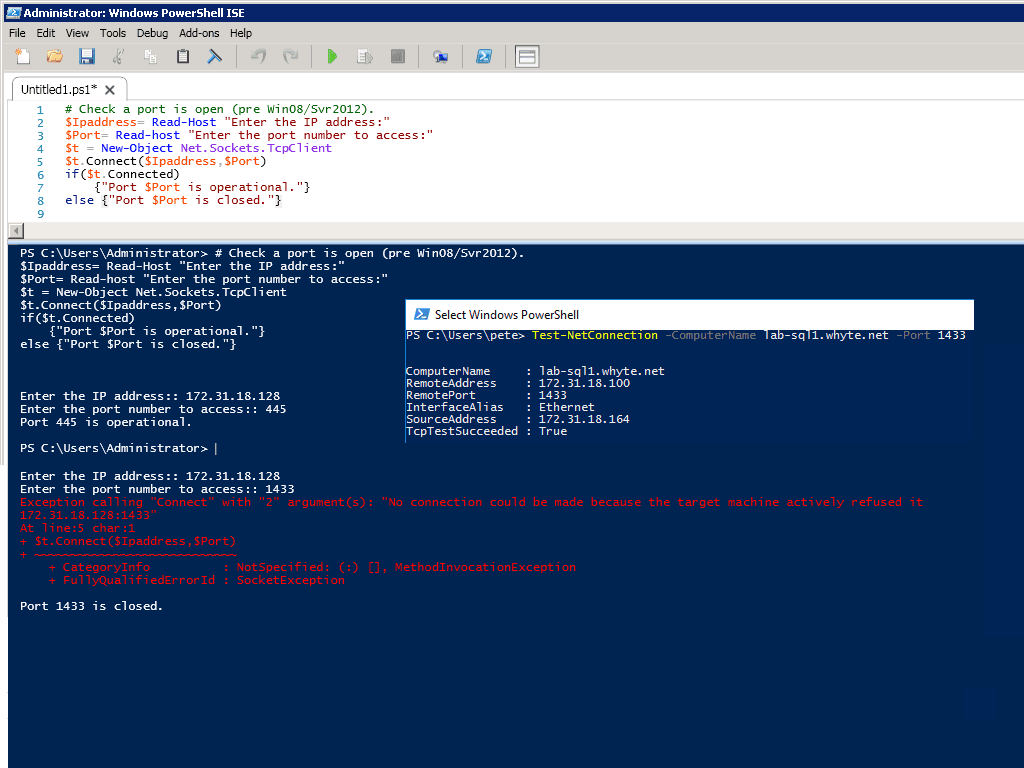
Powershell Testing A Port With Test NetConnection Alexandre VIOT
Dec 6 2019 nbsp 0183 32 How to Install or Uninstall Windows PowerShell ISE in Windows 10 The Windows PowerShell Integrated Scripting Environment ISE is a host application for Windows
Mar 8 2022 nbsp 0183 32 Is it possible to scan all wifi networks with powershell I tried this but it doesn t work it only shows current connections Only works when I click bottom right on wifi connection and
Jul 29 2022 nbsp 0183 32 How to See Full Details about a Windows 10 ISO file B Type the command below you want to use into the elevated PowerShell press Enter and go to step 8 below see
1 steam 2 O O 1

Nov 7 2017 nbsp 0183 32 One of many PowerShell security features is that you can t run a script simply by double clicking it s icon on desktop or in a folder Doing so will by default open script in
[desc-11] [desc-12]
[desc-13]