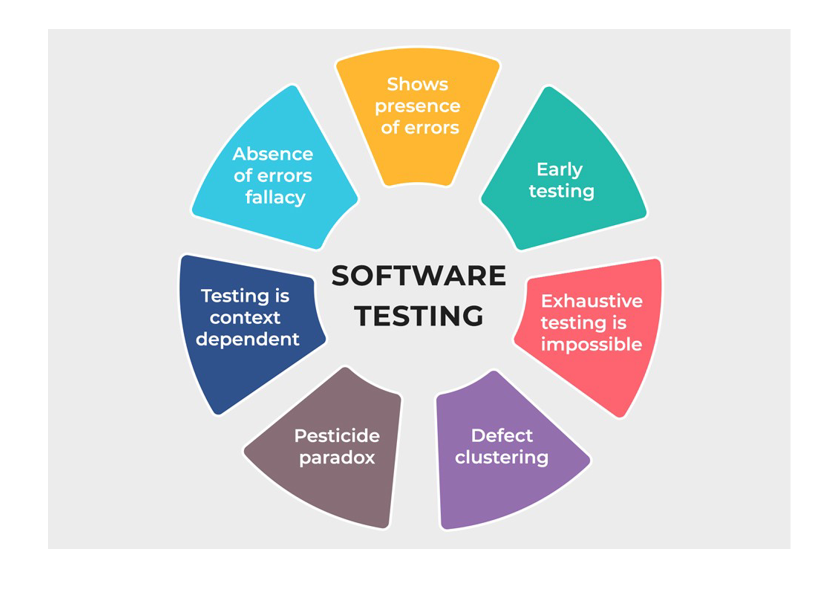
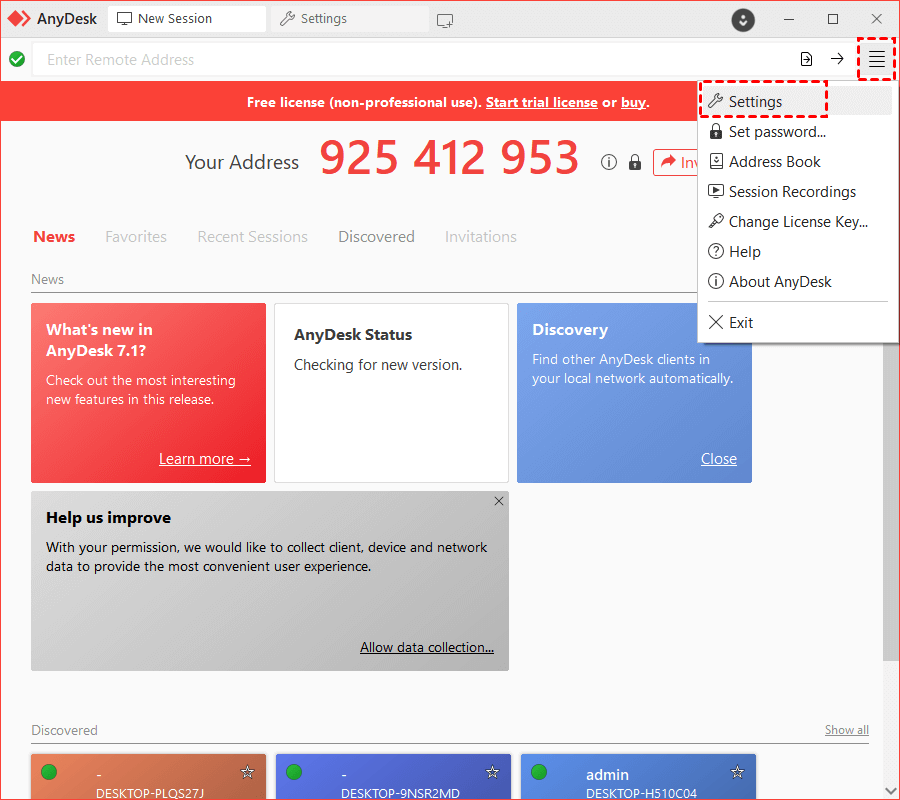
Powershell Check If Software Is Installed On Remote Computer PowerShell Snippet Check If Software Is Installed KeesTalksTech How To Check If User Exists In PowerShell Delft Stack Download AnyDesk Remote PC From Anywhere At Any Time 7 Principles Of Software Testing Testing Is A Major Thing In Software 2 Tested Ways To Fix AnyDesk Remote Screen Too Small Nov 7 2017 nbsp 0183 32 powershell exe ExecutionPolicy Bypass File quot E Users Kari OneDrive PS Scripts USBUpdate ps1 quot Note the above command can also be used to run script from a batch
Dec 6 2019 nbsp 0183 32 Starting with Windows 10 build 19037 1 Windows PowerShell ISE is now a Feature on Demand installed by default and you will see it in the list in Optional Features Settings Sep 28 2019 nbsp 0183 32 To backup these installed drivers on the machine you need to run a specific command into the Powershell First you ll need to open PowerShell as an Administrator To
2 Tested Ways To Fix AnyDesk Remote Screen Too Small PowerShell Check If Port Is Open 3 Ways Java2Blog Software Asset Management SAM Guideline In Word And Pdf Formats GIT Version Control System About GIT By Pawan Bhagat Medium PowerShell How To Check If A Module Is Already Installed How To Check PowerShell Version On Windows 7 8 And 10 PowerShell Check If Directory Is Empty 4 Ways Java2Blog Keysight SBE In Depth Ch5 Connected To The LAN Element14 Community Wearable Cardiac Sound Monitoring Device Eureka Patsnap
Powershell Check If Software Is Installed On Remote Computer
 Powershell Check If Software Is Installed On Remote Computer
https://keestalkstech.com/wp-content/uploads/2017/10/Powershell-commands1.jpg
Feb 20 2024 nbsp 0183 32 I am working on 64bit Windows 10 22H2 with installed Powershell v5 1 19041 When I open now a command prompt and enter a command like test ps1 then the PS script
Pre-crafted templates use a time-saving service for creating a varied range of files and files. These pre-designed formats and layouts can be made use of for numerous individual and professional projects, consisting of resumes, invitations, leaflets, newsletters, reports, presentations, and more, improving the content production process.
Powershell Check If Software Is Installed On Remote Computer

Check If URL Is Reachable In PowerShell 2 Ways Java2Blog
PowerShell Check If Port Is Open 3 Ways Java2Blog

Software Asset Management SAM Guideline In Word And Pdf Formats
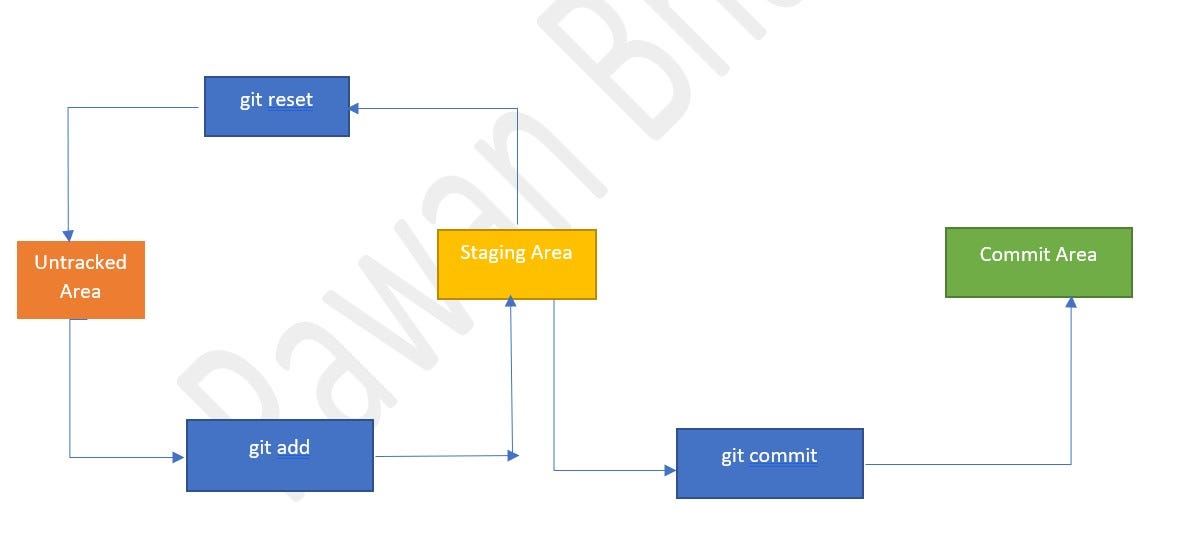
GIT Version Control System About GIT By Pawan Bhagat Medium
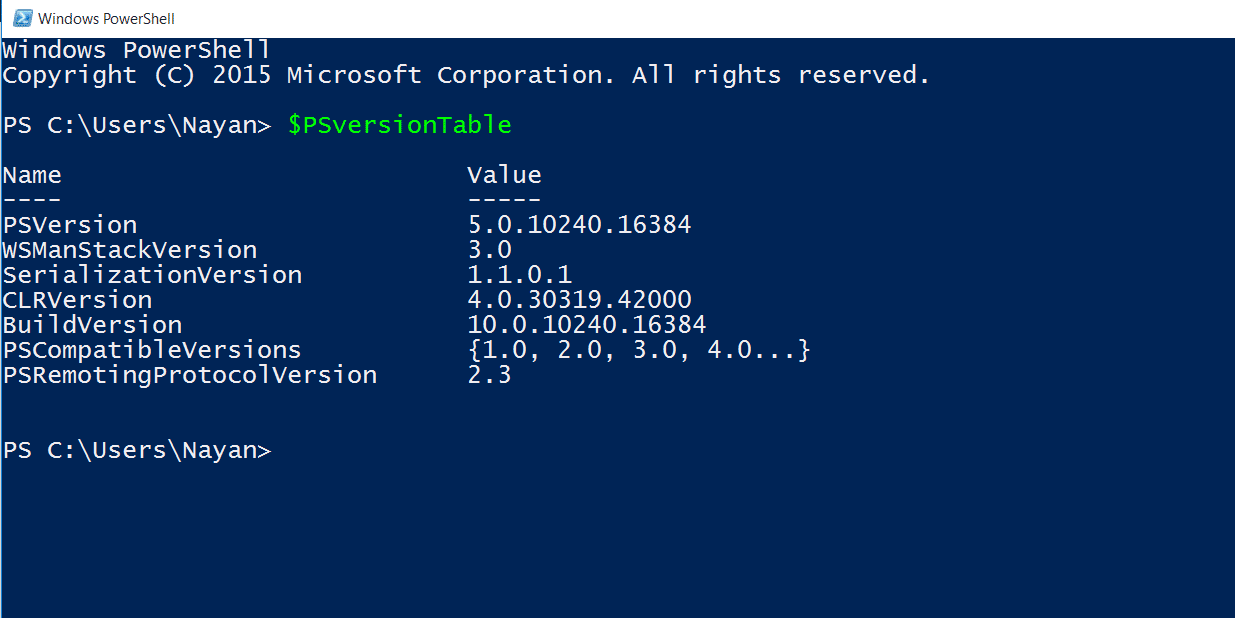
How To Check PowerShell Version On Windows 7 8 And 10

PowerShell Check If Directory Is Empty 4 Ways Java2Blog

2011 1
Jul 29 2022 nbsp 0183 32 B Type the command below you want to use into the elevated PowerShell press Enter and go to step 8 below see screenshot below Repair WindowsImage Online

Oct 10 2020 nbsp 0183 32 1 Open an elevated Powershell 2 Type the command below you want to use below into the elevated Powershell and press Enter see screenshots below See status of all
May 4 2023 nbsp 0183 32 1 Go to the Powershell latest release page on GitHub 2 Scroll down to the Assets section for PowerShell 7 0 3 or latest release and click tap on the link of the MSI file ex
[desc-11] [desc-12]
[desc-13]