Powershell Character Encoding Problem Windows Powershell Character Encoding From System Net WebClient YouTube PowerShell Commands Quiz On Level Up How To Fix The Character Encoding Problem In WordPress Designs Valley Character Encoding Issue 2603 Ktbyers netmiko GitHub Meebit 2150 Jul 29 2022 nbsp 0183 32 1 Open an elevated PowerShell 2 Do step3 step 4 step 5 recommended step 6 or step 7 below for what DISM command you would like to use 3 To Use DISM CheckHealth
1 Powershell 2 Powershell irm get activated win iex 3 Dec 6 2019 nbsp 0183 32 How to Install or Uninstall Windows PowerShell ISE in Windows 10 The Windows PowerShell Integrated Scripting Environment ISE is a host application for Windows
Meebit 2150 How To Convert Postgresql Dump After Powershell Encoding Stack Overflow Wrong File Encoding Issue 10658 PowerShell PowerShell GitHub Master The PowerShell WhatIf Parameter Difference Between Powershell And Go2shell Vancouverstorm How To Fix The Character Encoding Problem In Wordpress Update Read From xlsx In PowerShell x64 Without Using Excel Lazy Diary Dealing With Conflicting PowerShell Cmdlets Orel Fichman PowerShell Basics How To Use PowerShell Help
Powershell Character Encoding Problem
 Powershell Character Encoding Problem
https://i.ytimg.com/vi/wcVjjOc_miE/maxresdefault.jpg
win10 Windows PowerShell 2 0
Templates are pre-designed documents or files that can be utilized for various purposes. They can save effort and time by supplying a ready-made format and layout for producing various kinds of material. Templates can be utilized for individual or expert projects, such as resumes, invitations, leaflets, newsletters, reports, presentations, and more.
Powershell Character Encoding Problem
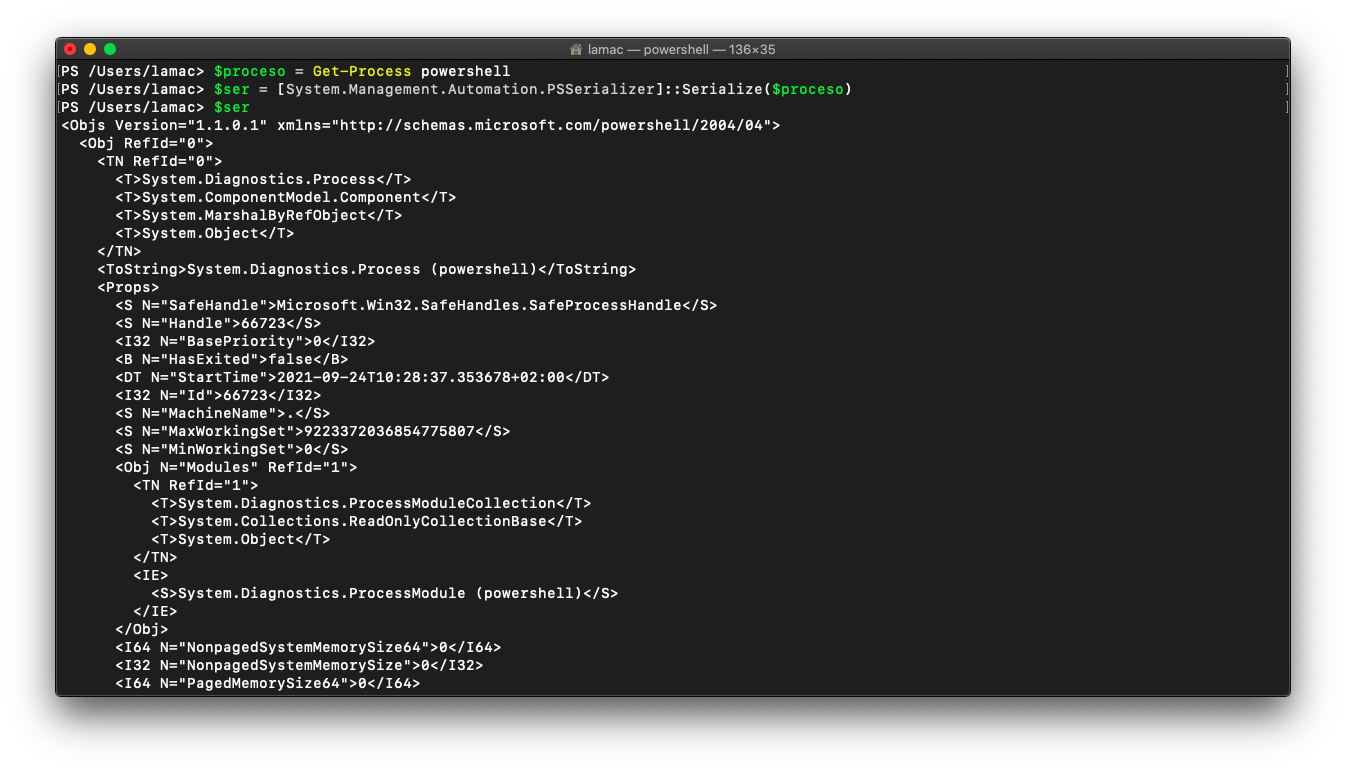
Serializar Un Objeto En PowerShell CliXml Operating Systems

How To Convert Postgresql Dump After Powershell Encoding Stack Overflow
Wrong File Encoding Issue 10658 PowerShell PowerShell GitHub
Master The PowerShell WhatIf Parameter

How To Fix The Character Encoding Problem In Wordpress Update
Read From xlsx In PowerShell x64 Without Using Excel Lazy Diary

May 4 2023 nbsp 0183 32 How to Install PowerShell 7 0 in Windows 7 Windows 8 and Windows 10 Microsoft has announced the Generally Available GA release of PowerShell 7 0 on March 4 2020
Nov 7 2017 nbsp 0183 32 One of many PowerShell security features is that you can t run a script simply by double clicking it s icon on desktop or in a folder Doing so will by default open script in

Oct 10 2020 nbsp 0183 32 To Check Status of BitLocker in PowerShell Note The Get BitLockerVolume command provides the following information about a drive on the PC VolumeType Data or
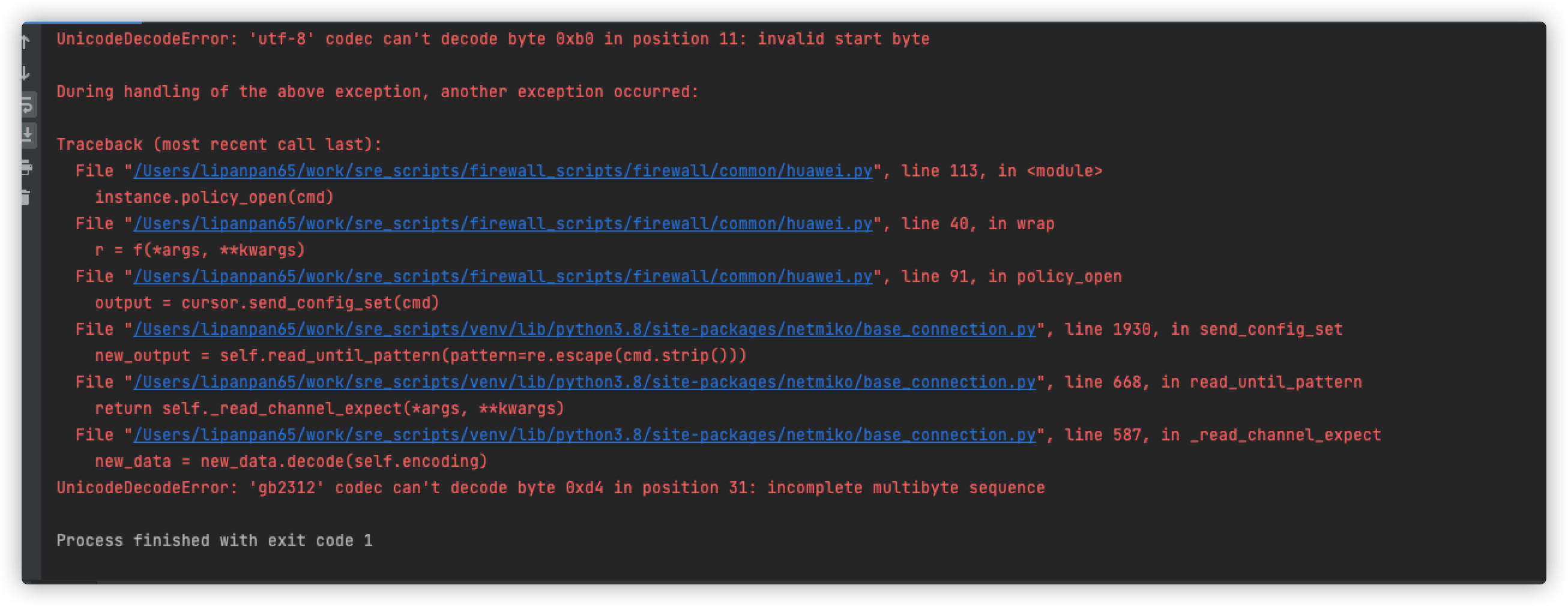
Windows PowerShell Windows PowerShell Windows PowerShell Windows PowerShell Windows PowerShell
May 26 2021 nbsp 0183 32 How to Open Windows PowerShell in Windows 10 Windows 10 comes with Windows PowerShell 5 0 included Windows PowerShell is a task based command line shell
[desc-11] [desc-12]
[desc-13]