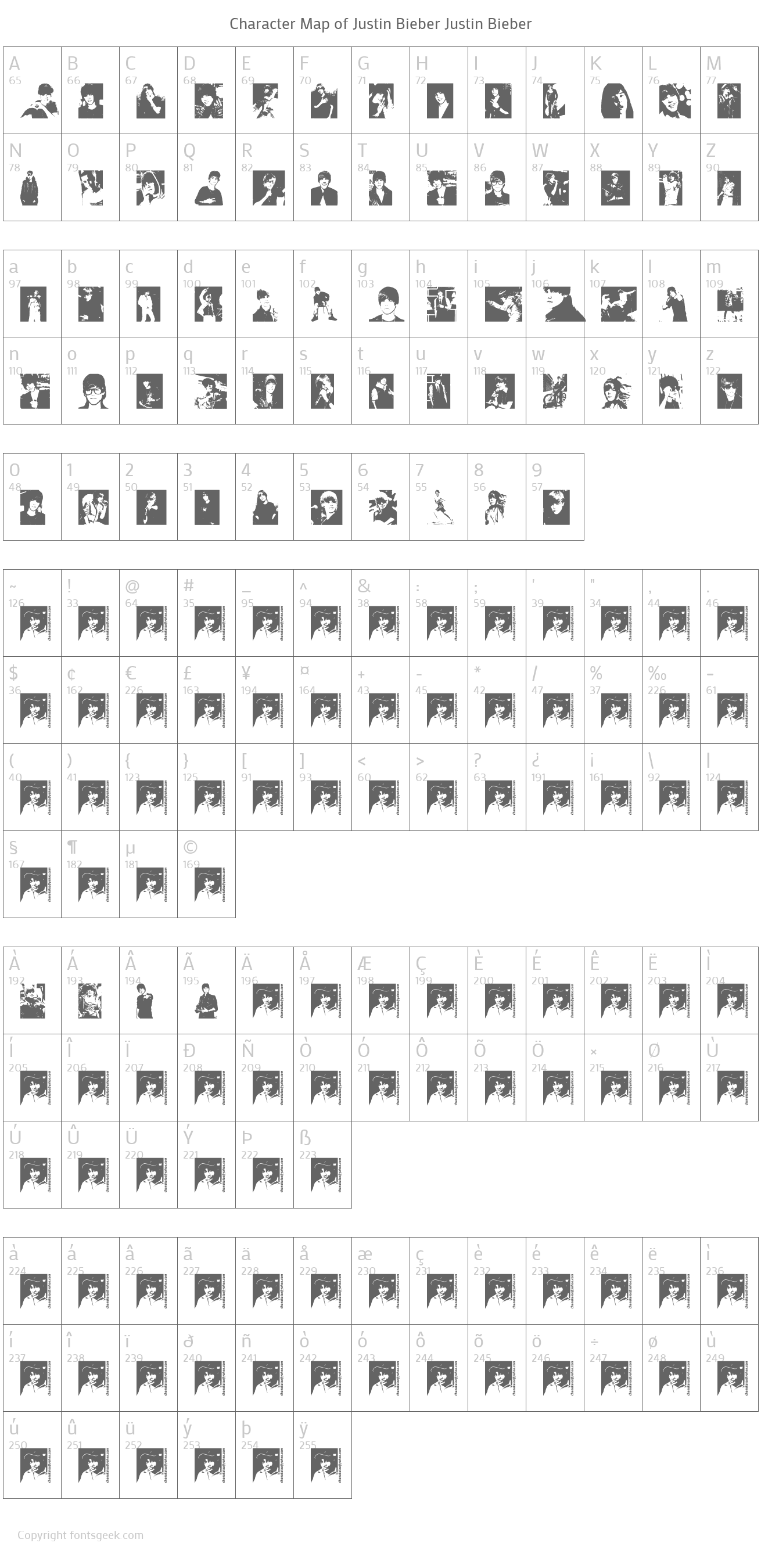
Powerpoint Text Box Changes Font Size How To Insert Text Box In Powerpoint Pondgagas Huslista Robot Vyroben Z Power Point Input Box Zlo i Skl dka Pod a Z kona Justin Bieber Font Download For Free View Sample Text Rating And Albrega Changes Font 177 Studio Hotkey That Changes Font Size YouTube Jul 5 2018 nbsp 0183 32 Meilleure r 233 ponse Bonjour Si j ai bien compris le fonctionnement de PowerPoint ce n est pas dans les fen 234 tres en bas du masque de diapositive qu il faut indiquer le nom de la diapo mais dans la fen 234 tre Titre Je te conseille de choisir
C C Users AppData Roaming Microsoft PowerPoint G 1 office Microsoft Word
Hotkey That Changes Font Size YouTube Changing The Font Of All Slides At Once In PowerPoint YouTube Huslista Robot Vyroben Z Power Point Input Box Zlo i Skl dka Pod a Z kona Huslista Robot Vyroben Z Power Point Input Box Zlo i Skl dka Pod a Z kona How Do I Increase Font Size In Outlook 2016 Onlytop CNN Logo Symbol Meaning History PNG Brand Huslista Robot Vyroben Z Power Point Input Box Zlo i Skl dka Pod a Z kona Solved PowerPoint Text Box Shrink Text On Overflow Does Not Fit Text How To Adjust The Line Spacing In A PowerPoint Text Box YouTube
Powerpoint Text Box Changes Font Size
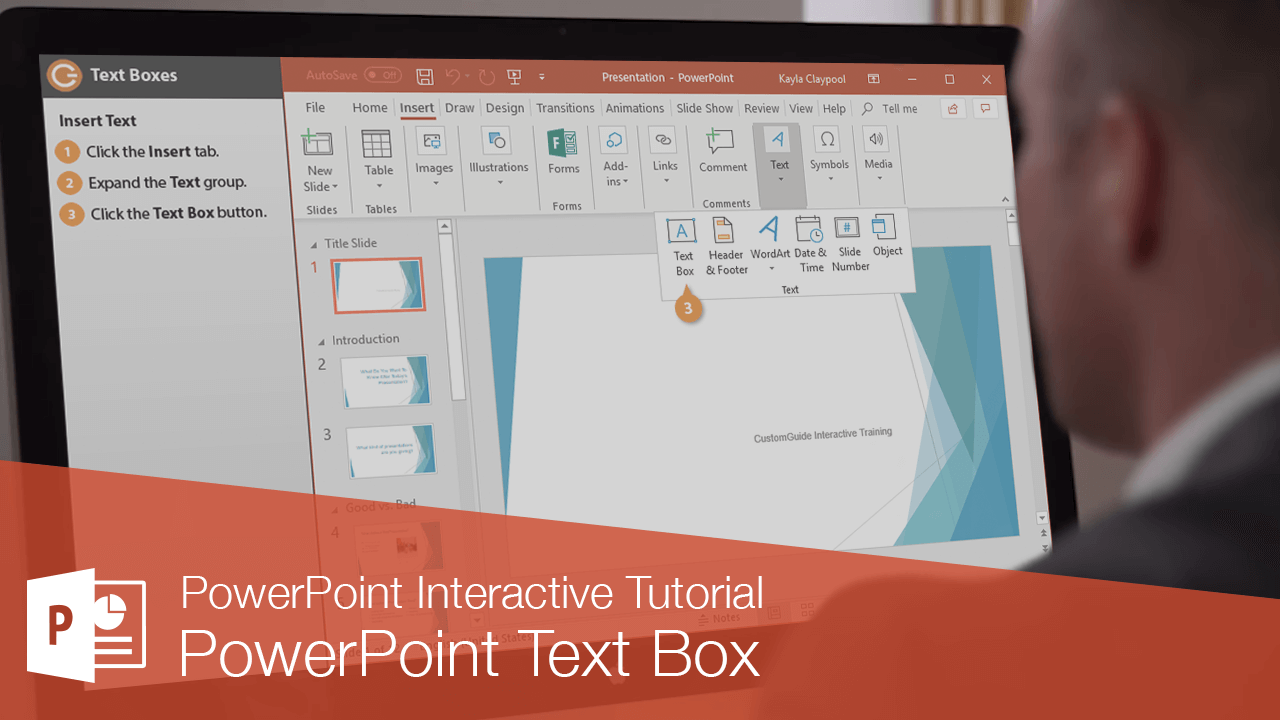 Powerpoint Text Box Changes Font Size
https://www.customguide.com/images/pages/powerpoint/powerpoint-text-box.png
2 PPT PPT PowerPoint
Templates are pre-designed files or files that can be used for various purposes. They can conserve effort and time by supplying a ready-made format and layout for developing various sort of content. Templates can be utilized for individual or expert jobs, such as resumes, invites, leaflets, newsletters, reports, discussions, and more.
Powerpoint Text Box Changes Font Size
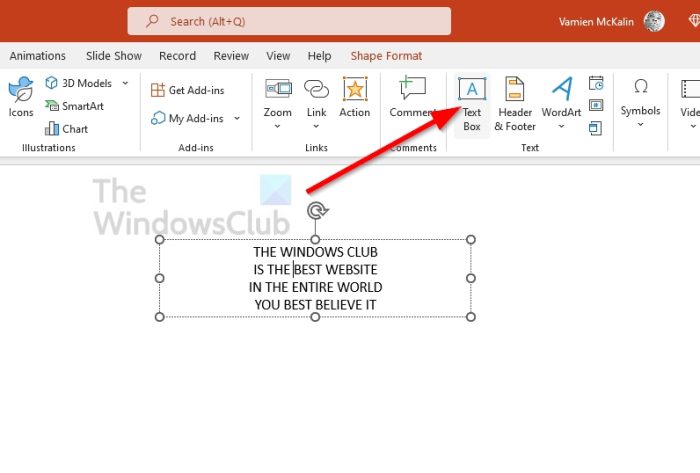
How To Hide Text In PowerPoint And Click To Reveal It
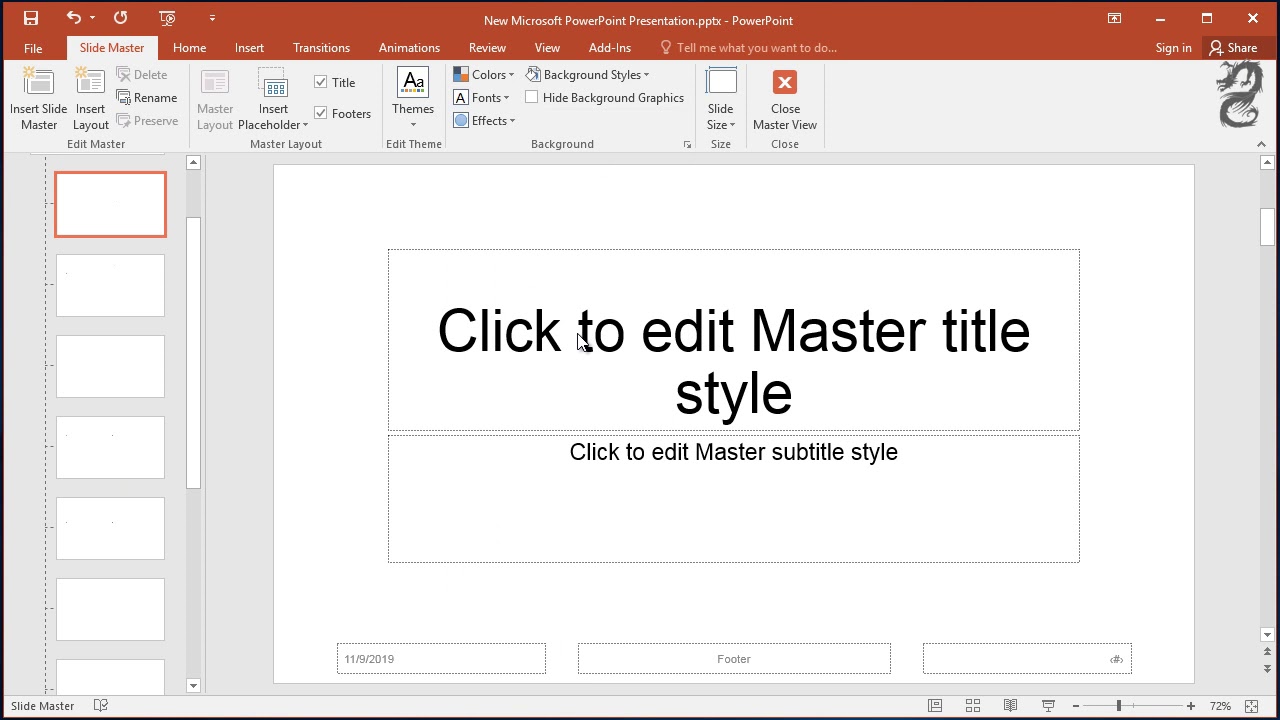
Changing The Font Of All Slides At Once In PowerPoint YouTube

Huslista Robot Vyroben Z Power Point Input Box Zlo i Skl dka Pod a Z kona

Huslista Robot Vyroben Z Power Point Input Box Zlo i Skl dka Pod a Z kona

CNN Logo Symbol Meaning History PNG Brand
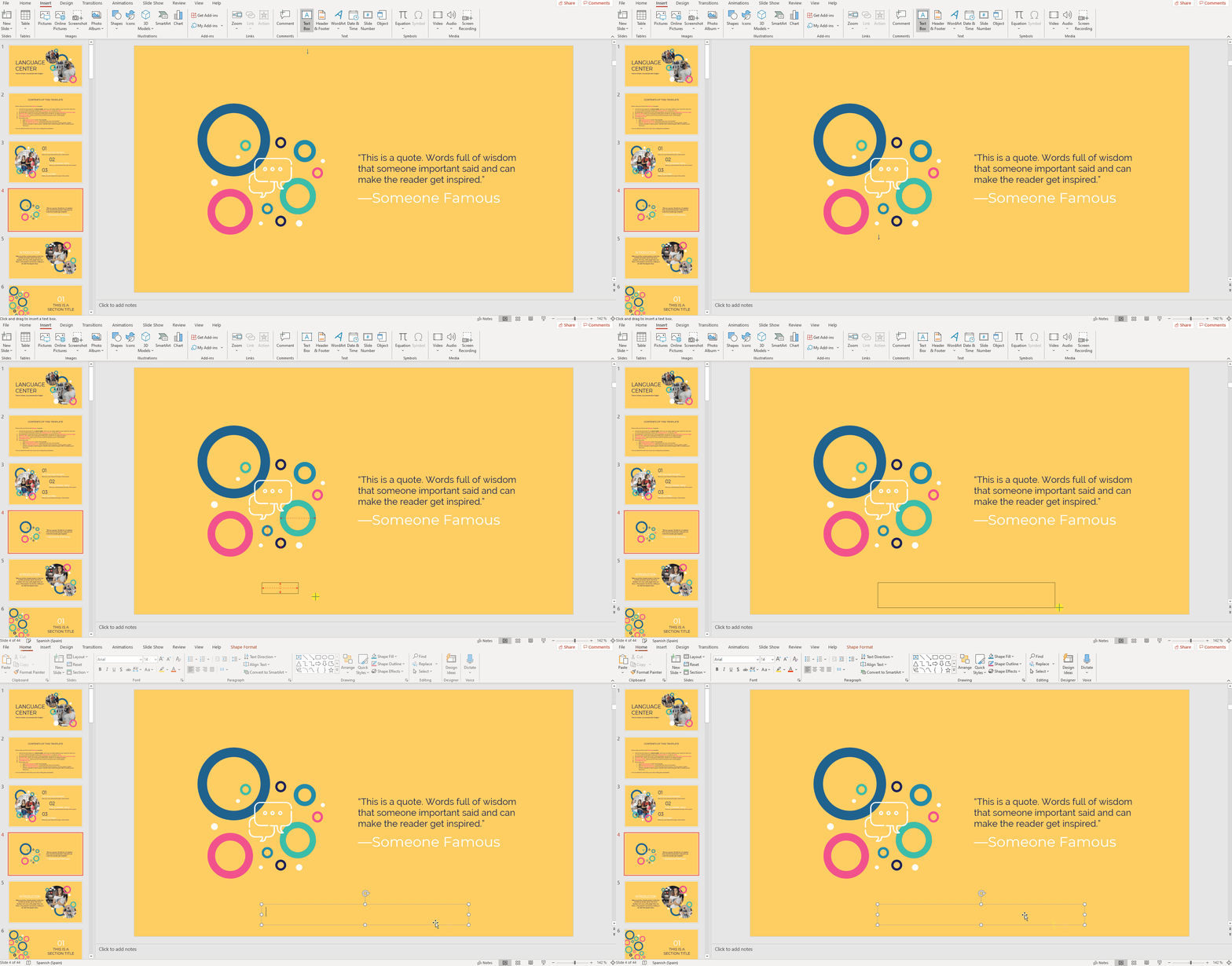
Huslista Robot Vyroben Z Power Point Input Box Zlo i Skl dka Pod a Z kona
Office2019 Word Excel PowerPoint Visio

Salut Tu cr 233 es une zone de texte insertion zone de texte tu actives la zone de texte onglet Animation Animation personnalis 233 e 224 droite dans le volet animation clic sur Ajouter un effet Ouverture et s 233 lectionne le style d apparition par d 233 faut le style s applique en cliquant il est possible de le changer c est la m 234 me chose pour le faire disparaitre dans ajouter un
2 2 2 PowerPoint 3 1
PPT PowerPoint 64

Sep 15 2021 nbsp 0183 32 Hi Microsoft Community I have a PowerPoint question here When I go to create a new text box and I apply bullets I m not able to indent the bullet into a secondary bullet I m finding myself having to copy and paste an instance of a multi bulleted
[desc-11] [desc-12]
[desc-13]