Powerpoint Table Border Spacing CSS Border spacing Property Note Writing Paper Note Paper Powerpoint Background Free Marco Recent Contributions From Collabora To LibreOffice Collabora Office Border Table Minimalissimo Watercolour Border Free Stock Photo Public Domain Pictures Microsoft Office 1 offcie Access Excel PowerPoint Word gt gt 2
Nov 17 2010 nbsp 0183 32 How can i give name to my each slide They have automatic name as slide 1 slide 2 slide 3 I want to give specific names When i give my presentation on the Saba PowerPoint Alt Z S
Watercolour Border Free Stock Photo Public Domain Pictures Rainbow Circle Border Free Stock Photo Public Domain Pictures Border Collapsing And Spacing With CSS YouTube CSS Table Reference Border spacing CSS Property Border spacing CSS Tricks CSS Tricks Border Table Minimalissimo How To Move Table Lines In Word Brokeasshome PowerPoint Frame Png PNG All Colorfulness Clip Art Library
Powerpoint Table Border Spacing
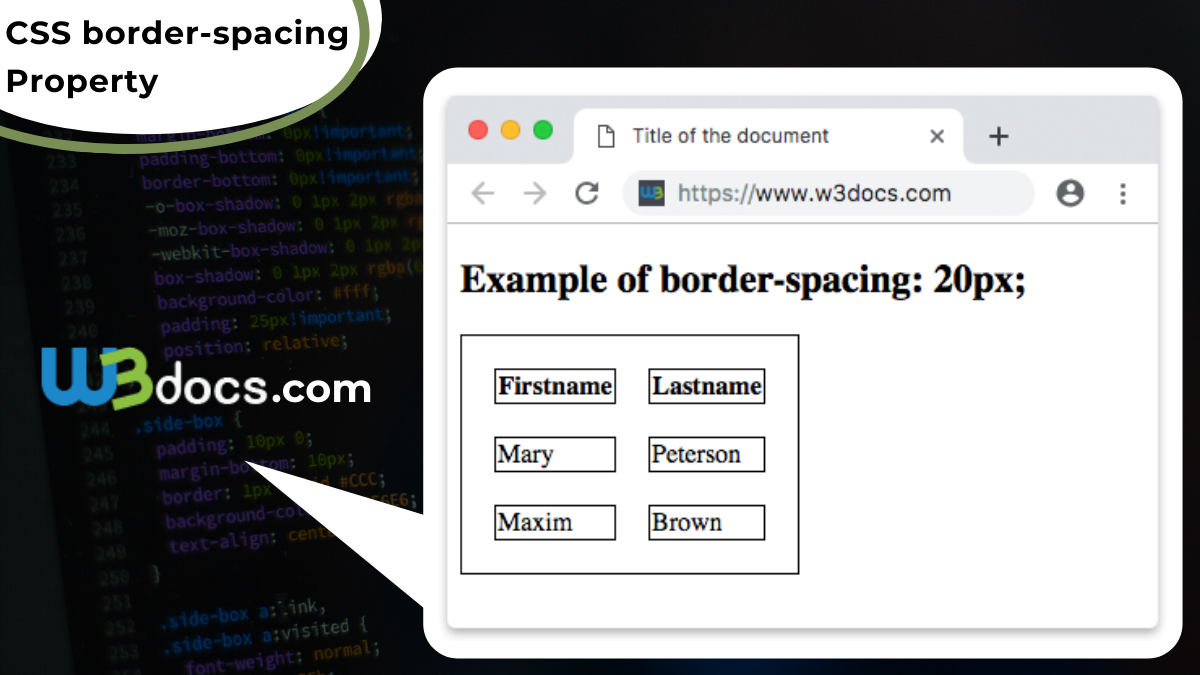 Powerpoint Table Border Spacing
https://www.w3docs.com/uploads/media/book_gallery/0001/04/faa48716cc78eba6113fd3f5cb4275700a8610e4.png
Jan 23 2020 nbsp 0183 32 I have a new laptop from Microsoft that does not have a numeric keypad When using Word 365 I am trying to insert an Em Dash I ve found multiple sources that indicate I can
Templates are pre-designed files or files that can be utilized for various purposes. They can save effort and time by offering a ready-made format and layout for developing different type of material. Templates can be used for individual or professional tasks, such as resumes, invites, leaflets, newsletters, reports, discussions, and more.
Powerpoint Table Border Spacing

Solved How To Delete Border Spacing In Table 9to5Answer

Rainbow Circle Border Free Stock Photo Public Domain Pictures

Border Collapsing And Spacing With CSS YouTube

CSS Table Reference Border spacing CSS Property

Border Table Minimalissimo
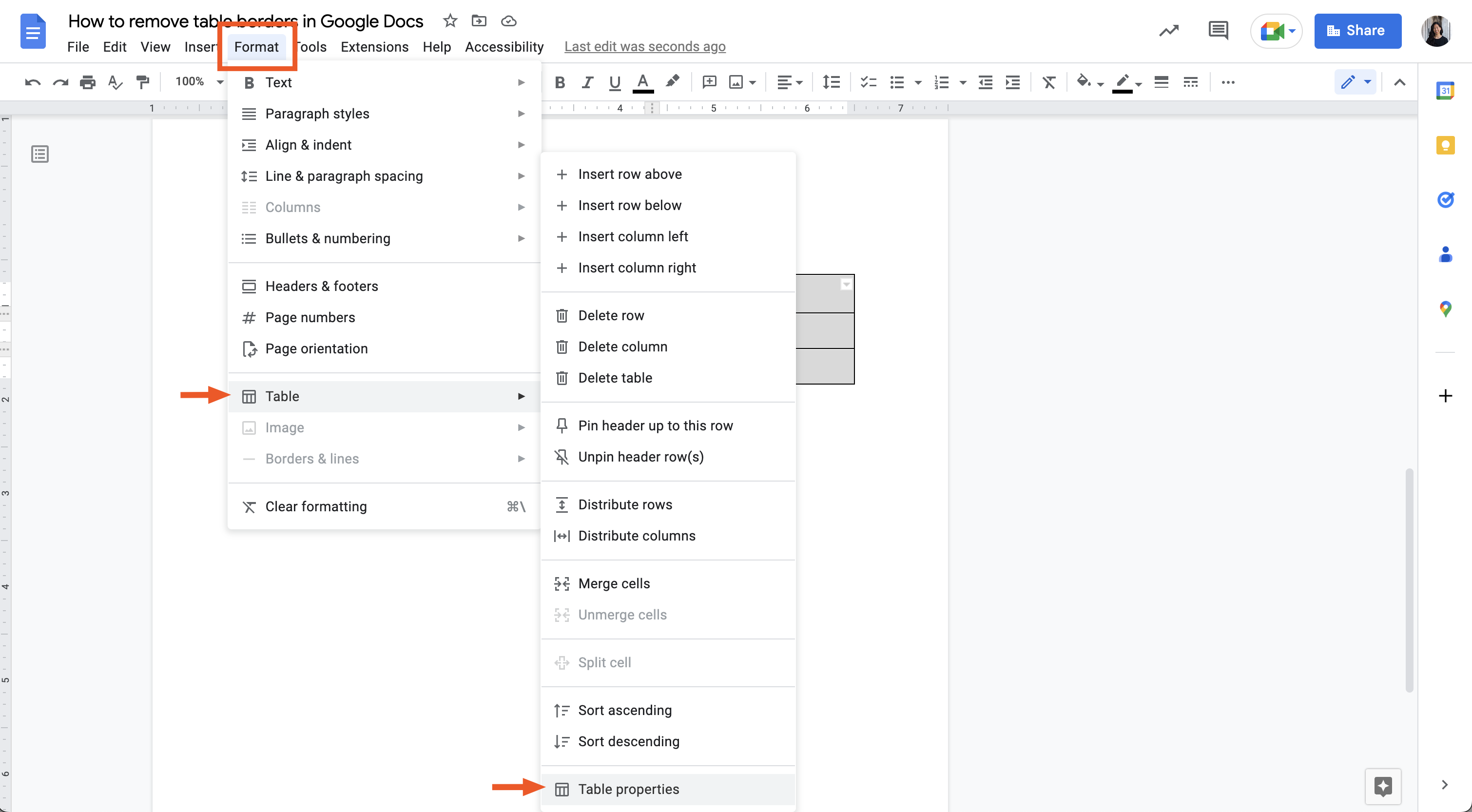
How To Move Table Lines In Word Brokeasshome
Word Excel PowerPoint Visio Project Office2019 Word Excel PowerPoint Visio

2 PPT PPT

Salut Tu cr 233 es une zone de texte insertion zone de texte tu actives la zone de texte onglet Animation Animation personnalis 233 e 224 droite dans le volet animation clic sur Ajouter un

PPT PowerPoint 64

2 2 2 PowerPoint 3 1
[desc-11] [desc-12]
[desc-13]