Powerpoint Code Example How To Insert Charts In PowerPoint Presentation Slides Design Presentation Layout Presentation Templates Microsoft Powerpoint Free Powerpoint Presentations Powerpoint Slide Powerpoint Free Download Powerpoint Design Templates Ppt Design Design Strategy Brochure 2 PPT PPT
Jul 6 2019 nbsp 0183 32 office personal 2019 PC office powerpoint powerpoint2019 Mar 3 2007 nbsp 0183 32 A Salut Moi aussi j aimerai savoir comment d 233 sactiver le clic sur un powerpoint En attendant voici la technique que j utilise pour contourner ce probl 232 me Sur chaque diapo
Powerpoint Design Templates Ppt Design Design Strategy Brochure Free Powerpoint Presentations Professional Powerpoint Templates Best Presentation Templates Simple Powerpoint Templates Presentation Huffman Code Lecture Notes 9 Huffman Code Example The Following Microsoft Powerpoint Lucidchart Presentation Topics Powerpoint Presentation Templates Custom Slides Free PowerPoint Templates Presentation Free Powerpoint Templates Vector Printable Templates Free Powerpoint Template Network Concept Printable Templates
Powerpoint Code Example
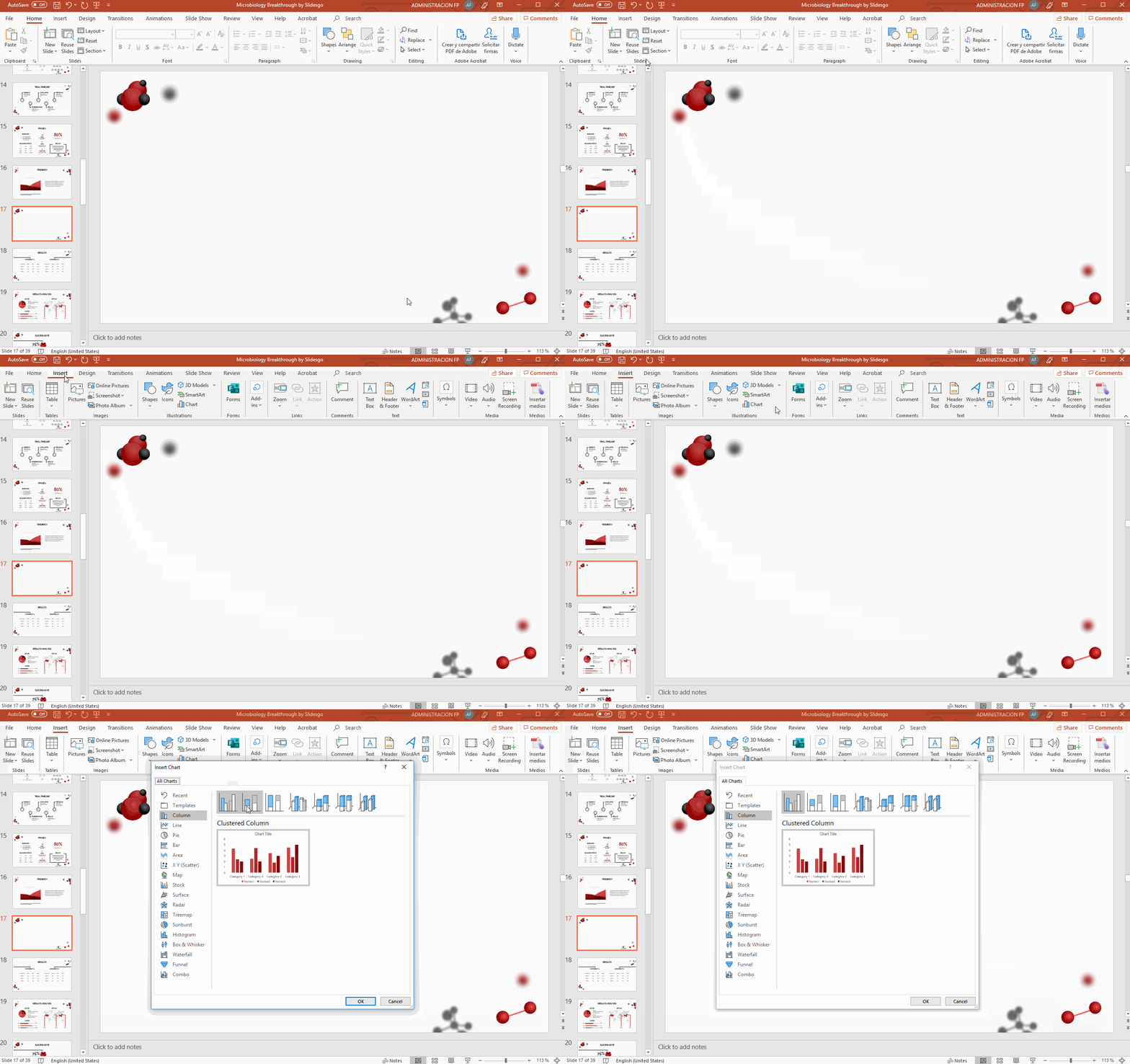 Powerpoint Code Example
https://media.slidesgo.com/storage/82170/01.gif
Microsoft Office 365 63 183 18 Mac Office Word Excel PowerPoint
Pre-crafted templates provide a time-saving service for developing a varied variety of documents and files. These pre-designed formats and layouts can be used for different individual and professional tasks, consisting of resumes, invites, flyers, newsletters, reports, presentations, and more, enhancing the content production procedure.
Powerpoint Code Example

Recover Unsaved Ppt File Powerpoint For Mac Sosautomation

Free Powerpoint Presentations Professional Powerpoint Templates

Best Presentation Templates Simple Powerpoint Templates Presentation

Huffman Code Lecture Notes 9 Huffman Code Example The Following

Presentation Topics Powerpoint Presentation Templates Custom Slides

Free PowerPoint Templates Presentation

Sep 15 2021 nbsp 0183 32 Hi Microsoft Community I have a PowerPoint question here When I go to create a new text box and I apply bullets I m not able to indent the bullet into a secondary bullet I m

Word Excel PowerPoint Visio Project Office2019 Word Excel PowerPoint Visio

PPT PowerPoint 64

2 2 2 PowerPoint 3 1

Salut Tu cr 233 es une zone de texte insertion zone de texte tu actives la zone de texte onglet Animation Animation personnalis 233 e 224 droite dans le volet animation clic sur Ajouter un
[desc-11] [desc-12]
[desc-13]